
 Spotlight
File Organizer & Sorter
Get rid of file clutter: sort and organize files by extension in any folder with real-time updates.
Item Description
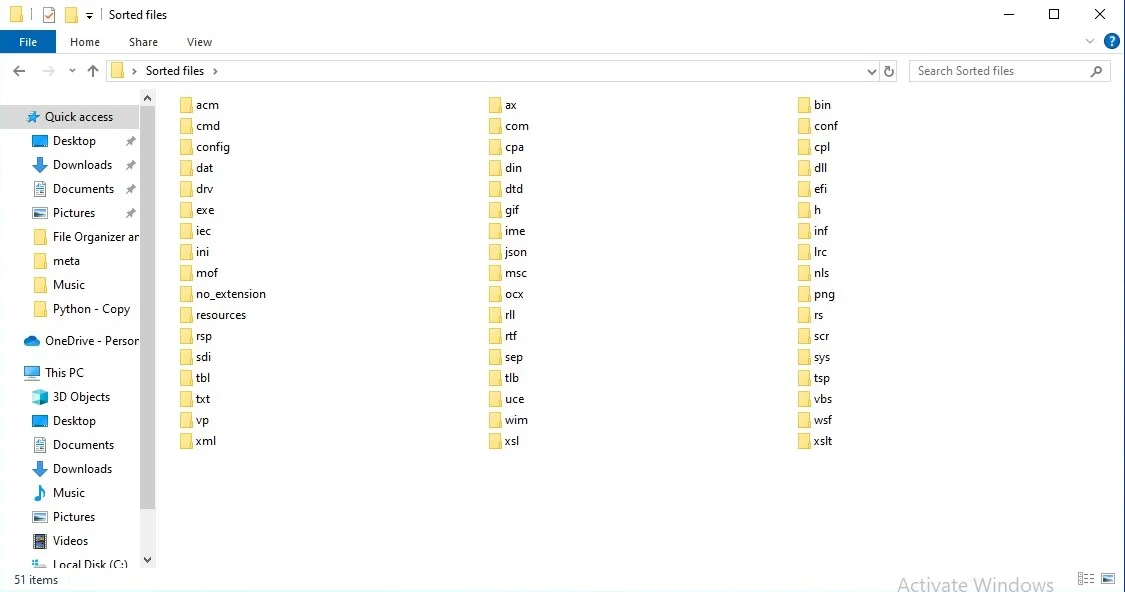
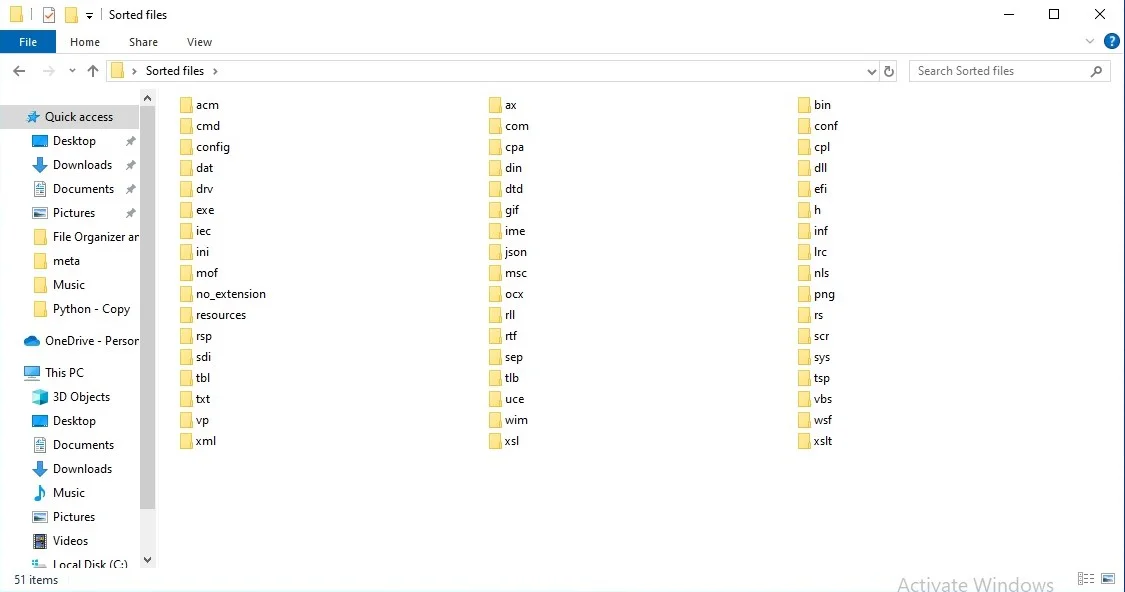
The File Organizer & Sorter application is designed to streamline the process of managing and categorizing files within any directory. With its intuitive interface, users can effortlessly sort files based on their extensions—such as HTML, CSS, JPG, MP3, and more—into neatly organized folders. This helps maintain a clutter-free workspace and ensures that files are always easy to find.
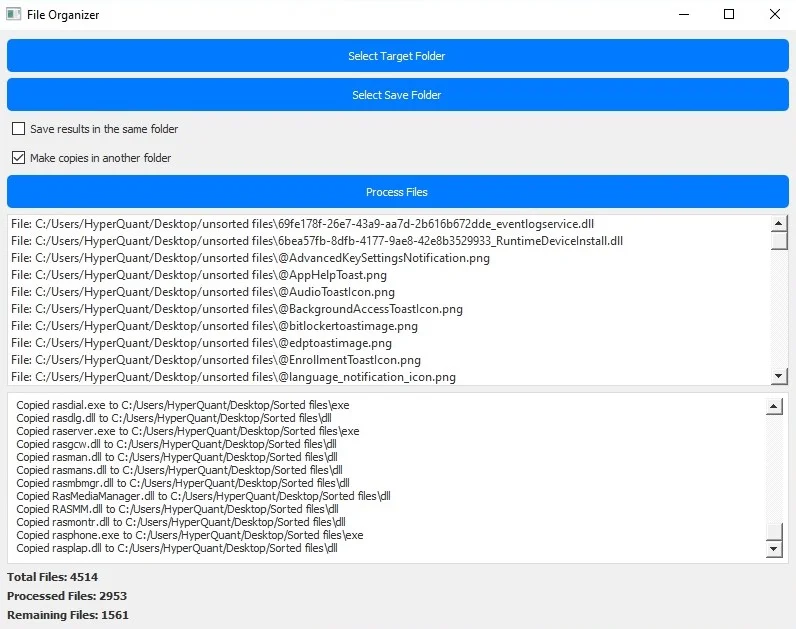
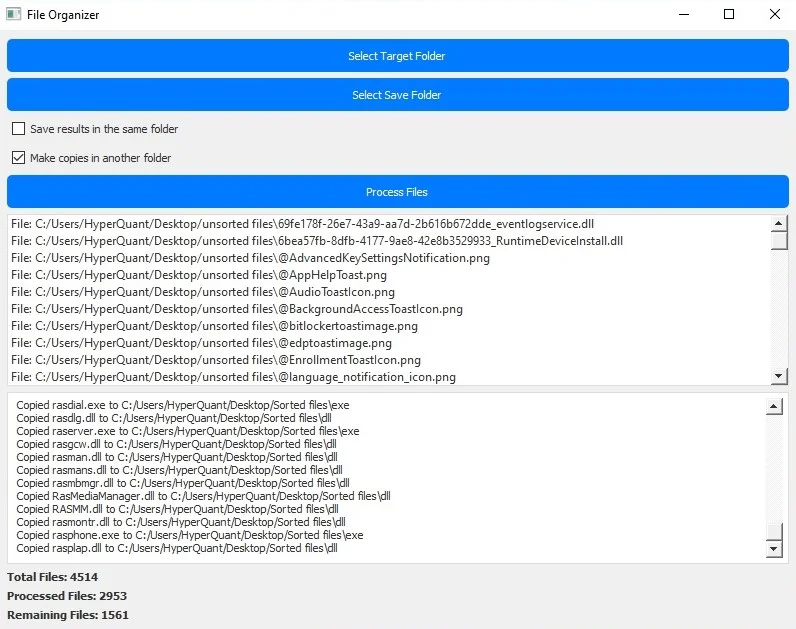
Users can select a target folder containing the files to be organized, and then choose a save folder if they prefer to copy files rather than move them. The application supports both moving files within the same directory and copying them to a specified location. This flexibility makes it suitable for a variety of use cases, whether you want to keep files in their original location or back them up elsewhere.
The application provides real-time status updates during the file processing operation. Users can view the total number of files, the number of files processed so far, and the number of remaining files. This feature ensures transparency and helps users track the progress of the organization task.
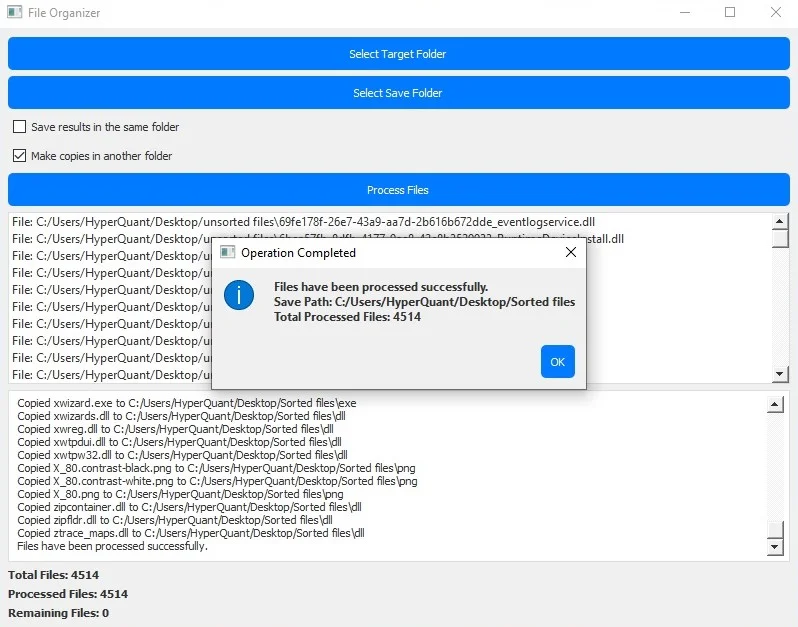
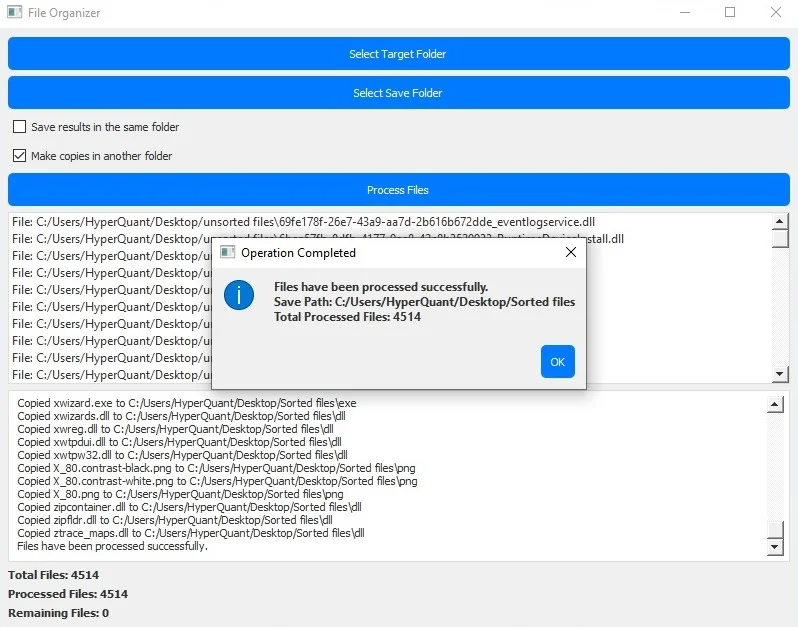
The File Organizer & Sorter is designed with user experience in mind, featuring a clean and user-friendly interface. It includes checkboxes to select whether to save results in the same folder or make copies in another location. Additionally, users receive a notification dialog box upon completion, providing the save path and total number of processed files.
Whether you're dealing with a large volume of files or simply want to keep your folders tidy, this application is an effective tool for managing file clutter. It helps users get rid of the mess, ensuring that files are organized and accessible when needed.
Features
Efficient File Organization: Automatically sorts files into folders based on their extensions (e.g., HTML, CSS, JPG, MP3).
Flexible File Management: Choose to either move files within the same directory or copy them to a specified location.
Real-Time Status Updates: Track the progress of file processing with real-time updates on total files, processed files, and remaining files.
User-Friendly Interface: Intuitive design with clear options for selecting target and save folders, and checkboxes for different actions.
Completion Notifications: Receive a dialog box at the end of the process detailing the save path and total number of processed files.
Duplicate Detection: Skips processing of duplicate files to avoid redundancy and unnecessary duplication.
Customizable File Handling: Add or remove file extensions to tailor the application to specific needs or file types.
Light Blue and Gray Theme: Modern and aesthetically pleasing color scheme for a comfortable user experience.
Comprehensive Error Handling: Handles errors gracefully, ensuring that the file processing continues smoothly even if issues arise.
Detailed Progress Logging: Logs processing details both in the application’s status window and in the terminal for thorough tracking.
$ 50
- Verified source code
- Join 35541+ buyers which trust us!
- Download code immediately

100% Guarantee For Item!
Satisfaction guarantee policy.
Satisfaction guarantee policy.
Information
| Category | Scripts & Code / Python |
| First Release | 1 August 2024 |
| Files included | .py |
| File Size | 253 MB |
| Frameworks | Python |
Similar Items