
JPEG to PNG Converter (Website)
JPEG to PNG Converter
Item Description
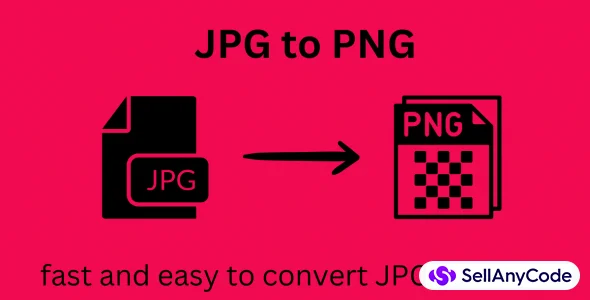
The toDataURL function converts a Blob into a Data URL (base64-encoded string) by creating an XMLHttpRequest, attaching a FileReader, and converting the binary data into a base64-encoded string. When the user clicks the "Convert" button, the click event handler checks if a file is selected. If not, an alert message is displayed. If a file is selected, the code retrieves the Blob from the file input, and converts it into a Data URL.
The toDataURL function is then called with the Blob Data URL, and a callback function that takes the Data URL as a parameter. Inside the callback function, the base64-encoded string representing the JPEG image is replaced with 'image/png' to convert it into a PNG image. Finally, the converted PNG image is displayed within the "result" div using an img tag with the src attribute set to the converted Data URL.
$ 20
- Verified source code
- Join 35541+ buyers which trust us!
- Download code immediately

100% Guarantee For Item!
Satisfaction guarantee policy.
Satisfaction guarantee policy.
Information
| Category | Scripts & Code / VB.NET |
| First Release | 28 December 2023 |
| Files included | .html |
| Frameworks | VB.NET |
Similar Items