
 Spotlight
Batch Unlimited PDF Merger
Merge unlimited PDFs files into one with ease using this bulk and batch tool.
Item Description
PDF Merger is a powerful tool designed to handle the merging of unlimited PDF files into a single, cohesive document. Whether you need to combine a few files or an extensive batch, this application provides a seamless experience for consolidating multiple PDFs effortlessly. With PDF Merger, you can select as many PDF files as needed, making it ideal for handling large volumes of documents.
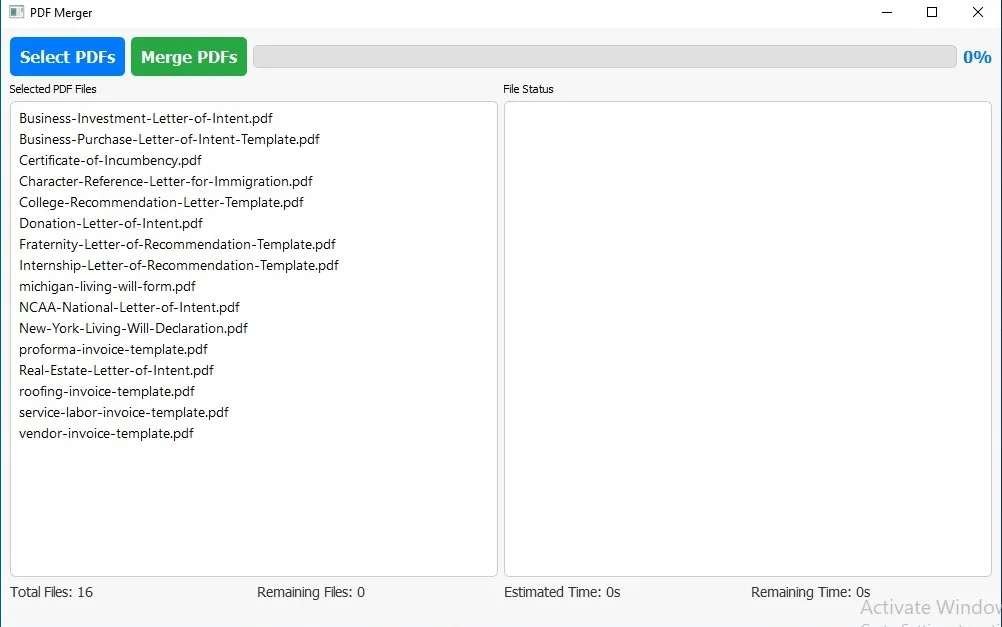
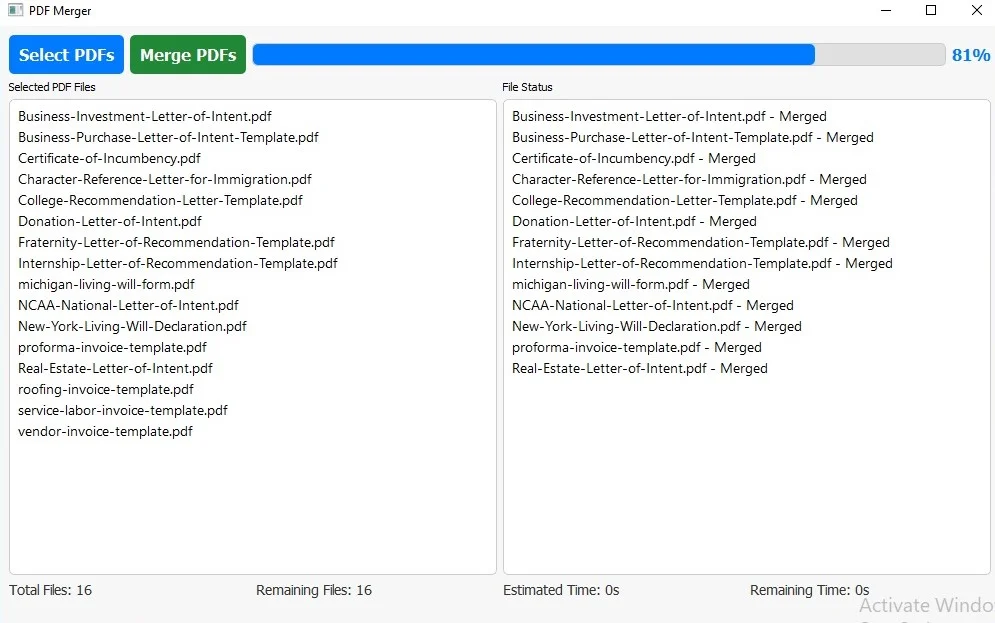
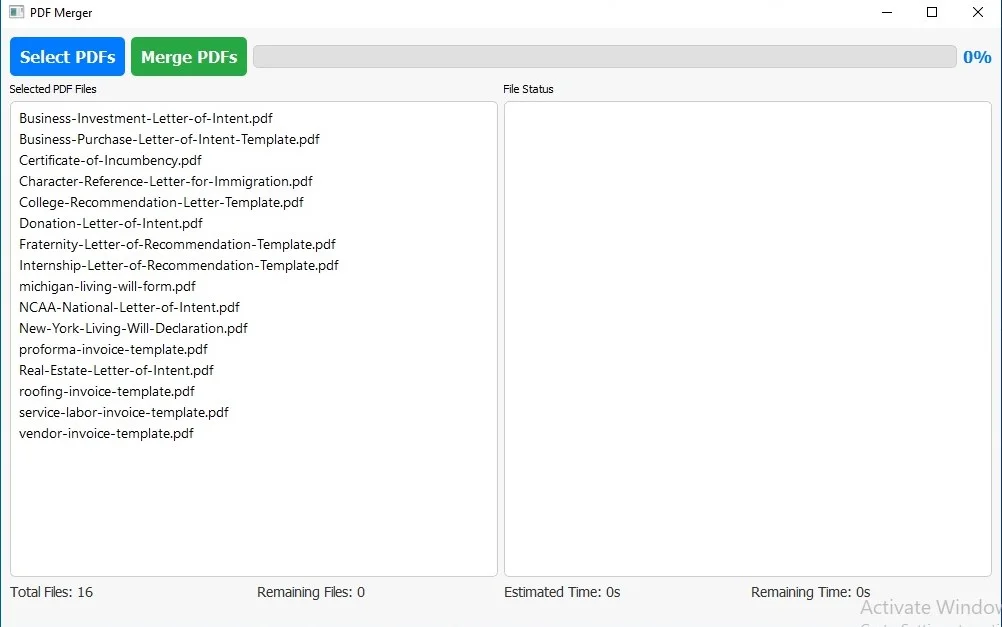
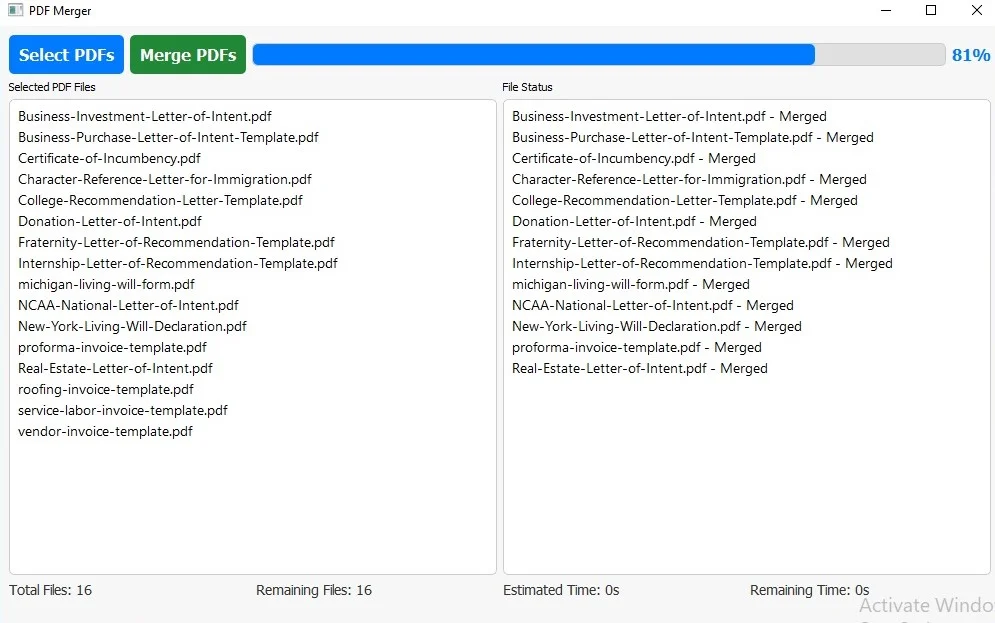
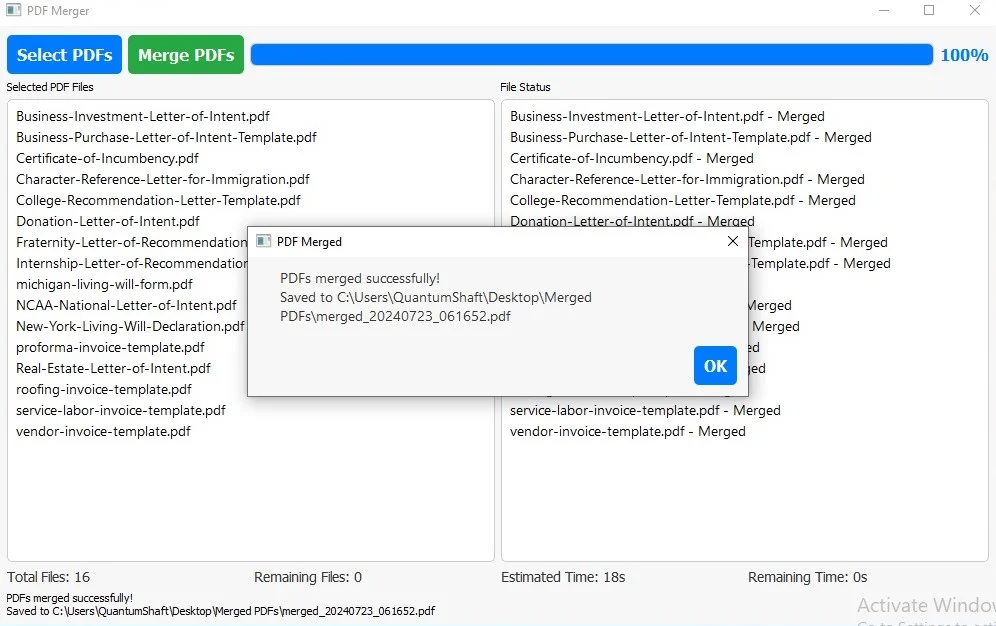
The user-friendly interface allows for easy file selection, and the progress of the merging process is clearly displayed through a real-time progress bar. The application supports bulk and batch operations, ensuring that even extensive merging tasks are completed efficiently. As you initiate the merge, PDF Merger provides real-time updates on the progress, including percentage completion and estimated time remaining.
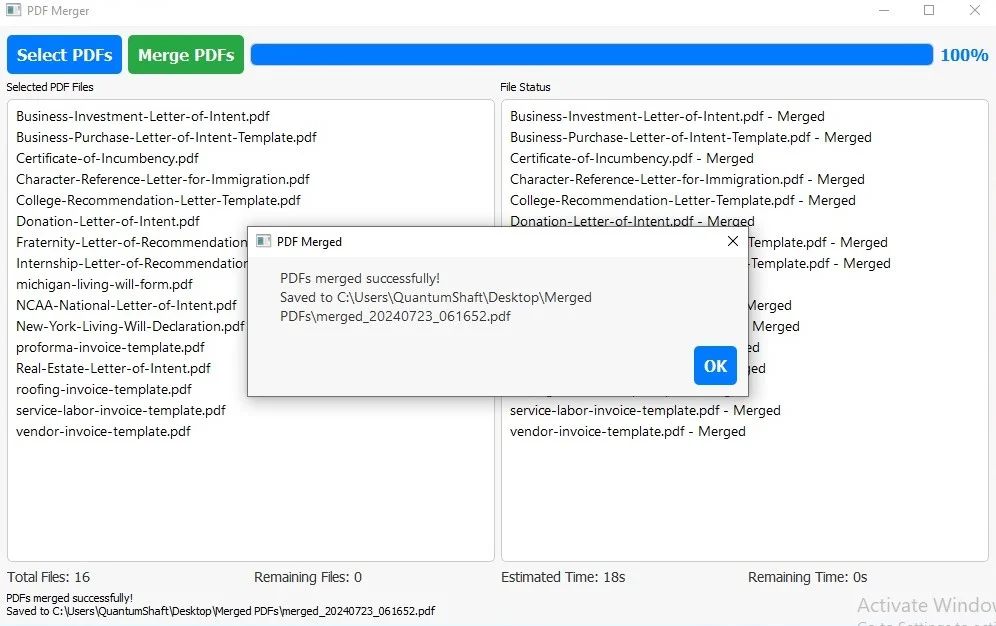
PDF Merger also includes a status window that shows the merging progress of each file individually. This feature helps you track which files have been processed and provides clear feedback on the ongoing operation. Upon completion of the merge, PDF Merger notifies you with a dialog box that reveals the path to the newly created PDF file. This ensures that you can quickly locate and access your merged document without any hassle.
Designed with a beautiful blue and gray theme, PDF Merger combines functionality with aesthetics. The application offers an intuitive user experience, making the process of merging PDFs both effective and visually appealing.
Features
Unlimited PDF Merging: Combine as many PDF files as you need into a single, unified document, supporting unlimited file quantity for efficient document management.
User-Friendly Interface: An intuitive graphical user interface (GUI) that makes file selection and merging straightforward. Easily drag and drop or browse for files to add them to the merge queue.
Real-Time Progress Tracking: Monitor the merging process with a live progress bar, displaying percentage completion and estimated time remaining to keep you informed throughout the operation.
Detailed Status Updates: View real-time status updates for each file being processed. The status window shows detailed feedback on the merging progress of individual files.
Completion Notifications: Receive a pop-up dialog box upon completion, providing the exact location of the merged PDF file. This ensures quick access to your finished document.
Beautiful Theming: Enjoy a visually appealing application with a blue and gray color scheme, enhancing usability and providing a pleasant user experience.
Batch Processing: Efficiently handle large volumes of PDFs in bulk, making it ideal for batch processing and large-scale document consolidation.
Error Handling: Includes mechanisms to handle errors gracefully, with informative messages to guide you in case of any issues during file selection or merging.
$ 50
- Verified source code
- Join 35541+ buyers which trust us!
- Download code immediately

100% Guarantee For Item!
Satisfaction guarantee policy.
Satisfaction guarantee policy.
Information
| Category | Scripts & Code / Python |
| First Release | 23 July 2024 |
| Files included | .py |
| File Size | 13 MB |
| Frameworks | Python |
Similar Items
Spotlight 




Ad Blocker
$500