

Batch Video to Image Converter
Convert unlimited videos to images, auto-crop black borders, and support multiple formats.
Item Description
The Unlimited Batch Video to Image Converter is your ultimate tool for transforming video content into high-quality images with ease. Designed to handle an unlimited number of video files, this powerful application ensures you can process multiple videos simultaneously without any hassle. Whether you're a content creator, social media manager, or simply someone who needs to extract images from videos regularly, this tool is perfect for you.
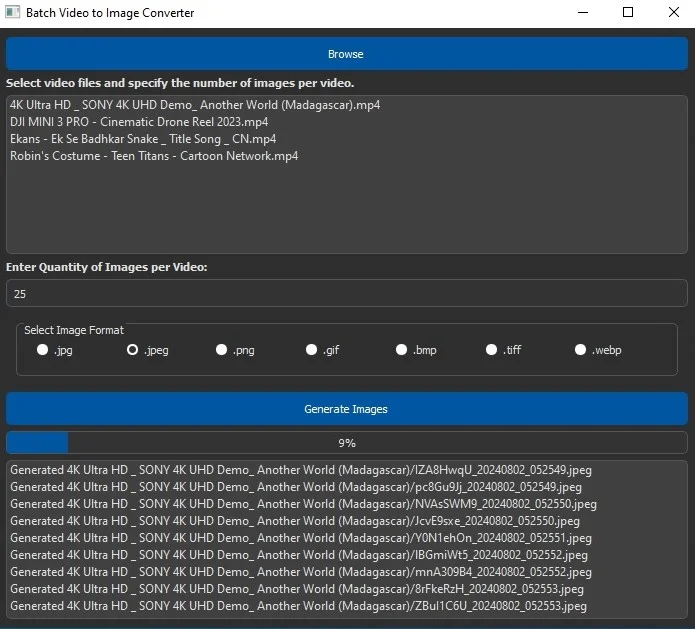
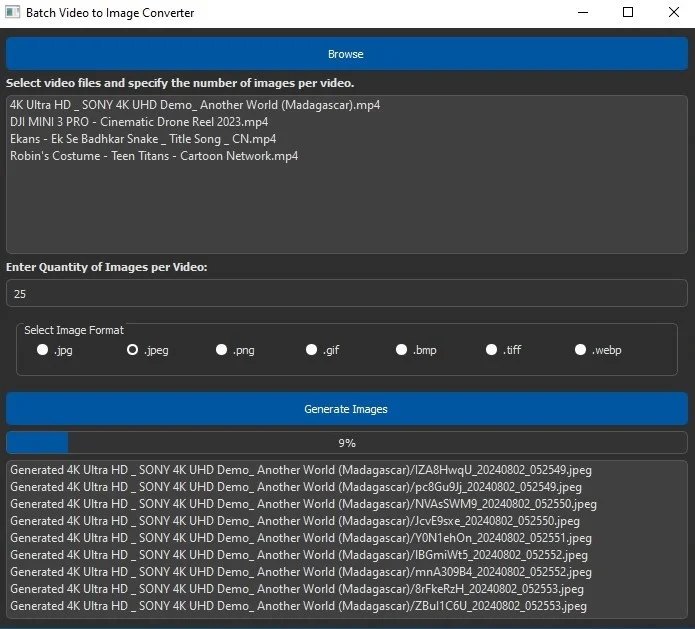
One of the standout features of the Unlimited Batch Video to Image Converter is its ability to manage multiple videos at once. You can select a batch of video files, set the number of images you want to generate from each video, and let the application do the rest. This feature saves you time and effort, allowing you to focus on creating engaging content for your audience. No more manual frame-by-frame extraction – the converter automates the entire process for you.
Social media platforms thrive on visual content, and the Unlimited Batch Video to Image Converter can significantly enhance your social media strategy. By converting videos into images, you can create compelling thumbnails, posts, and stories for platforms like YouTube, Instagram, Facebook, TikTok, and Twitter. The automatic cropping of black borders ensures that your images are always perfectly framed, giving your content a professional and polished look.
The benefits of using the Unlimited Batch Video to Image Converter extend beyond just social media. For marketers, it means having a consistent supply of high-quality images for promotional materials. For educators and trainers, it provides a way to capture key moments from instructional videos. For everyday users, it offers a simple and efficient way to create image galleries from personal videos. The application's versatility makes it a valuable addition to any digital toolkit.
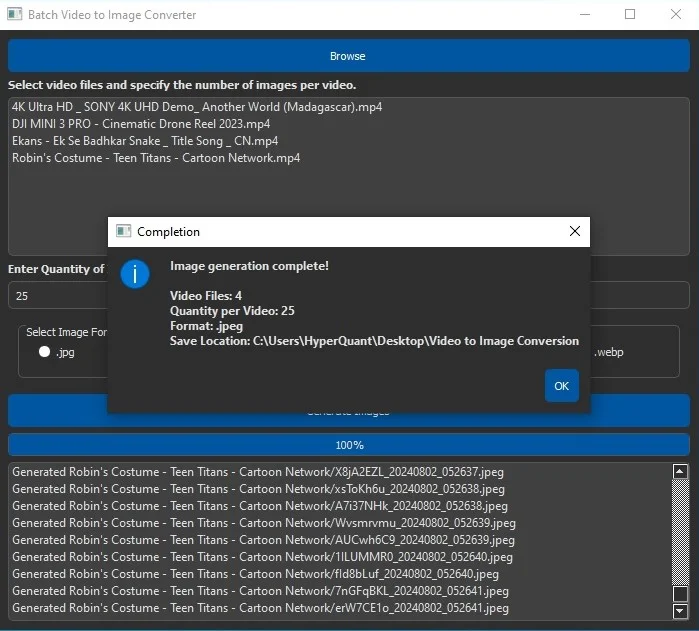
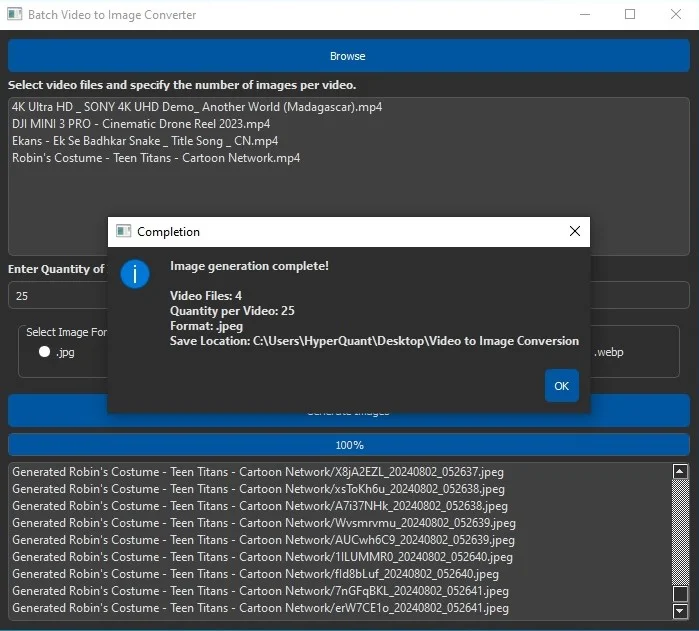
With support for various image formats such as JPEG, PNG, GIF, BMP, and TIFF, the Unlimited Batch Video to Image Converter caters to diverse needs. Its user-friendly interface, designed with a medium dark blue and gray color theme, ensures an intuitive experience. Real-time progress updates and a detailed dialog box upon completion keep you informed every step of the way. Embrace the power of video-to-image conversion and elevate your content creation process with this indispensable tool.
Features
Unlimited Video Processing: Handle an unlimited number of video files simultaneously, allowing you to convert large batches of videos into images with ease.
Random Frame Extraction: Generate images from randomly selected frames within each video, ensuring a diverse set of visuals.
Automatic Black Border Cropping: Automatically detect and remove black borders from images to enhance visual quality and maintain focus on the main content.
Multiple Image Formats: Supports various image formats including JPEG, PNG, GIF, BMP, and TIFF to cater to different needs and preferences.
Batch Processing: Convert multiple videos at once, saving time and increasing efficiency, especially useful for content creators and social media managers.
User-Friendly Interface: Intuitive design with a medium dark blue and gray color theme, making the application easy to navigate and visually appealing.
Real-Time Status Updates: Provides real-time progress updates within the application and terminal, keeping you informed about the conversion process.
Progress Bar: Displays the current status of the image conversion process, helping you track the progress effectively.
Detailed Completion Dialog Box: Upon completion, a dialog box shows the video name, quantity of images generated, selected format, and save location for easy reference.
High-Quality Output: Ensures that the generated images maintain the original resolution and quality of the video frames.
Error Handling: Provides informative error messages and troubleshooting guidance to address any issues that may arise during the conversion process.
Customizable Quantity: Allows you to specify the number of images to generate from each video, giving you control over the output volume.
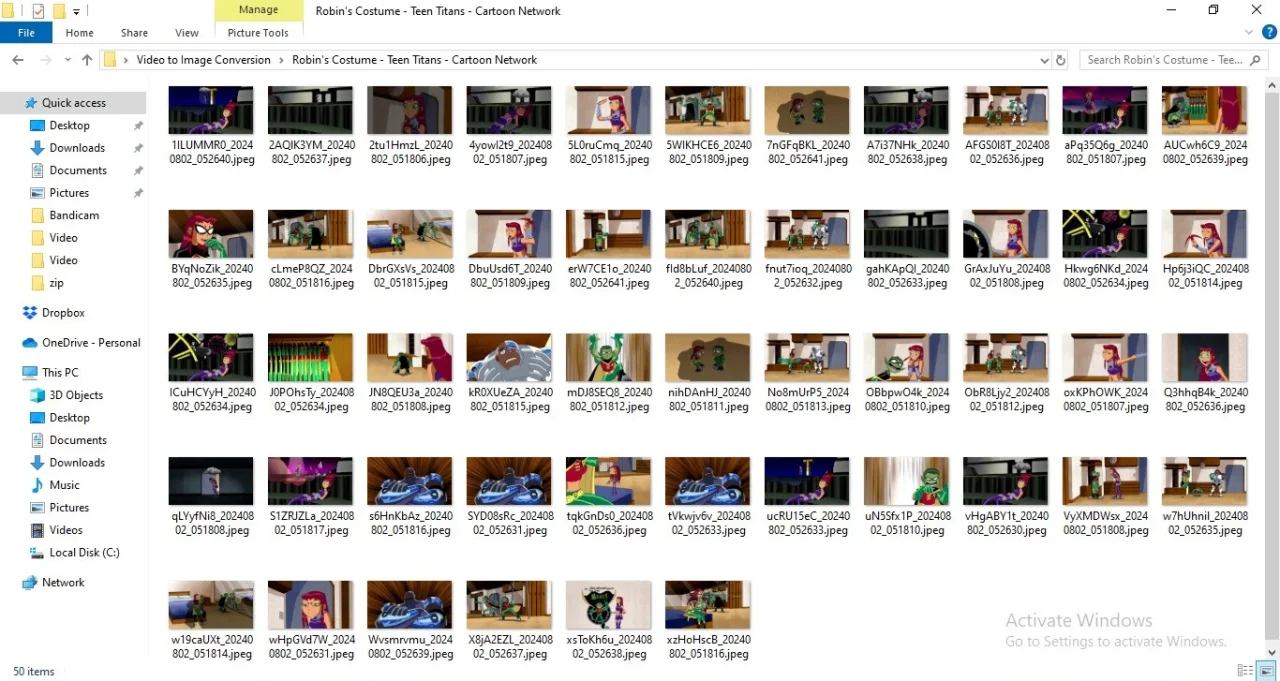
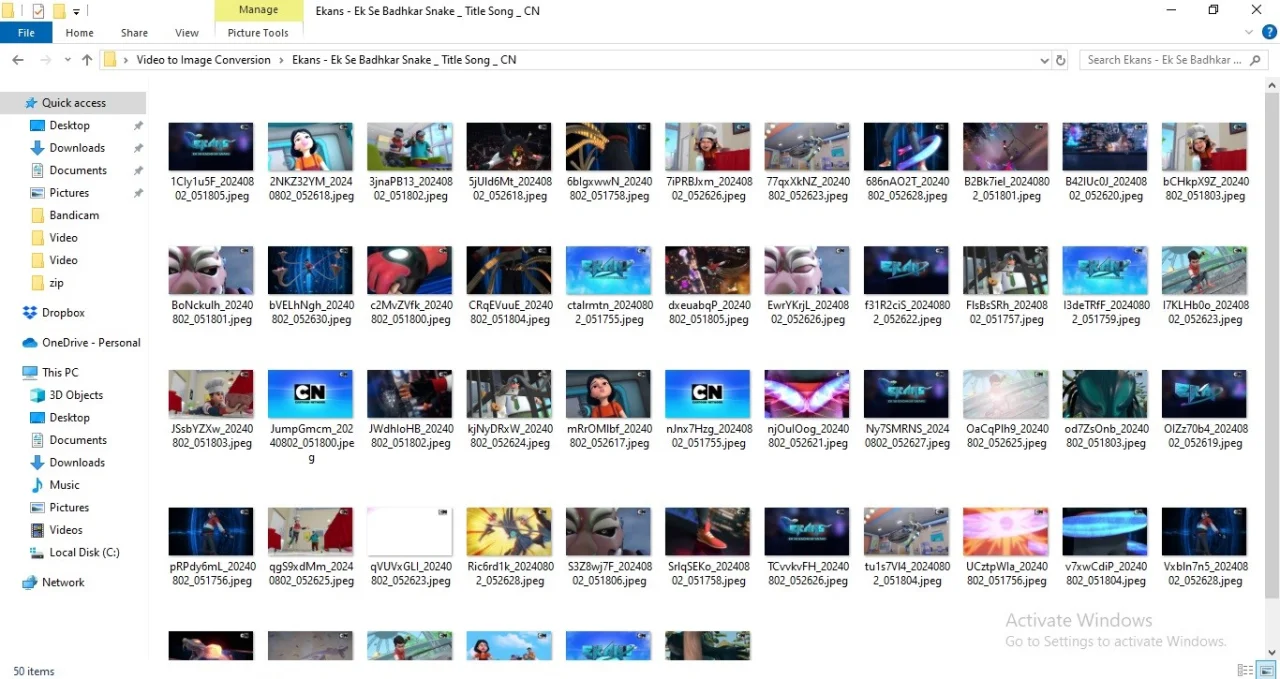
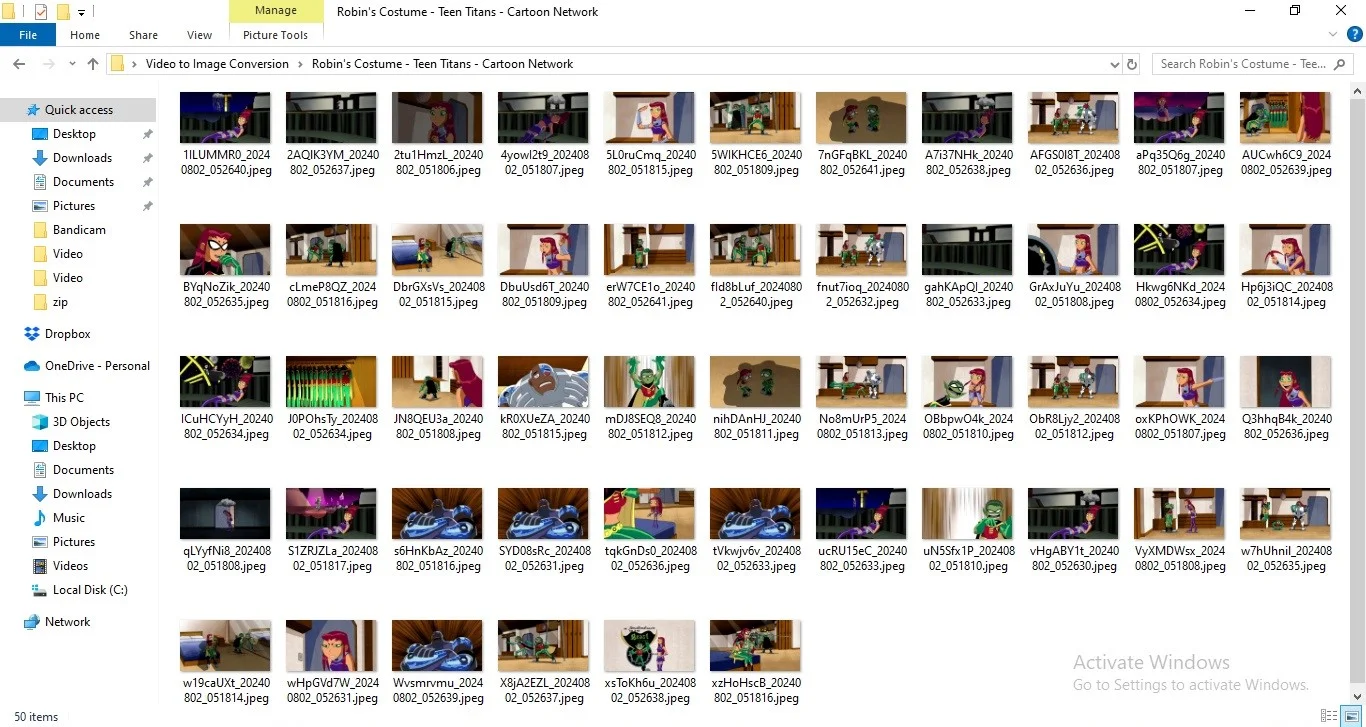
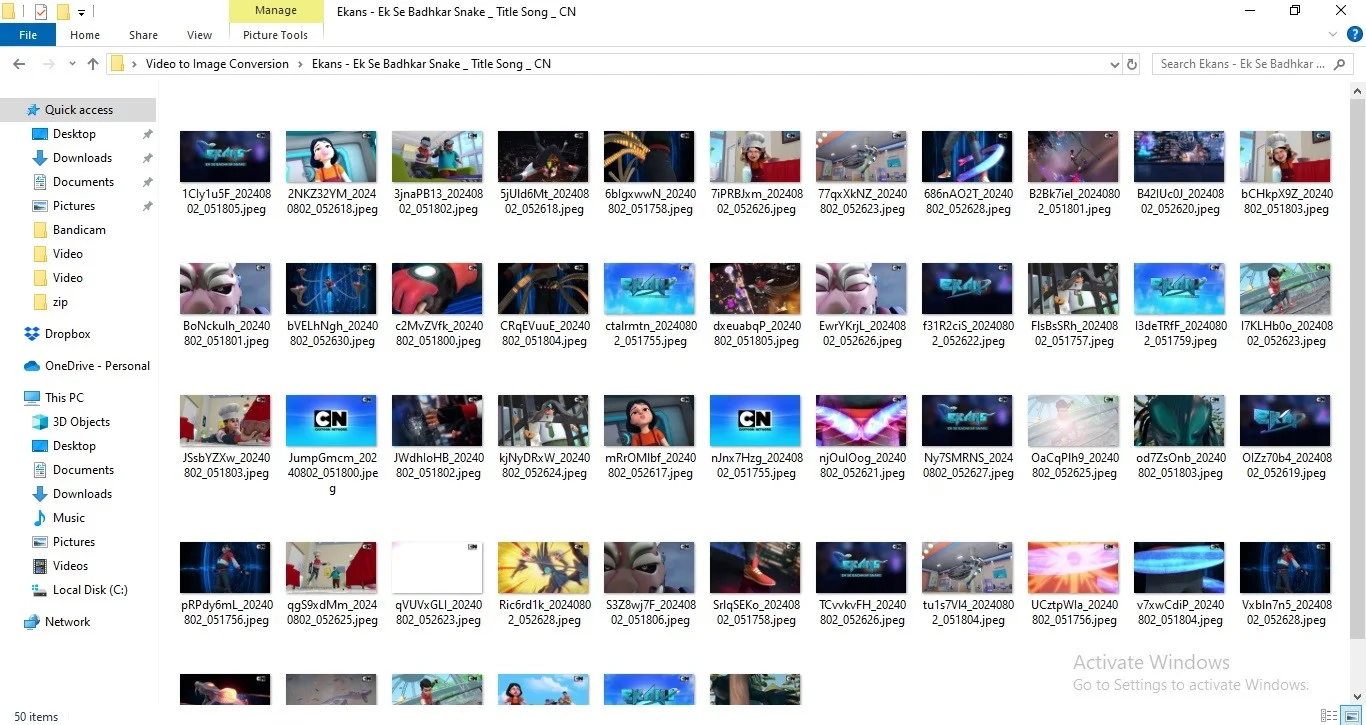
Separate Folders for Each Video: Saves images in individual folders named after the corresponding video file, keeping your output organized.
Supports Multiple Formats Selection: Choose from a variety of image formats with a single selection at a time, ensuring the output meets your specific requirements.
$ 50
- Verified source code
- Join 35541+ buyers which trust us!
- Download code immediately

100% Guarantee For Item!
Satisfaction guarantee policy.
Satisfaction guarantee policy.
Information
| Category | Scripts & Code / Python |
| First Release | 2 August 2024 |
| Files included | .py |
| File Size | 107 MB |
| Frameworks | Python |
Similar Items