
 Spotlight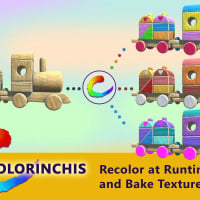
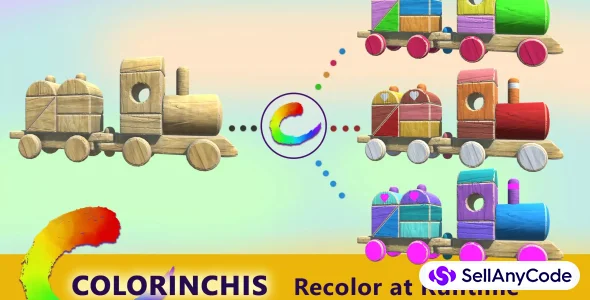
Colorinchis - Recolor at Runtime and Bake Textures Tool
TOP TRENDING GAME
Item Description
Description
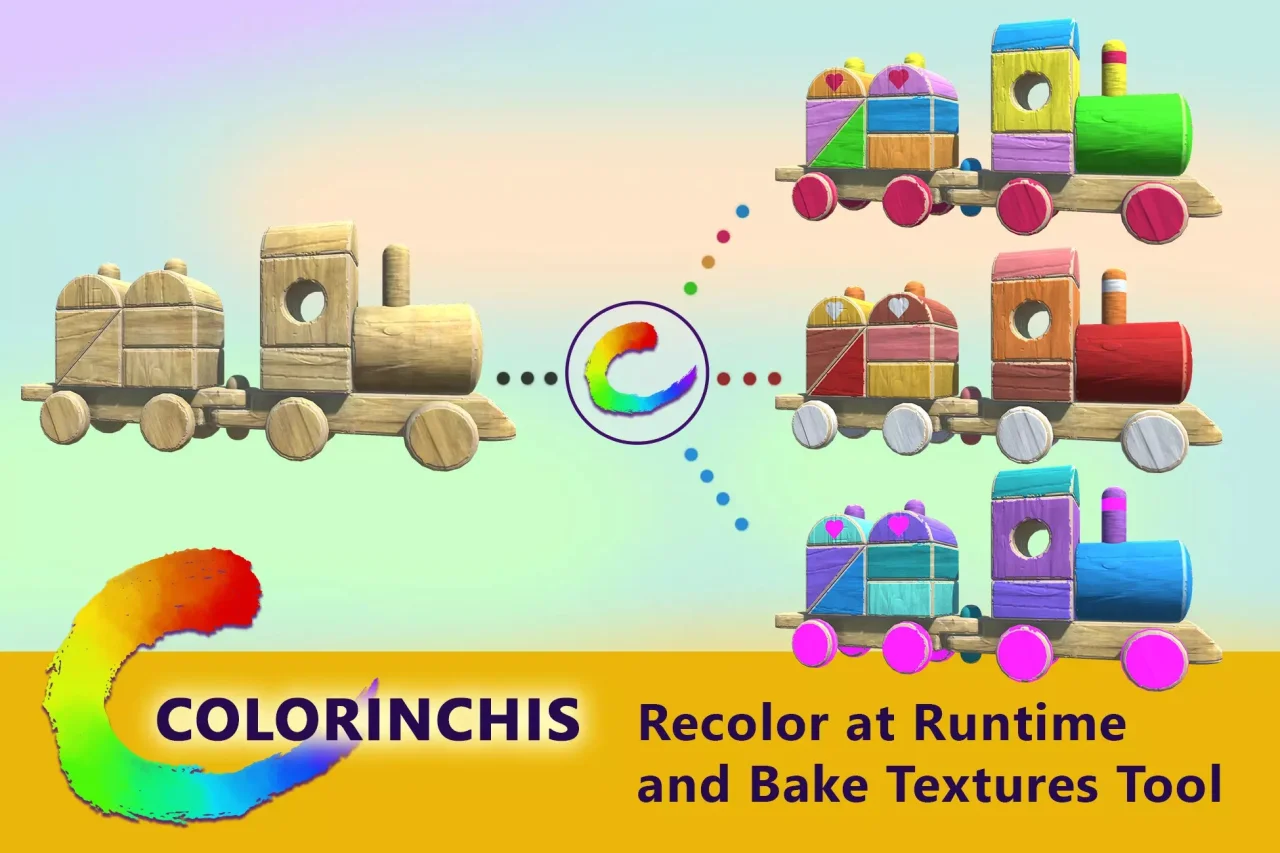
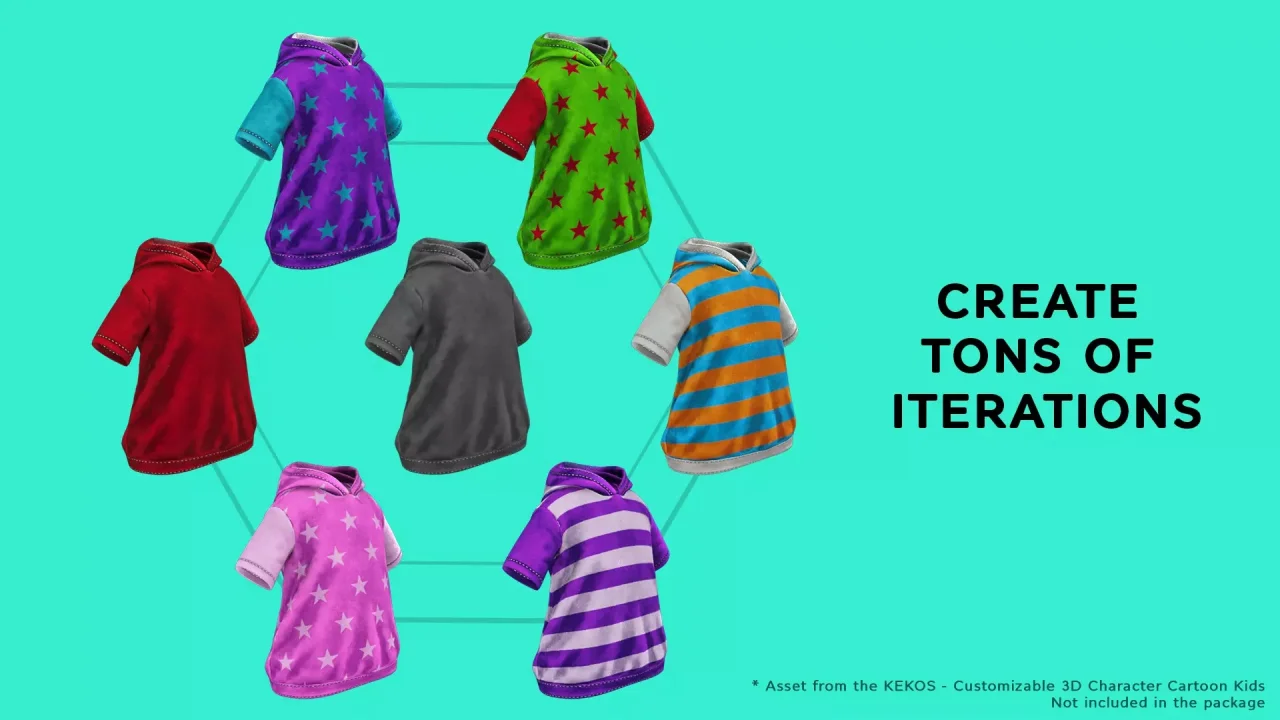
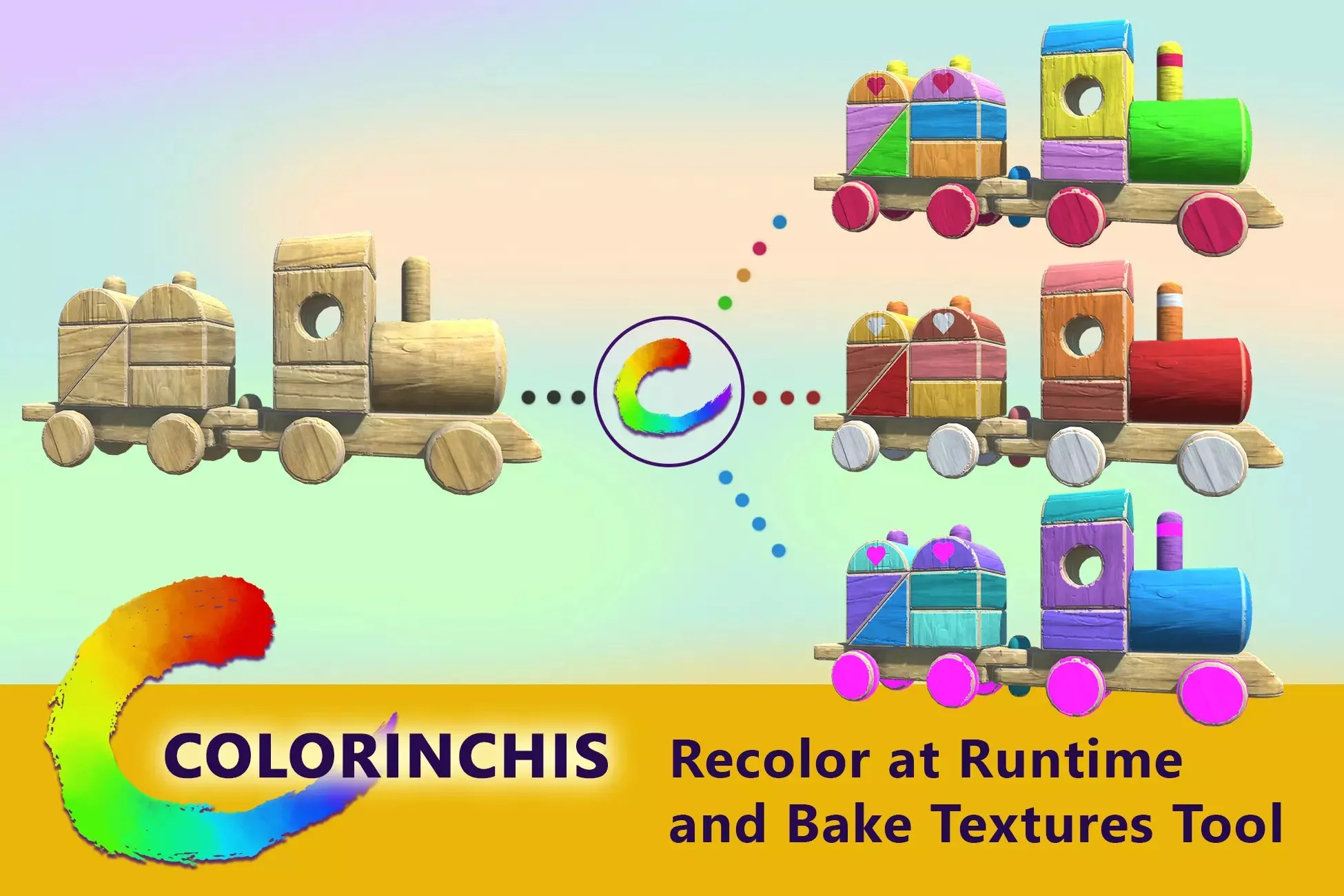
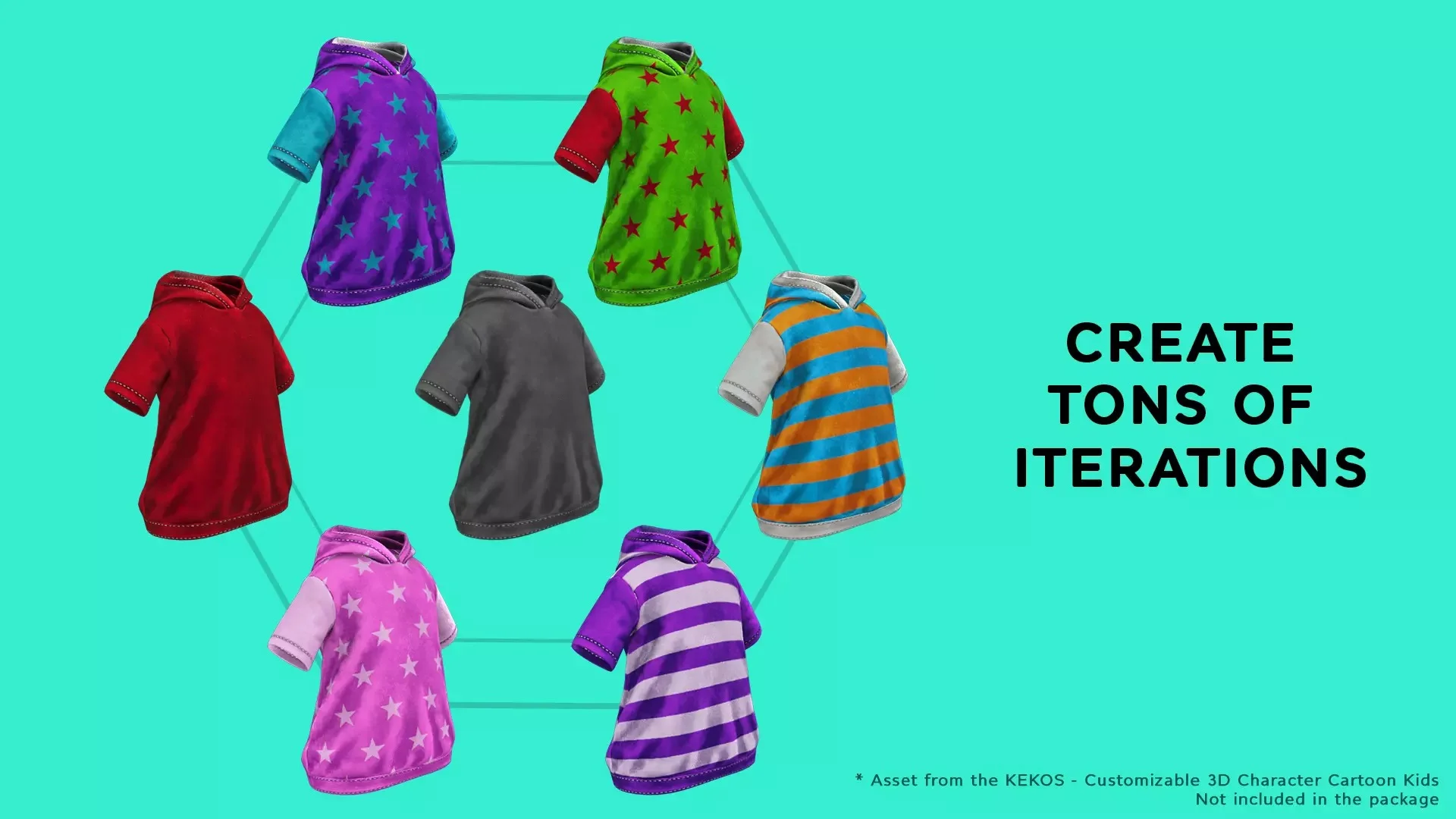
Create color variations of your models, sprites or UI elements with some simple steps:
1- Apply the Recolor component to the element you want to recolor.
2- Adjust the mask up to 6 channels.
3- Pick your plain colors or gradients.
Done!
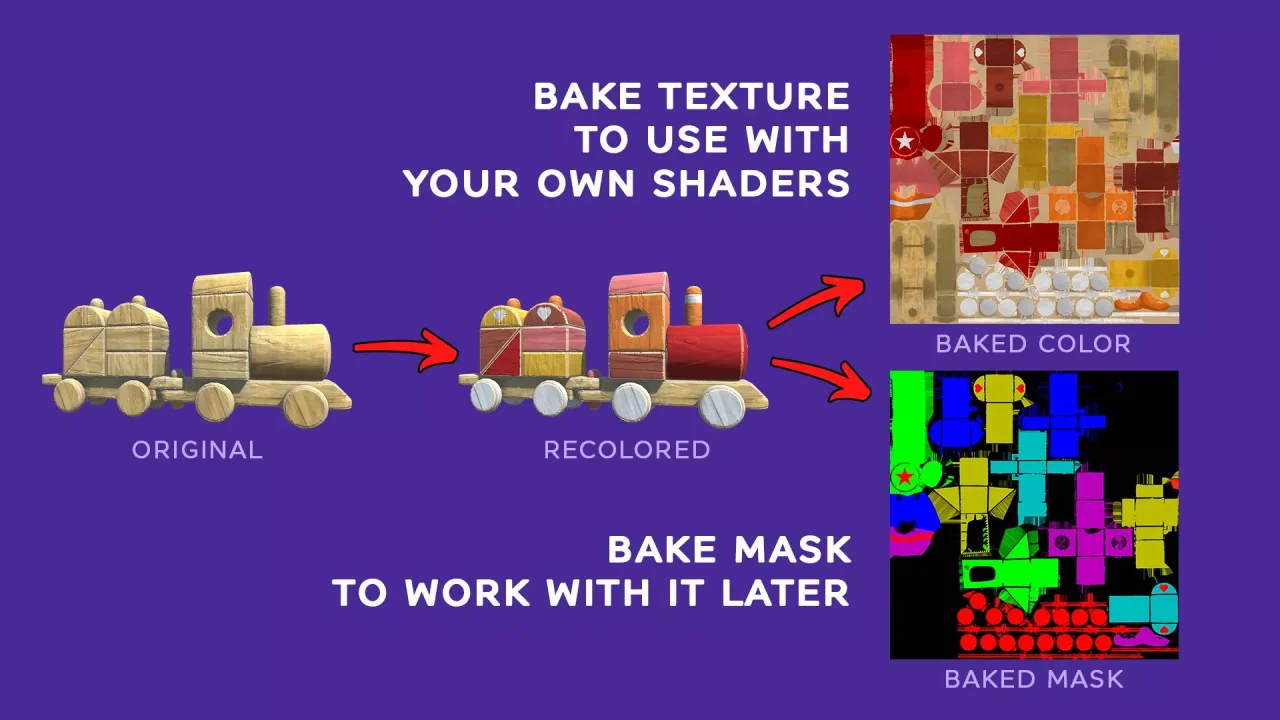
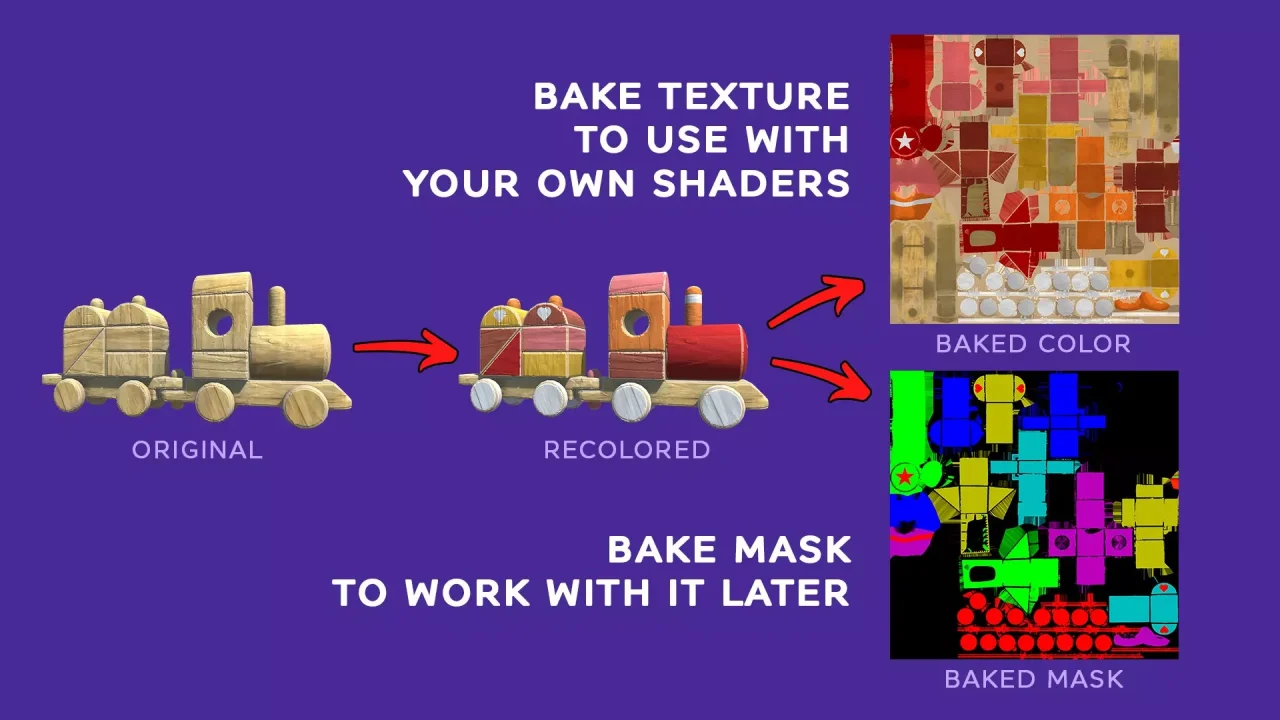
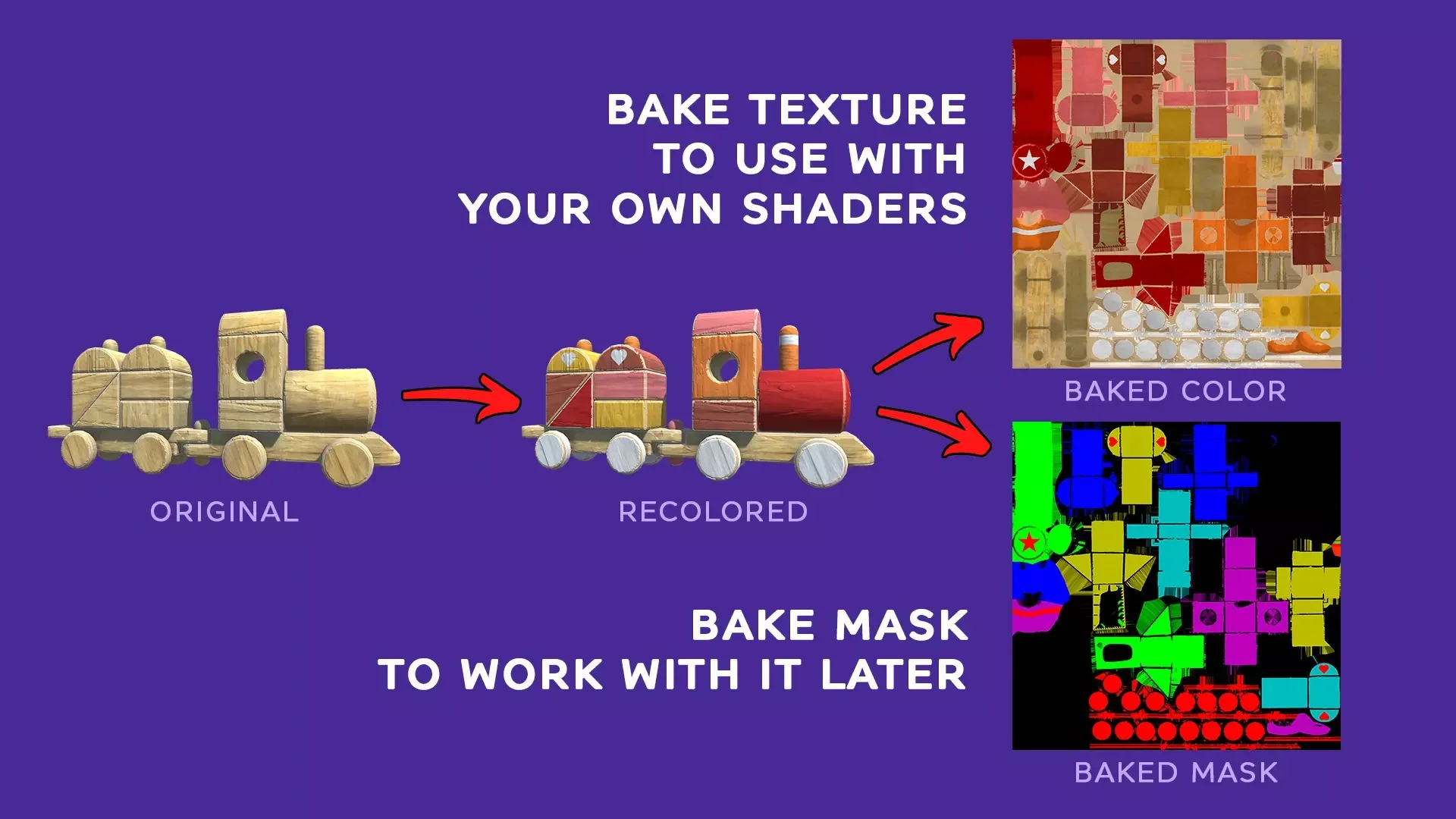
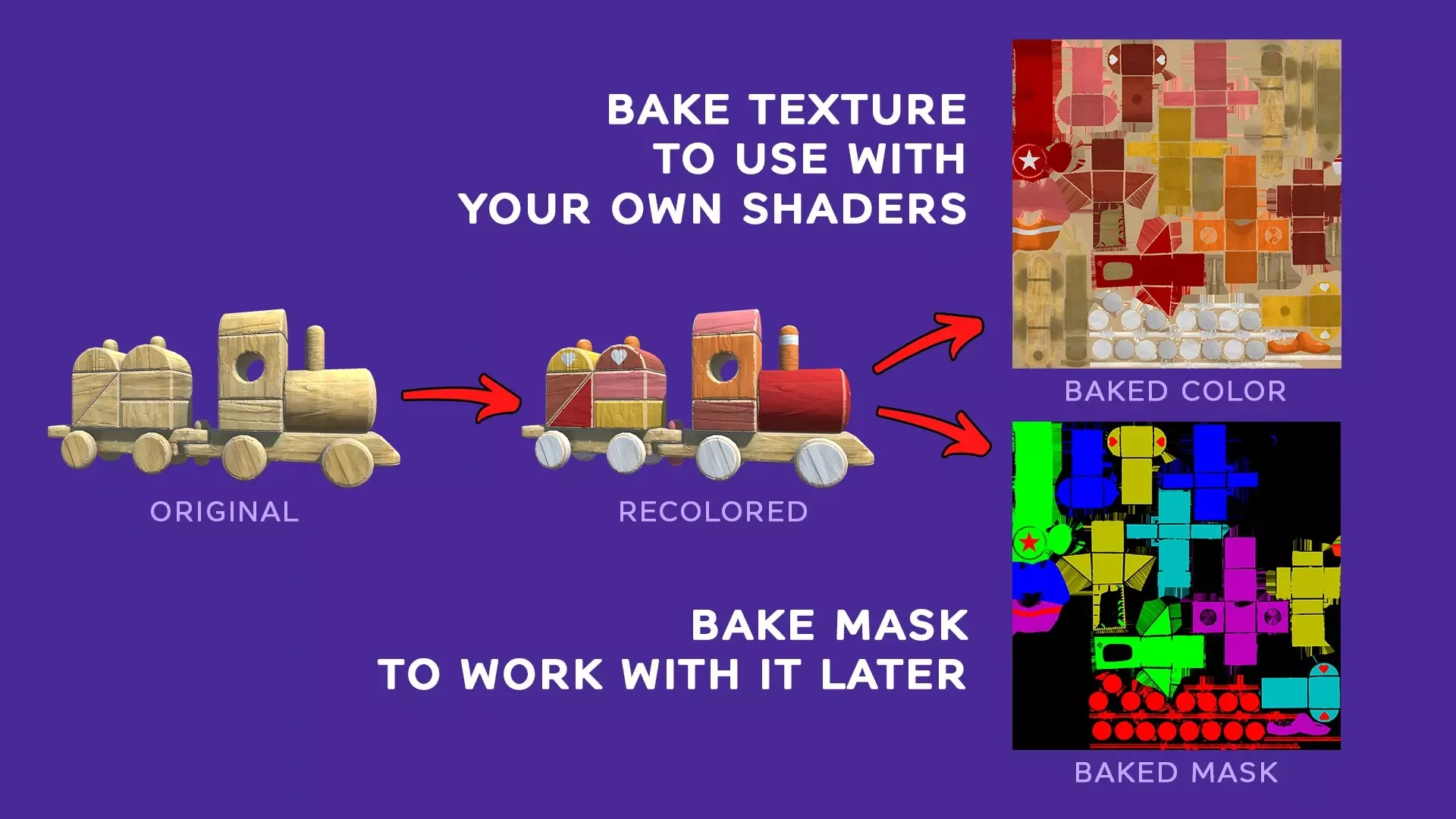
4 (Extra)- Bake the result in a new texture to use with your own shaders and materials.
Features
🔥🔥 FEATURES 🔥🔥
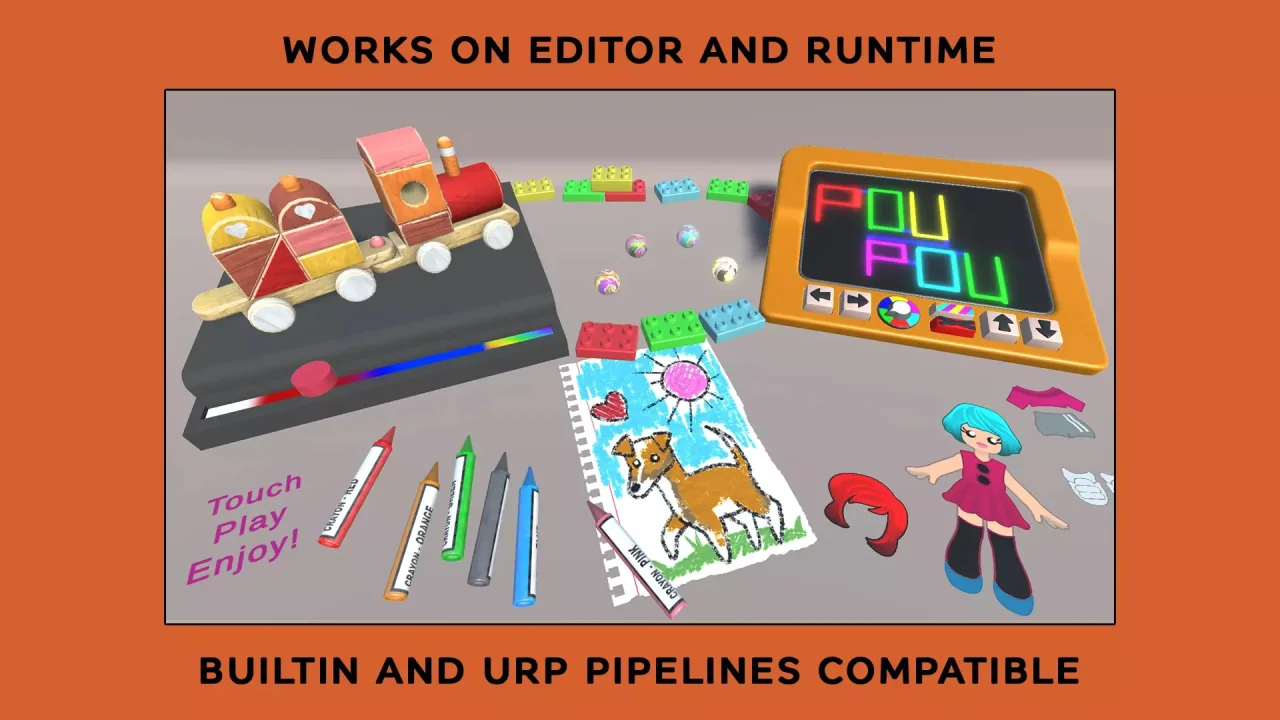
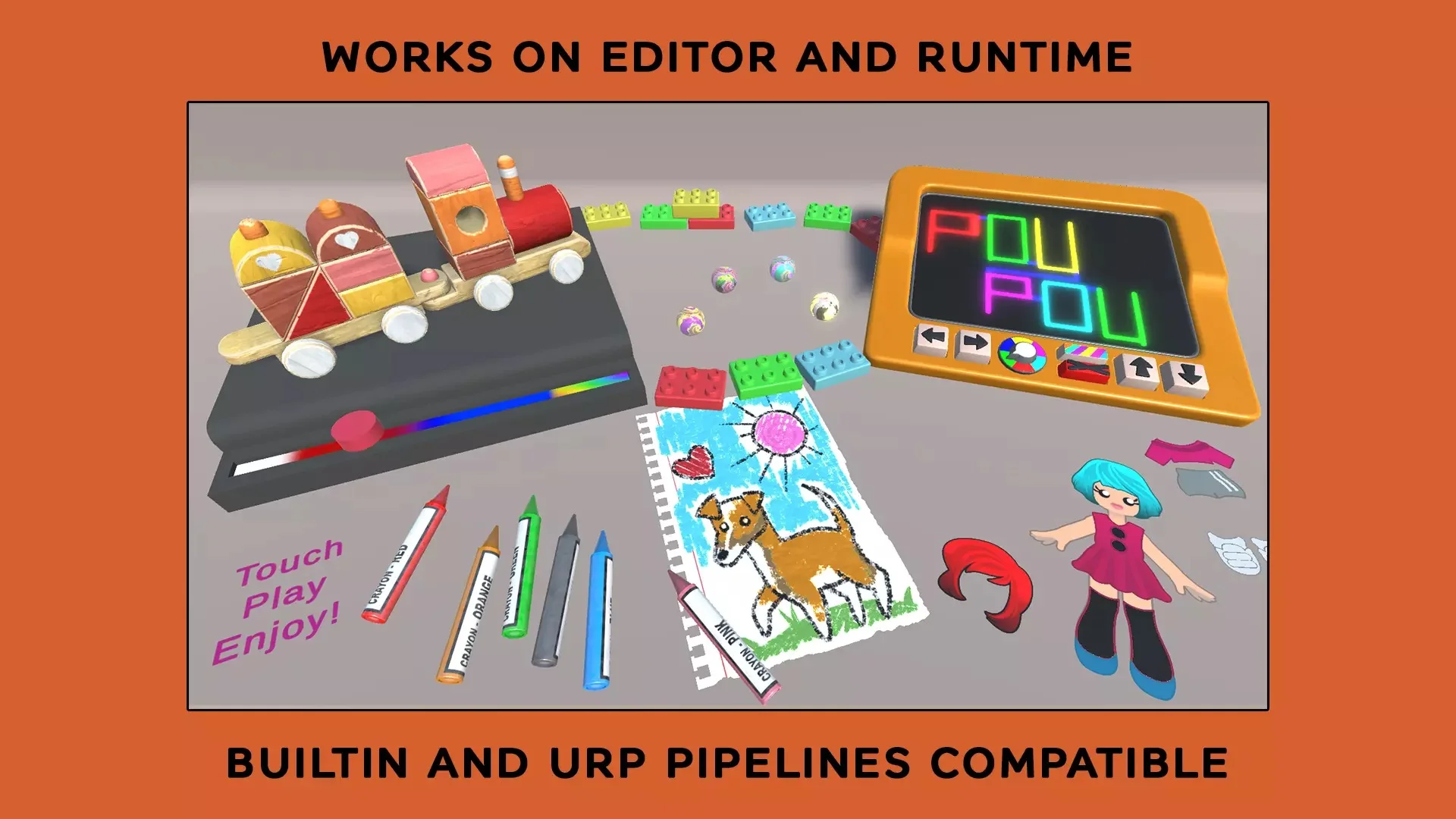
- Compatible with built-in pipeline and URP.
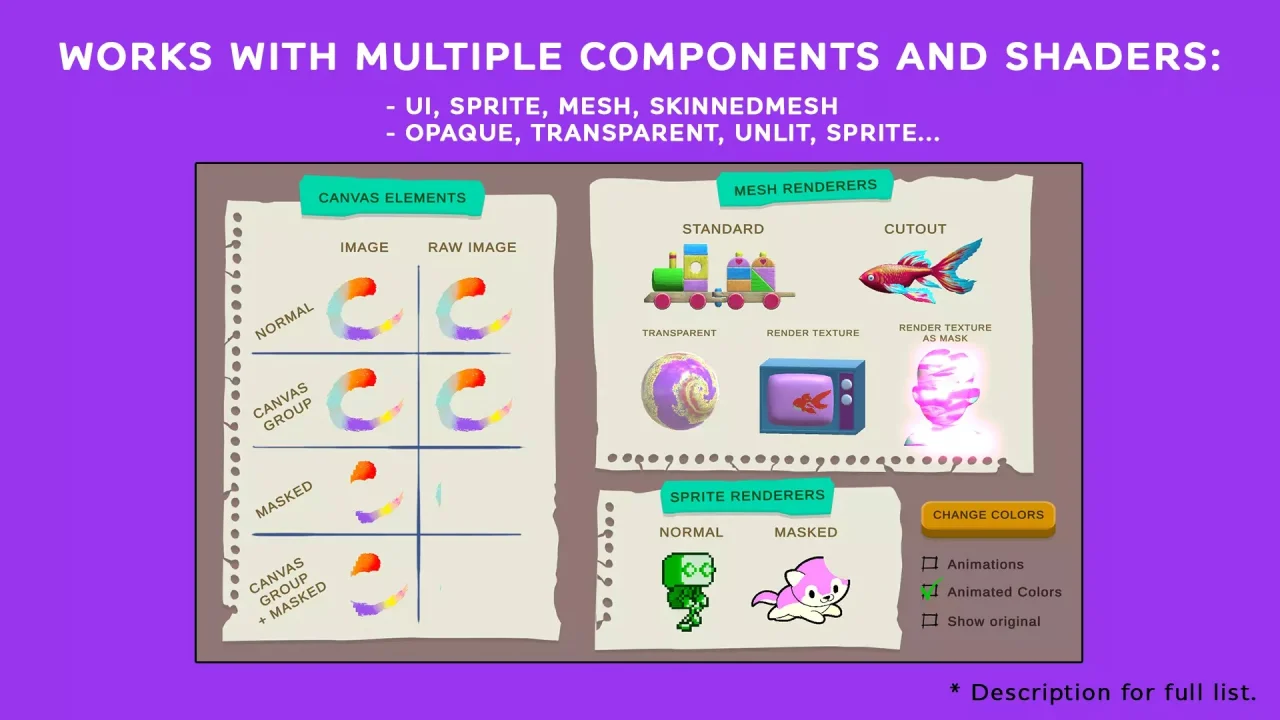
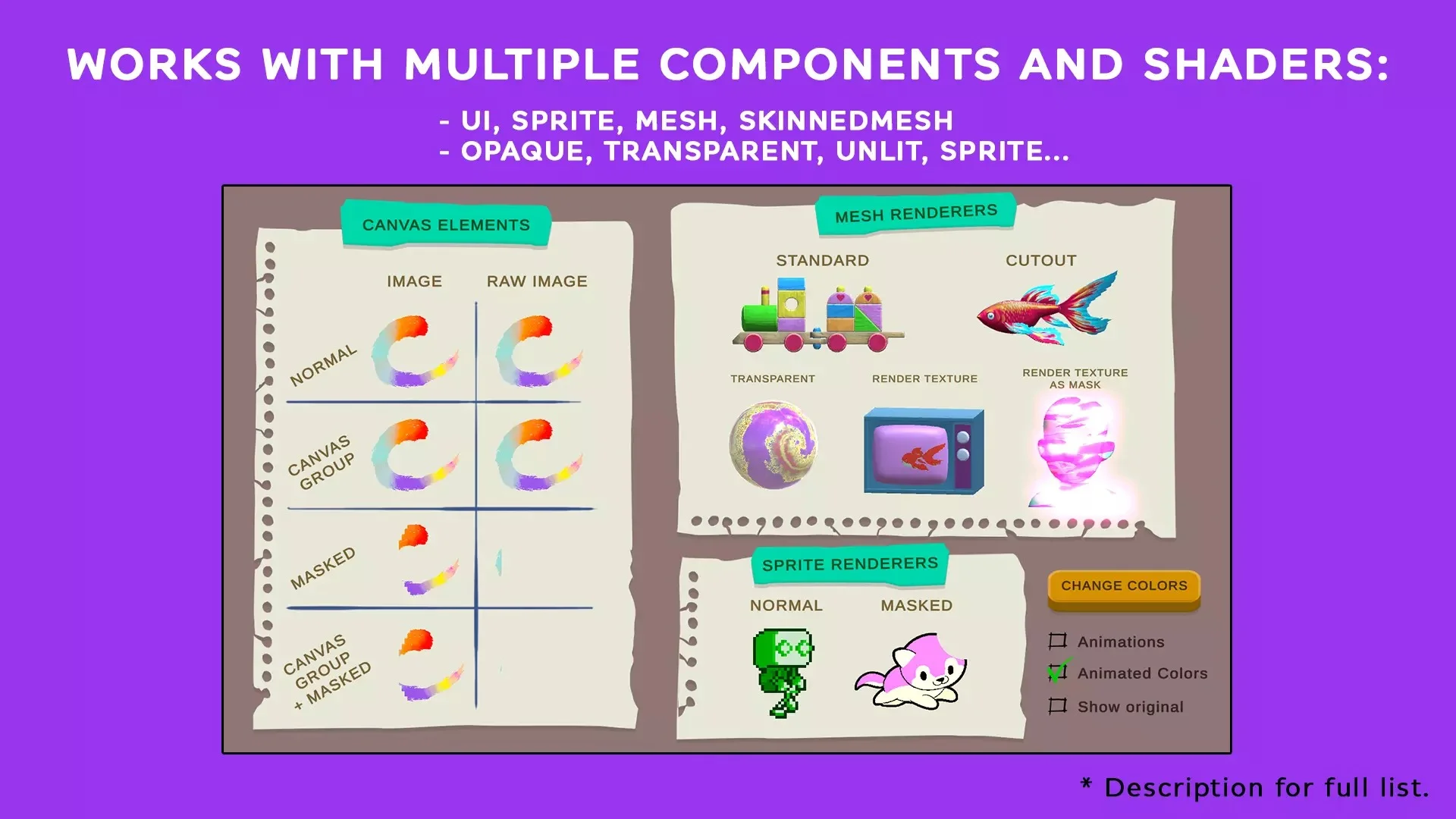
- Compatible with the following components:
- UI Images (works with CanvasGroup alpha, Mask and all image types (simple, sliced, tiled, filled))
- UI Raw Images (works with CanvasGroup alpha, Mask and all image types (simple, sliced, tiled, filled))
- SpriteRenderer (works with Mask)
- MeshRenderer
- SkinnedMeshRenderer
- Included shaders:
- Standard Opaque
- Standard Transparent
- Standard Transparent Cutout
- Unlit Opaque
- Unlit Transparent
- Unlit Transparent Cutout
- Sprite
- Default UI
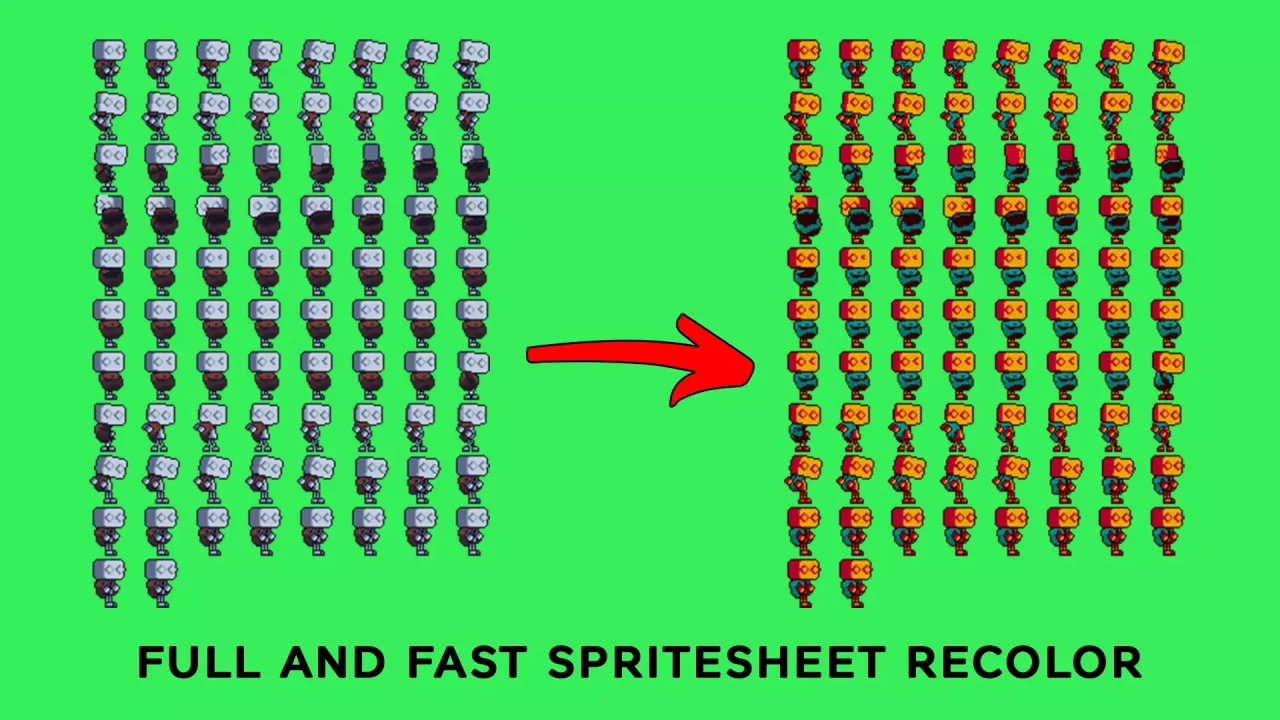
- Works in runtime (you can change colors or show the original).
- Bake the new textures or sprites to use with your shaders or materials.
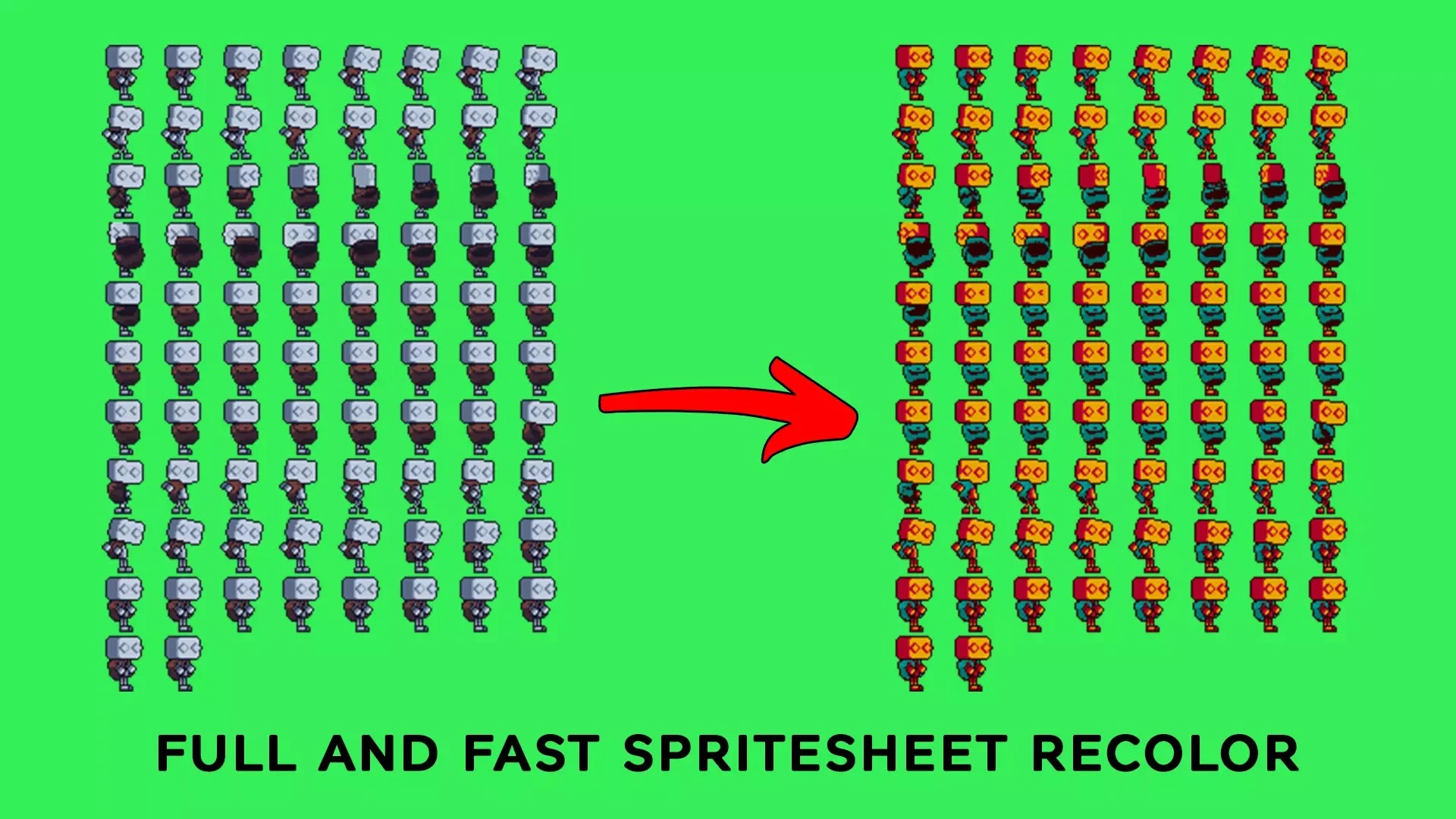
- Ideal to recolor pixel art sprites and meshes textures.
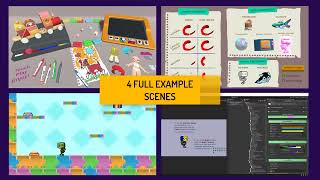
- 4 Sample Scenes to show several use cases.
- Overview: shows a lot of cases like UI elements, sprites, meshes, etc.
- Playground: a full 3D scene to play with it.
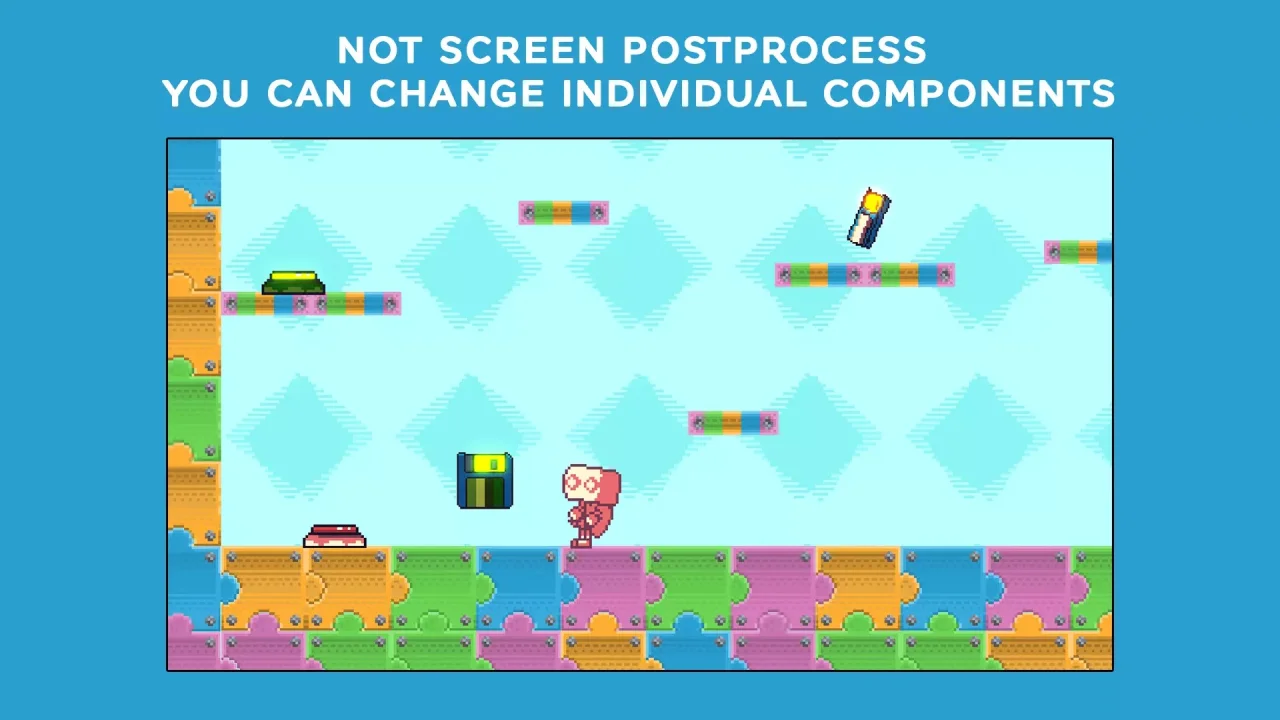
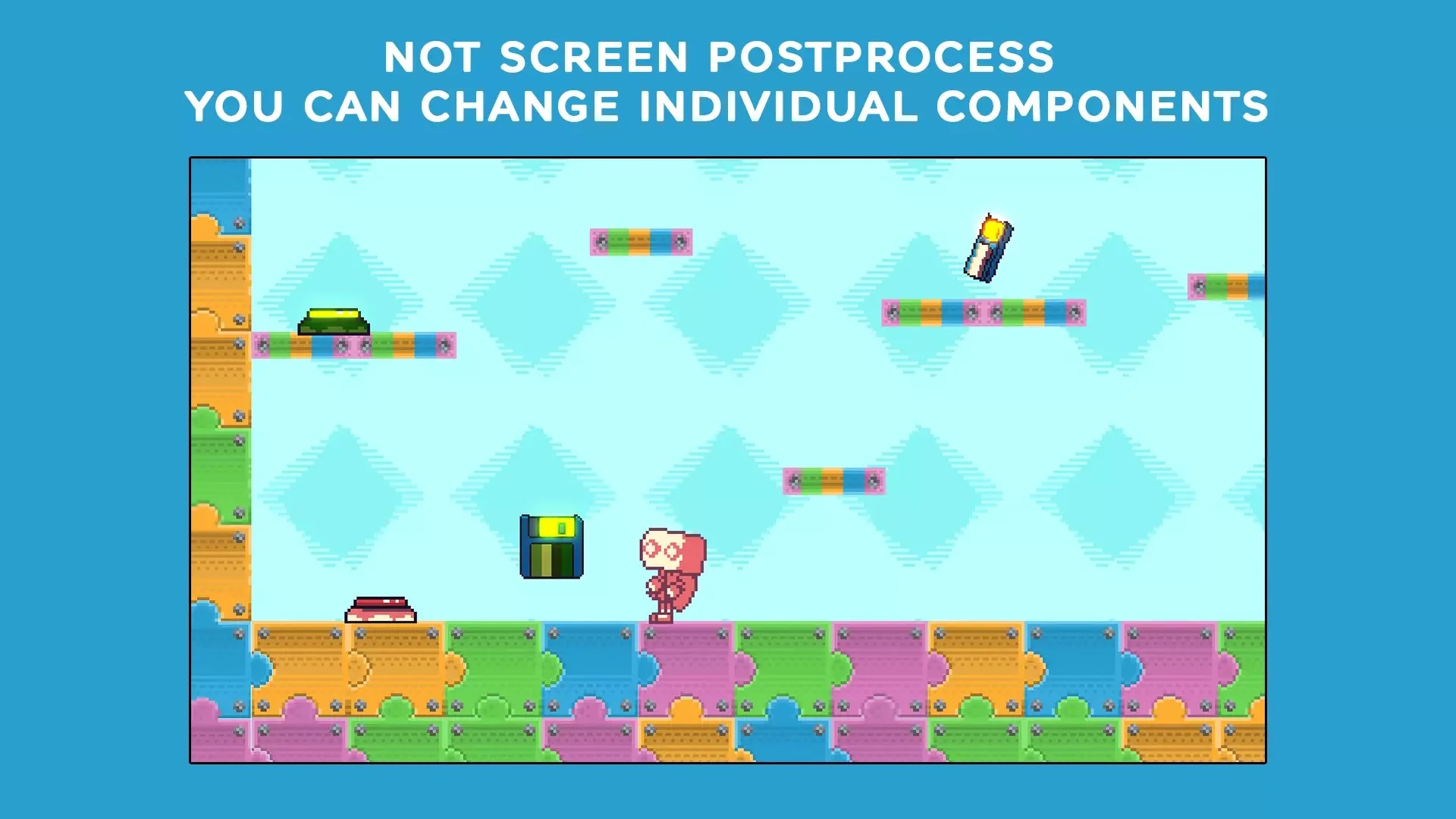
- Pixel art: a small platform pixel art example.
- Tutorial: a small guided tutorial to apply the element and bake in a new texture.
- Helper components to make it easy to change palettes.
- Full source code.
Note: the plugin is not a screen post-process so you can change individual elements for your desired effects and results (The pixel art example shows well this use case).
- Question Telegram
https://t.me/VirgilSourceCode
$ 29
- Verified source code
- Join 35552+ buyers which trust us!
- Download code immediately

100% Guarantee For Item!
Satisfaction guarantee policy.
Satisfaction guarantee policy.
Information
| Category | Game Templates / Unity |
| First Release | 7 January 2025 |
| Platforms | Unity 2020 |
| Files included | .unityproj |
| File Size | 61 MB |
| Frameworks | Unity |
Similar Items
Spotlight