



USB Device Manager Port-Level Enable/Disable Utility for Windows
Item Description
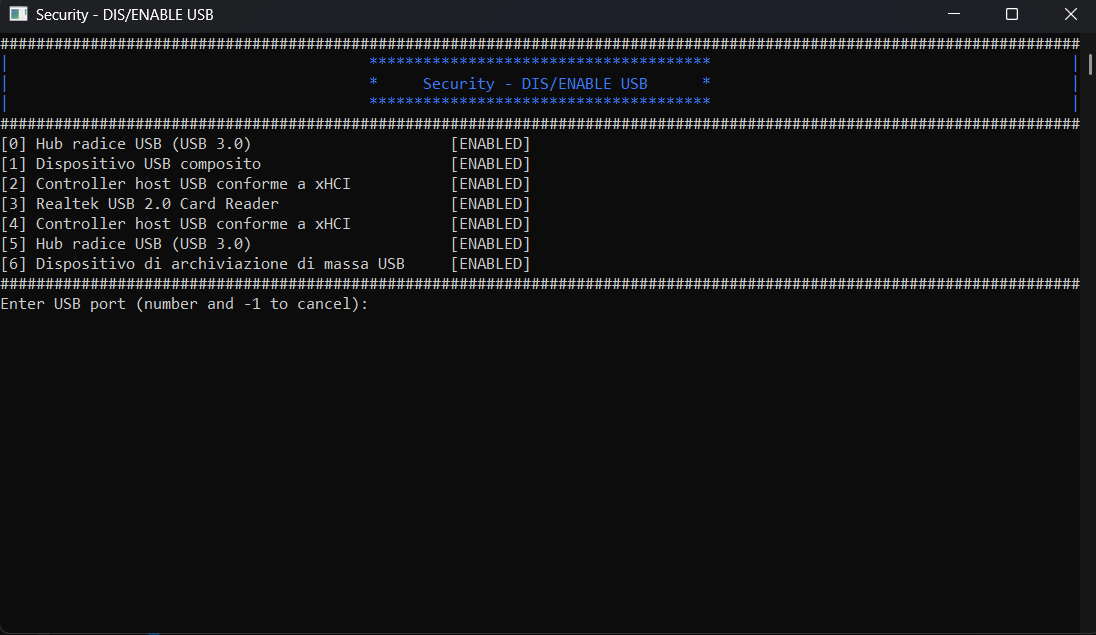
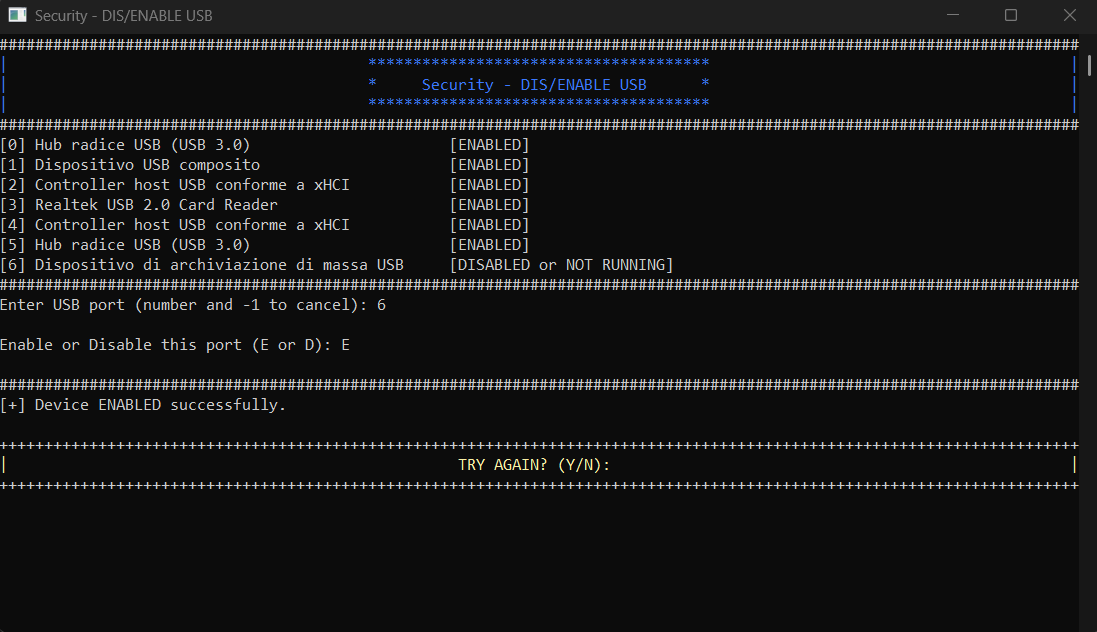
USB Device Manager is a lightweight Windows system tool developed in C++ that allows users to list, monitor, and control USB devices at the port level.
Important Note on Device Safety
Use with caution. This tool allows direct control over all USB devices connected to the system. While disabling a USB flash drive or external peripheral is generally safe, disabling critical system devices such as USB root hubs, host controllers, or built-in keyboards and touchpads may lead to system instability, input loss, or forced reboot.
Technical Requirements
Platform: Windows 10 / 11 (64-bit)
Dependencies: Windows API (no external libraries)
Compiler: MinGW / MSVC
Required permissions: Run as Administrator
Features
Key Features
✅ Enumerates all USB devices
Displays device index, description, status (enabled/disabled), hardware ID, and manufacturer.
🔍 Interactive selection menu
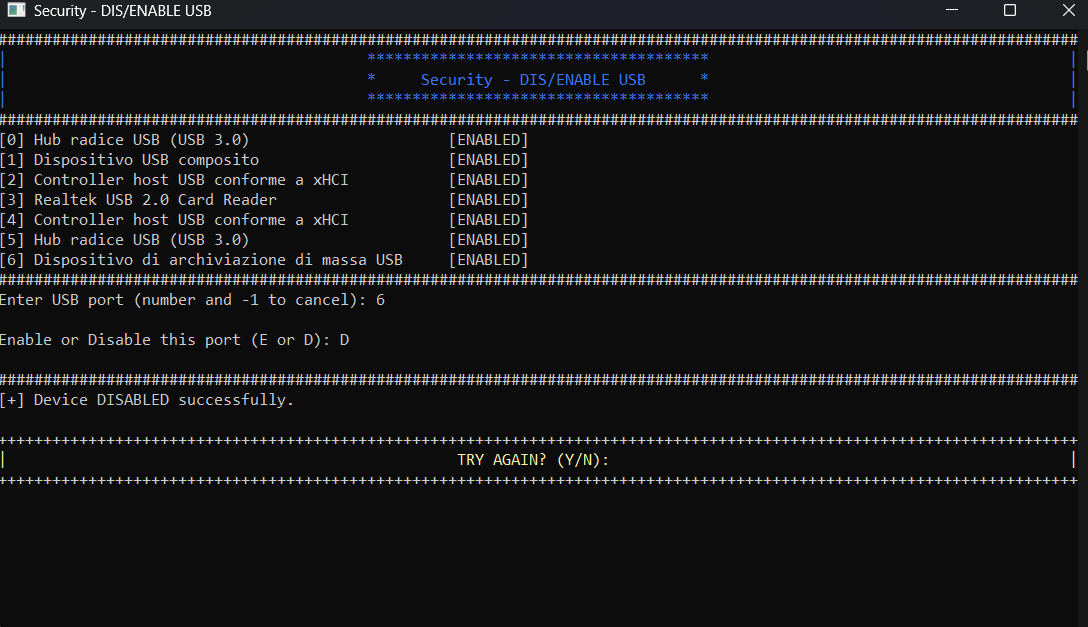
Choose a device by number to manage it individually.
🛑 Enable or disable USB devices
Uses Windows Configuration Manager API (
cfgmgr32.h) to toggle device state.
🔐 Requires Administrator privileges
Ensures secure and authorized access to system-level modifications.
$ 10
- Verified source code
- Join 35541+ buyers which trust us!
- Download code immediately

100% Guarantee For Item!
Satisfaction guarantee policy.
Satisfaction guarantee policy.
Information
| Category | Scripts & Code / C & C++ |
| First Release | 24 June 2025 |
| Files included | .cpp |
| Frameworks | C & C++ |
Similar Items