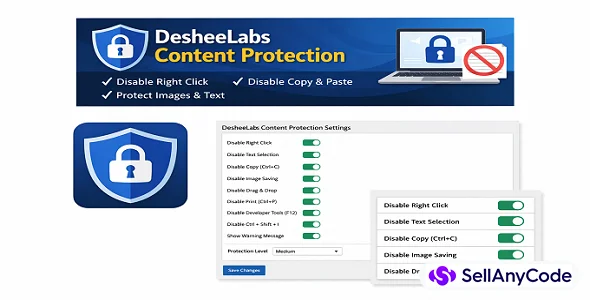
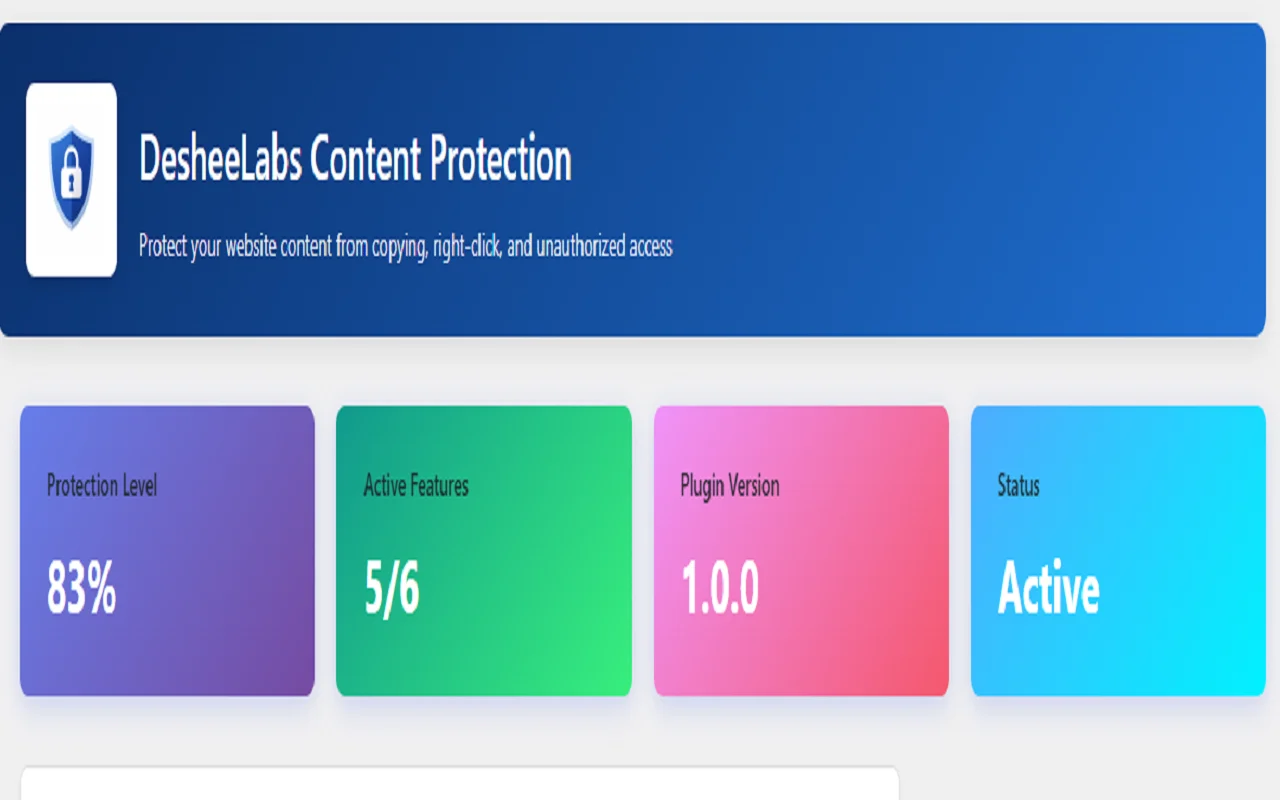


DesheeLabs Content Protection
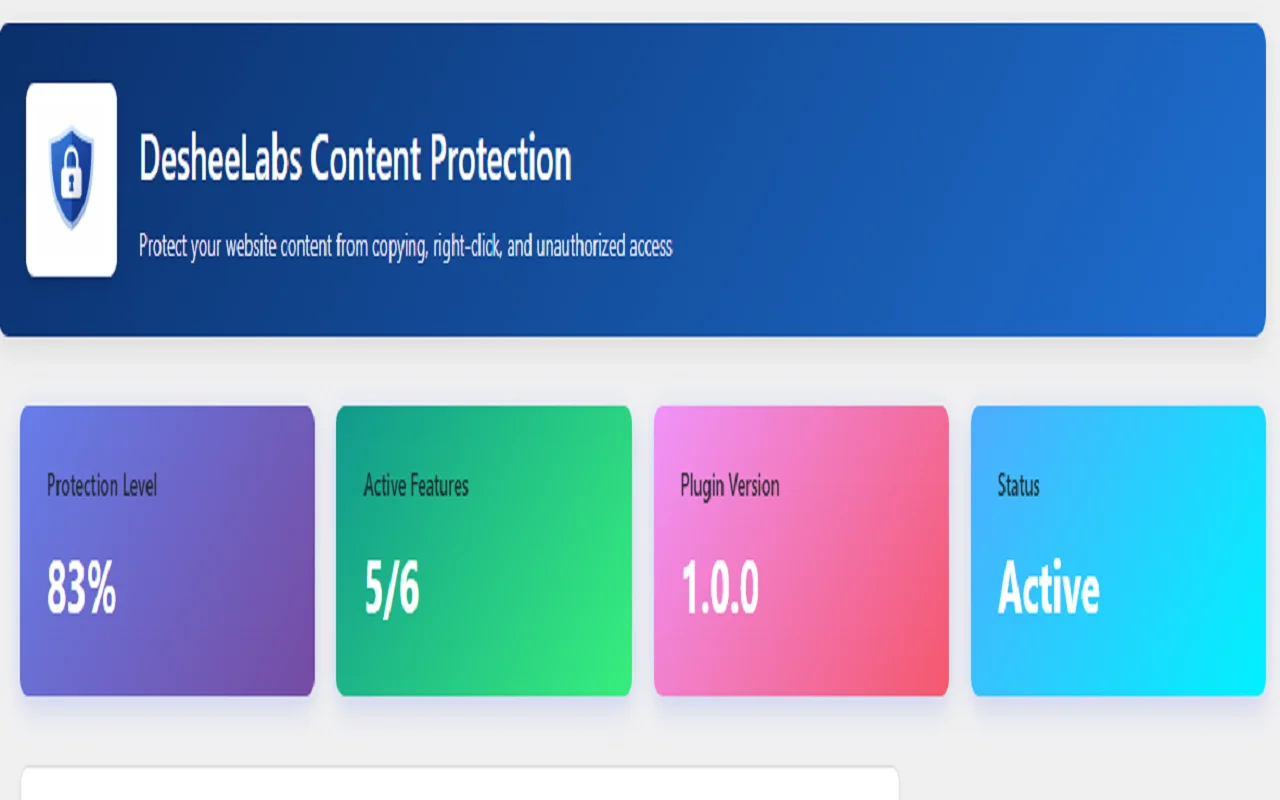
Protect website content by disabling right-click, copy, selection & shortcuts
Item Description
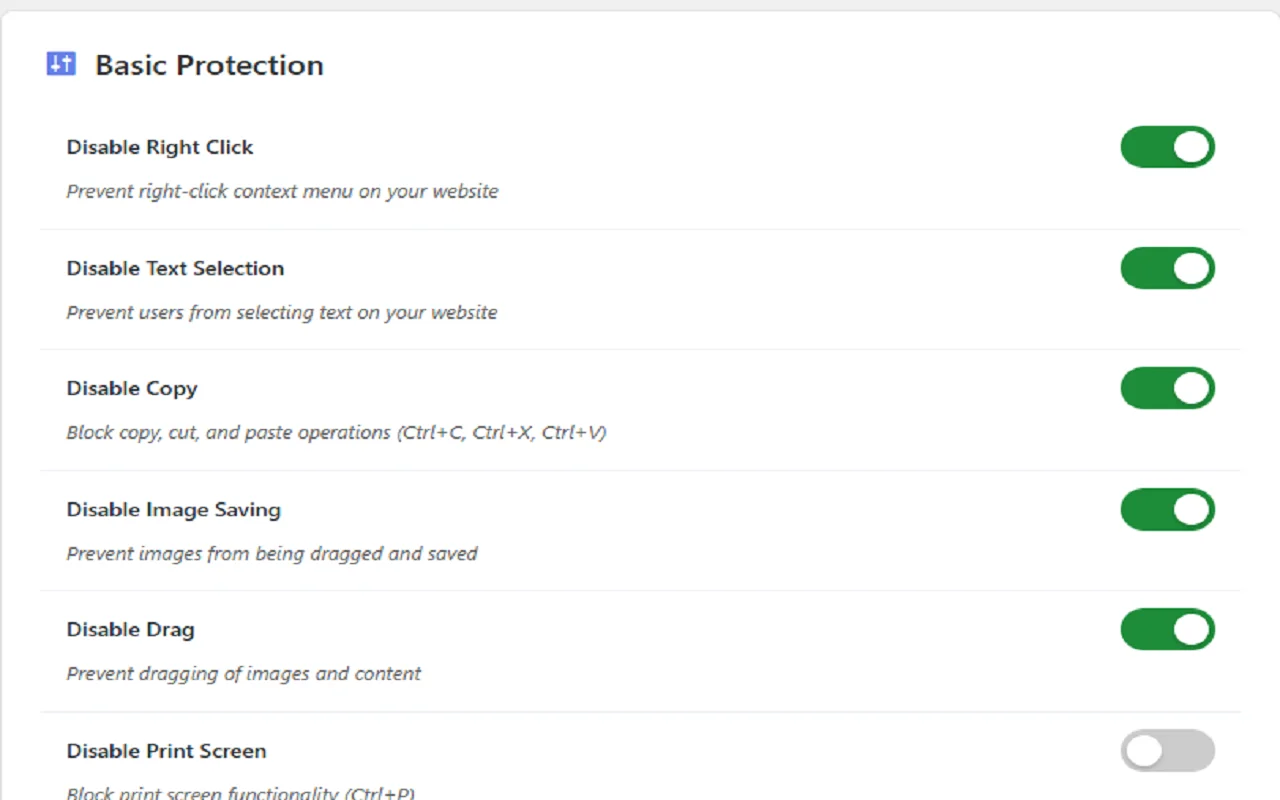
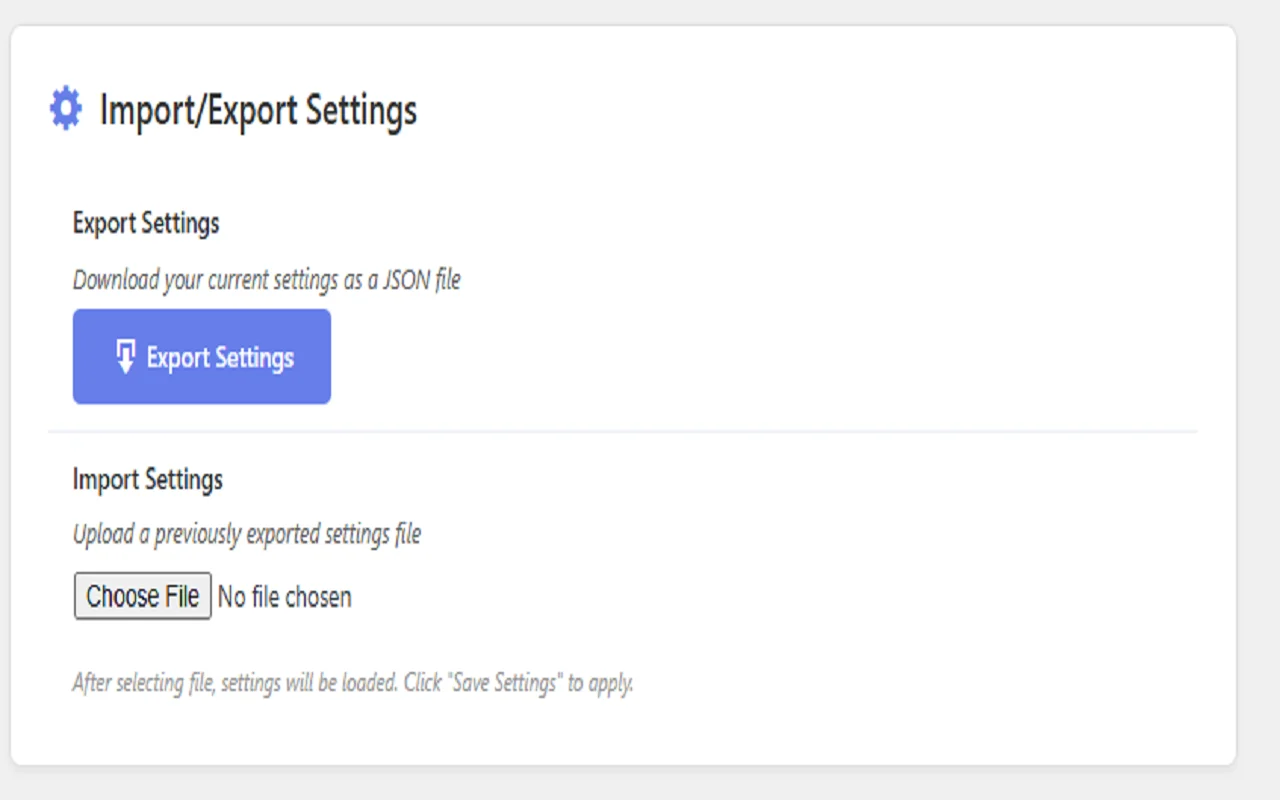
DesheeLabs Content Protection is a lightweight WordPress plugin designed to help reduce casual content copying by restricting common browser interactions. It allows website owners to disable right-click, text selection, copy/paste shortcuts, image dragging, printing shortcuts, and selected developer tools actions from a simple admin interface. The plugin is easy to configure, performance-friendly, and compatible with most WordPress themes and page builders.
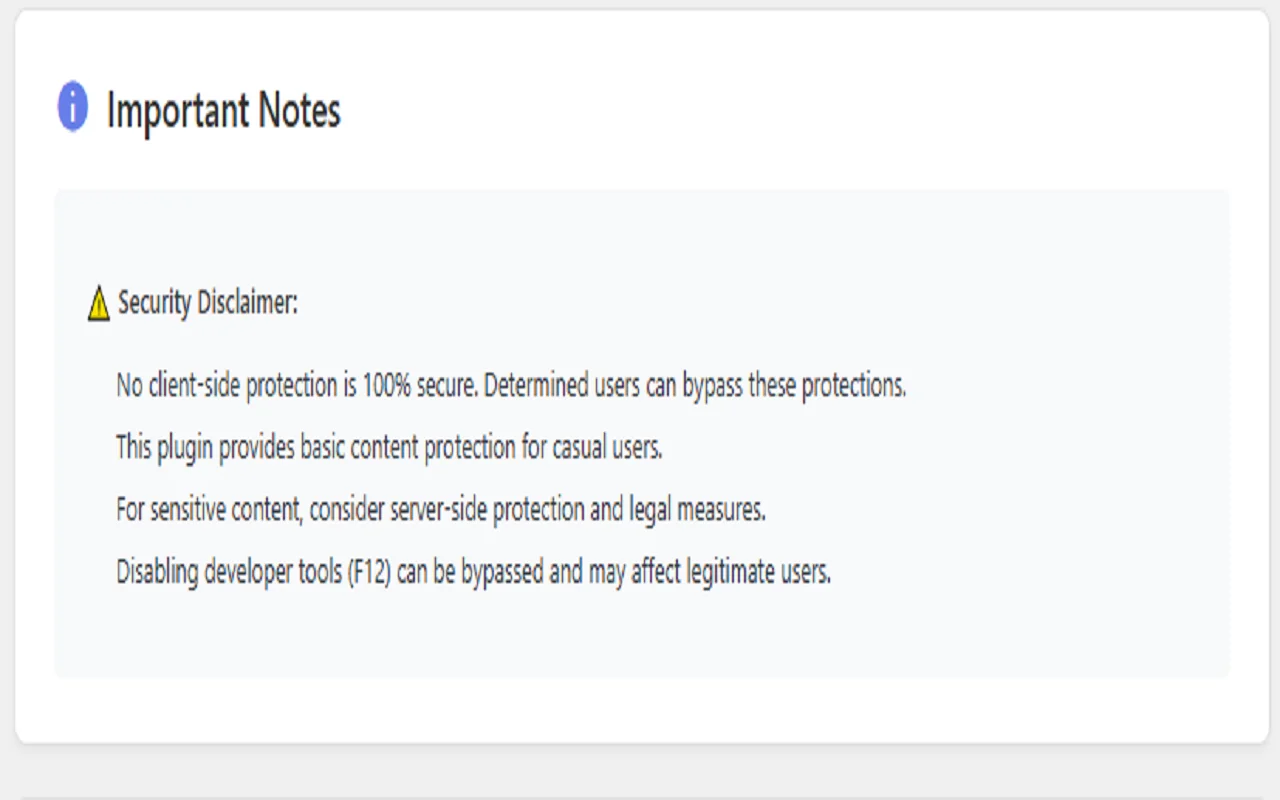
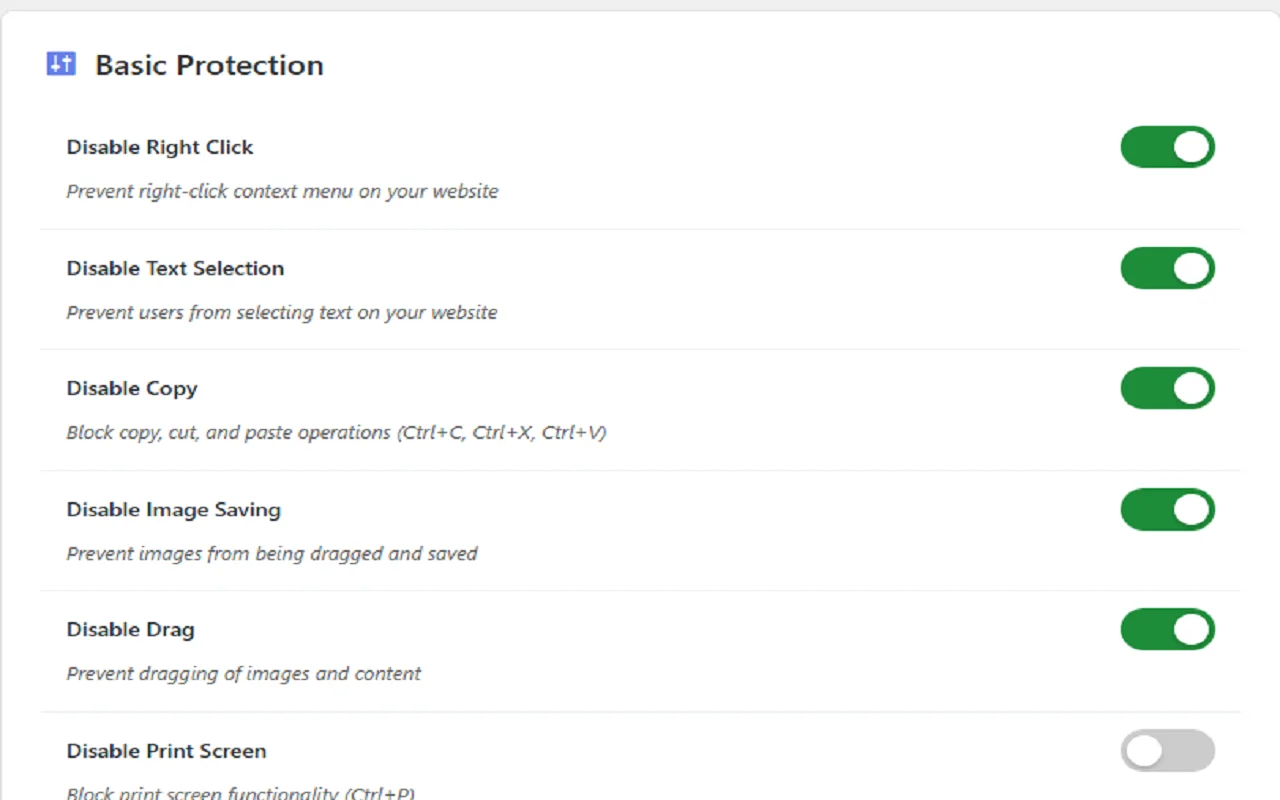
All protection features are optional and can be enabled or disabled individually according to your needs. Important NoticeThis plugin provides client-side protection only and does not guarantee complete or unbreakable security. It is intended to discourage casual copying, not to prevent advanced or technical users. Key Features Disable right-click context menu Disable text selection Block copy, cut, and paste shortcuts Prevent image dragging and saving Disable print shortcut (Ctrl / Cmd + P) Optional warning message on restricted actions Advanced option to block common developer tools shortcuts Lightweight and fast with no external libraries Simple and clean WordPress admin settings panel How It Works The plugin uses JavaScript and CSS to limit browser actions commonly used for copying content.
Settings are applied instantly and stored in a single WordPress option for easy management. Use Cases Blogs and content-based websites Educational and documentation sites Portfolio and photography websites Personal and business WordPress sites What’s Included WordPress plugin files HTML documentation Admin interface screenshots Free updates for bug fixes Requirements WordPress 5.0 or higher PHP 7.0 or higher JavaScript enabled in the browser Support Support includes installation assistance and bug fixes.Custom feature development is not included.
Seller Note This plugin follows WordPress coding standards and marketplace guidelines, with clear documentation of limitations.
Features
✨ Features
Disable right-click context menu
Disable text selection on pages and posts
Block copy, cut, and paste keyboard shortcuts
Prevent image dragging and right-click image saving
Disable print shortcut (Ctrl / Cmd + P)
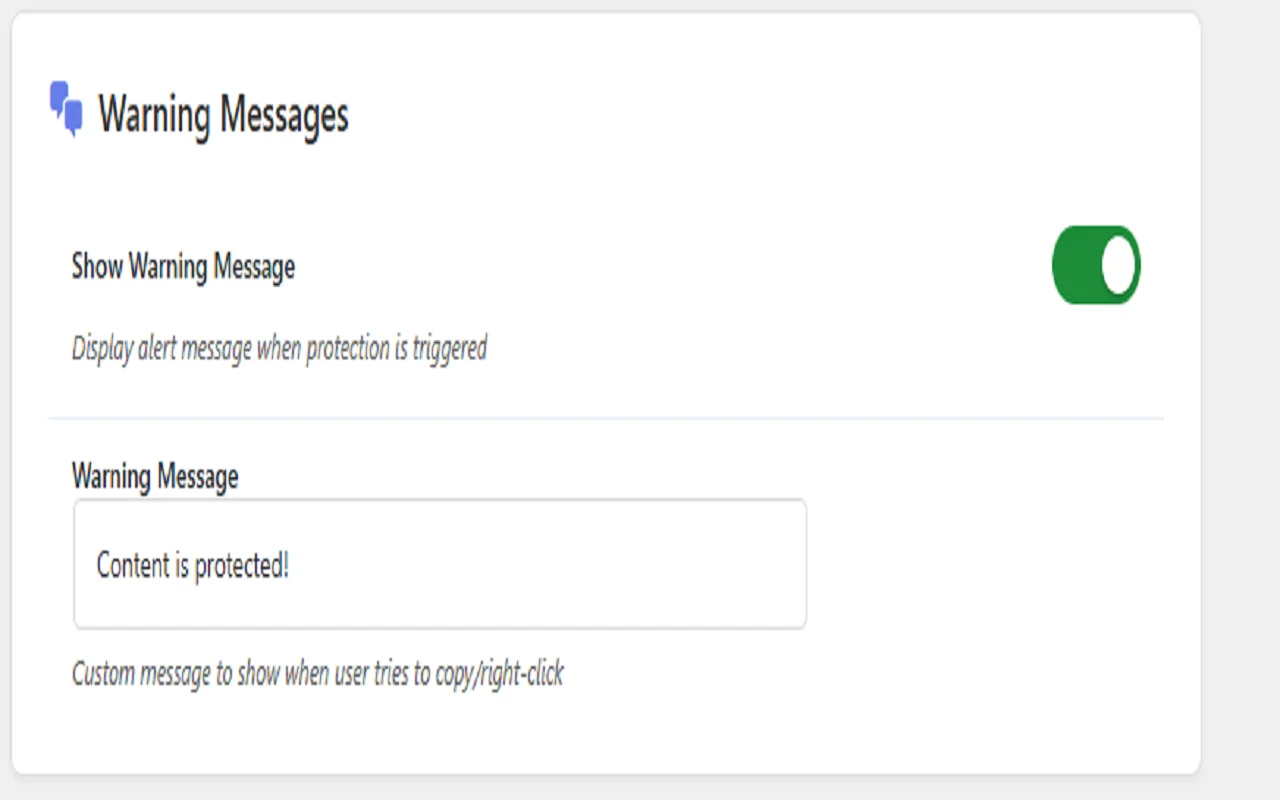
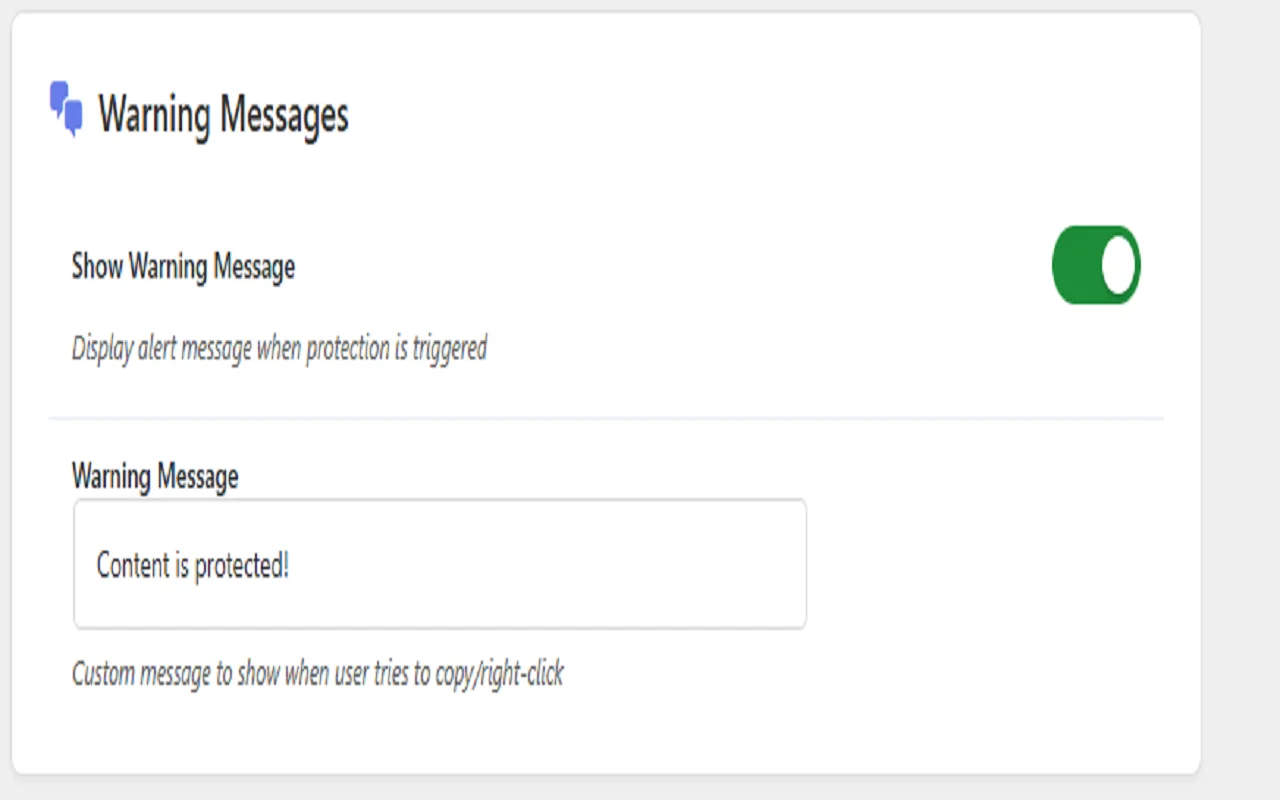
Optional warning message when restricted actions are triggered
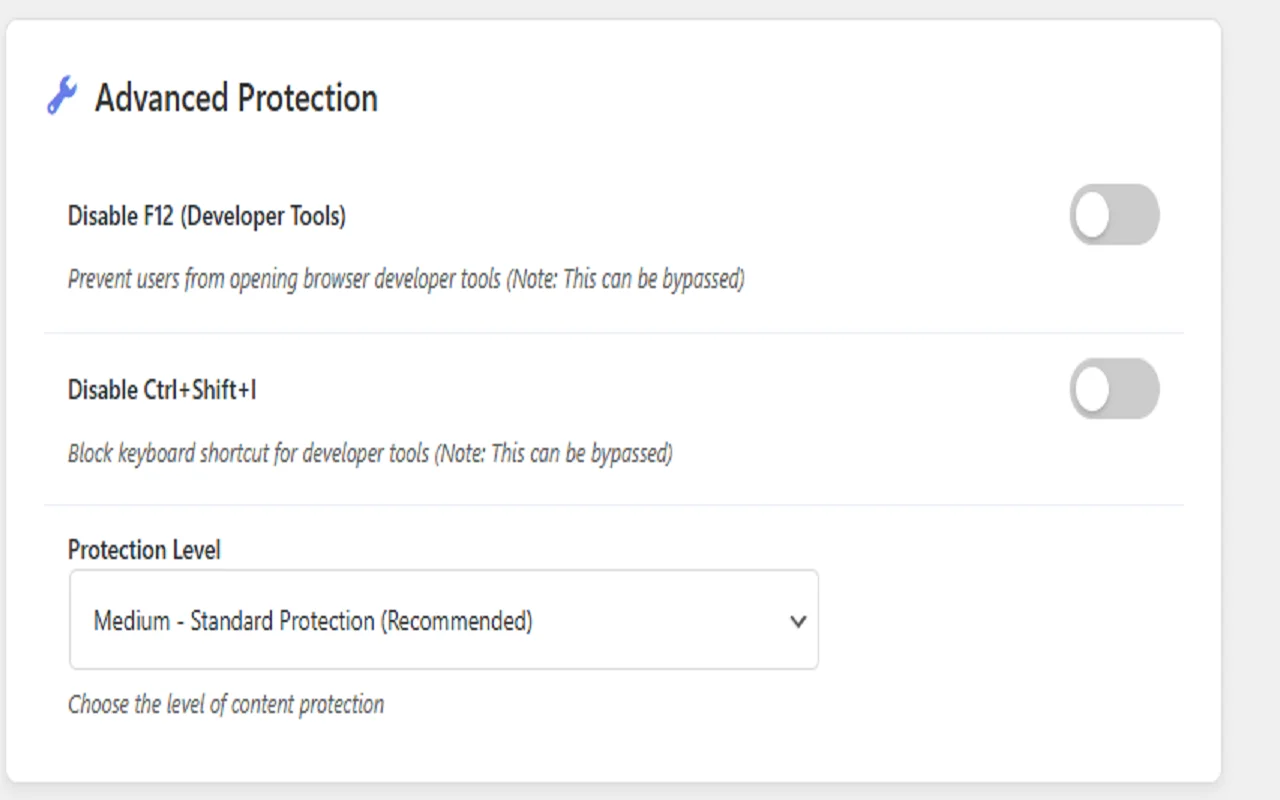
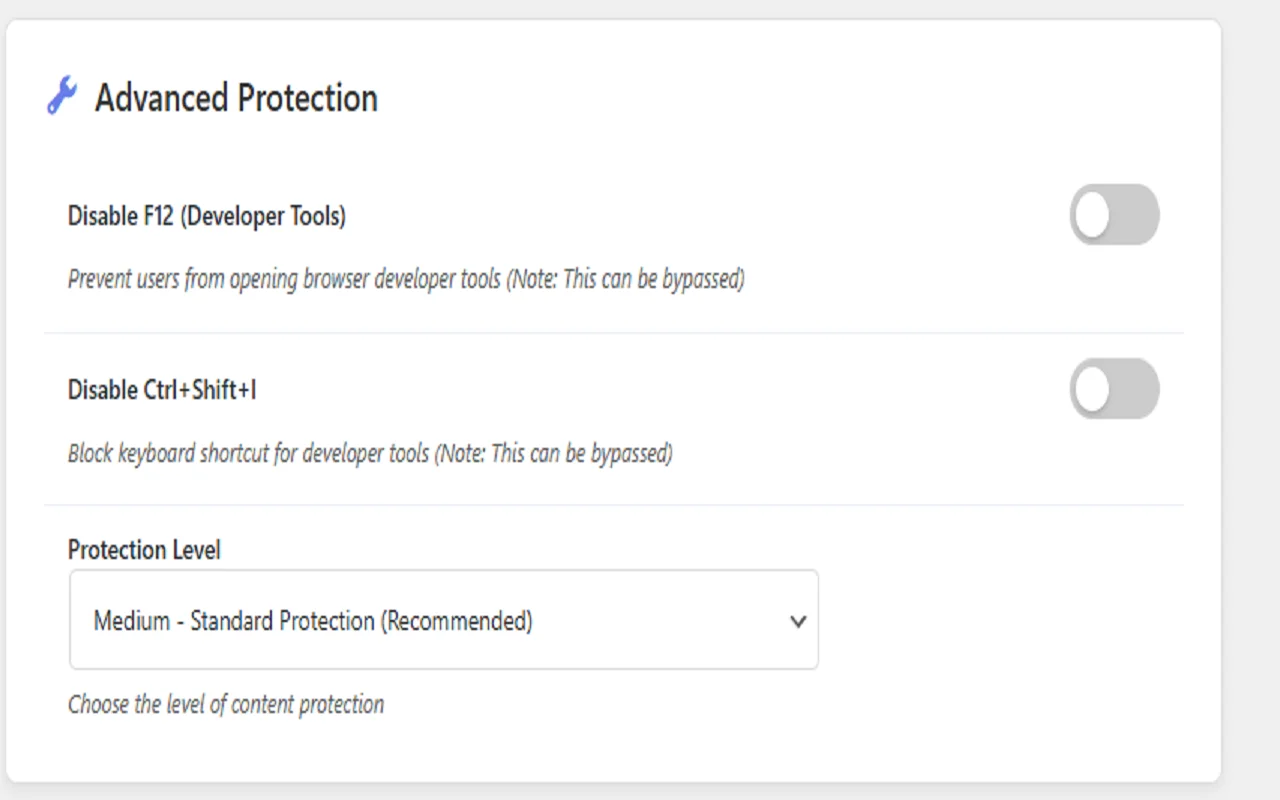
Advanced option to block common developer tools shortcuts (F12, Ctrl + Shift + I)
Lightweight and performance-friendly
Simple and easy-to-use admin settings panel
All features can be enabled or disabled individually
Compatible with most WordPress themes and page builders
⚠️ Note for Buyers
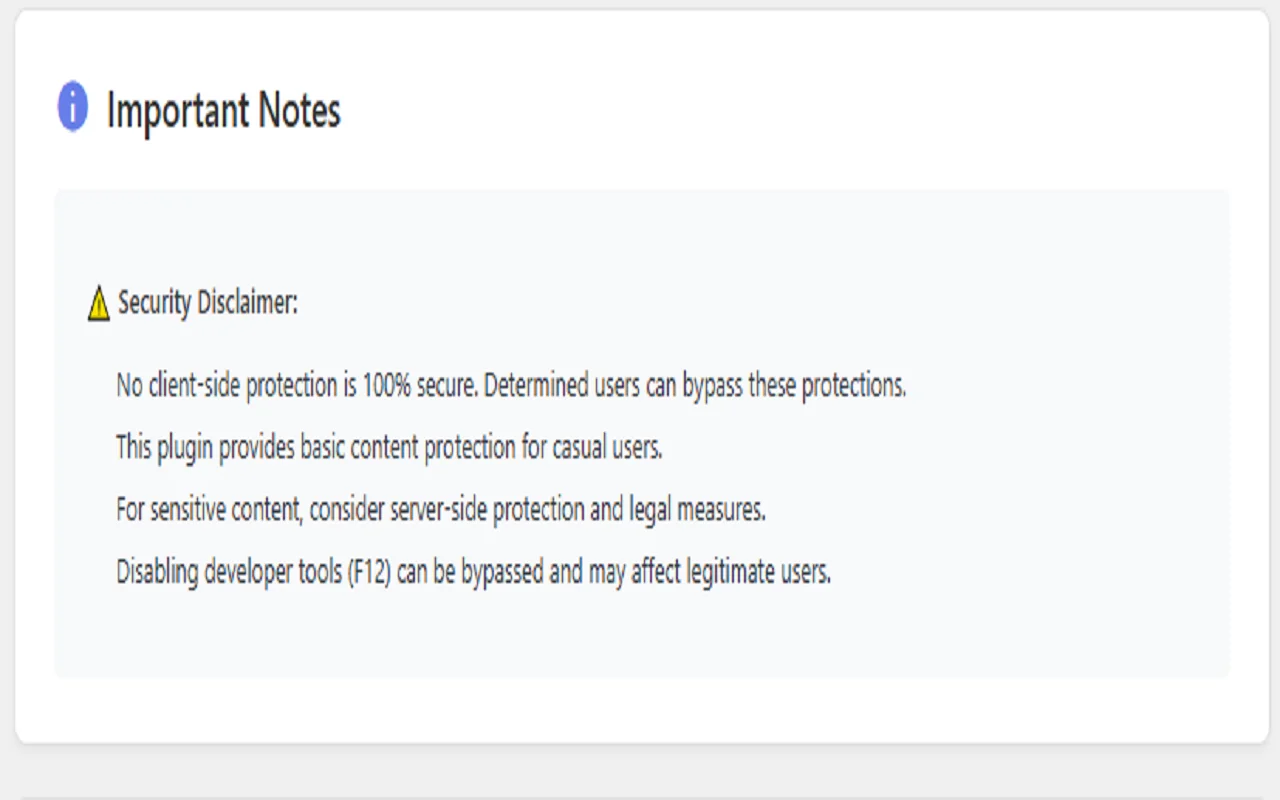
This plugin uses client-side protection techniques to discourage casual copying and does not provide complete or unbreakable security.
$ 20
- Verified source code
- Join 35541+ buyers which trust us!
- Download code immediately

100% Guarantee For Item!
Satisfaction guarantee policy.
Satisfaction guarantee policy.
Information
| Category | Plugins / WordPress Plugins |
| First Release | 9 January 2026 |
| Files included | .php, .html, .css, .cs, .c |
| Supported CMS | WordPress 5.0, WordPress 4.9, WordPress 4.8, WordPress 4.7, WordPress 4.6, WordPress 4.5, WordPress 4.4, WordPress 4.3, WordPress 4.2, WordPress 4.1, WordPress 4.0 |
| File Size | 20 MB |
| Frameworks | WordPress Plugins |
Similar Items