

FlyINBOX
Choose the transfer method that fits your needs. You can migrate emails directly from one server to another (IMAP)…
Item Description
Select the transfer method that best matches your workflow and technical requirements. This feature offers flexible options for managing email data across different environments. You can perform a direct server-to-server migration using IMAP for seamless transfers without intermediate storage. Alternatively, export emails from a server into a compressed ZIP archive for backup, archiving, or offline use.
You can also import previously exported ZIP files back into a mail server, making it easy to restore or replicate data. For larger operations, the multi-account CSV option allows you to process multiple mailboxes simultaneously, streamlining bulk migrations and saving time when managing multiple users or domains. The system is engineered for high efficiency, minimizing resource usage while delivering smooth, fast, and reliable email extraction and transfer.
It has been successfully tested with large-scale migrations, including transfers exceeding 20 GB, ensuring stability and consistent performance even with substantial volumes of data.
Features
Here are the features of FlyINBOX identified in this file:
Authentication & Accounts
- Registration, login, logout
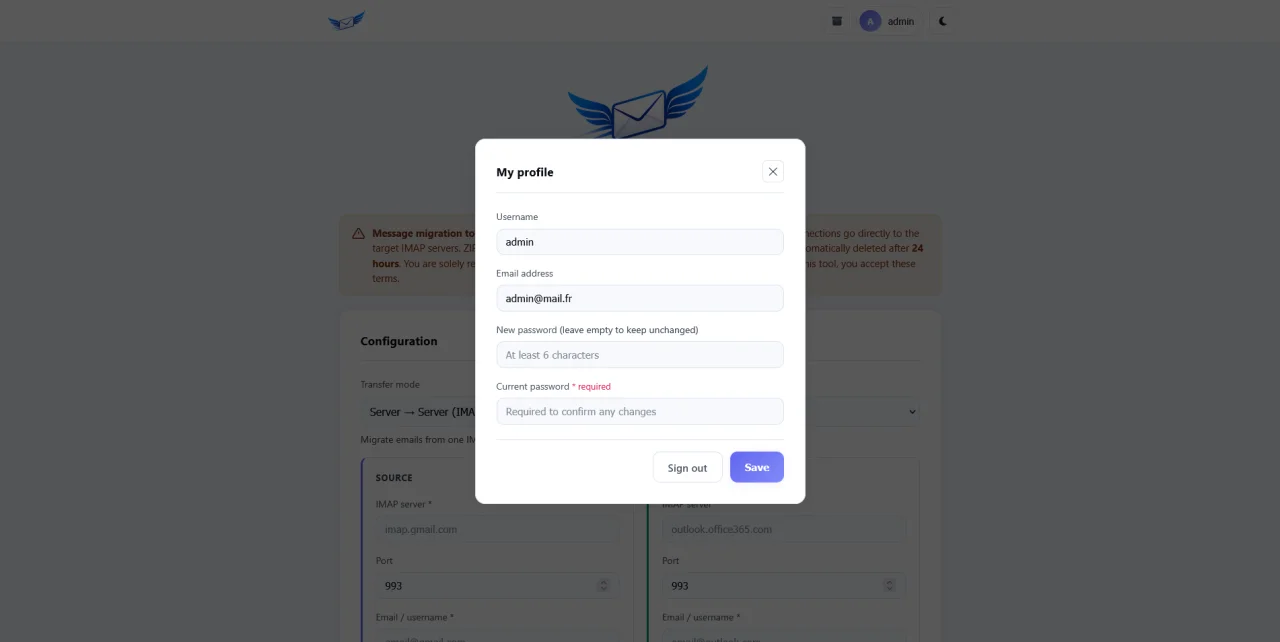
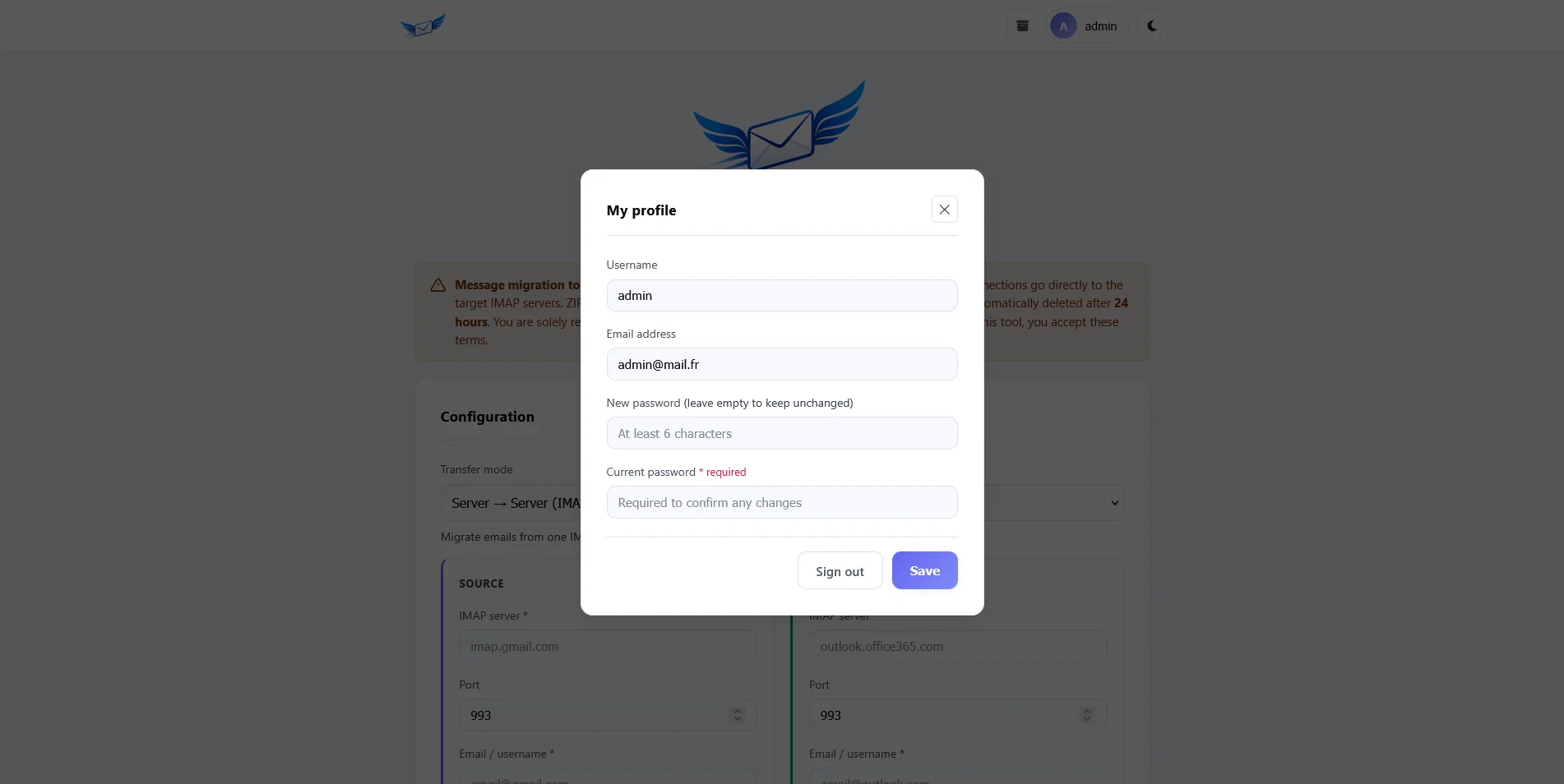
- Profile management in a modal (edit username, email, password)
- Current password verification required for any modification
- Protection of sensitive actions via
Auth::requireAuth()
Email Transfer Modes (4 modes)
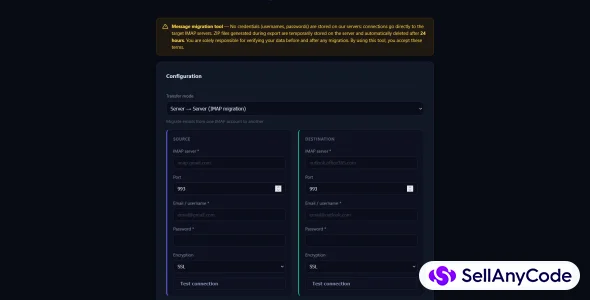
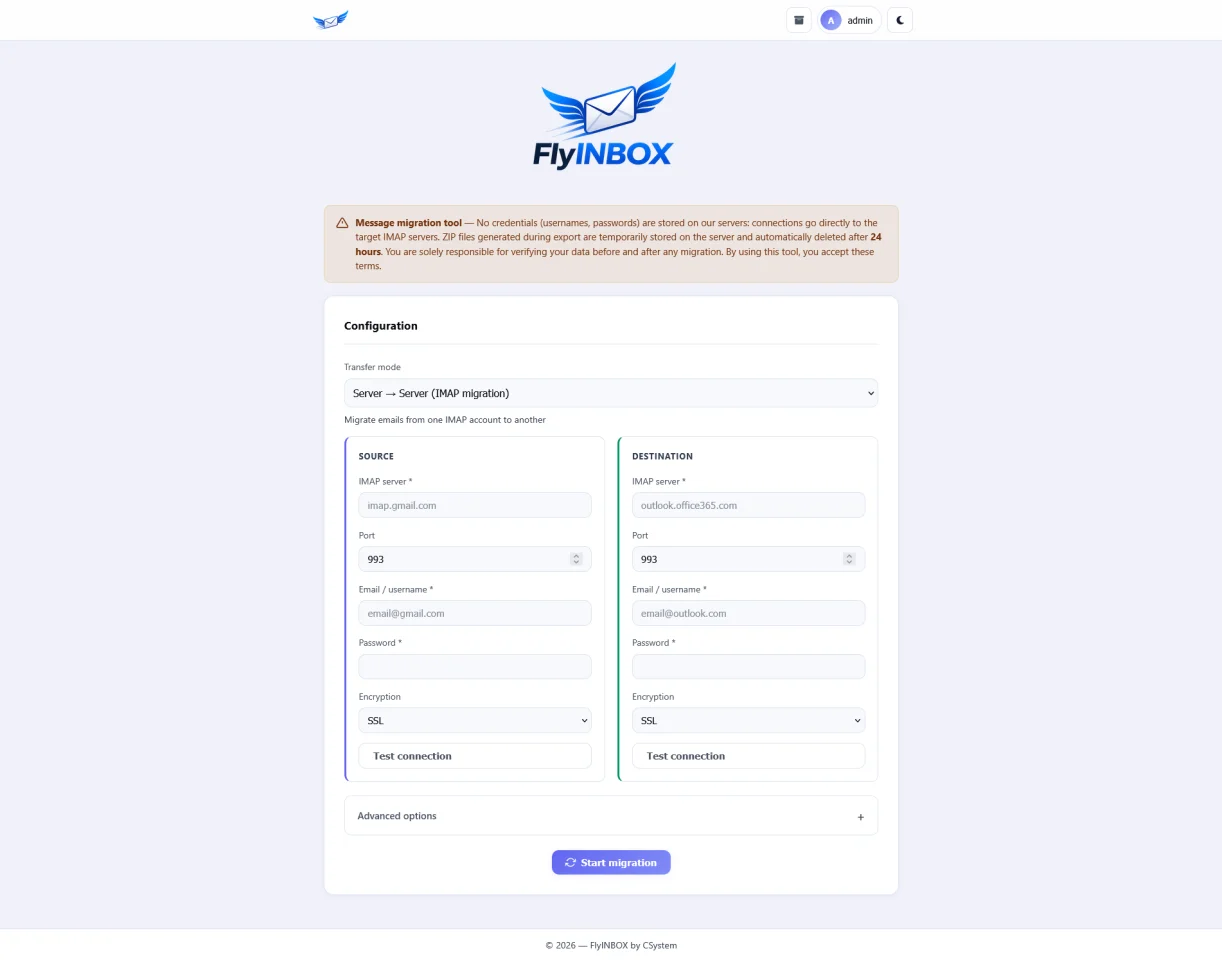
- Server to Server: direct IMAP migration between two accounts
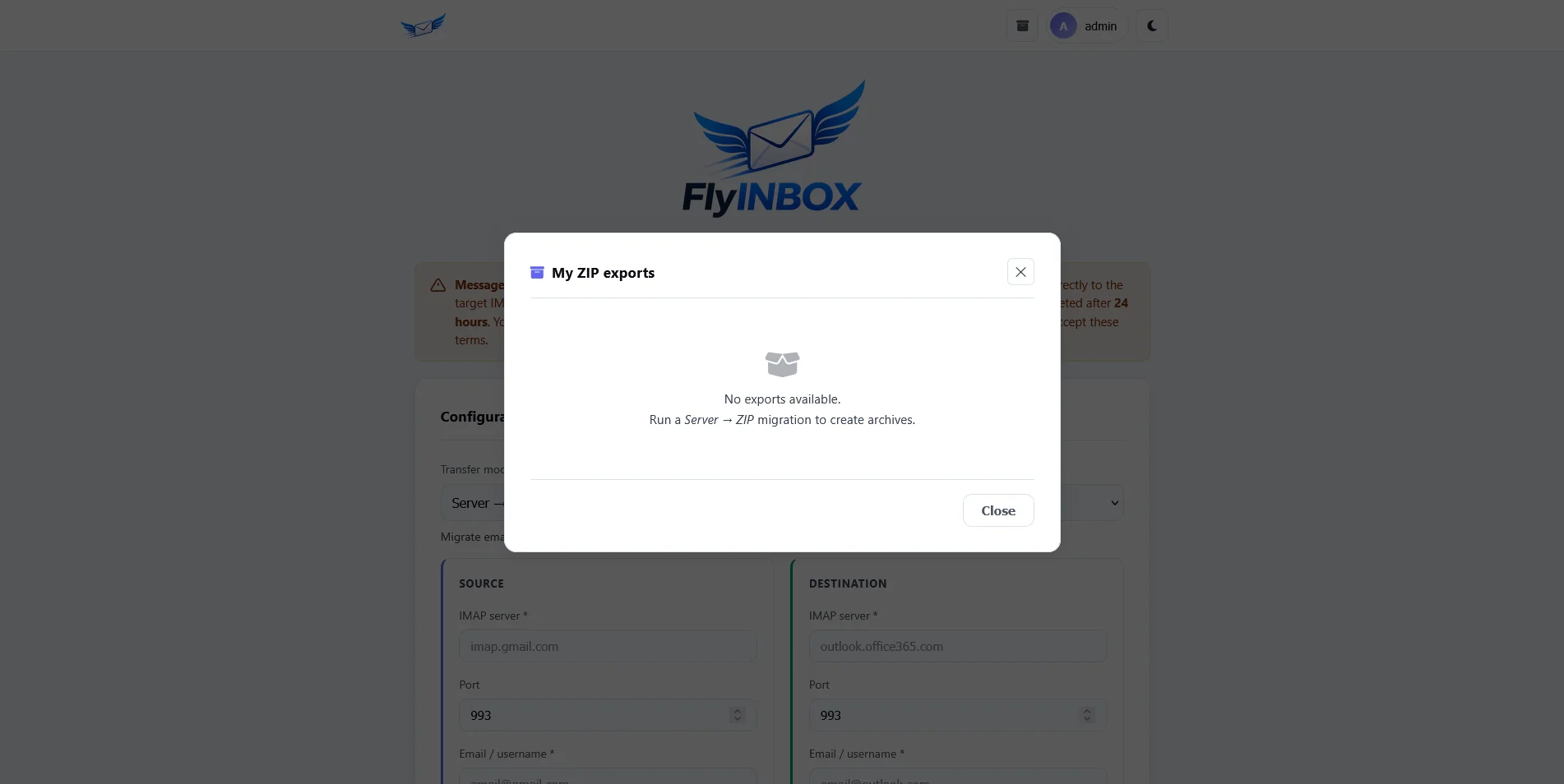
- Server to ZIP: export an IMAP account to a downloadable ZIP file
- ZIP to Server: import a ZIP containing .eml files into an IMAP account
- Multi-account via CSV: batch migration of multiple accounts
IMAP Configuration
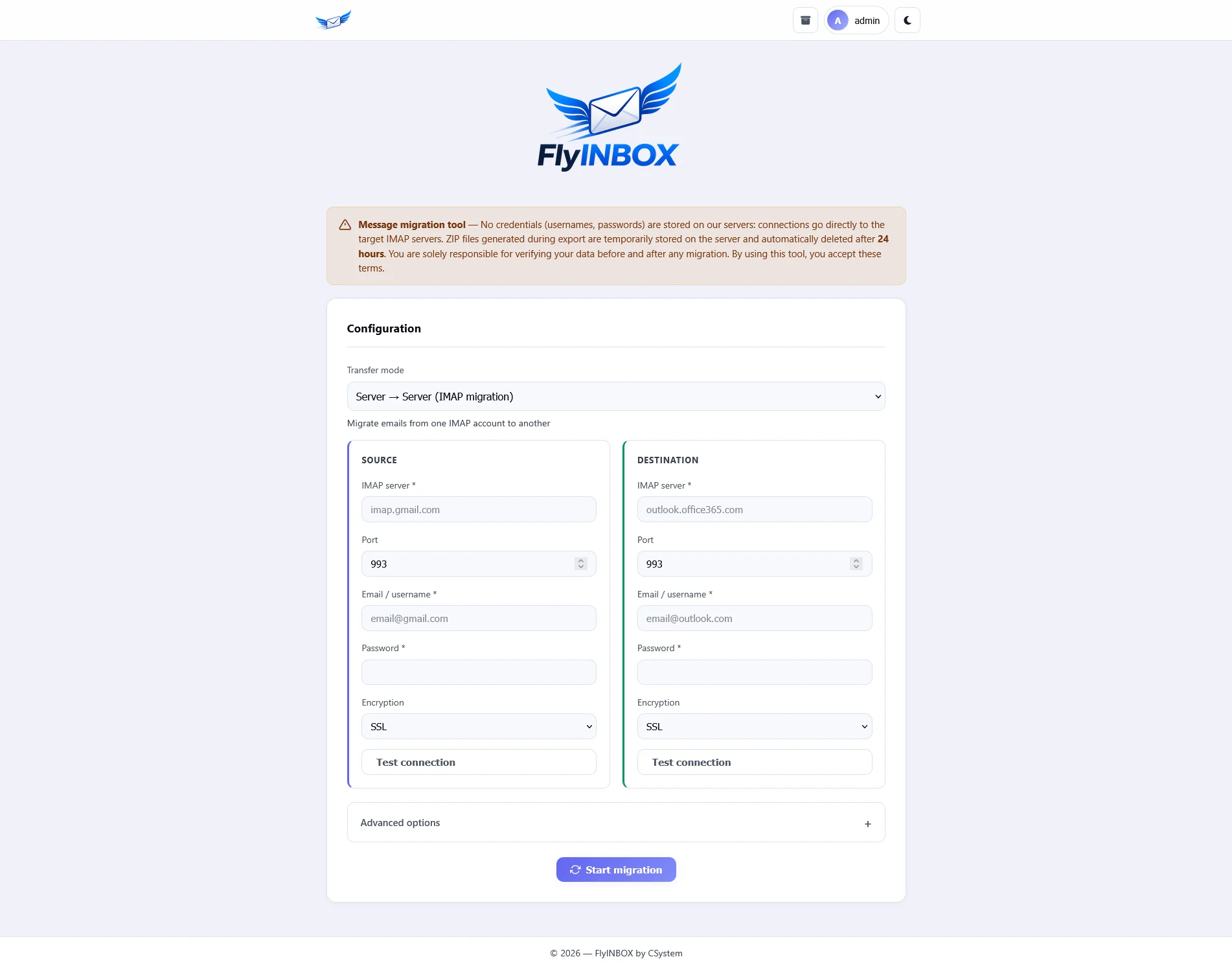
- Configurable host, port, username, and password
- Encryption options: SSL / TLS / none
- Connection test before migration (counts folders and messages)
Advanced Migration Options
- Dry-run mode (simulation)
- Forced exact copy (duplicates included)
- Skip duplicates
- Flag synchronization (read/unread, etc.)
- Preservation of internal dates
- List of folders to exclude
- Optional message limit
ZIP Export Management
- Temporary storage with configurable retention (EXPORT_RETENTION_HOURS, 24h by default)
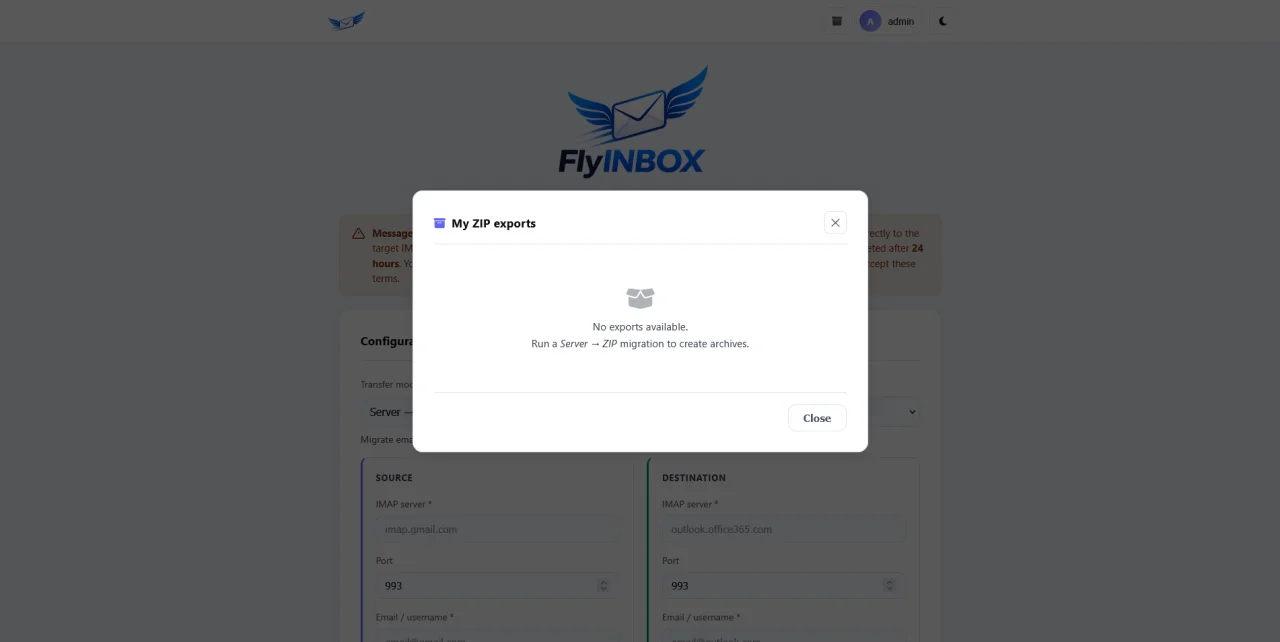
- Personal export history in a dedicated modal
- Chunked download streaming (1 MB chunks)
- Manual deletion from the server
- Detection of missing files (shown as “Deleted”)
Chunked Upload
- Automatic splitting of large ZIP files into 50 MB parts
- Unique upload token with server-side reassembly
- Real-time progress bar
Real-Time Monitoring
- Live log streaming during migration (XHR with progressive reading)
- Color-coded logs by level ([ERROR], [WARN], [OK])
- Live statistics: folders, copied/skipped messages, errors, transferred bytes
Interface
- Persistent light/dark theme (localStorage)
- Responsive design (mobile ≤ 700px)
- Sticky header with user avatar
- Animated modals (profile, exports)
Utilities
- Downloadable sample CSV file for multi-account mode
- Verification of required PHP extensions (imap, mbstring, json, zip) with a dedicated error page
Security & Privacy
- No storage of IMAP credentials (direct server-to-server connections)
- Download tokens verified against the authenticated user
- Strict path validation (realpath + .zip extension)
- Token sanitization (regex
[^a-f0-9]) - Automatic deletion of temporary files after import
$ 400
- Verified source code
- Join 35927+ buyers which trust us!
- Download code immediately

100% Guarantee For Item!
Satisfaction guarantee policy.
Information
| Category | Scripts & Code / PHP Scripts |
| First Release | 5 May 2026 |
| Files included | .php, .css, .sql, .cs, .c |
| Framework Javascript | jQuery |
| Software version | PHP 7.0, PHP 7.1, PHP 7.2, PHP 7.3, PHP 7.4 |
| File Size | 1 MB |
| Database version | MySQL 4.x, MySQL 5.x |
| Frameworks | PHP Scripts |
Similar Items