
Mx Grau: Advanced Wheelie Physics
Optimized Unity bike template. Source code with advanced wheelie physics & 1-click rigging, and Unity Ads.
Item Description
MX Grau - Complete Motorcycle Wheelie Game Source Code for Unity
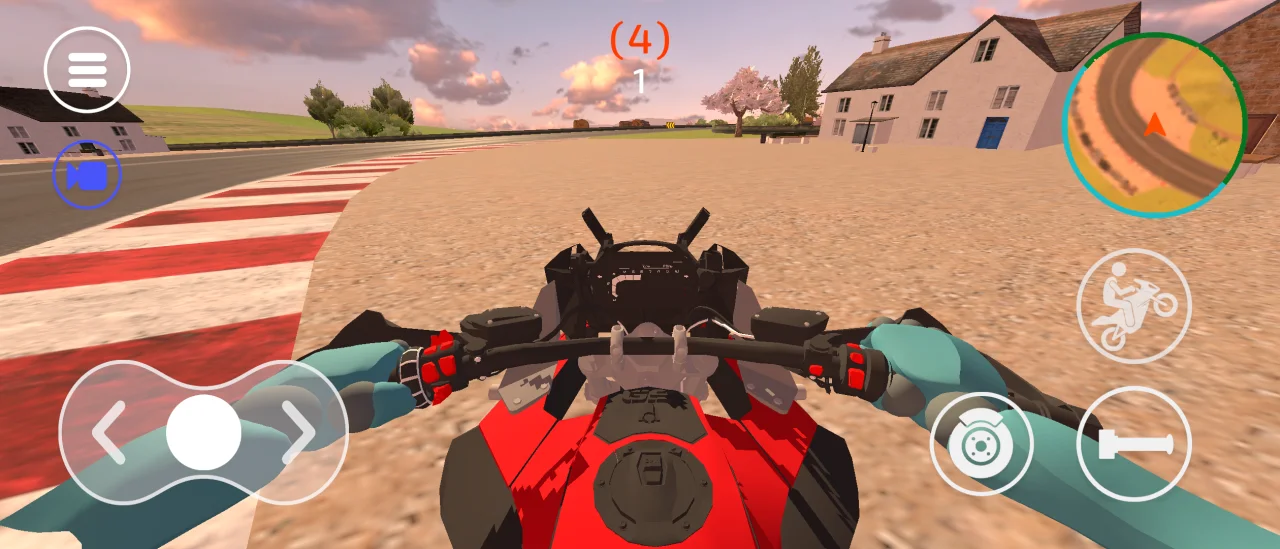
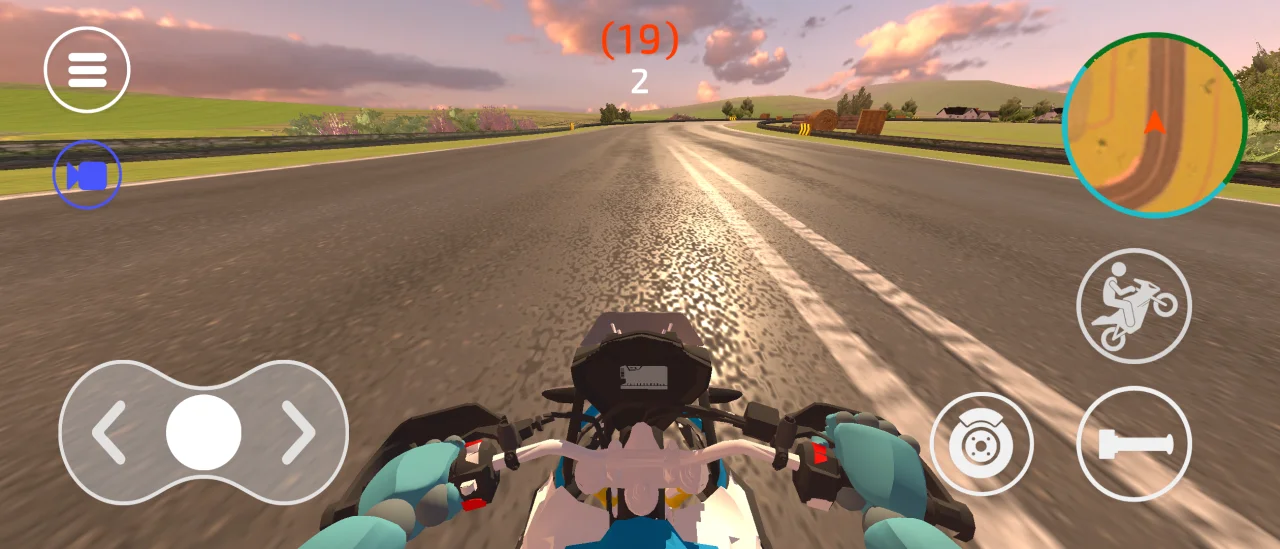
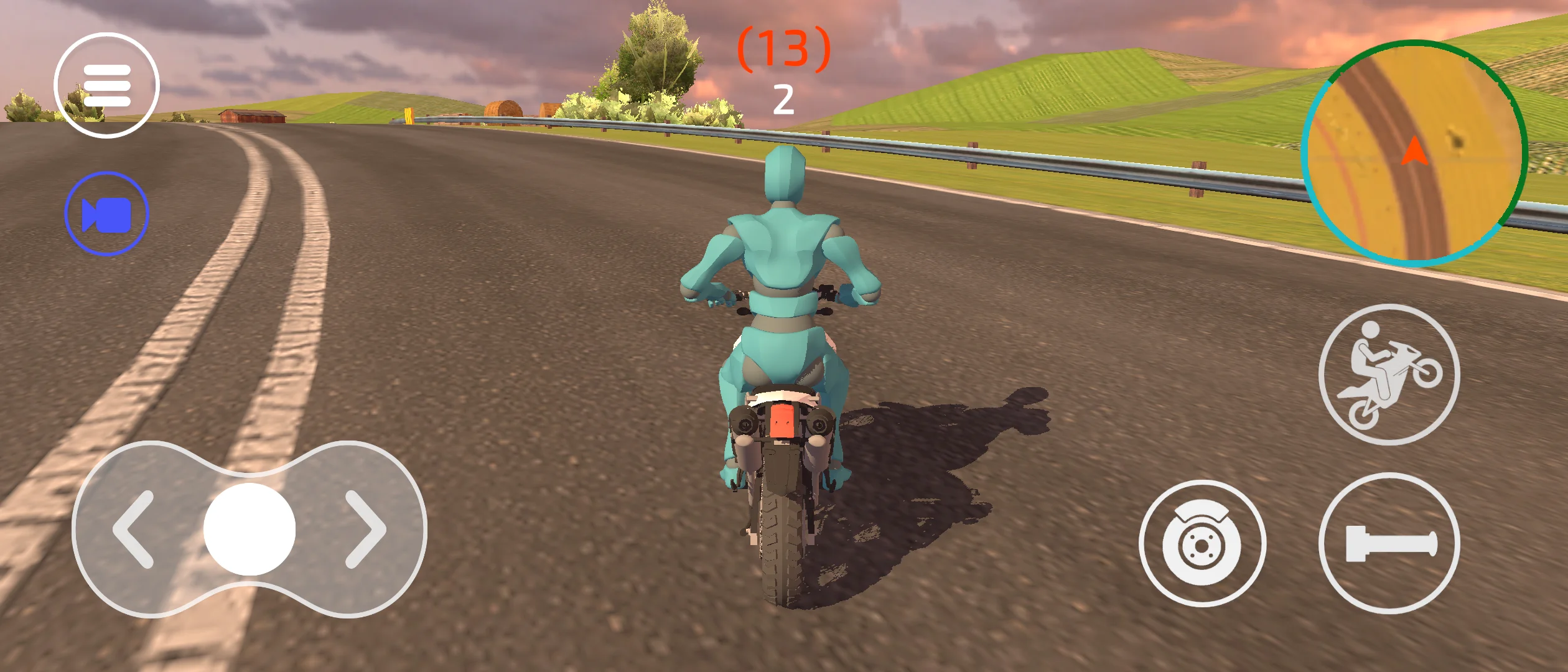
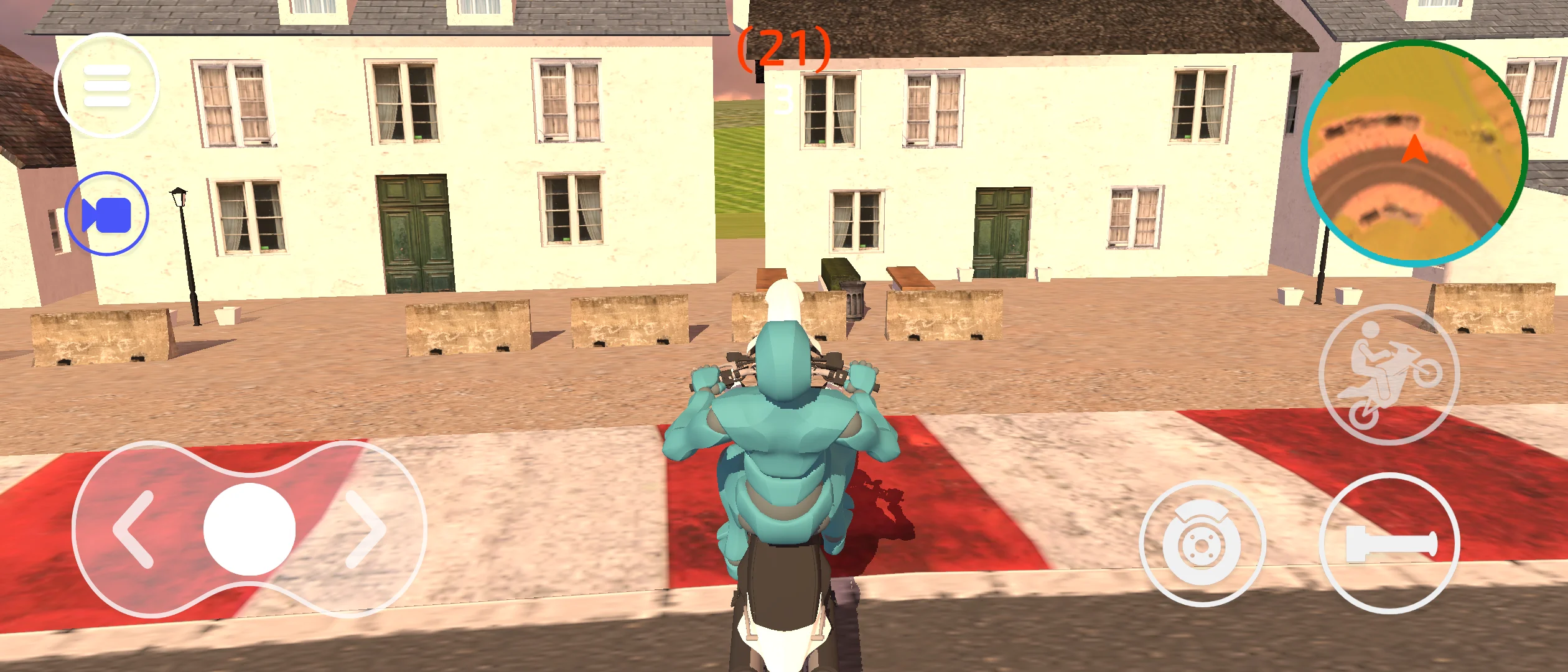
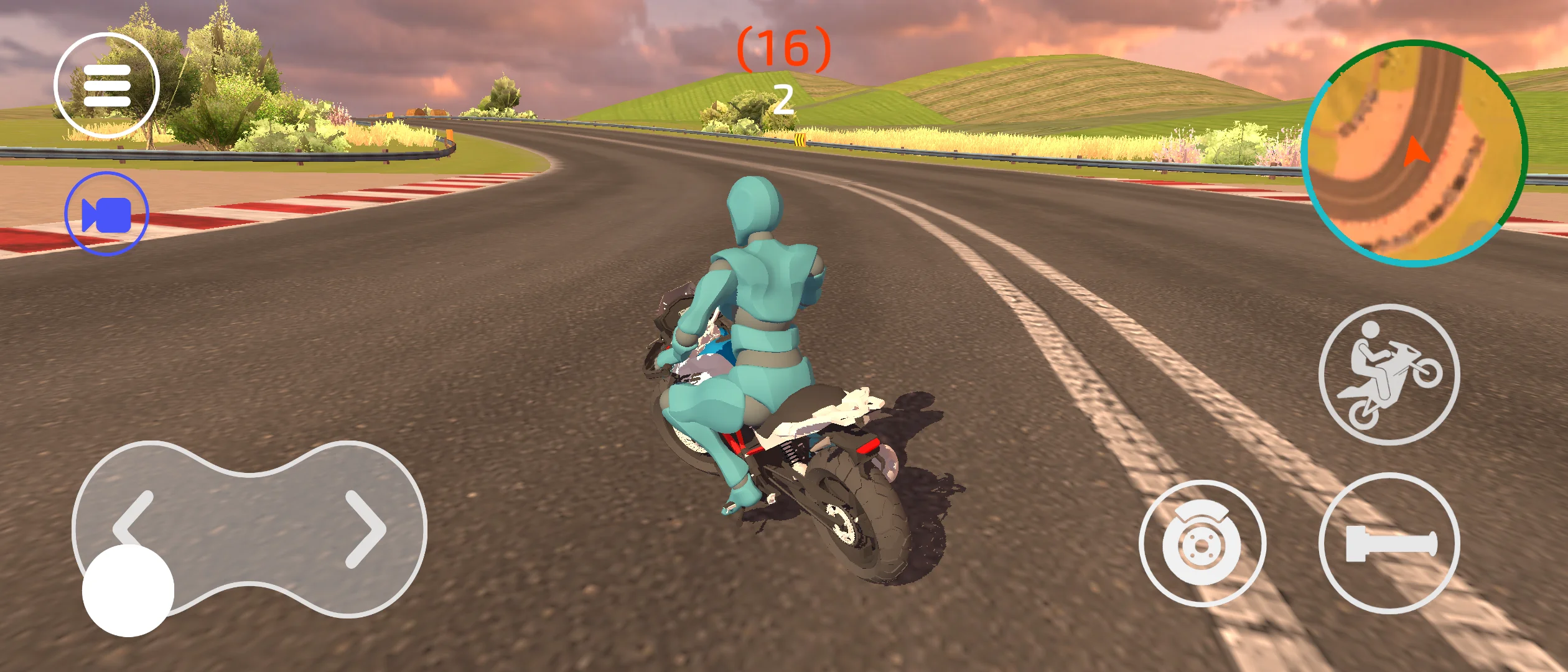
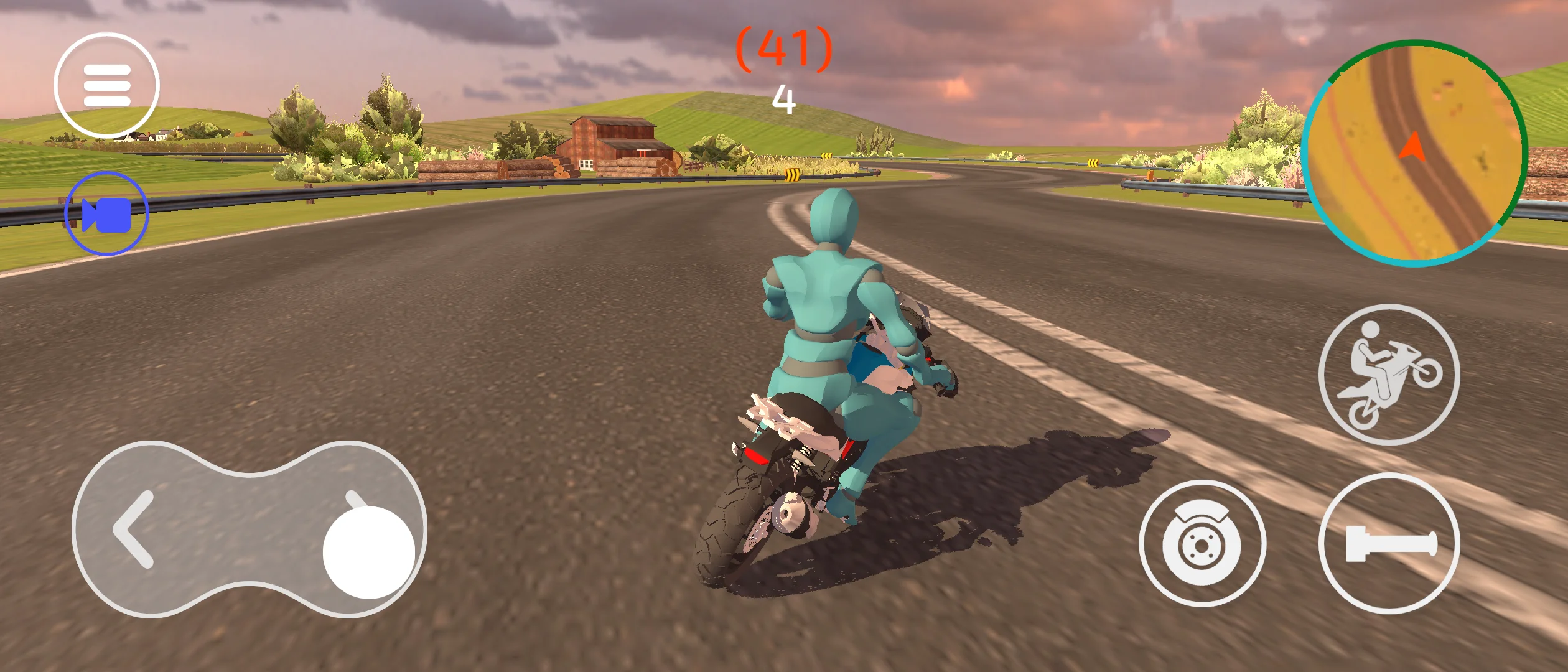
MX Grau is a complete motorcycle stunt and wheelie game source code designed for Unity. Inspired by popular urban riding and freestyle motorcycle games, it provides a solid foundation for developers looking to create their own bike simulator, stunt game, or open-world riding experience.
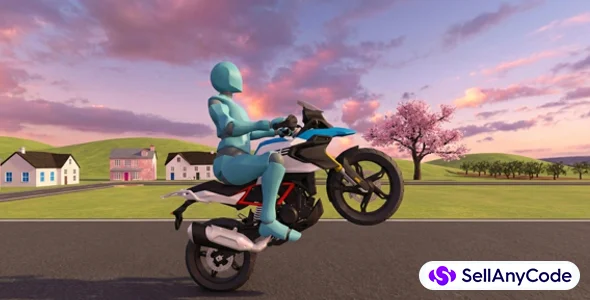
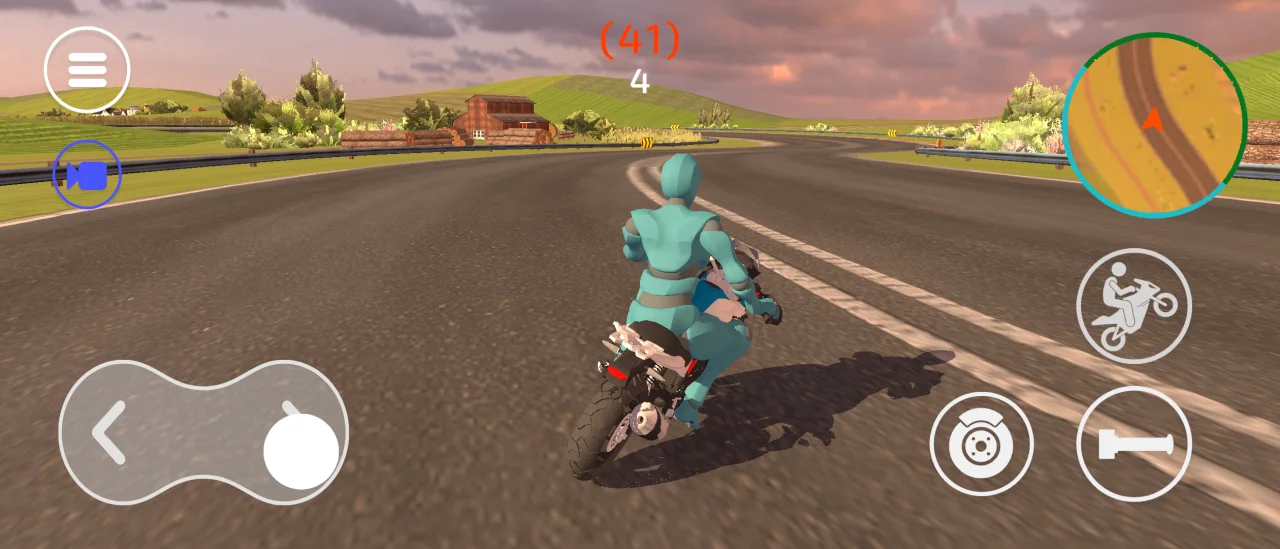
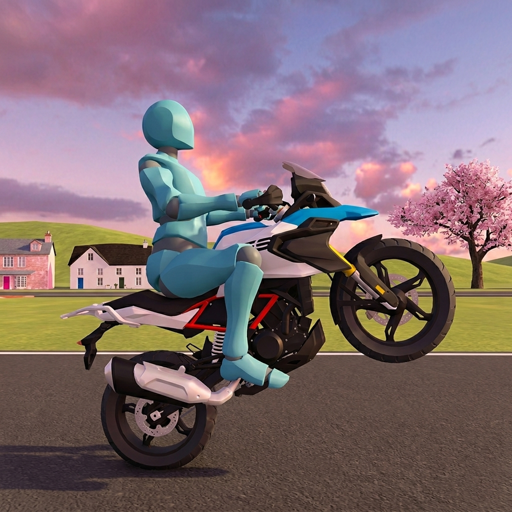
- Advanced Wheelie & Stunt System – Realistic wheelies, balance control, lean mechanics, stoppies, and freestyle riding physics.
- Production-Ready Vehicle Fleet – Includes street motorcycles, supermotos, touring bikes, adventure bikes, and bicycles.
- Mobile-Optimized Models – Optimized vehicles designed for Android, iOS, PC, and WebGL platforms.
- Fully Customizable Vehicles – Easily customize colors, parts, and vehicle setups.
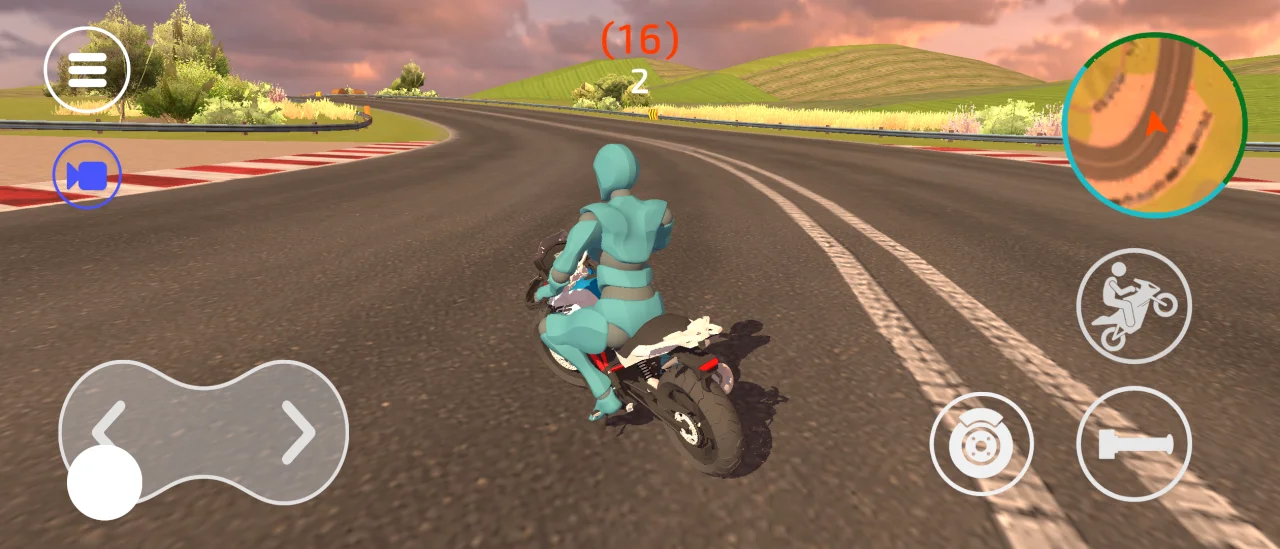
- Procedural Rider Animation System – Dynamic rider movement with realistic leaning, balancing, and weight transfer.
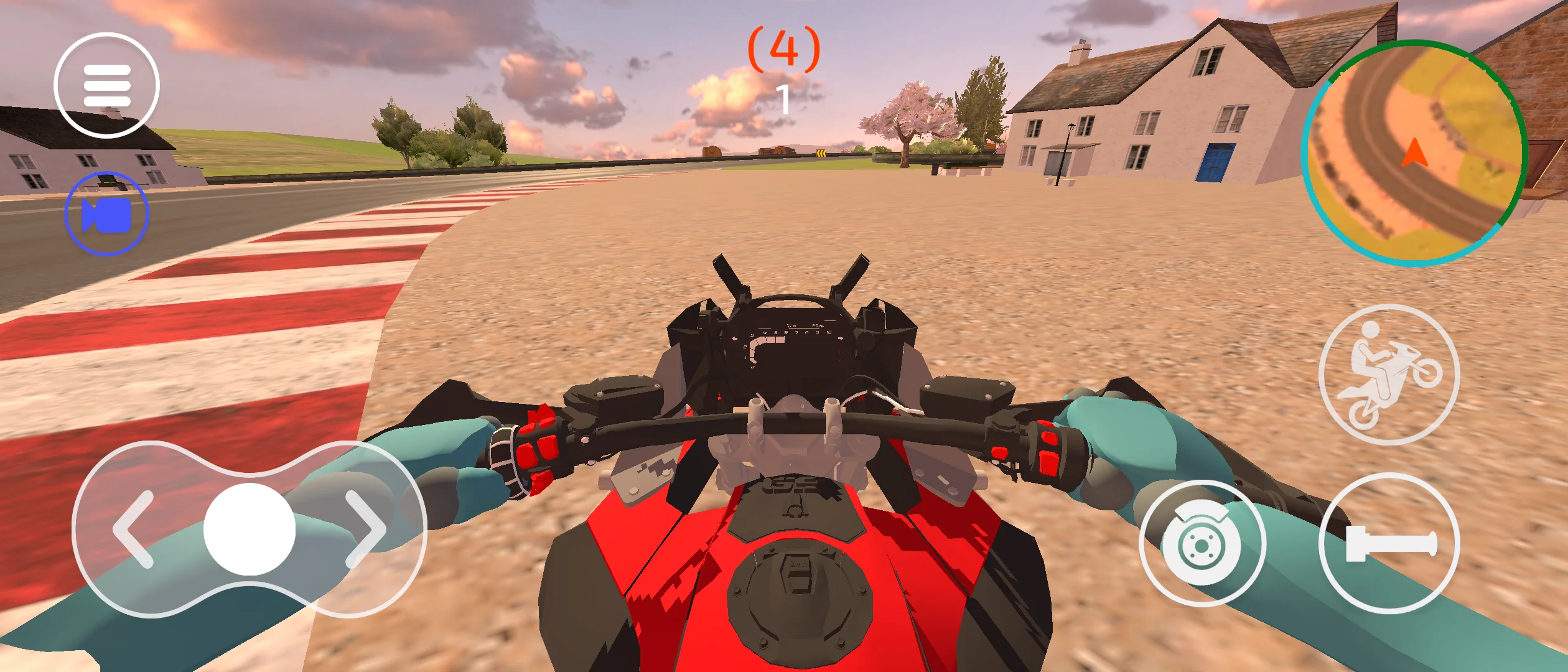
- Advanced IK Rider Controller – Natural rider positioning that adapts automatically to bike movement and terrain.
- Active Ragdoll Crash Physics – Realistic rider reactions during impacts, falls, and crashes.
- Only 3 Required Animations – Most rider movement is generated procedurally at runtime.
- One-Click Character Replacement – Quickly replace the rider with your own humanoid character.
- Mixamo Compatible – Import and configure Mixamo characters in seconds using the included setup tool.
- Highly Configurable Physics – Fine-tune engine power, gears, suspension, grip, wheel friction, and handling behavior.
Features
- 1-Click Easy Character Replacement: Automatically automates joint configurations, maps custom IK targets, and binds new Mixamo-style character meshes seamlessly in a single click.
- Simple, Highly Optimized C# Source Code: Built using a transparent, straightforward Rigidbody-based physics workflow with clean, well-commented code.
- Mobile-Optimized & WebGL Ready: Lightweight physics configurations ensure silky-smooth framerates on mobile touchscreen devices (Android/iOS) and modern web browsers.
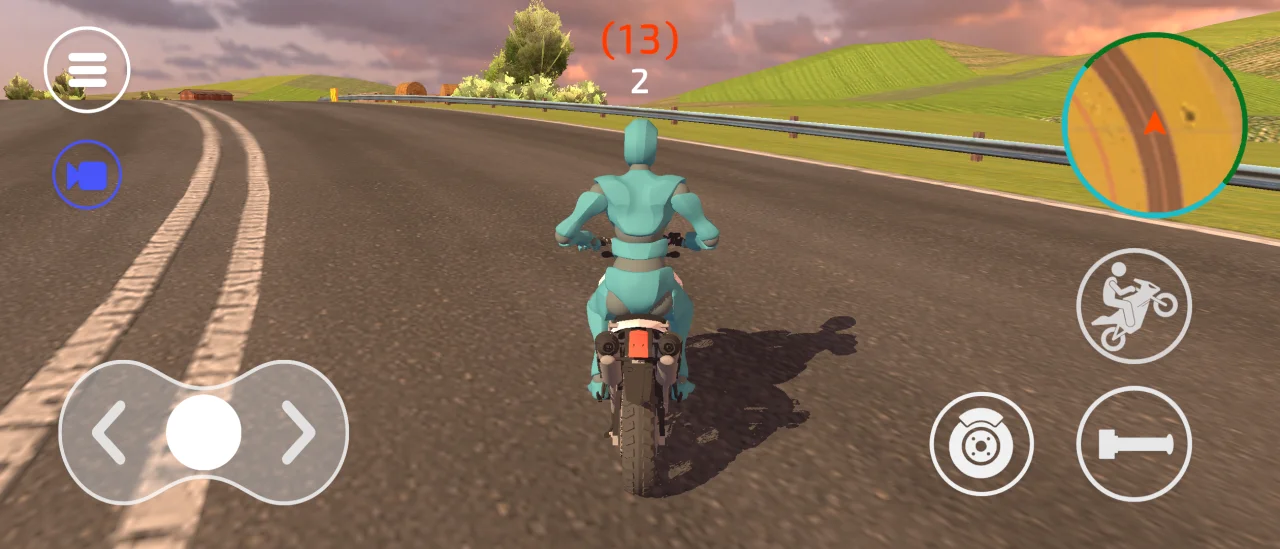
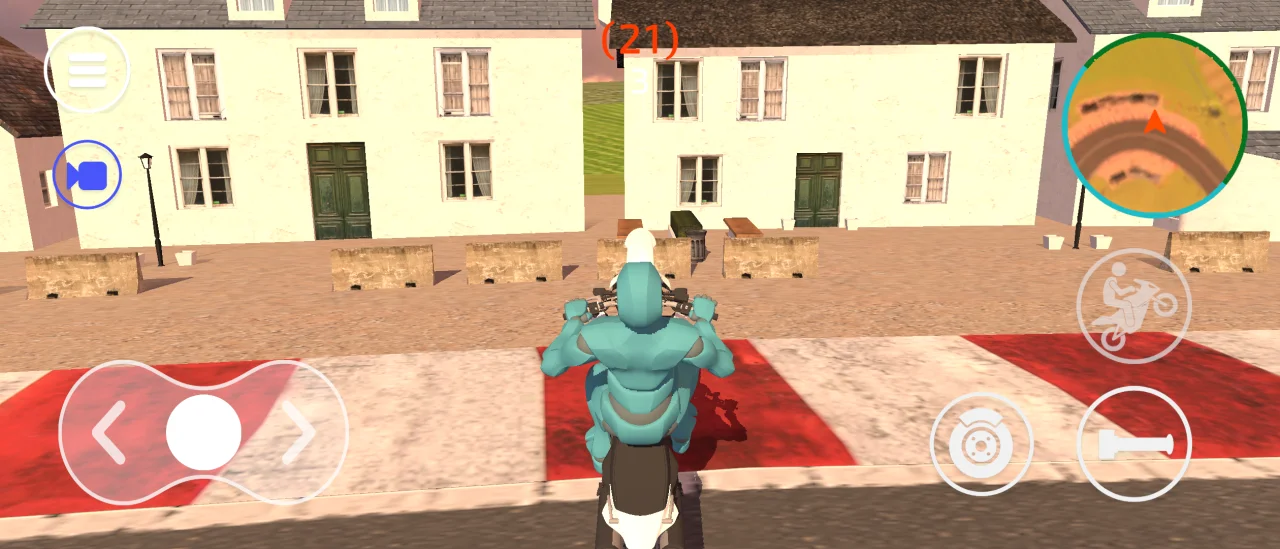
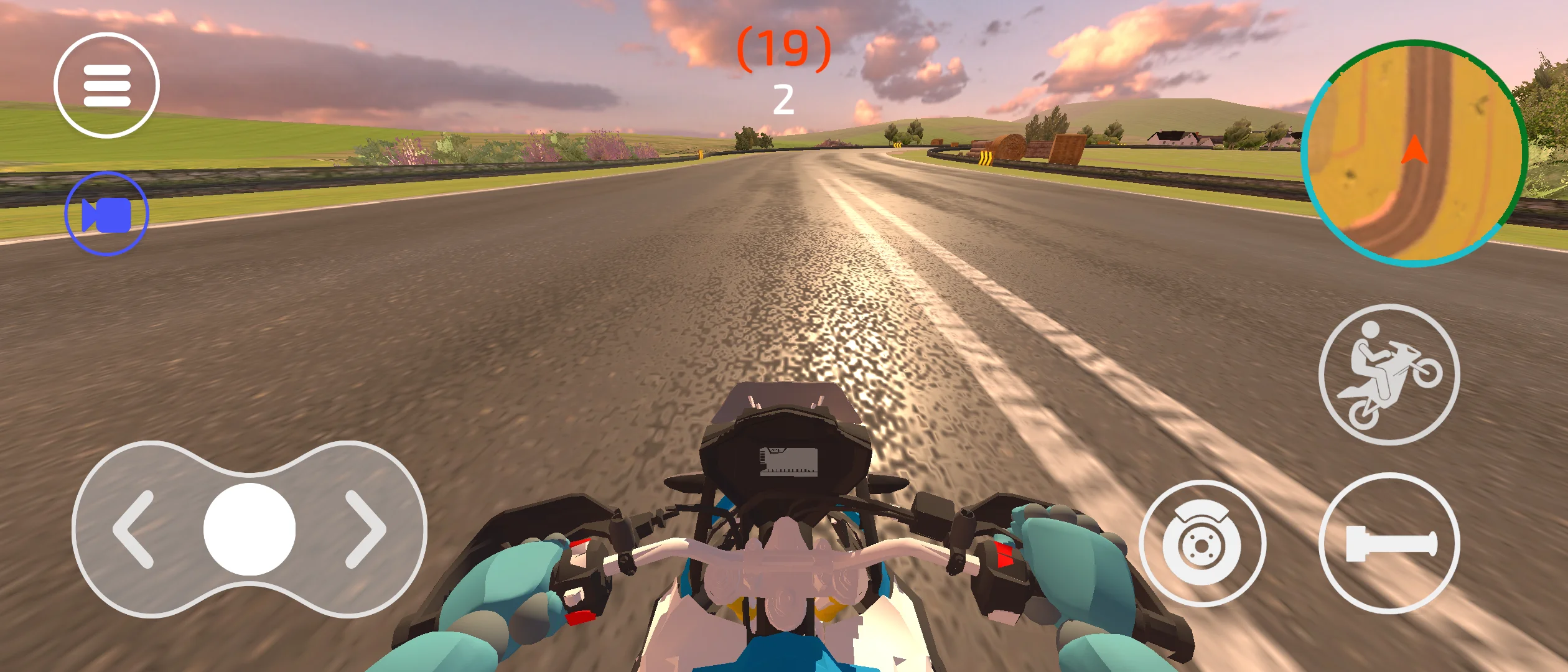
- Cross-Platform Controls – Includes ready-to-use keyboard controls, mobile touch controls, and virtual joystick UI. Built using Unity's New Input System, allowing seamless deployment to Android, iOS, PC, and WebGL with minimal setup.
- Built-in Monetization: Comes with a pre-configured Unity Ads system structure. Just input your Game ID to begin earning.
- Unity Editor: Unity 6 LTS or higher (Recommended)
- Packages Required: Unity Animation Rigging package (installed automatically or via Package Manager)
- Extract the Files: Download and extract the
.ziparchive containing the clean Unity project directory. - Open Project: Open Unity Hub, click Add, select the extracted project folder, and open it with your compatible Unity Editor.
- Follow Setup Pop-up: Once the project opens, an Instructions window will automatically pop up to guide you step-by-step through setting up your own custom character.
- Configure Monetization: Open the ad manager script and change the default Unity Ads Game ID to your own personal ID to enable ads and start earning.
- Build & Run: Choose your target platform (Android, iOS, WebGL, or PC), configure your build settings, and deploy!
$ 49
- Verified source code
- Join 35541+ buyers which trust us!
- Download code immediately

100% Guarantee For Item!
Satisfaction guarantee policy.
Satisfaction guarantee policy.
Information
| Category | Game Templates / Unity |
| First Release | 3 June 2026 |
| Platforms | Unity 2023 |
| Files included | .cs, .apk, .unityproj, .prefab, .fbx, .c |
| File Size | 100 MB |
| Frameworks | Unity |
Similar Items