
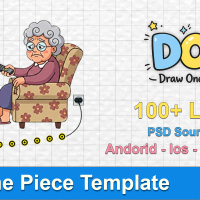
Draw One Piece Unity Template
TOP TRENDING GAME
Item Description
Overview
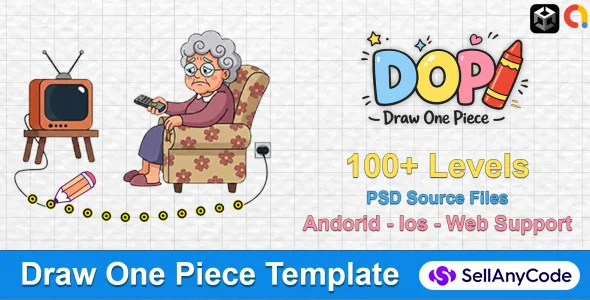
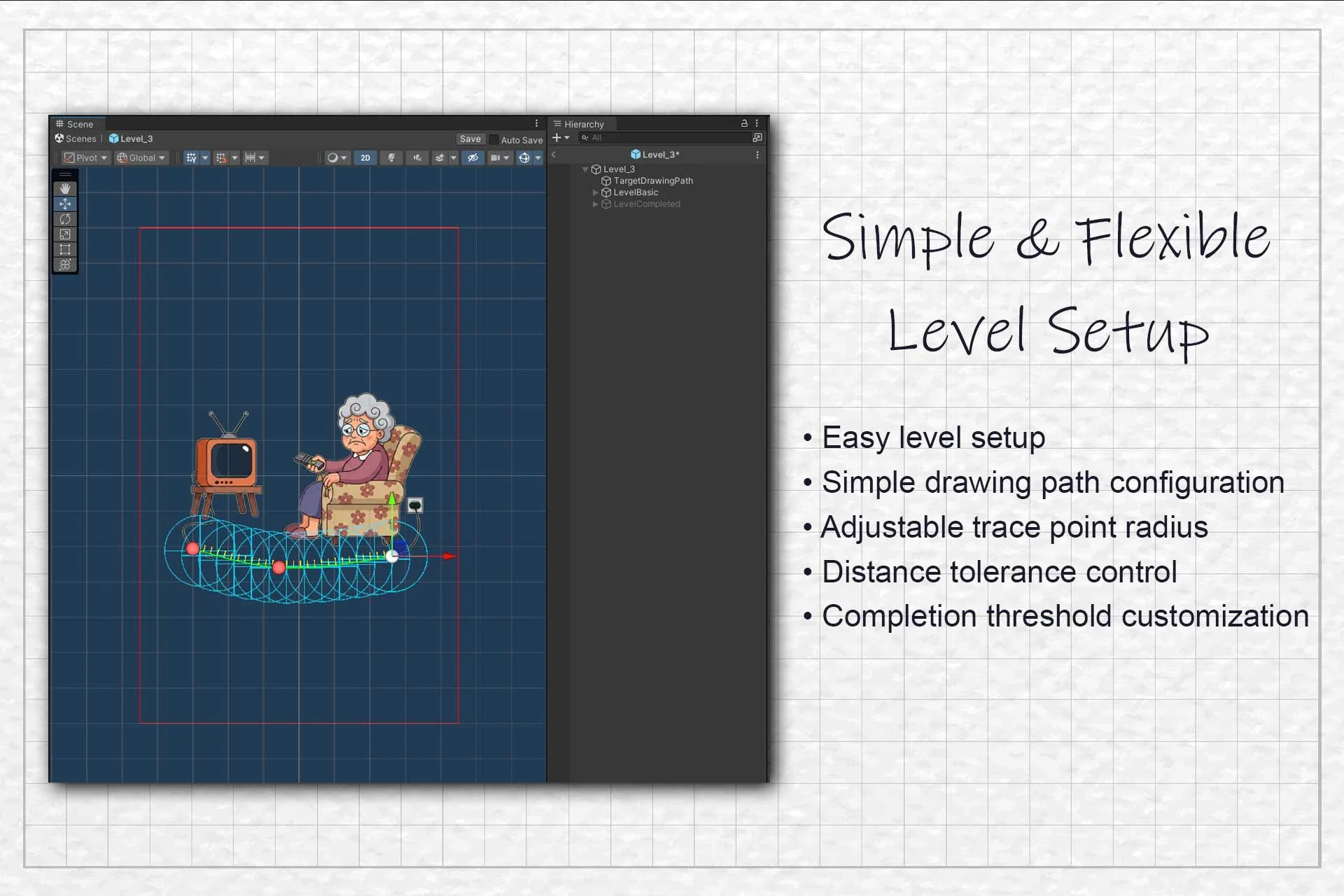
Draw One Piece is a complete, customizable mobile puzzle game template developed with Unity. It delivers a fully playable draw-to-complete puzzle game where players draw missing parts to solve creative visual challenges.
This package is designed as a ready-to-publish game template, not a framework. All core gameplay systems, UI, and tools are included and structured for easy understanding, modification, and fast publishing on the Google Play Store.
Try a Demo
Android Demo
Template Includes
Complete playable puzzle game
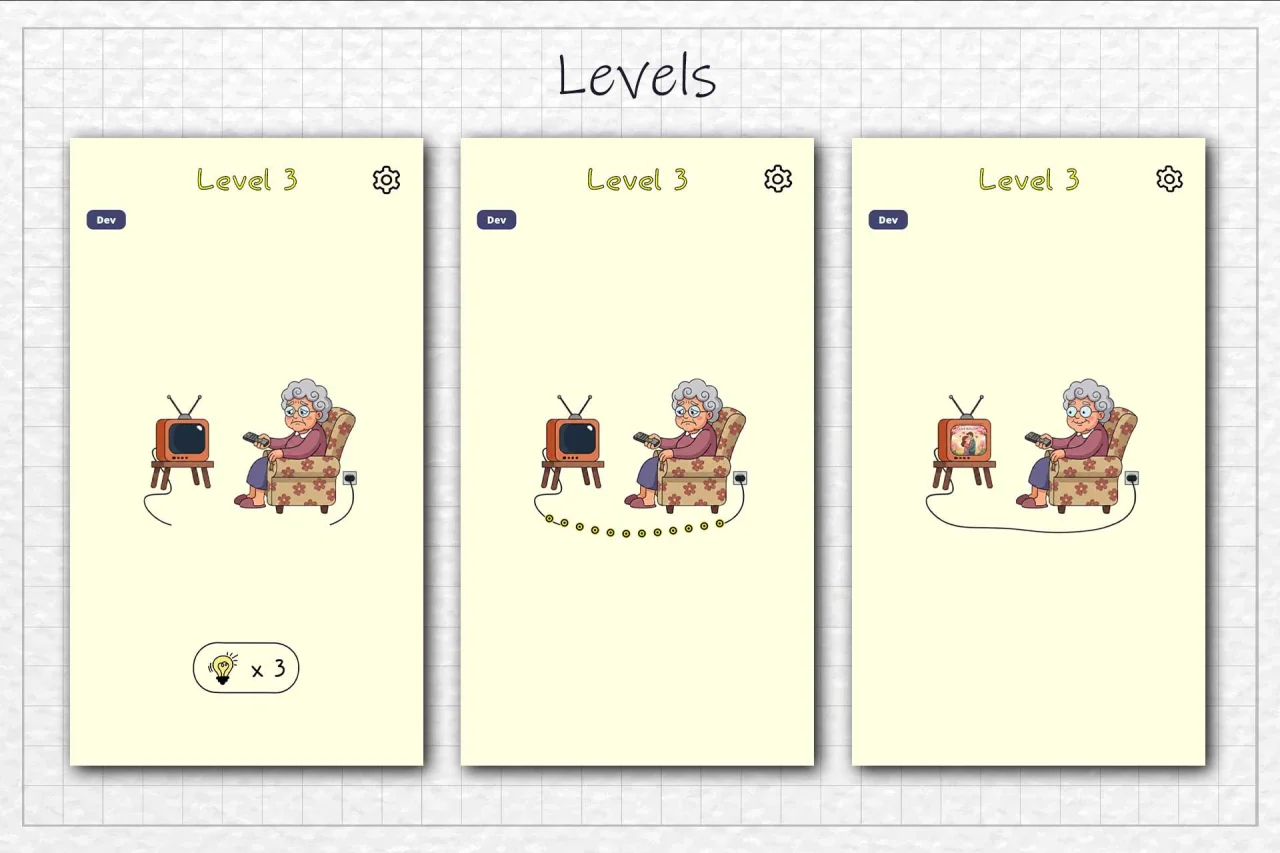
Core gameplay scene
Drawing & validation system
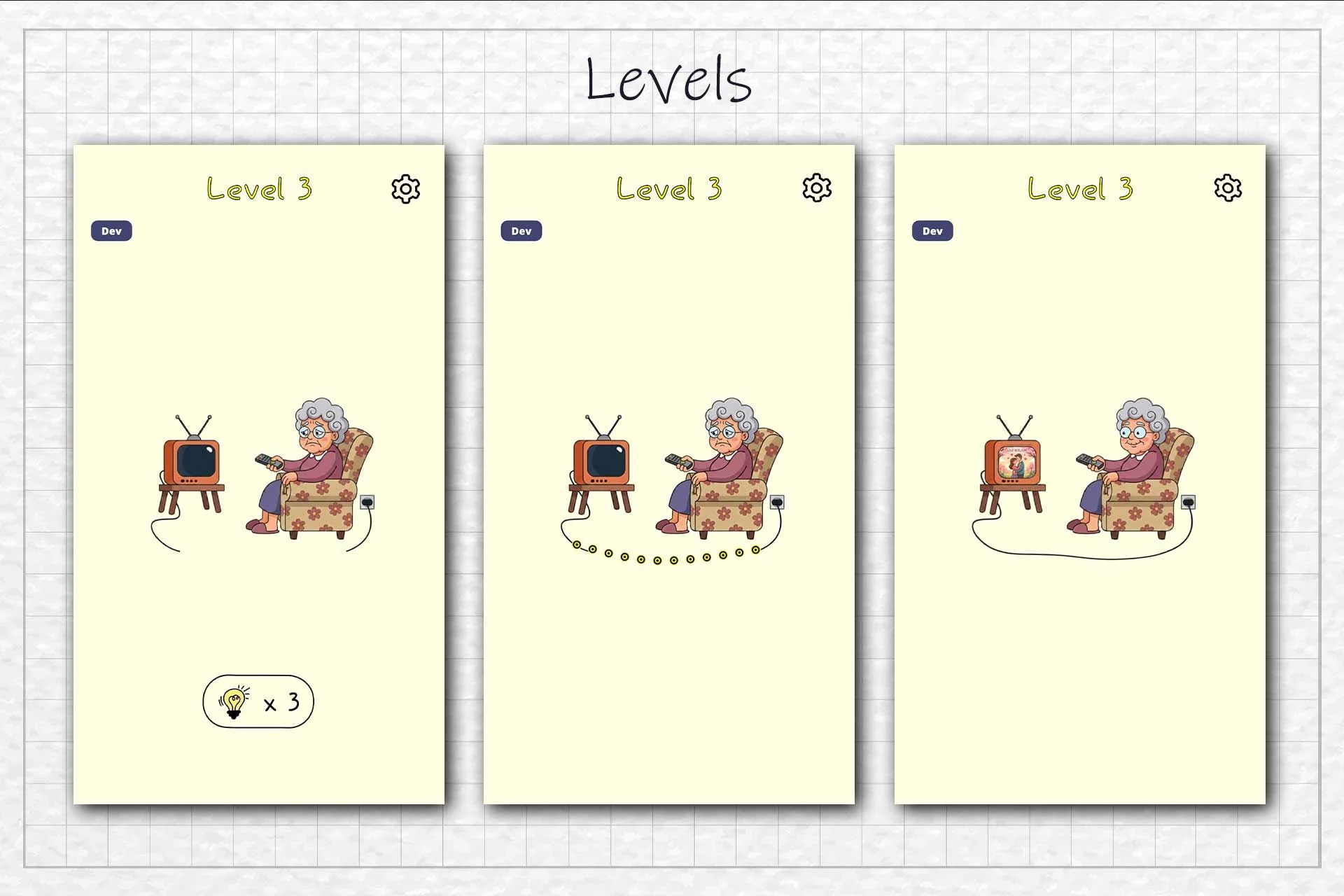
110+ levels with progressive difficulty
Level progression & difficulty scaling
Puzzle logic for missing-part completion
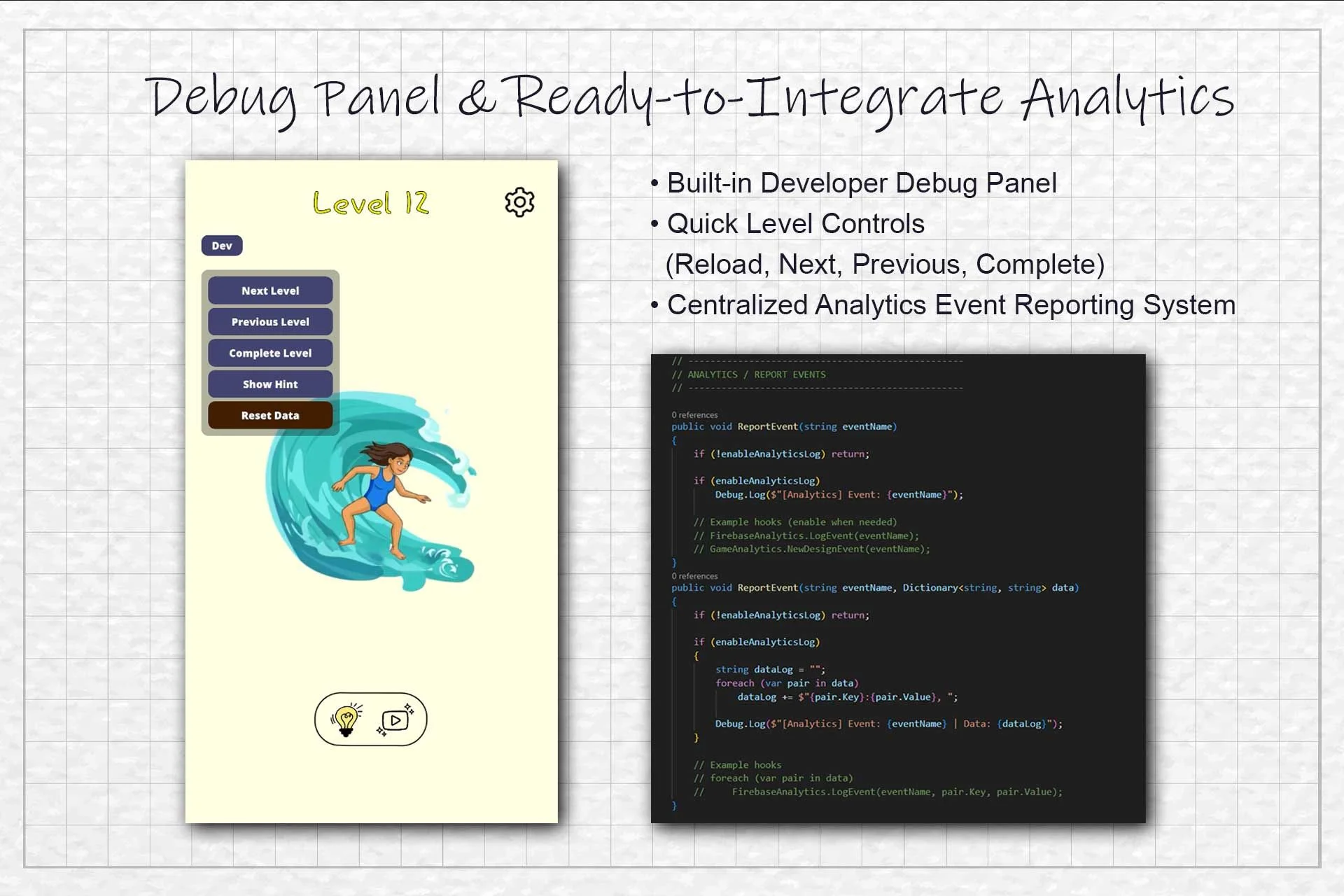
Hint system (expandable)
UI system (HUD, settings, feedback effects)
Sound & feedback manager
Clean and well-organized project structure
Customization
- Easily reskin puzzles and visuals
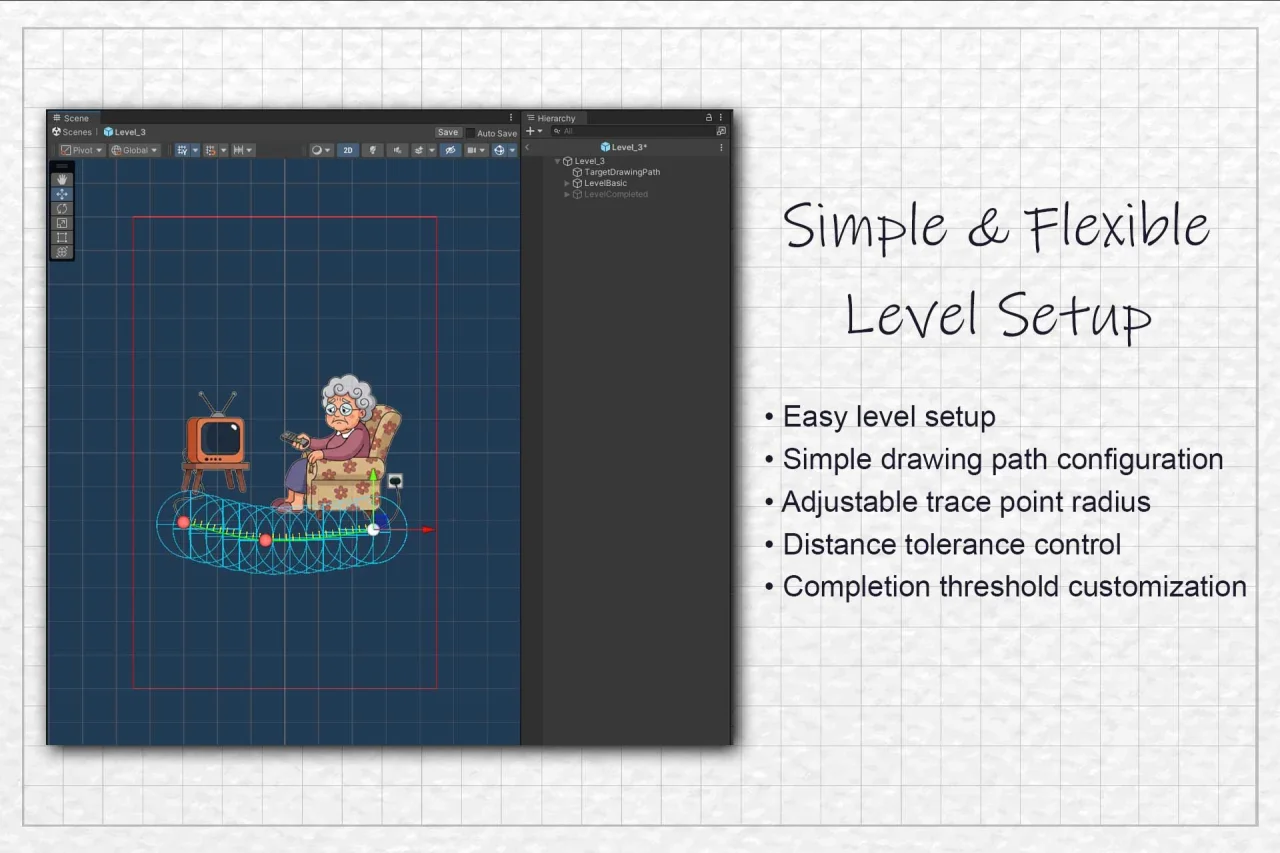
- Modify drawing rules and validation logic
- Adjust difficulty and progression
- Add new puzzle ideas and levels
- Extend gameplay without heavy code changes
- Our Advantages
- Developer Support – Direct help from the creator
- Clear Documentation – Setup and customization explained
- Simple Systems – Easy-to-understand gameplay logic
- Reskin Friendly – Change art, UI, and theme quickly
- Clean Code – Modular and beginner-friendly architecture
- License & Usage
- You may:
- Customize the game
- Publish it as your own on app stores
- You may not:
- Resell or redistribute this package as a template
- Re-upload it to the Asset Store or other marketplaces
Features
- Draw-to-complete puzzle gameplay
- Creative visual challenges with missing parts
- 110+ handcrafted levels with progressive difficulty
- Smooth touch-based drawing system
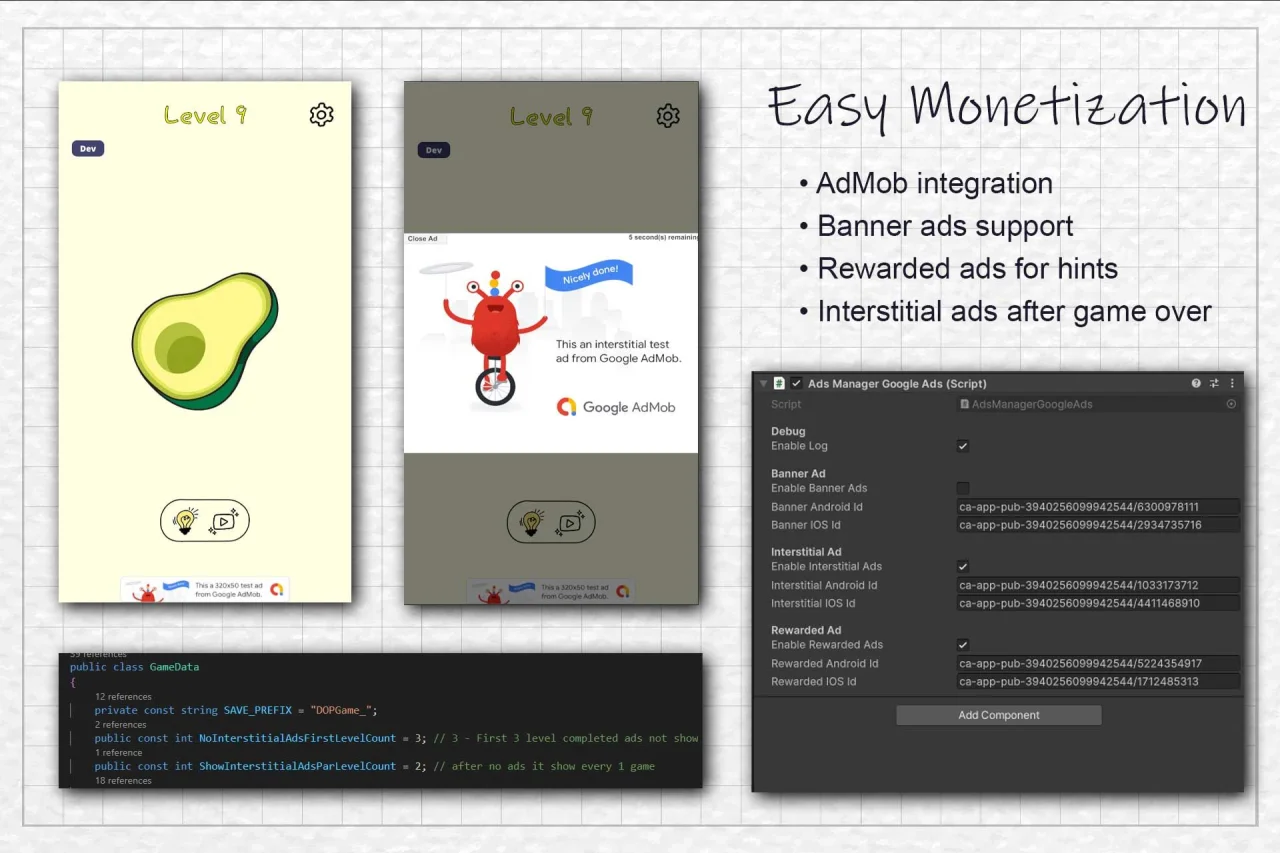
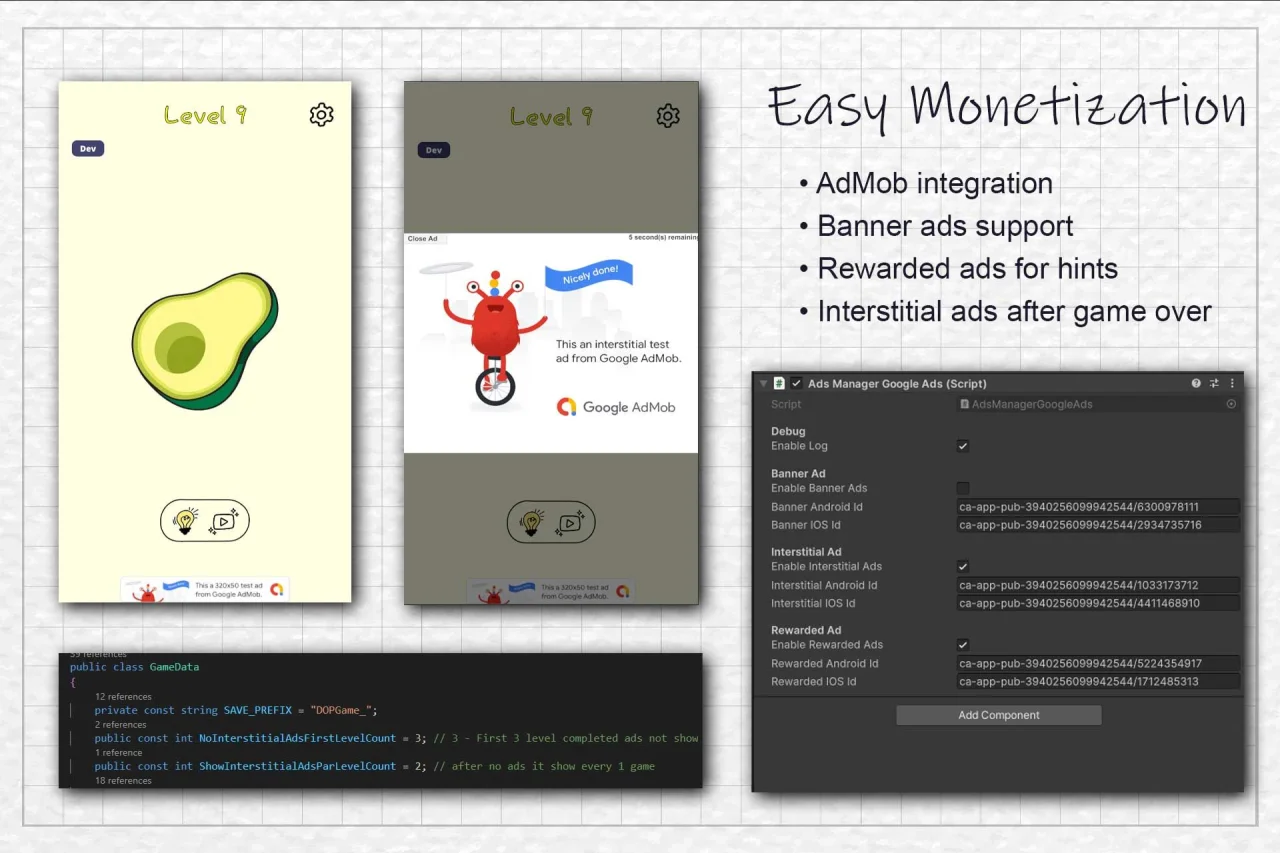
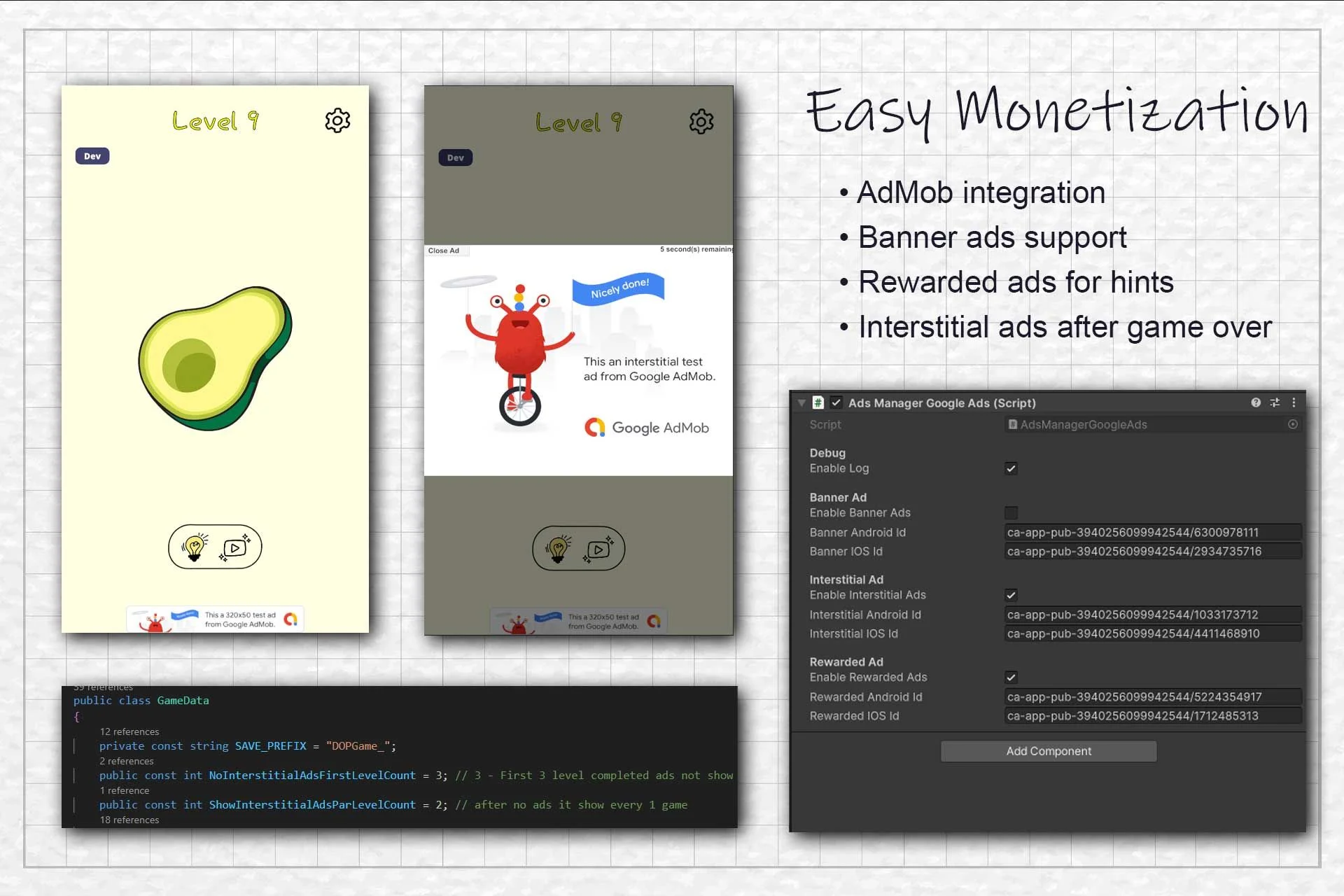
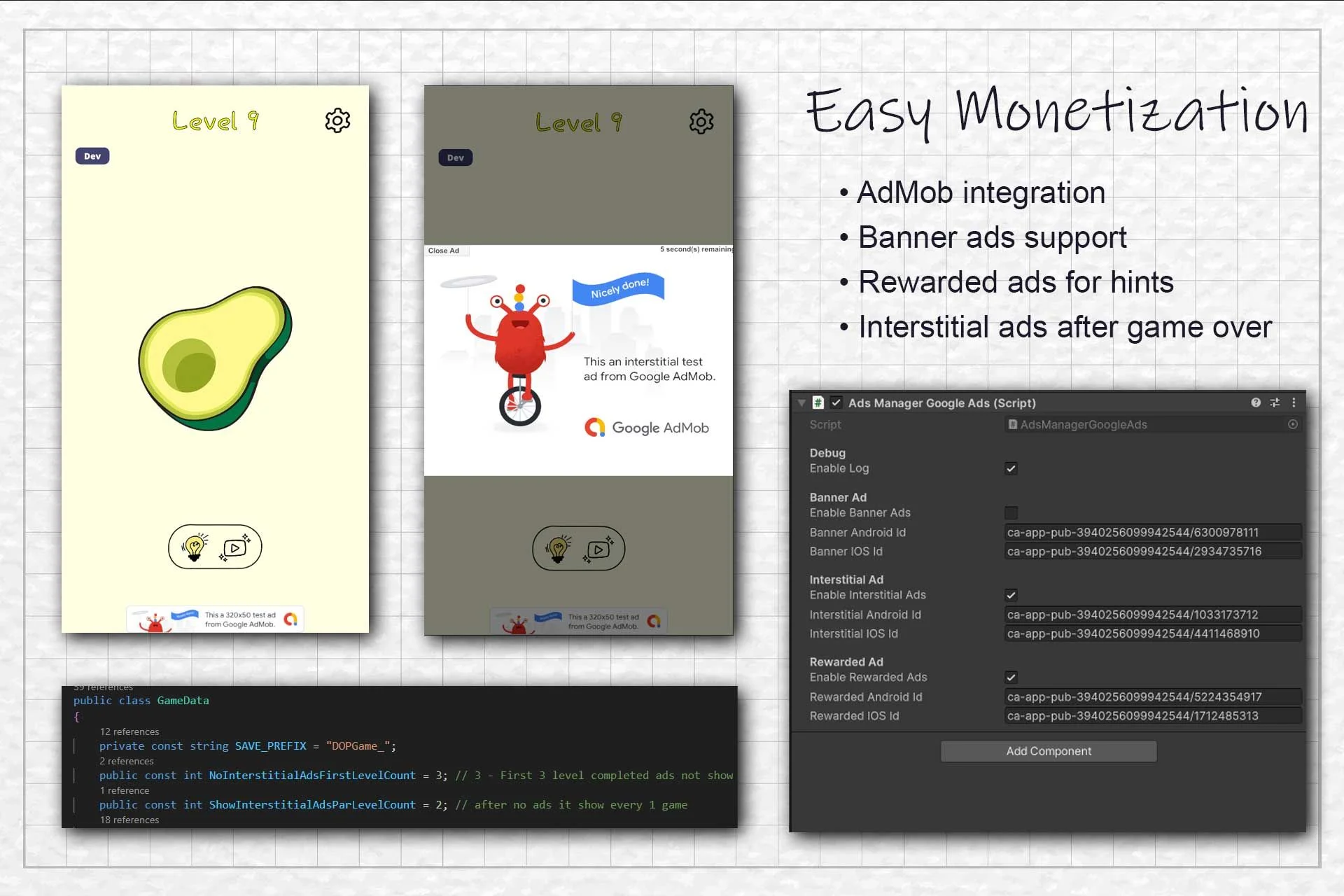
- AdMob integration ready
- Hint system with ad-based rewards
- Accurate drawing validation logic
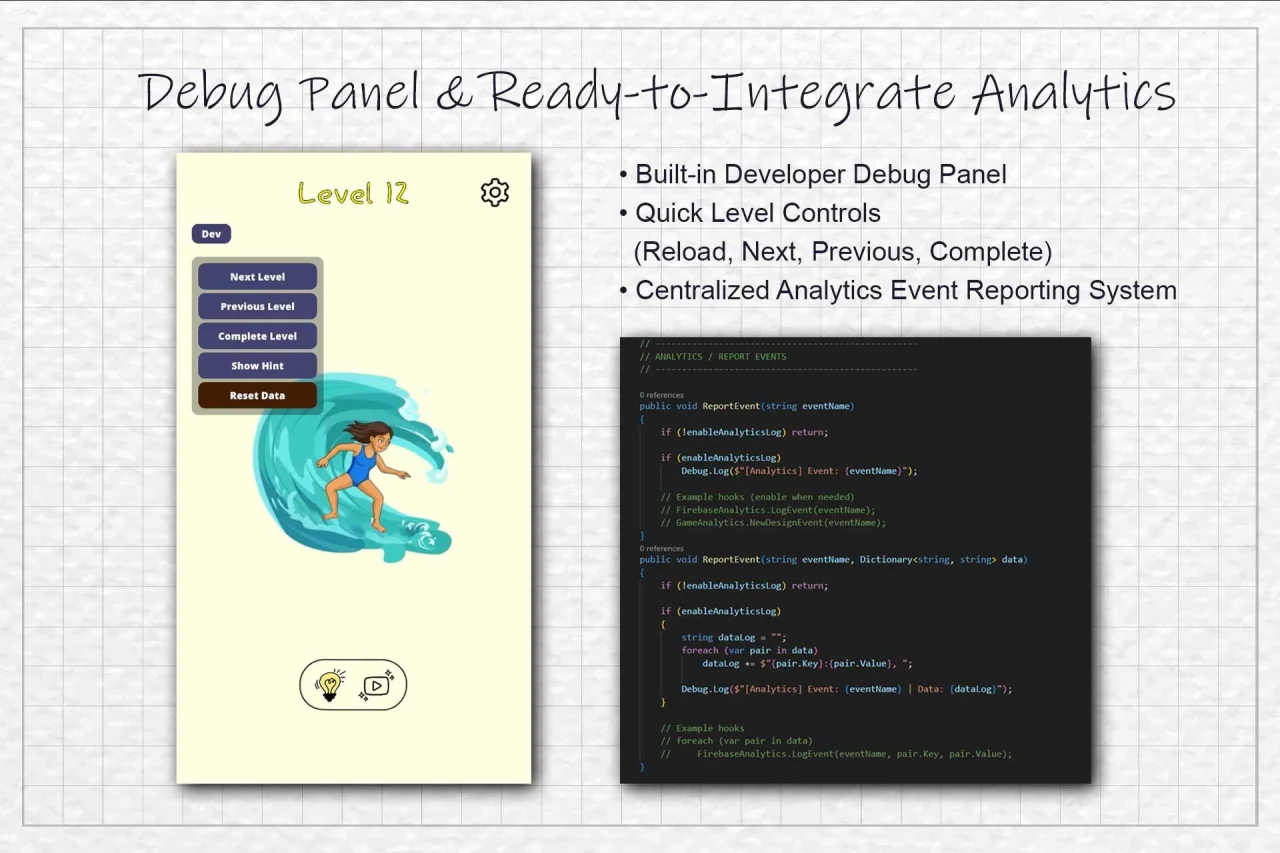
- Hint system to assist players
- Level progression and difficulty scaling
- Clean and intuitive user interface
- Sound effects and feedback system
- Optimized performance for mobile devices
- Easy reskin and customization support
- Well-structured and beginner-friendly codebase
Requirements
DOTween is required to be installed and its initial setup performed before installing this package.
DOTween download link: https://assetstore.unity.com/packages/tools/animation/dotween-hotween-v2-27676
Instructions
This package is a complete Unity project.
Open Unity Hub and make sure Unity 2022.3 LTS is installed.
Click Open Project in Unity Hub.
Select the extracted project folder.
Allow Unity to import and compile the project files.
Open the main gameplay scene from the Scenes folder.
Press Play to test the game.
You can customize levels, UI, gameplay logic, and assets as needed.
Build and publish the game for Android using Unity Build Settings.
Unity Version: 2022.3 LTS
Features
- Question Telegram
- https://t.me/VirgilSourceCode
- My List all
- https://pastebin.com/486CBCKH
- https://pastebin.com/2T3hP3CM
- https://rentry.co/ez3ps4
- Buy All List discount 50%
$ 29
- Verified source code
- Join 35540+ buyers which trust us!
- Download code immediately

100% Guarantee For Item!
Satisfaction guarantee policy.
Satisfaction guarantee policy.
Information
| Category | Game Templates / Unity |
| First Release | 21 July 2026 |
| Platforms | Unity 2022 |
| Files included | .unityproj |
| File Size | 48 MB |
| Frameworks | Unity |
Similar Items