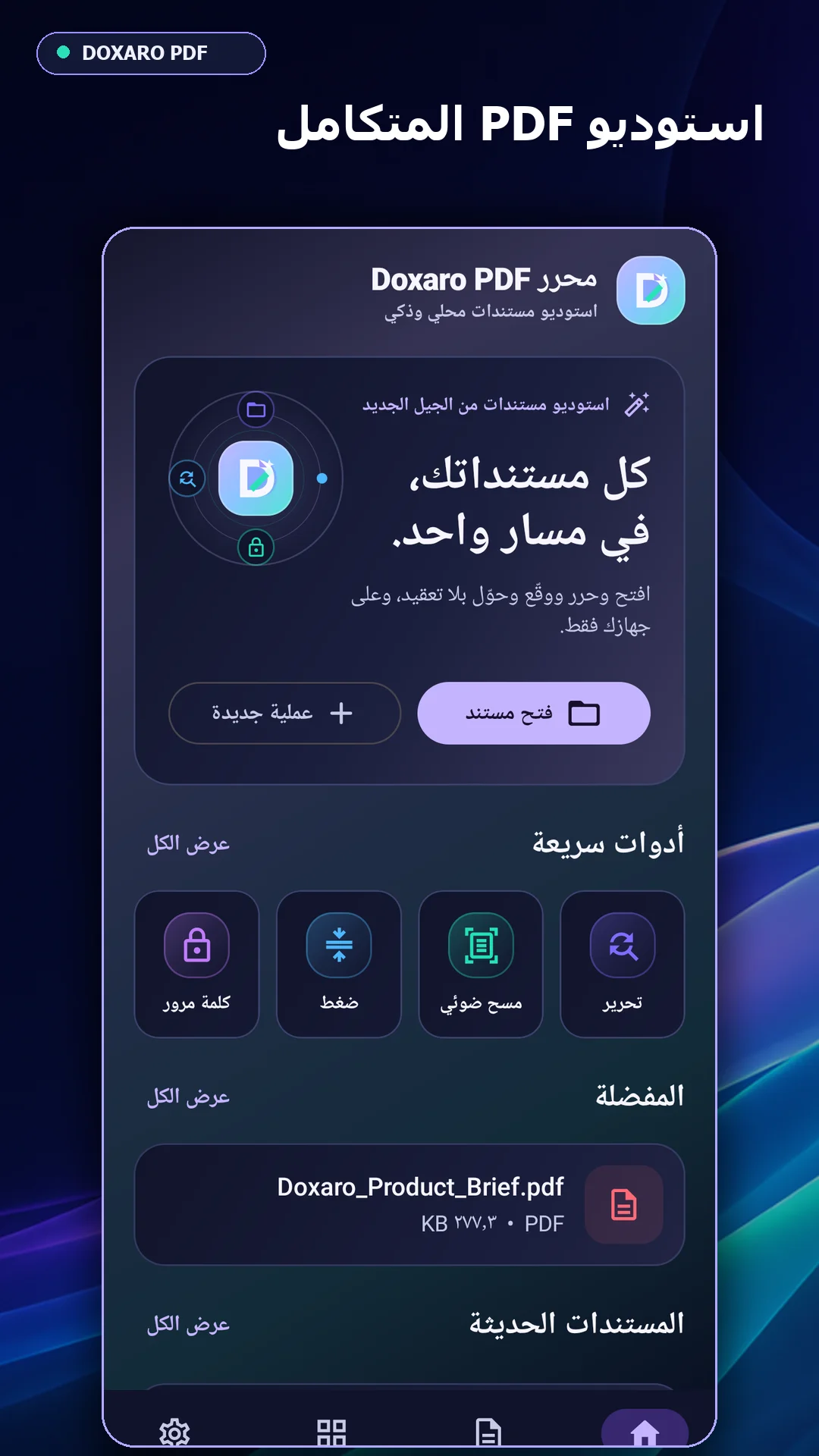



Doxaro PDF Editor – Offline Android Studio Source Code
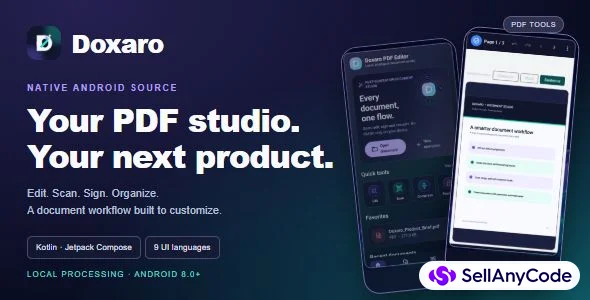
Build an offline PDF app with direct editing, 800% pinch zoom, scanning, OCR and signatures. Native Kotlin source for Android 8.0+.
Item Description
Build an Android PDF app with a complete document workflow
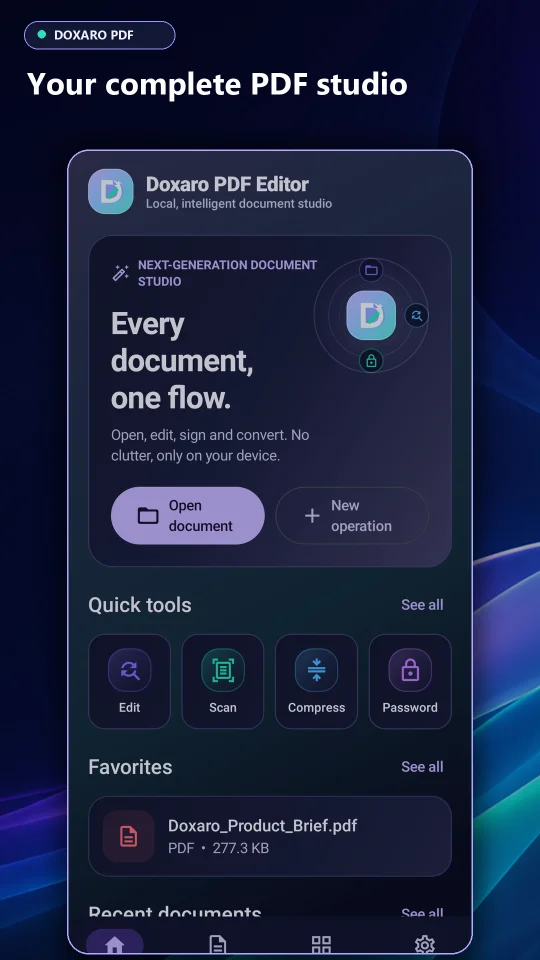
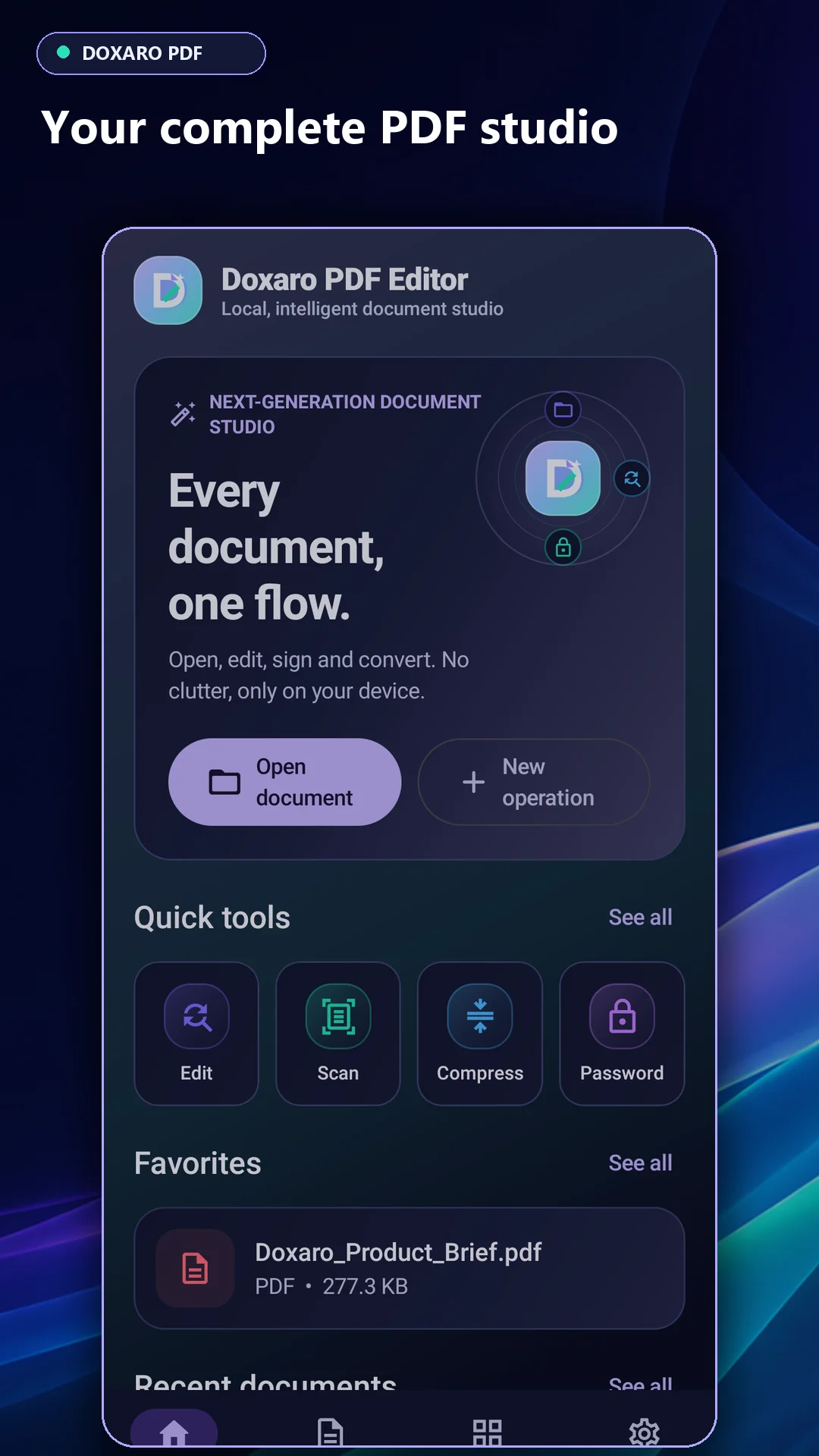
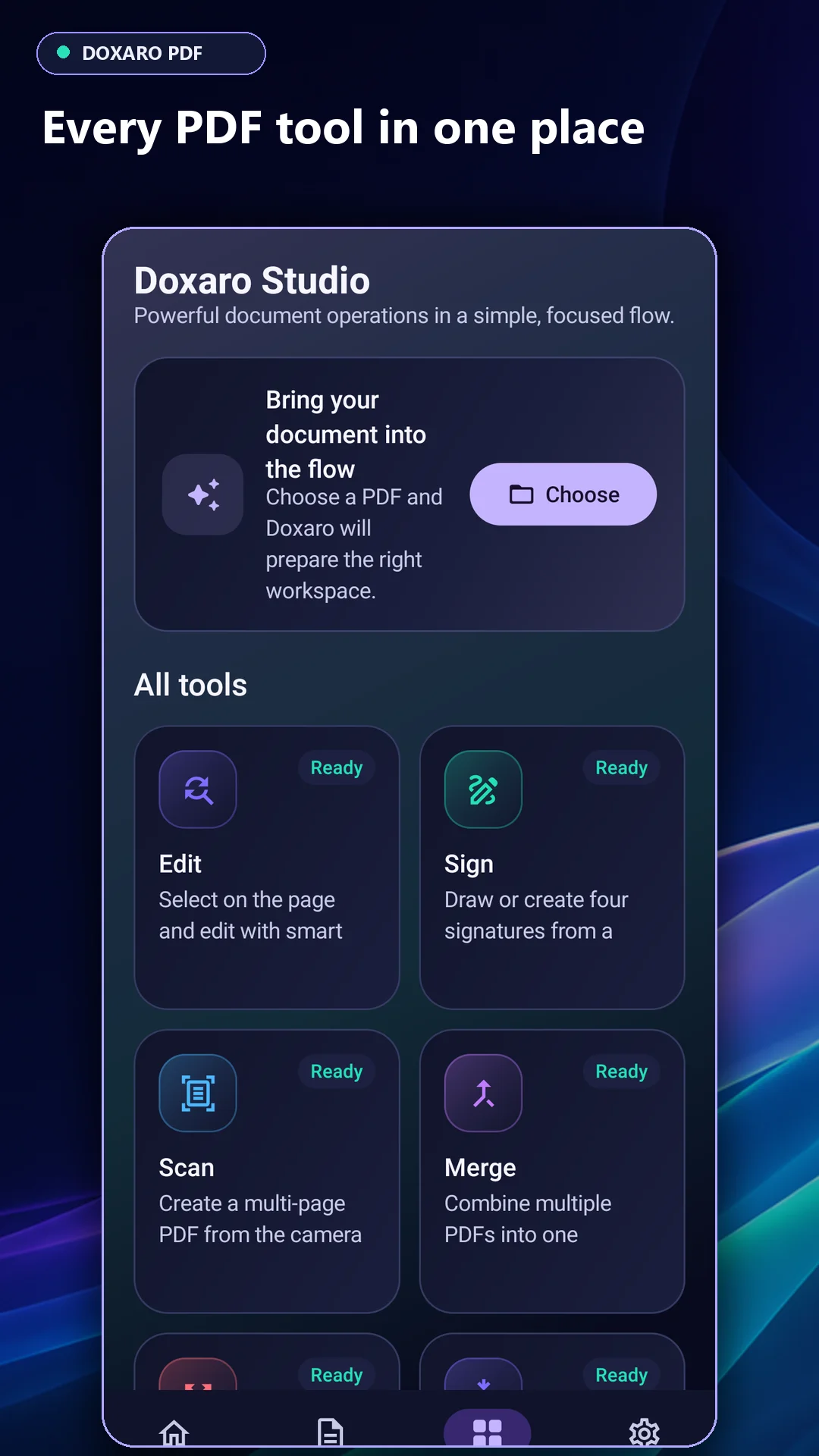
Doxaro 1.0.4 gives you a native Android Studio project for opening, editing, scanning, signing and organizing PDFs. The editor and viewer support two-finger zoom up to 800%, and core document tools run on the device without an account.
See version 1.0.4 in action
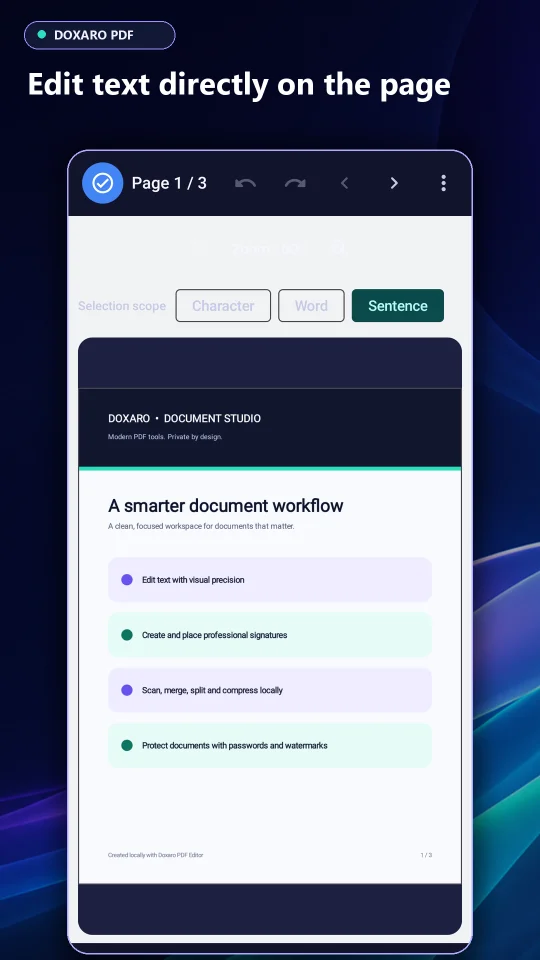
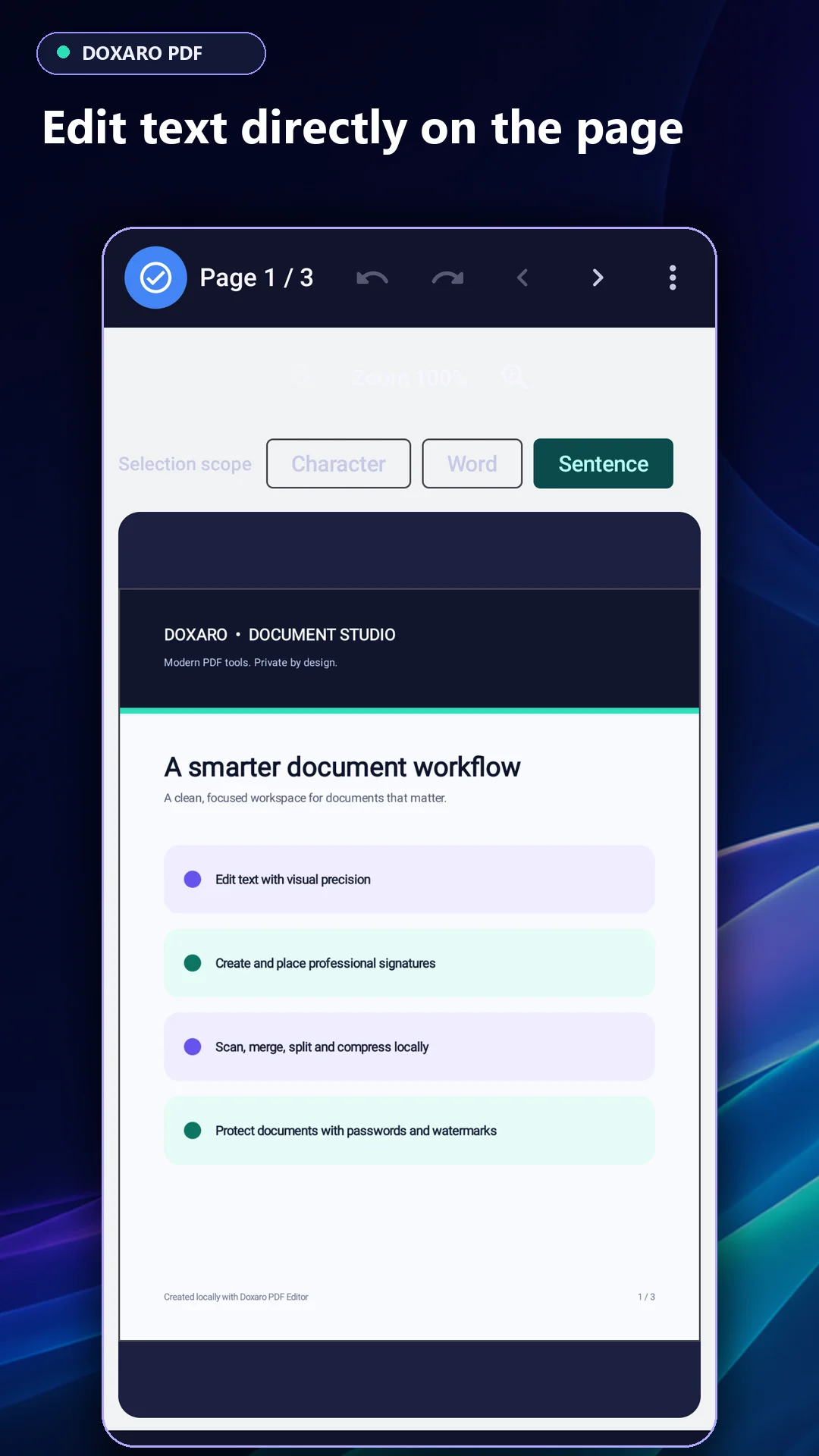
- Tap to edit on the page. Correct supported PDF text where it appears. Position-aware editing keeps changes within the targeted region, and saving creates a new copy.
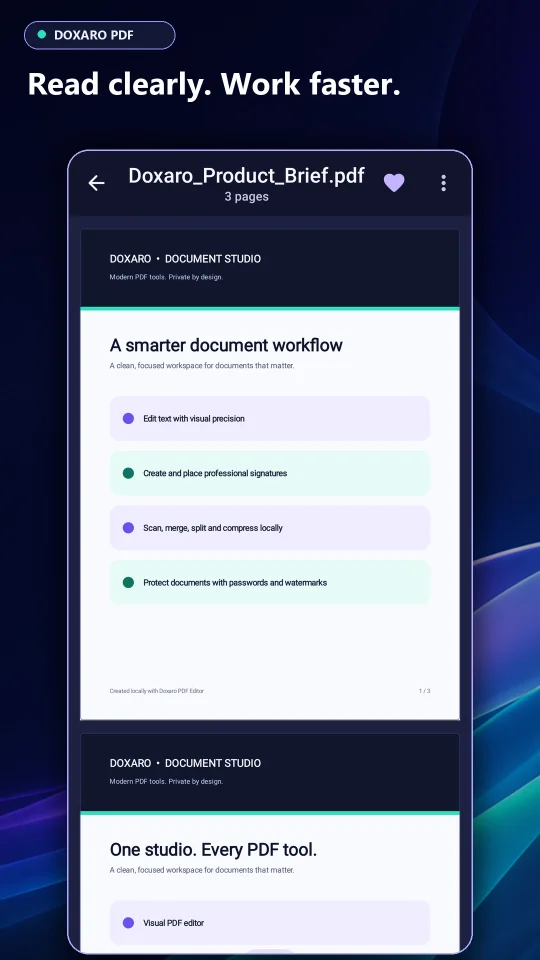
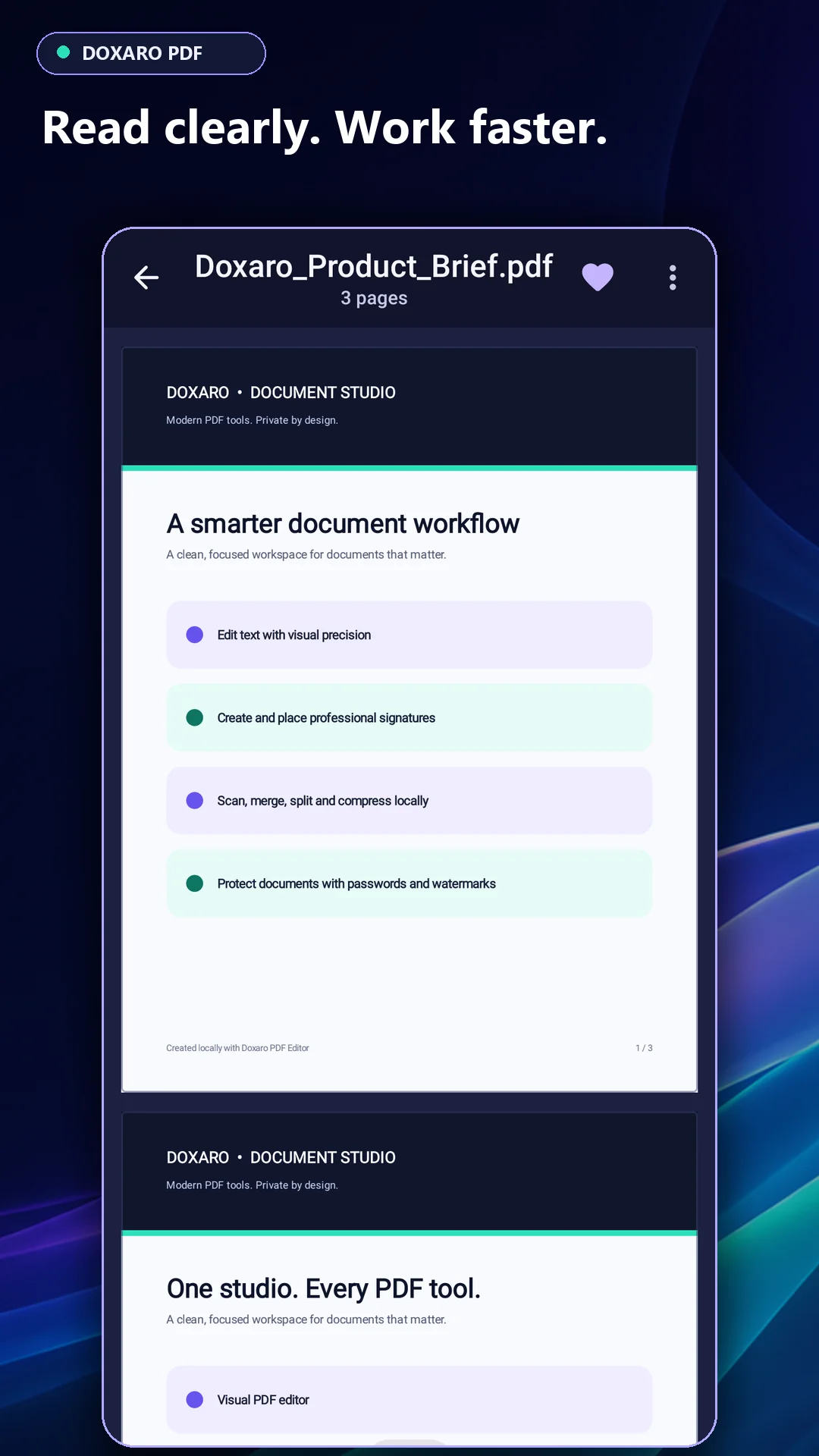
- Work up close. Pinch to zoom and pan in both the reader and visual editor.
- Learn with a sample PDF. The optional, five-step PDF Training Studio shows each action and lets users practice opening, zooming, editing, signing and saving a copy. Fresh installs open directly to the dark home screen.
What you receive
The ZIP contains the Kotlin and Jetpack Compose Android Studio project, Gradle wrapper, nine language resource sets, tests, setup documentation and an installable debug APK for evaluation. The app runs on Android 8.0 and newer. Building the source requires an Android Studio setup with SDK 37 and access to Gradle dependencies.
PDF compatibility
Direct editing depends on the PDF’s structure and available fonts. Scanned pages use on-device Latin-script OCR. Signatures are visual marks. The demo APK is a debug build. Customize branding and the application ID, configure release signing and test your build before distribution.
Features
- Visual PDF editing: Tap supported text and images, adjust text formatting, undo changes and export an edited copy.
- 800% pinch zoom: Zoom and pan in the viewer and editor.
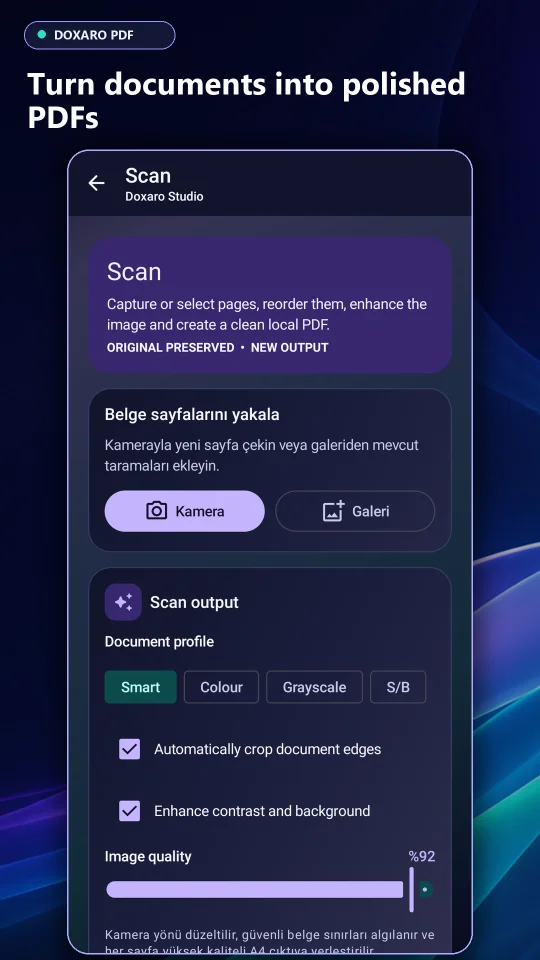
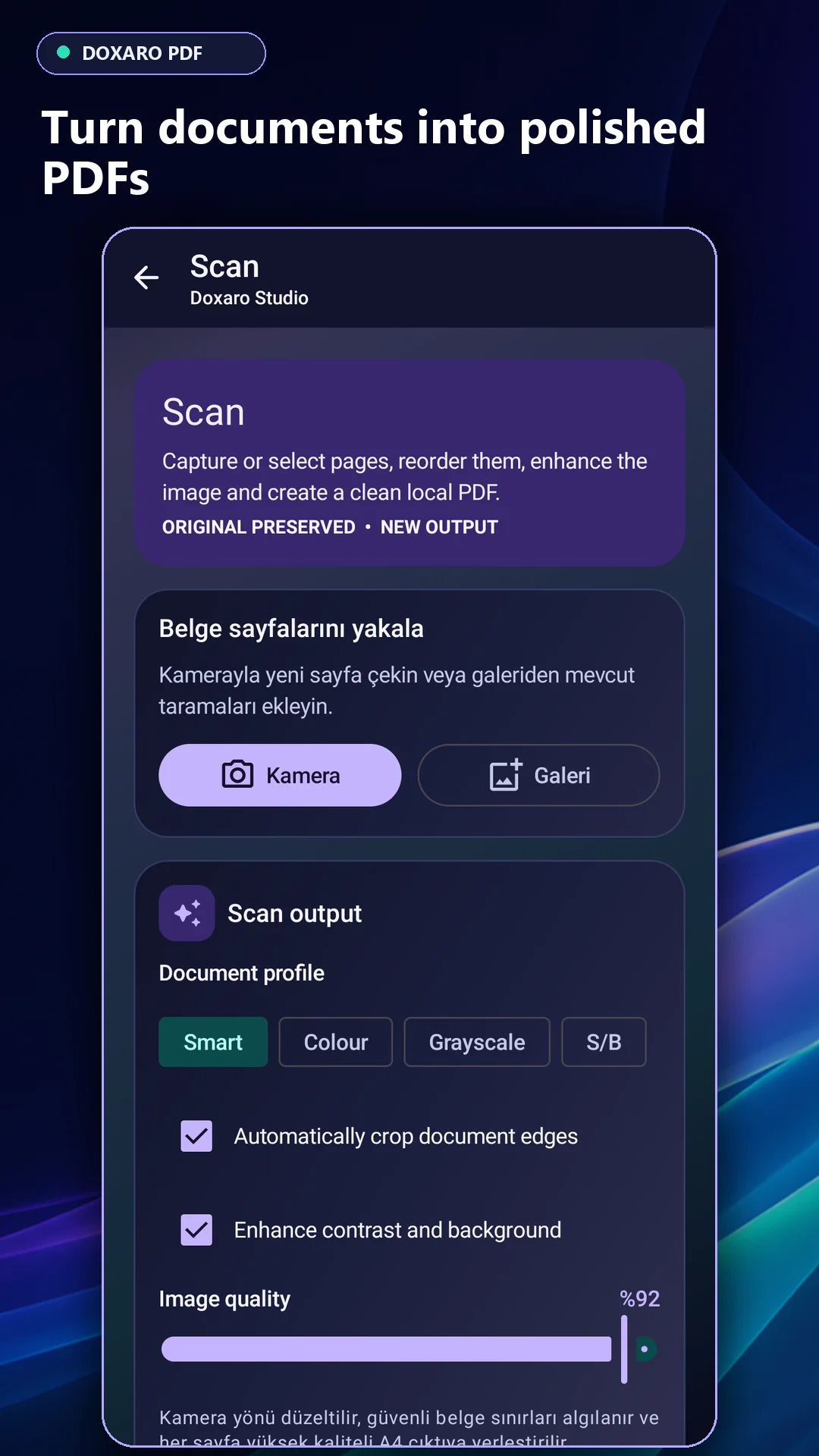
- Scan and recognize: Create multipage PDFs with the camera or gallery and recognize Latin text offline.
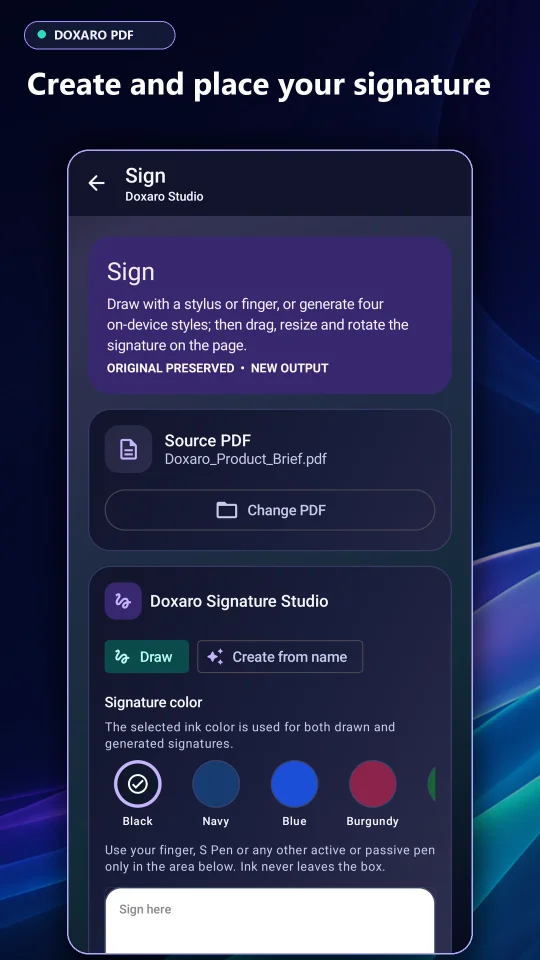
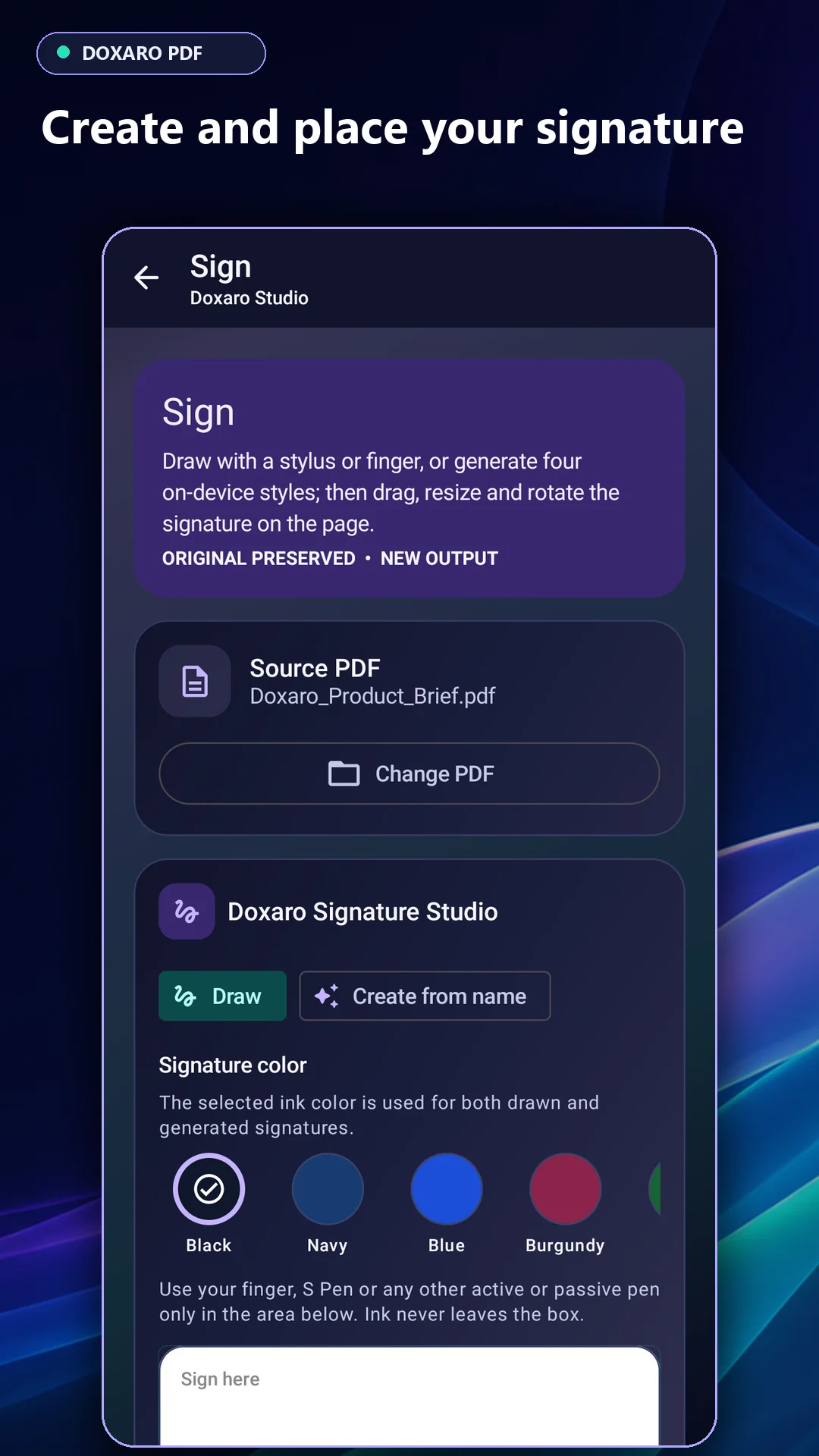
- Visual signatures: Draw or type a signature, then resize, rotate and place it on the page.
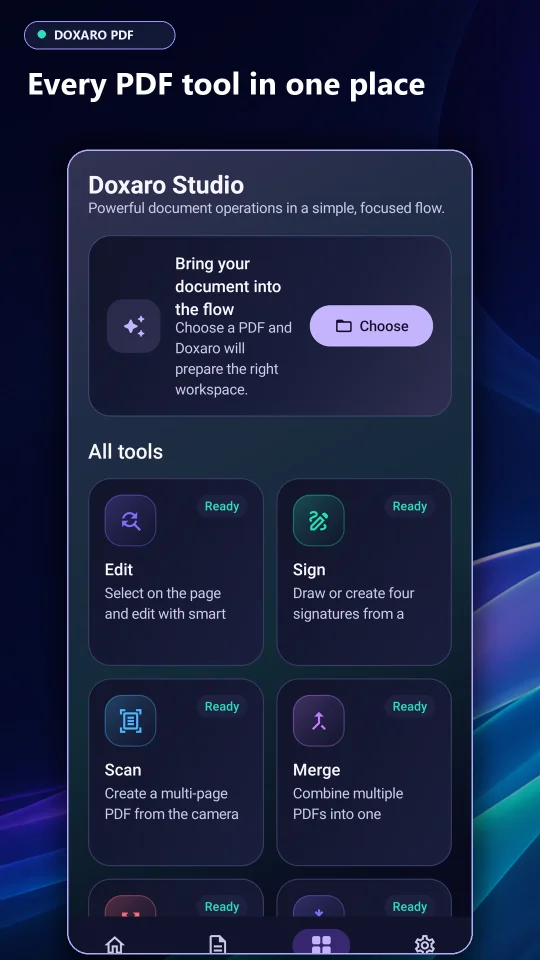
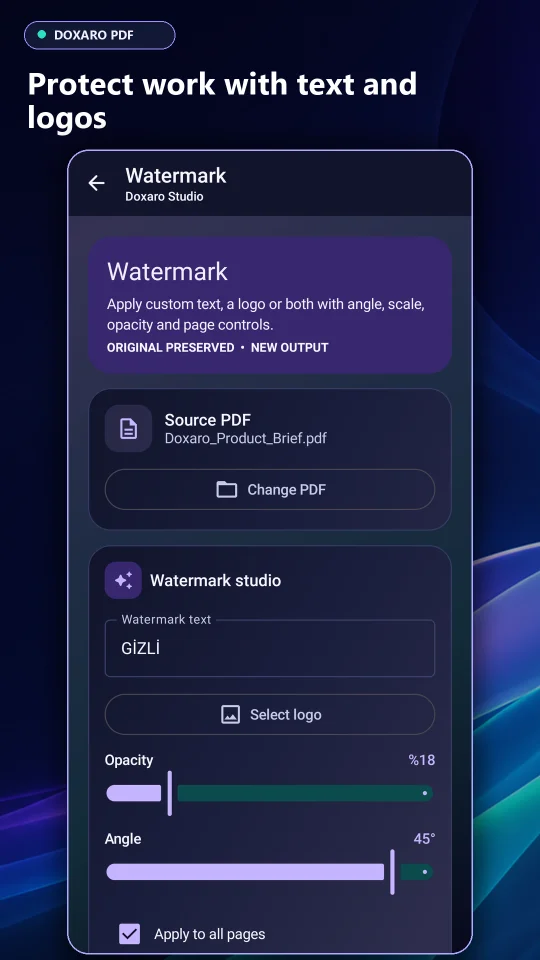
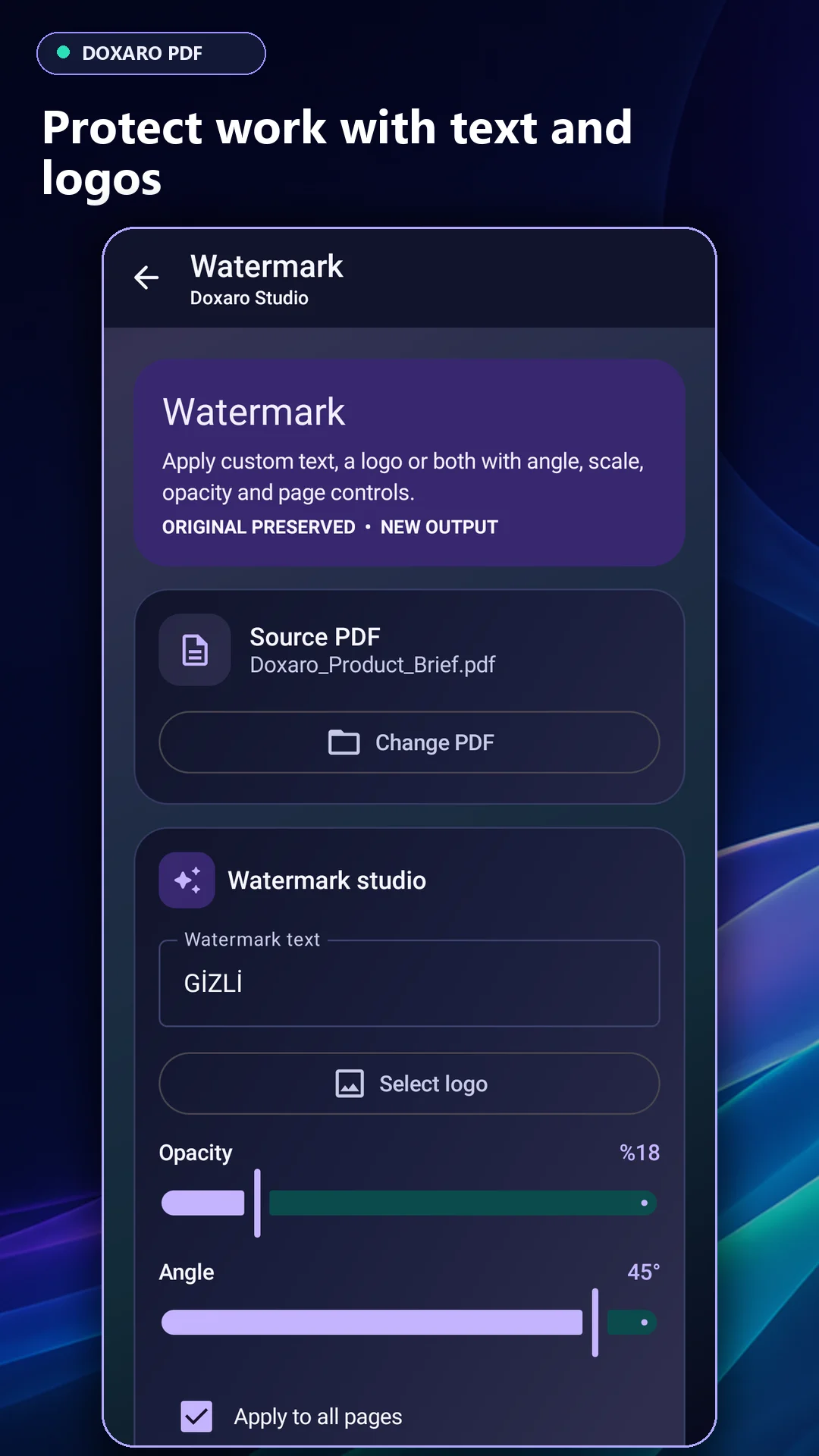
- Document tools: Merge, split, reorder, rotate, compress, watermark and password-protect PDFs.
- Interactive training: Five animated lessons with hands-on practice using a sample document.
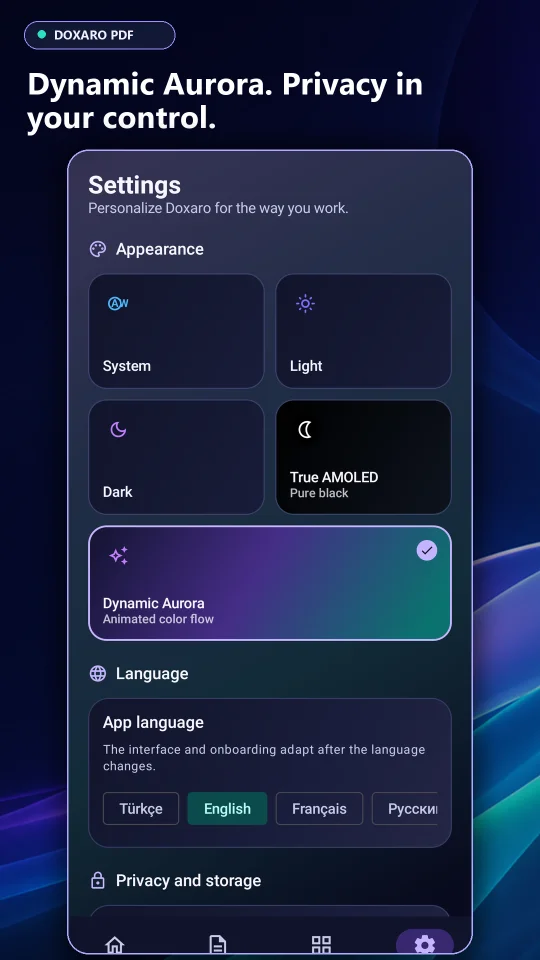
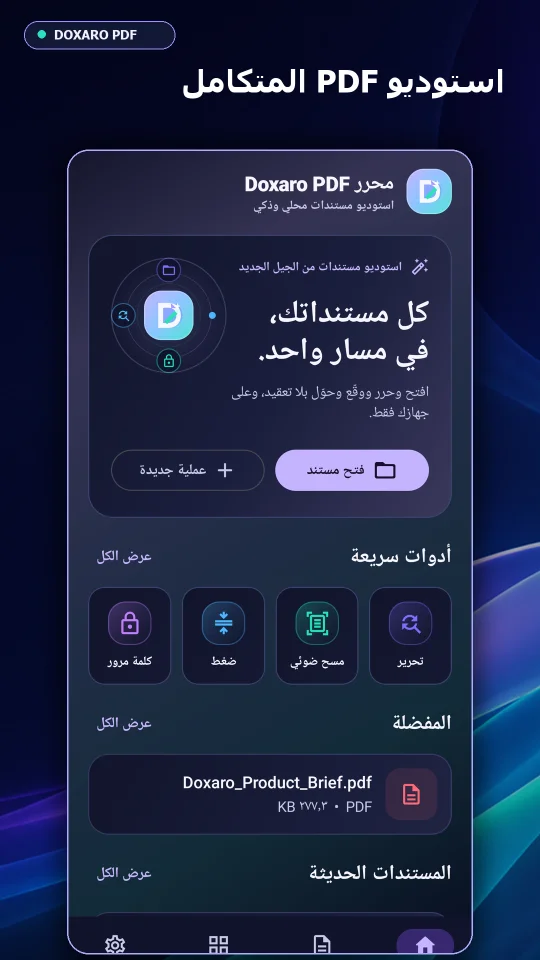
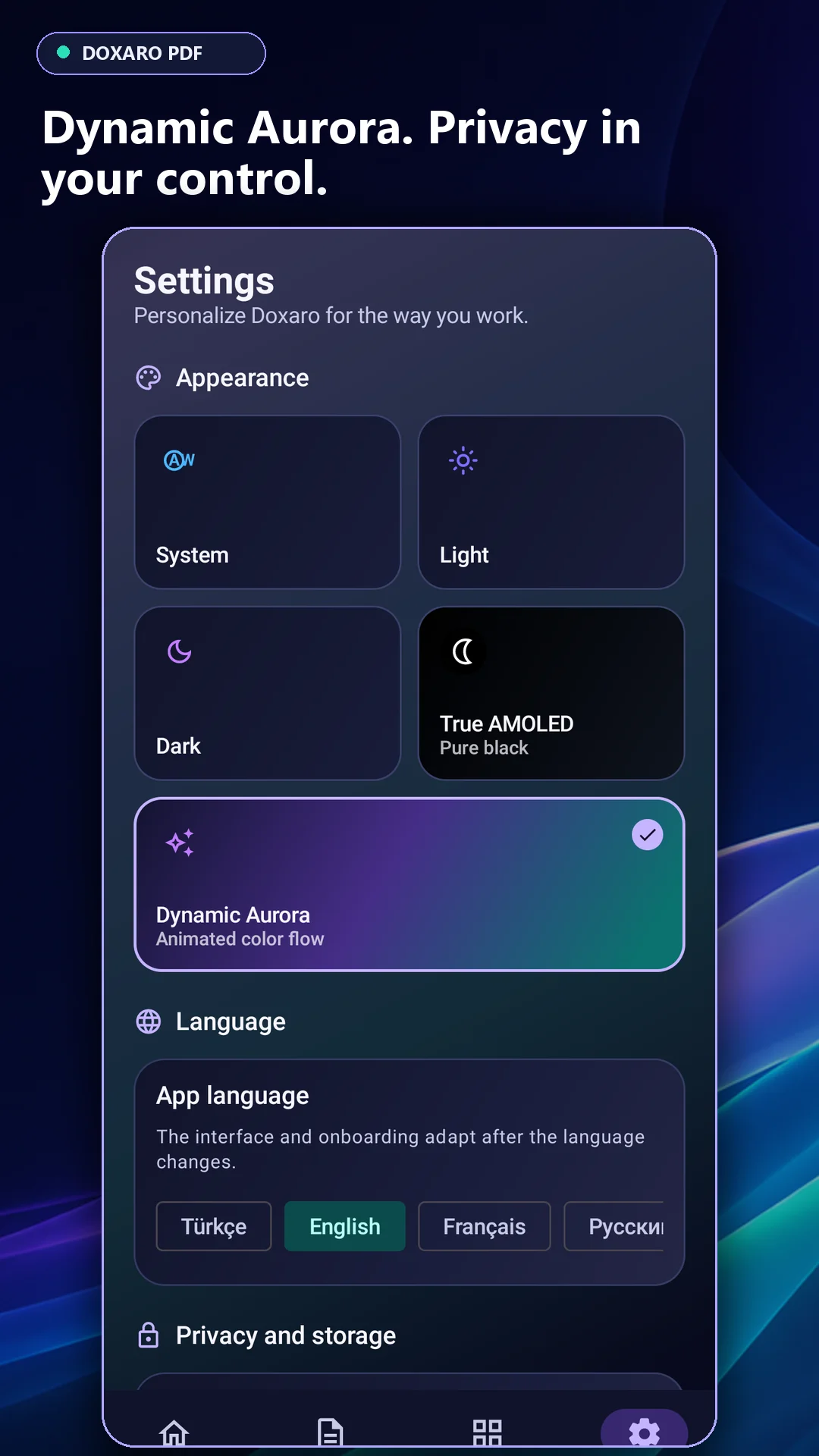
- Native Android UI: Kotlin, Jetpack Compose and Material 3 with a default dark theme and nine interface languages, including Arabic and Persian RTL layouts.
$ 20
- Verified source code
- Join 35688+ buyers which trust us!
- Download code immediately

100% Guarantee For Item!
Satisfaction guarantee policy.
Satisfaction guarantee policy.
Information
| Category | App Templates / Android |
| First Release | 7 September 2026 |
| Platforms | Android 8.0, Android 9.0, Android 10.0 |
| Files included | .apk, .xml |
| File Size | 49 MB |
| Frameworks | Android |
Similar Items