
PDF Document Scanner Android + iOS
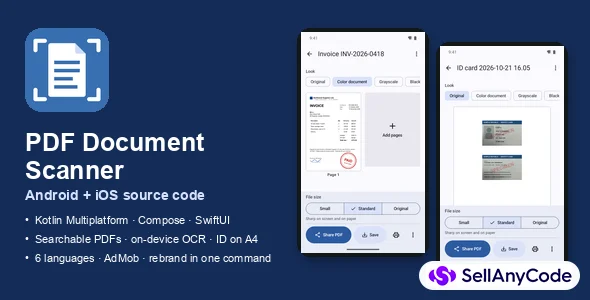
Native document scanner for Android and iOS: searchable PDFs, on-device OCR, ID cards on A4, cross-platform backup, 6 languages, AdMob. Rebrand in one command.
Item Description
PDF Document Scanner is a complete, native scanner app for Android (Kotlin + Jetpack Compose) and iOS (SwiftUI). Both apps share one Kotlin Multiplatform core, so PDFs, image filters, ID-card layouts, search and backups work the same way on both platforms.
Most scanner templates stop at "photo to PDF", often on one platform, often with a watermark. This one does what store reviews of popular scanners keep asking for: no watermark, no account, the user's own files stay on the phone, and the PDF is searchable.
Features
Scanning and looks
- Multi-page scanning with automatic edges: Google ML Kit Document Scanner on Android, Apple VisionKit on iOS. Photos from the library are straightened too.
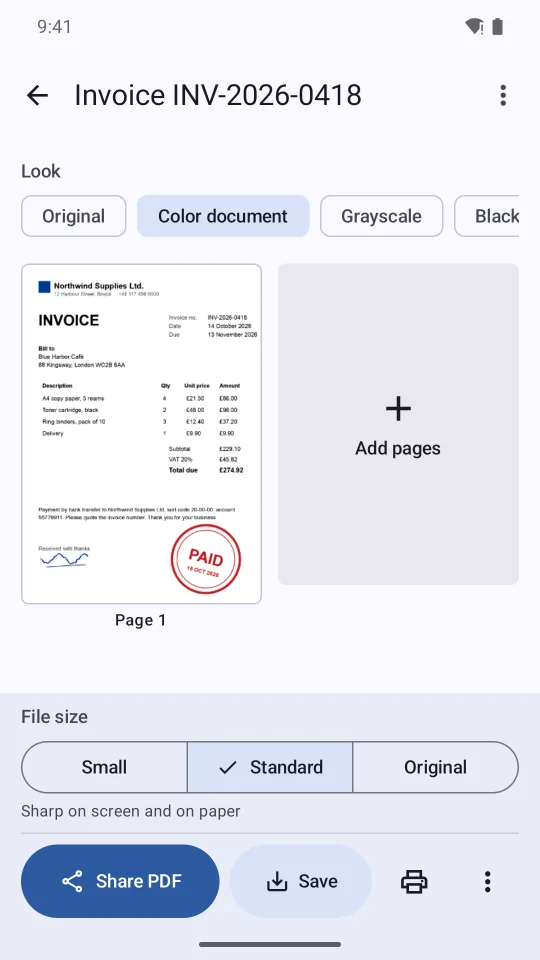
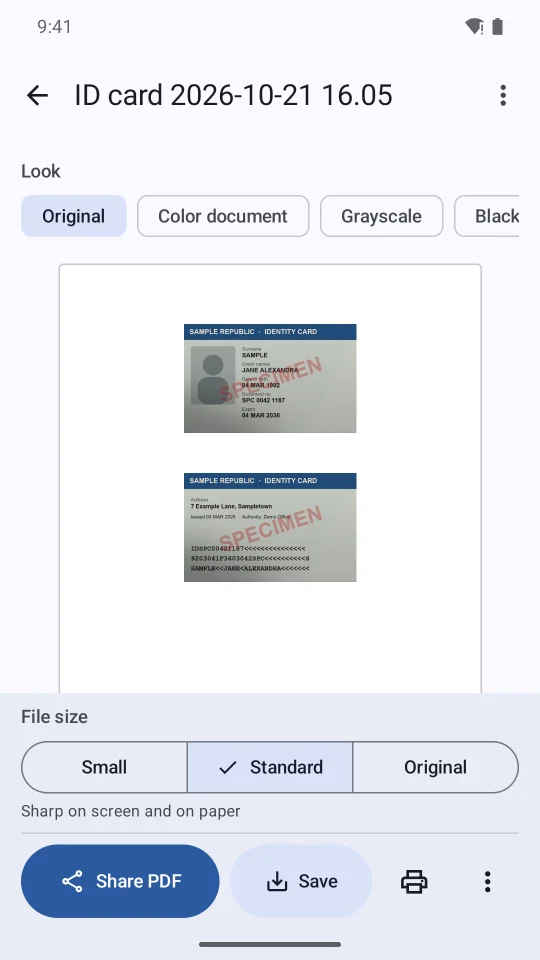
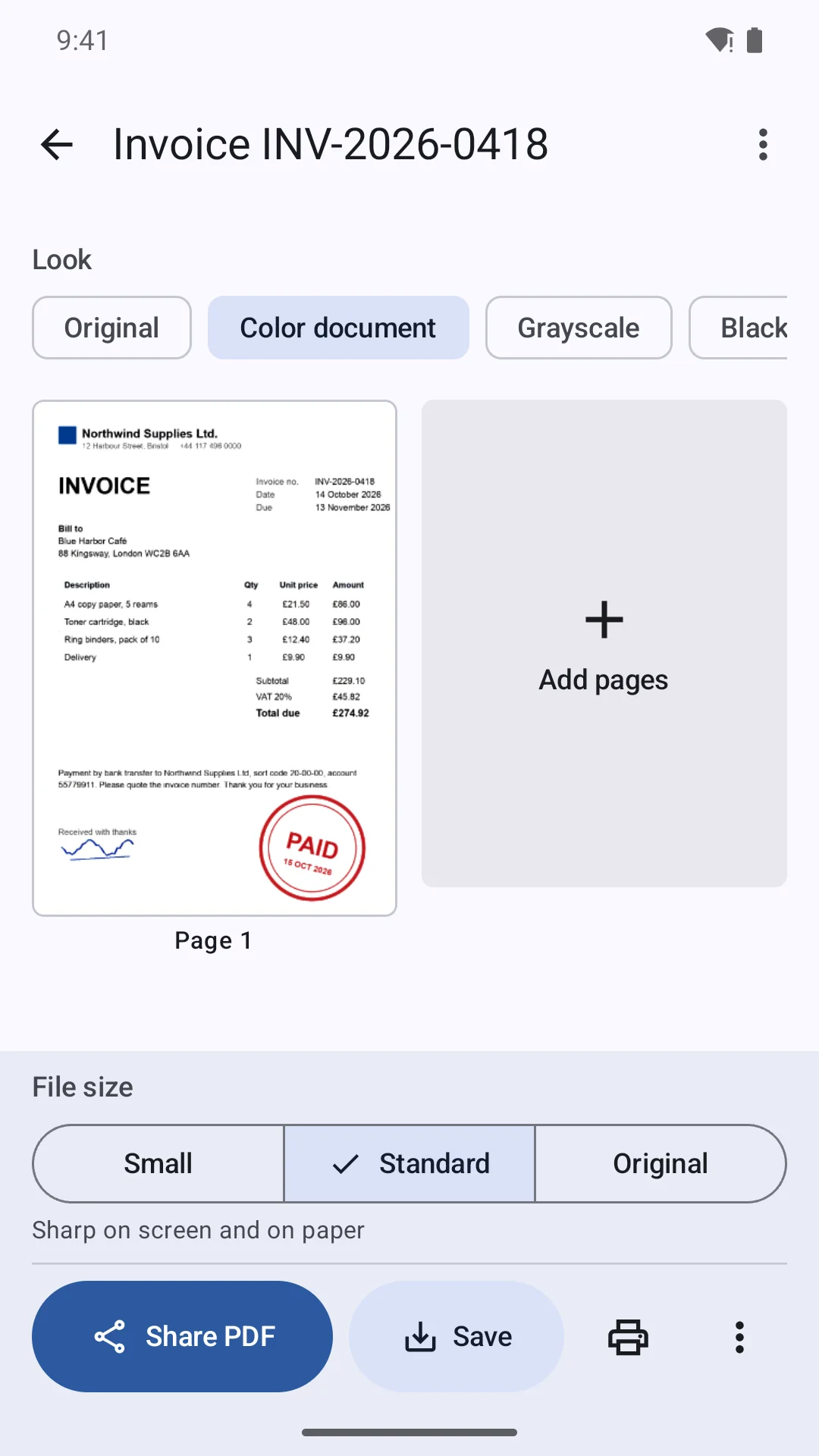
- Four looks: Original, Color document (white paper, shadows removed, blue ink and red stamps keep their colour), Grayscale, Black & white. Looks are applied on display and export, so the stored scan never loses quality.
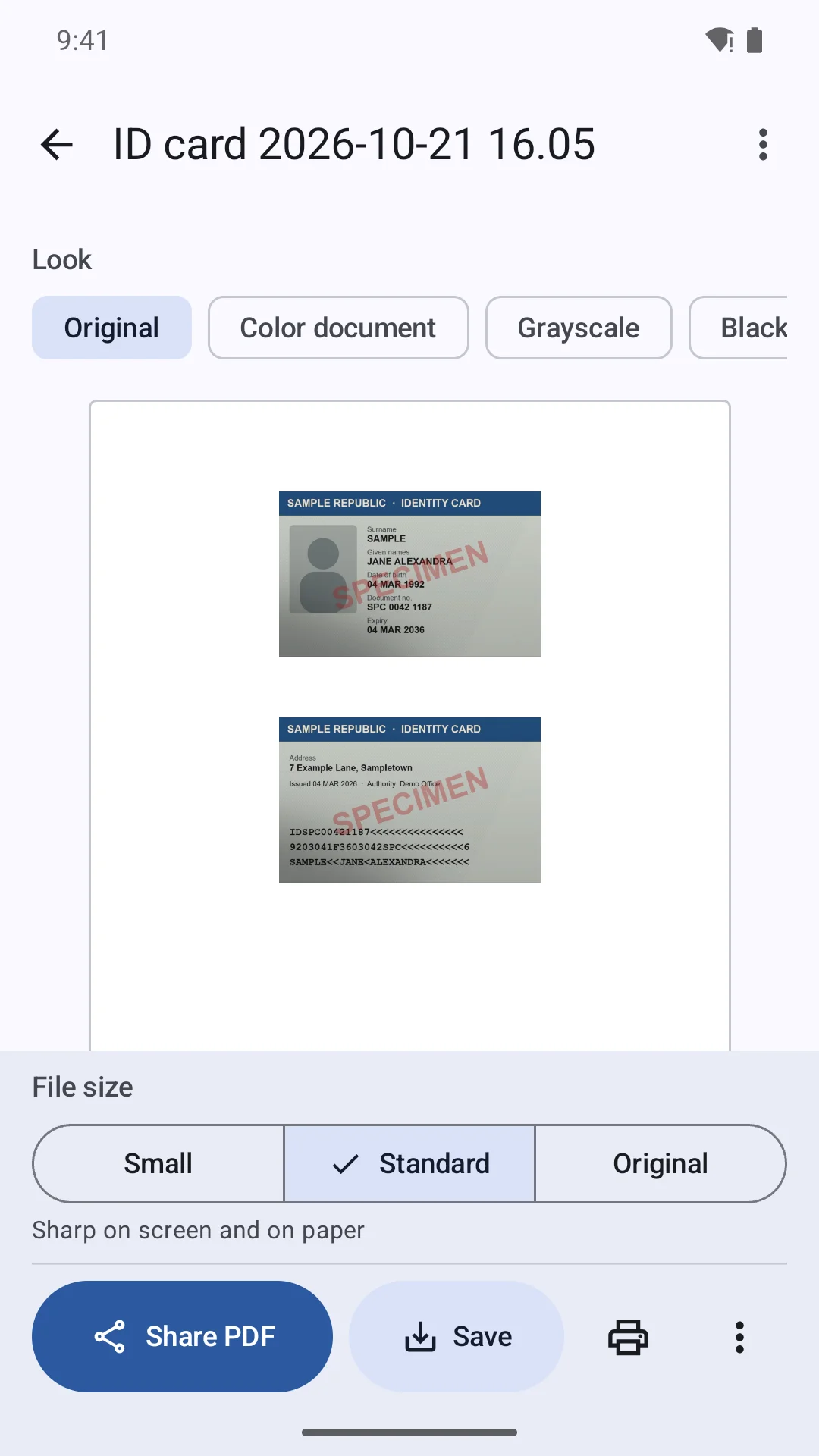
- ID card mode: front and back on one A4 page at their real size (85.6 × 53.98 mm), ready to print at 100 %.
Text recognition on the device
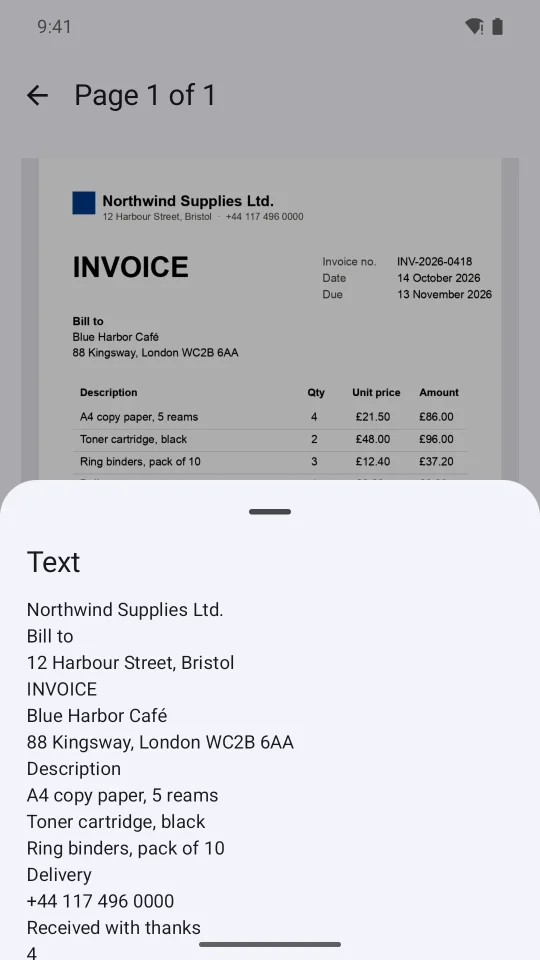
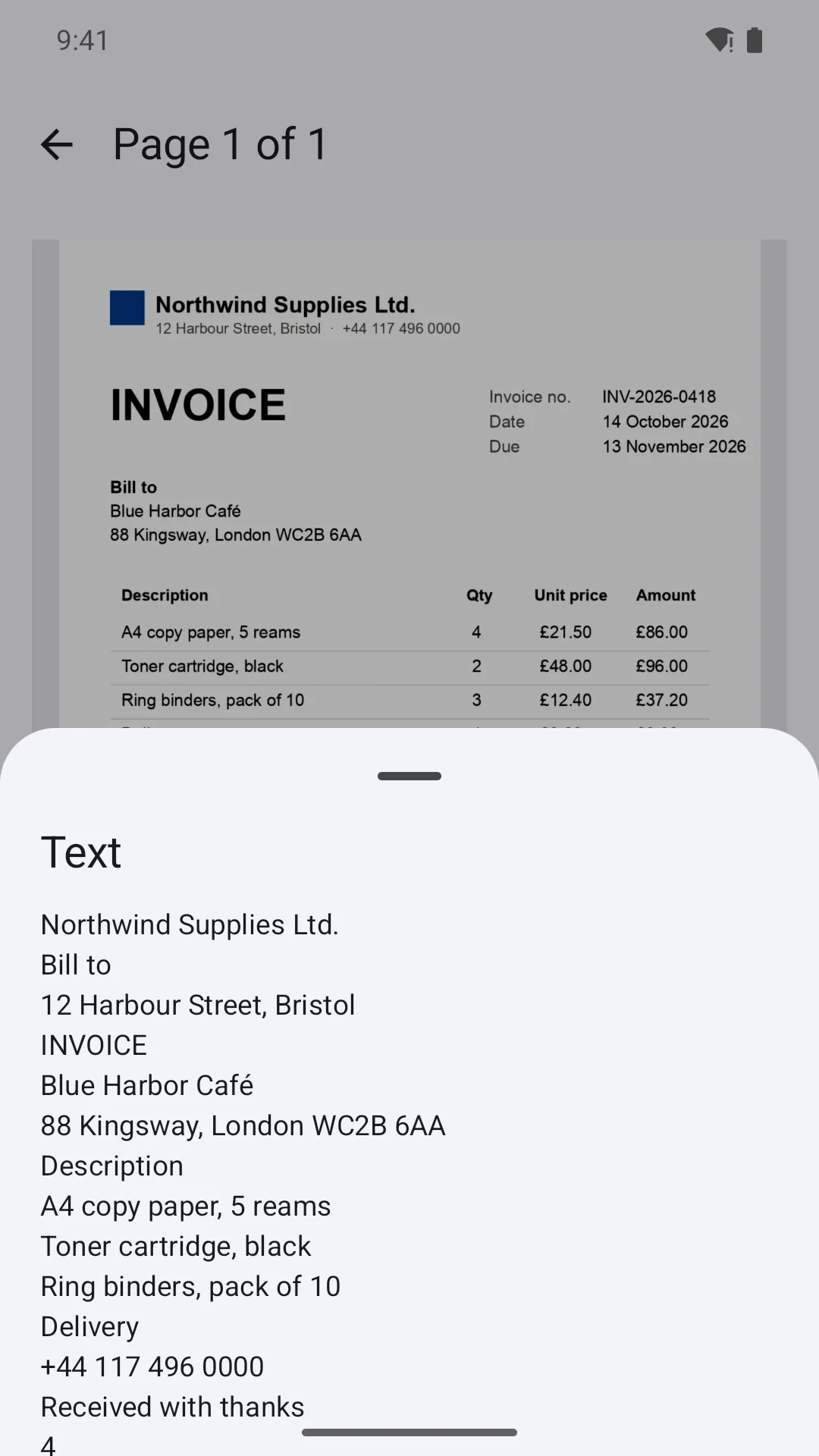
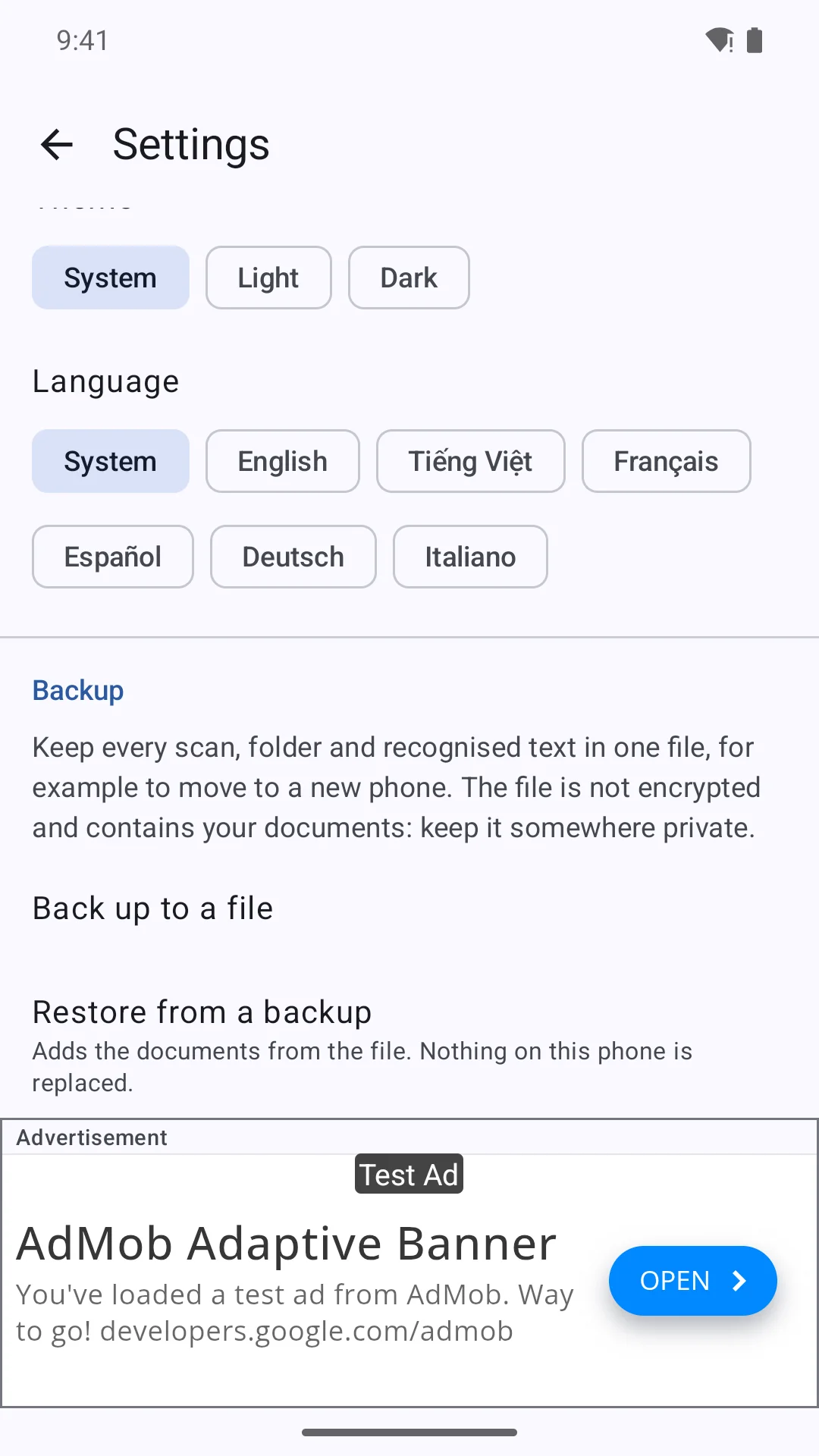
- ML Kit (Android) and Apple Vision (iOS) run on the phone, no server; Vietnamese included.
- Searchable PDFs with an invisible text layer; copy text from any page.
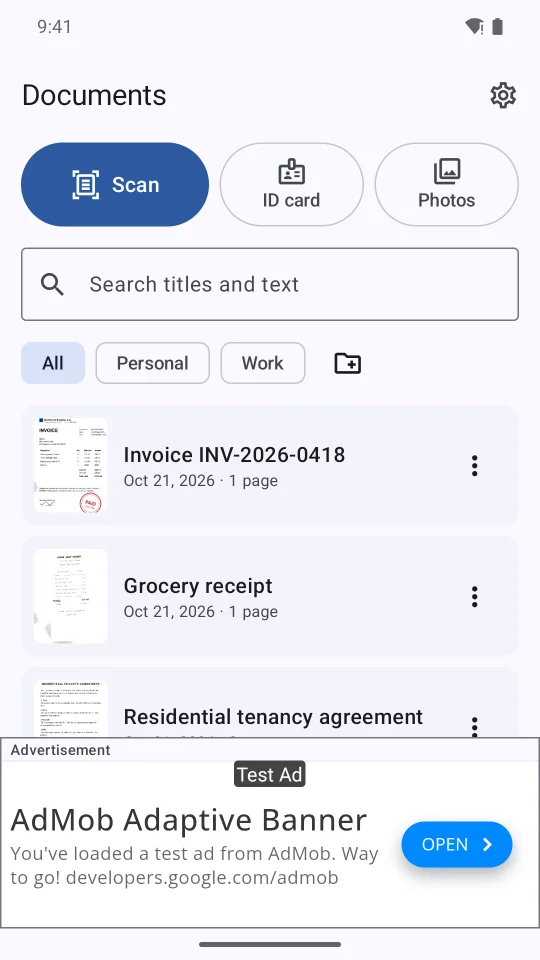
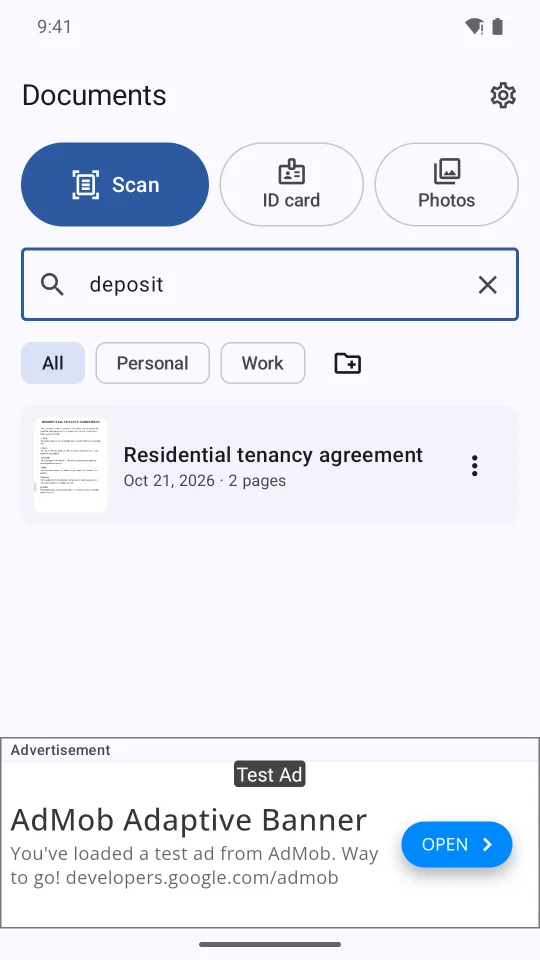
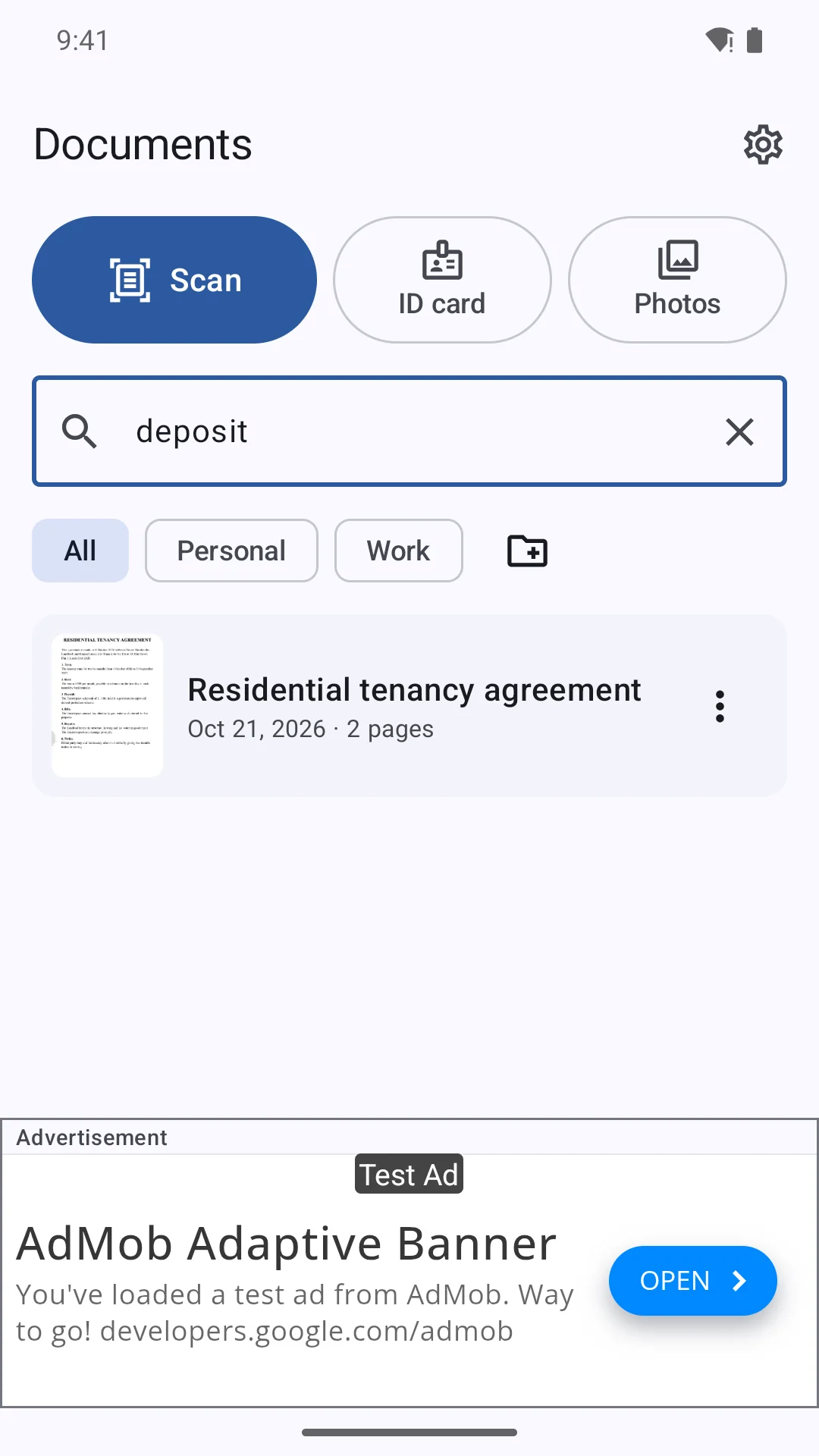
- Search documents by the words inside them, with or without accents.
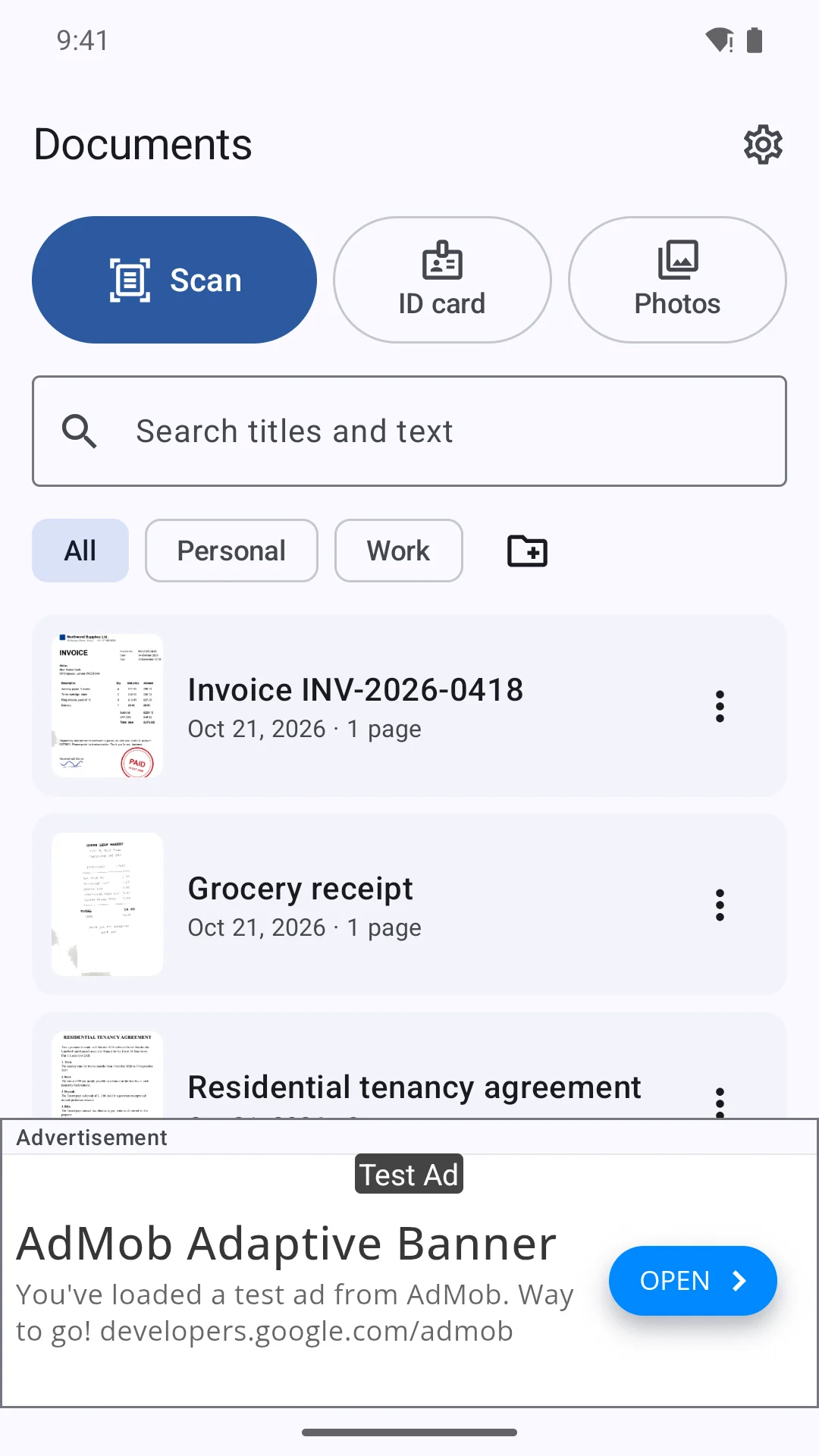
- New scans are named after their heading ("Rental agreement" instead of "Scan 2026-10-17").
Export and organise
- Share PDF or JPG, save to Downloads/Scans (Android) or Files (iOS), choose a folder, print.
- Three export sizes: Small for chat apps and email, Standard, Original.
- Folders, rename, reorder, turn and delete pages.
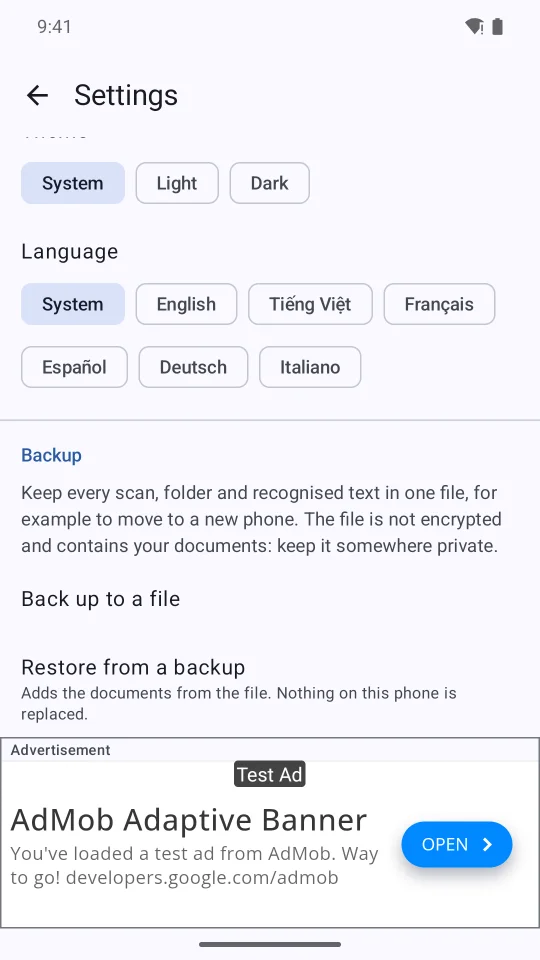
- Backup to one ZIP file the user keeps, and restore that merges instead of replacing. A backup made on Android restores on an iPhone and back.
Also included
- AdMob banner on the document list and Settings only, plus a capped interstitial after a finished share or save (not in the first 24 h, at most 3 a day; one line turns it off). Google UMP consent, GDPR-ready. No ads while scanning, editing or sharing.
- Six languages: English, Vietnamese, French, Spanish, German, Italian.
tools/rebrand.py: new app ID, bundle ID and app name in one command.- Branded splash / launch screen on both platforms; the docs show which files to change.
- Ready-to-paste store listings (6 languages), a privacy policy template (6 languages) and Google Play Data safety / App Store privacy answers.
- Codemagic workflow that builds the iOS app and uploads it to TestFlight.
- Unit tests for the shared core (PDF writer, filters, ID-card layout, search, backup format, ad rules), run on the JVM and the iOS simulator.
$ 29
- Verified source code
- Join 35688+ buyers which trust us!
- Download code immediately

100% Guarantee For Item!
Satisfaction guarantee policy.
Satisfaction guarantee policy.
Information
| Category | App Templates / Android |
| First Release | 21 October 2026 |
| Platforms | Android 7.0, Android 8.0, Android 9.0, Android 10.0 |
| Files included | .html, .swift, .xml, .py |
| File Size | 1 MB |
| Frameworks | Android |
Similar Items