
PDF Scanner & Document Manager - Scan, OCR, Sign, Merge PDFs (iOS SwiftUI)
Offline iOS PDF scanner in SwiftUI with OCR, e-signatures, merge/split and lock
Item Description
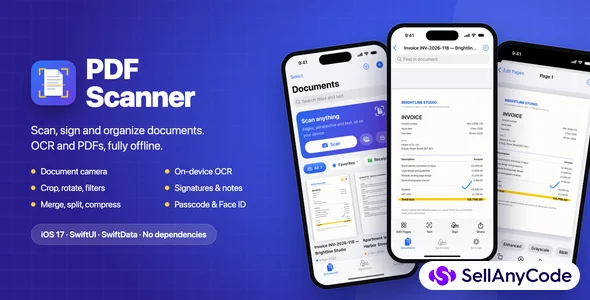
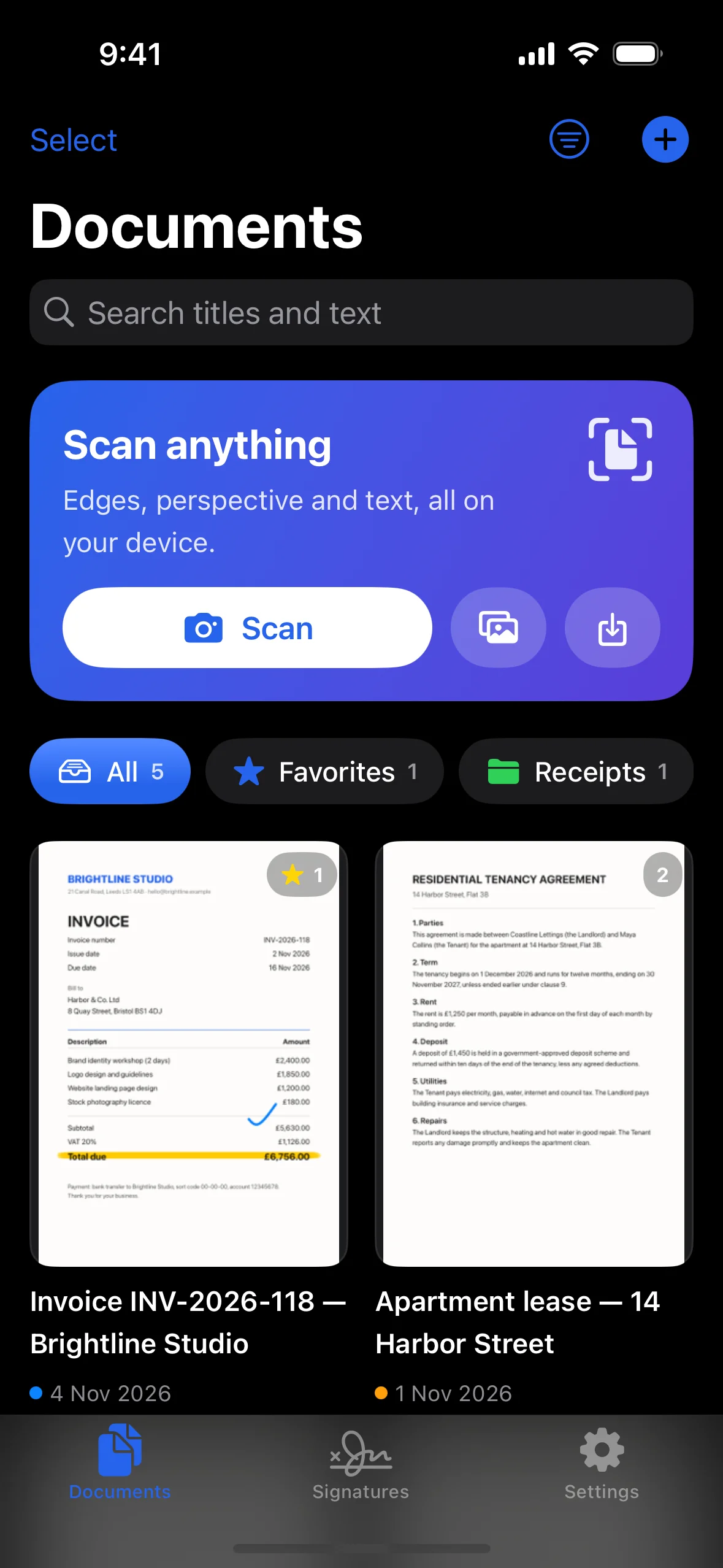
PDF Scanner is a ready-to-publish iOS app for scanning, organizing and sharing documents. Users scan paper with the camera, clean it up, recognize the text on the device, sign and annotate pages, then share a searchable PDF.
Everything stays on the phone: no account, no server, no ads and no tracking. Built 100% in SwiftUI + SwiftData with Apple frameworks only, with no third-party libraries.
For developers
- SwiftUI, SwiftData, VisionKit, Vision, PDFKit, PencilKit, Core Image and LocalAuthentication.
- Core logic in a separate Swift package (ScanCore) with 33 unit tests: PDF building, merging, splitting, encryption and compression; filters, perspective crop and document detection; OCR, search and passcode hashing.
- Clean structure of models, services, theme and feature folders.
- Debug-only launch arguments open any screen directly, for easy App Store screenshots.
- Builds with no warnings in Xcode 16+.
Requirements
- Xcode 16 or later (tested with Xcode 26.3)
- iOS 17.0 or later
- The document camera needs a real device; the Simulator falls back to photo import
What's in the download
- Full Xcode project and source code
- Documentation/index.html: setup, rebranding, launch screen, permissions, scanning, OCR, signatures, export settings, passcode lock, App Store publishing and FAQ
- Docs/ConfigurationGuide.md and Docs/TestPlan.md (23 manual checks)
- App icon (light and dark)
Notes
- Fully offline; no server needed.
- Not included in this version: cloud sync, PDF form filling, and editing a PDF's original text.
Features
Scan & edit
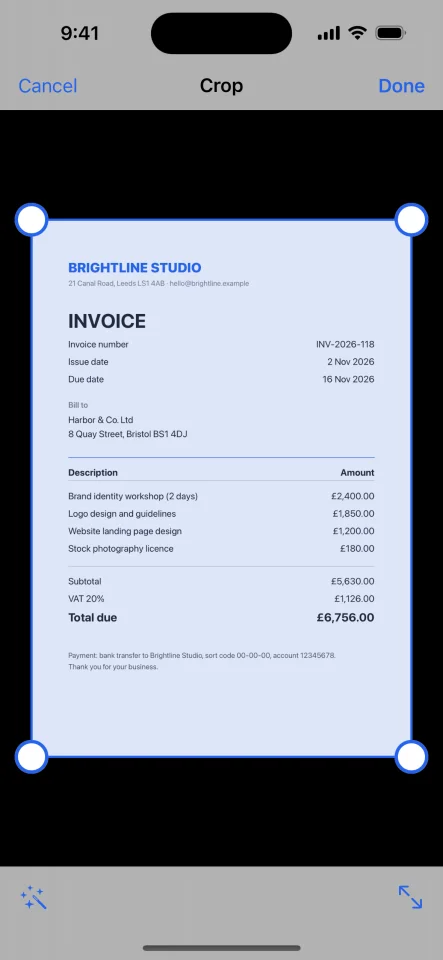
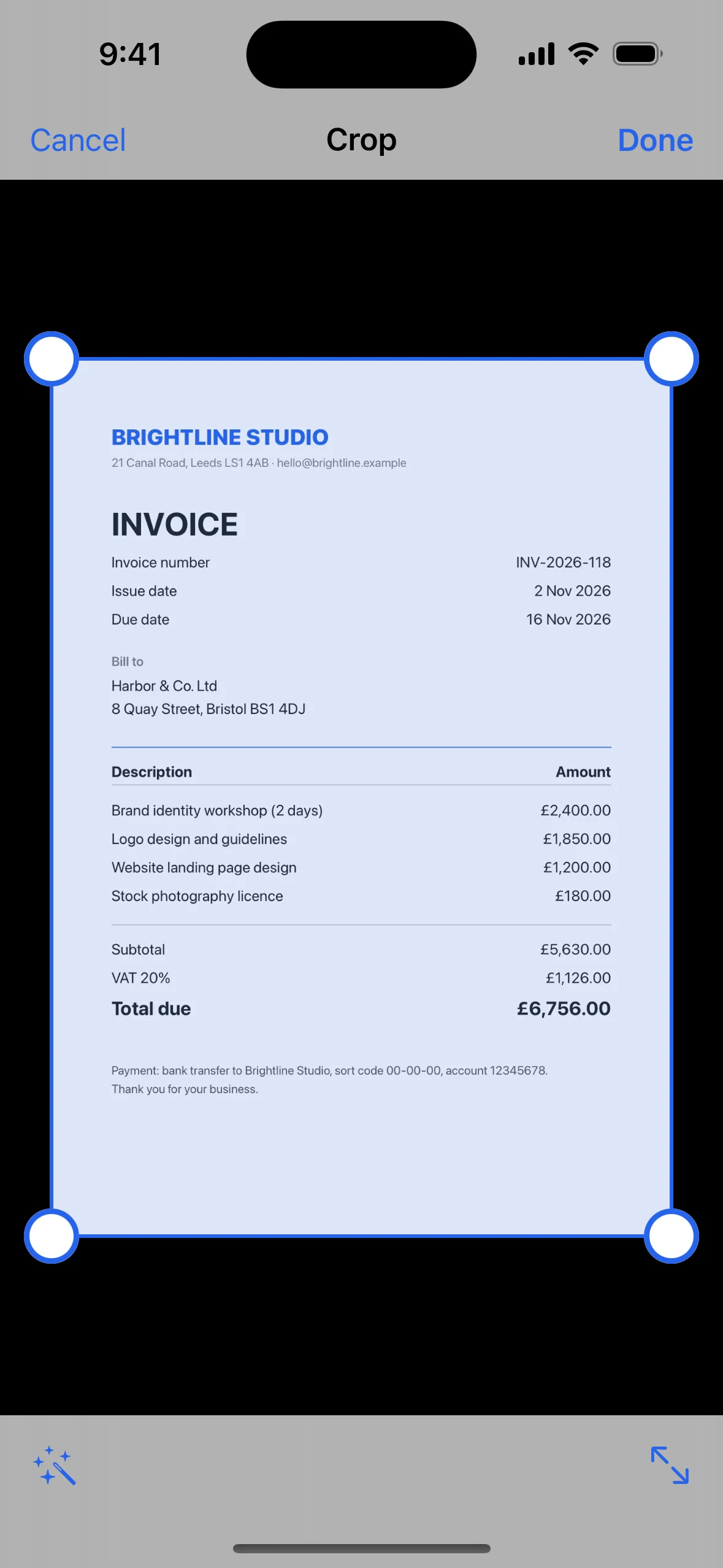
- VisionKit document camera with edge detection, auto-capture and perspective correction
- Import photos, images and PDFs (including password-protected PDFs); photos auto-cropped with Vision
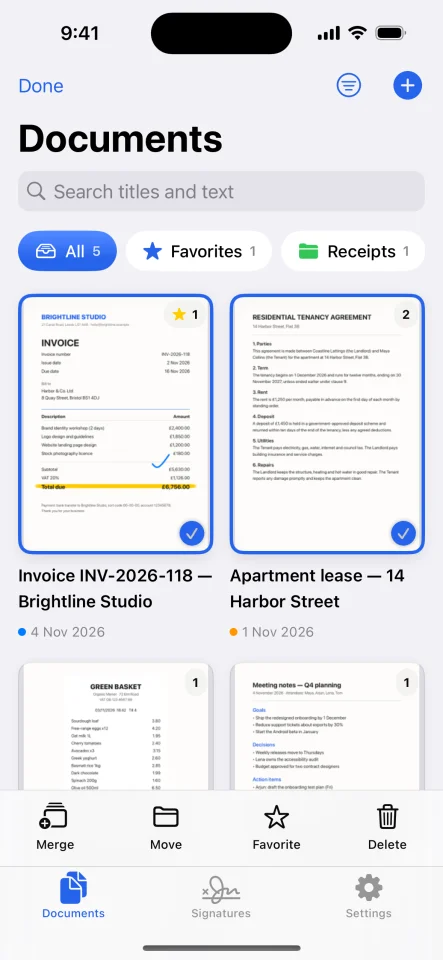
- Crop with four draggable corners or auto-detect; rotate, reorder by drag and drop, add or delete pages
- Filters: Original, Enhanced, Grayscale and Black & White
- Non-destructive edits that can be changed at any time
On-device OCR
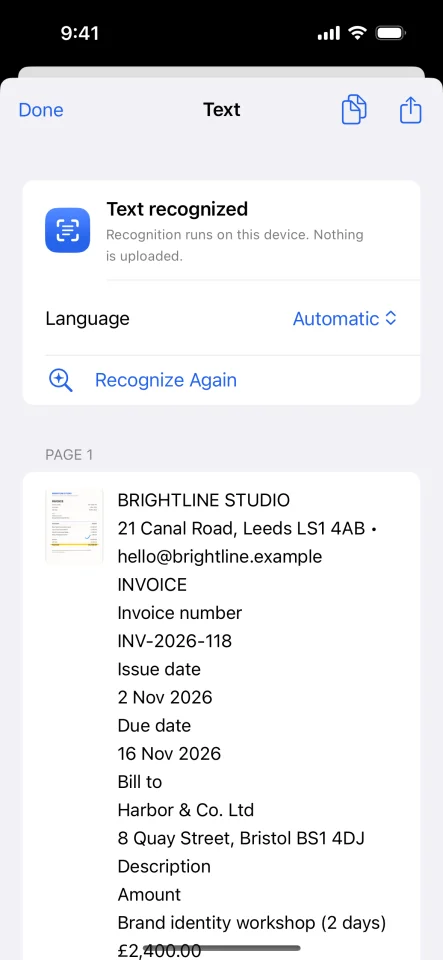
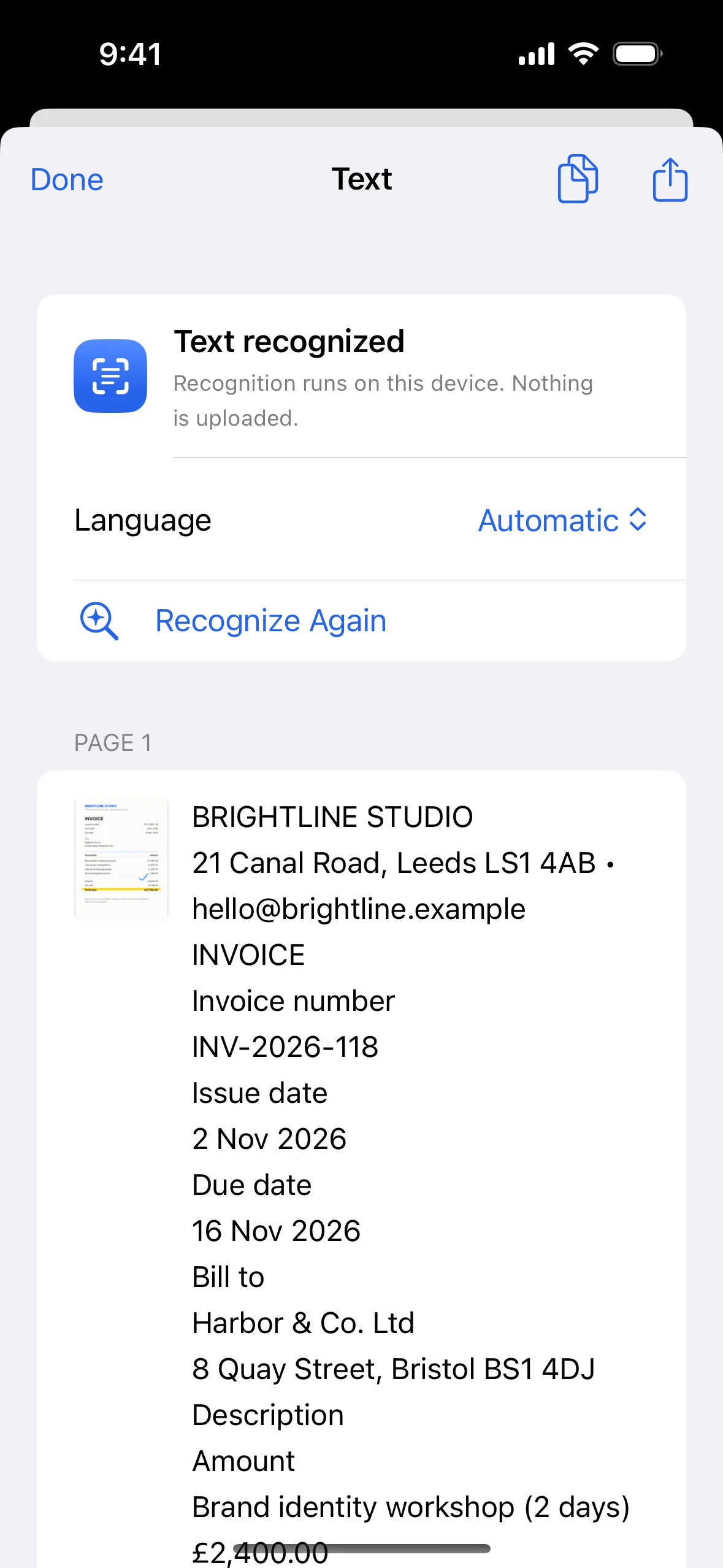
- Apple Vision text recognition in every language iOS supports, with automatic language detection
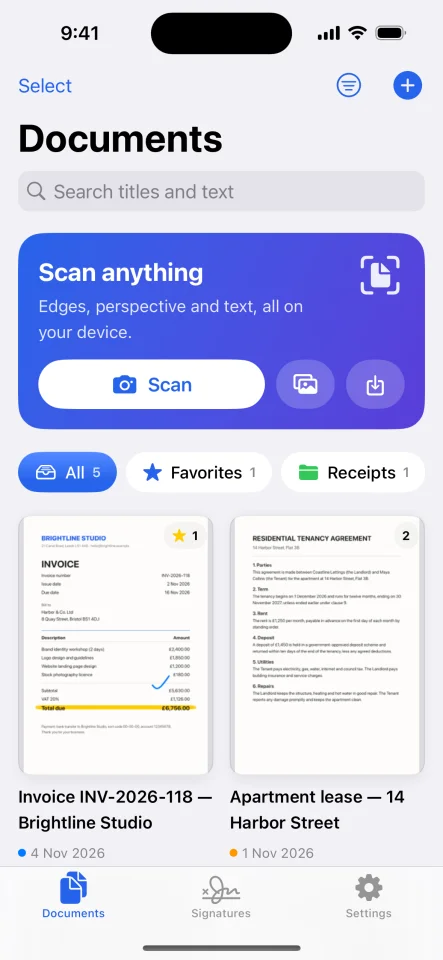
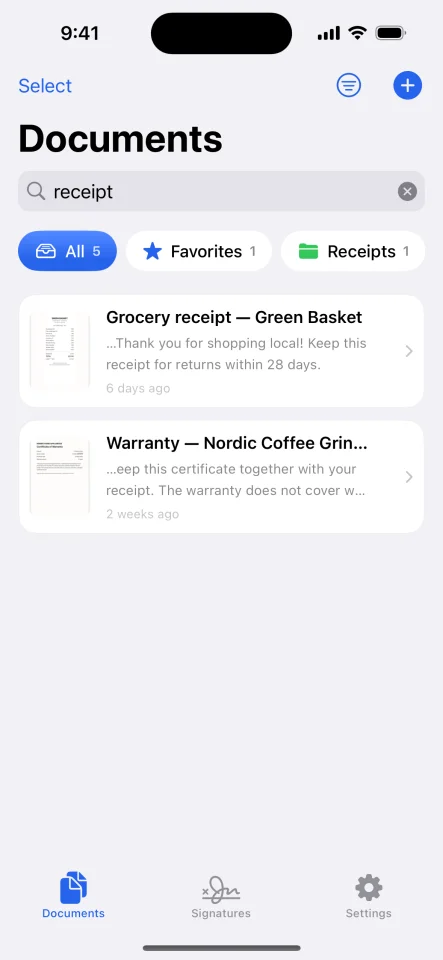
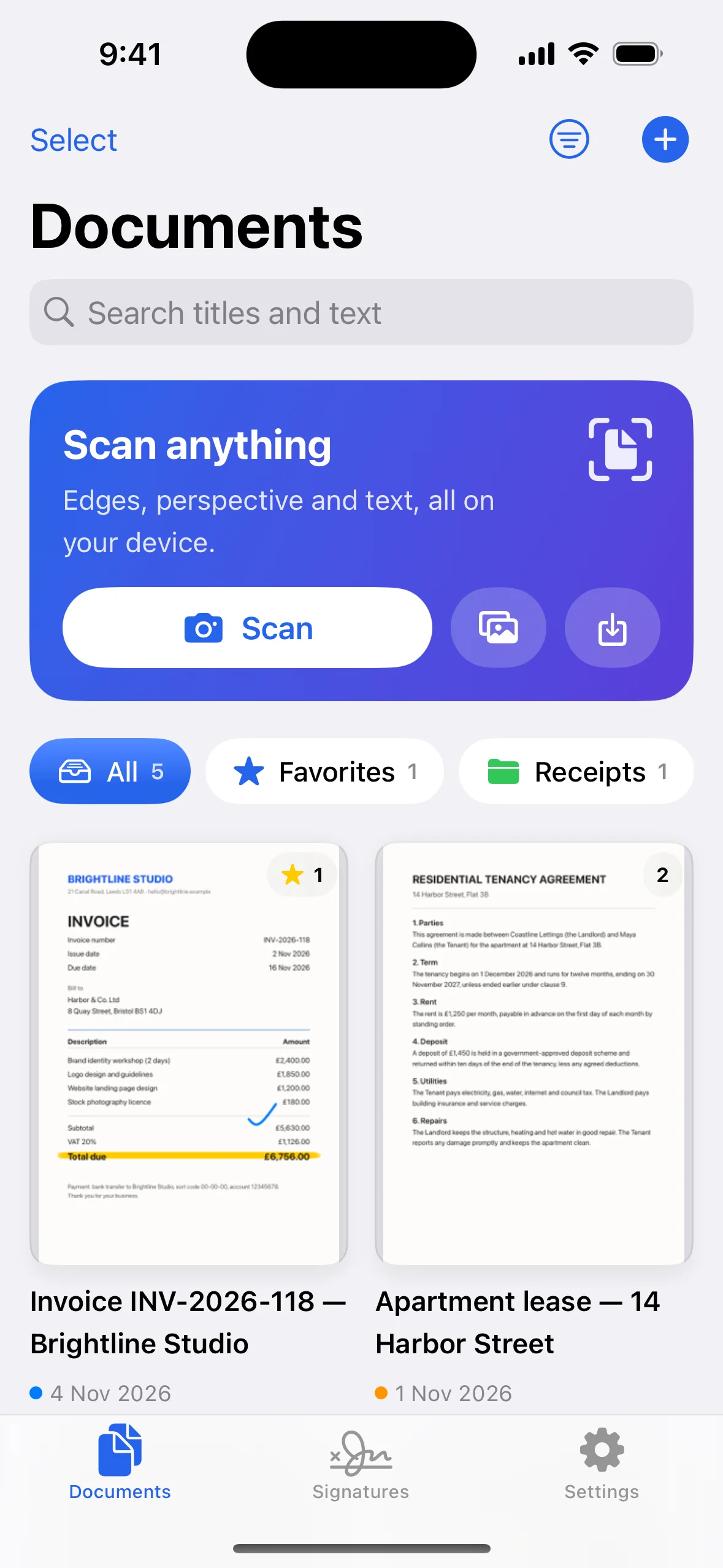
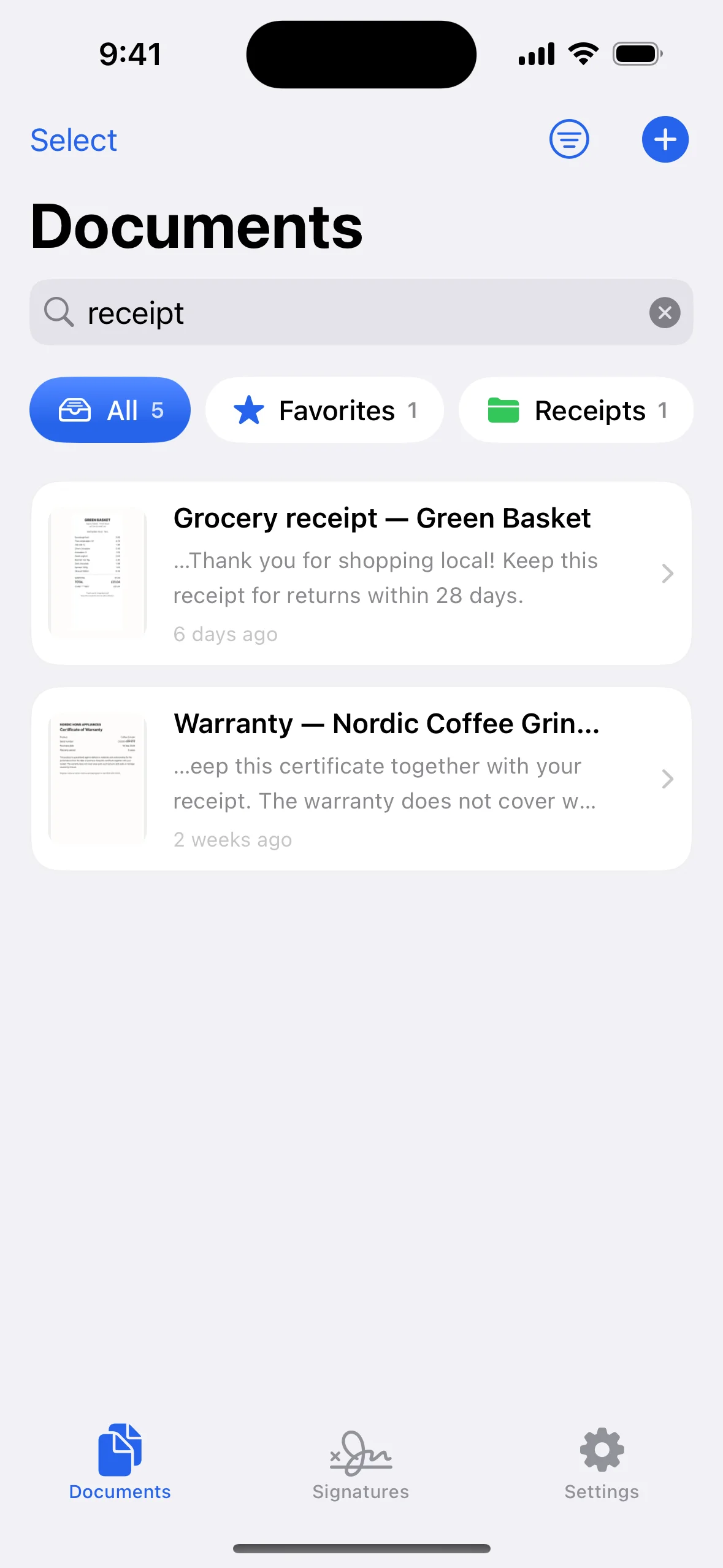
- Searchable library: find documents by the words inside them, with highlighted snippets
- Searchable PDFs with an invisible text layer, so exports can be searched and copied
- Copy or share the text of any document
Sign & annotate
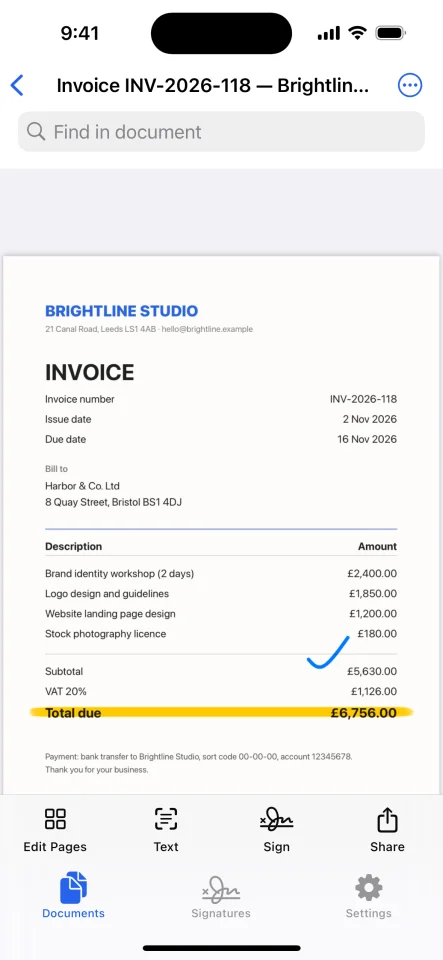
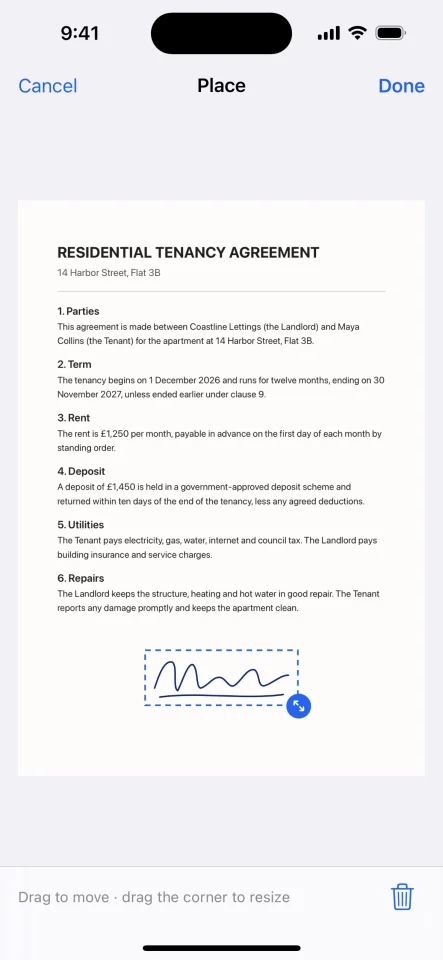
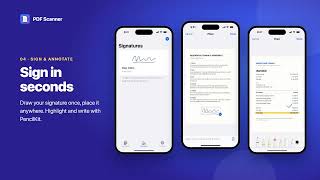
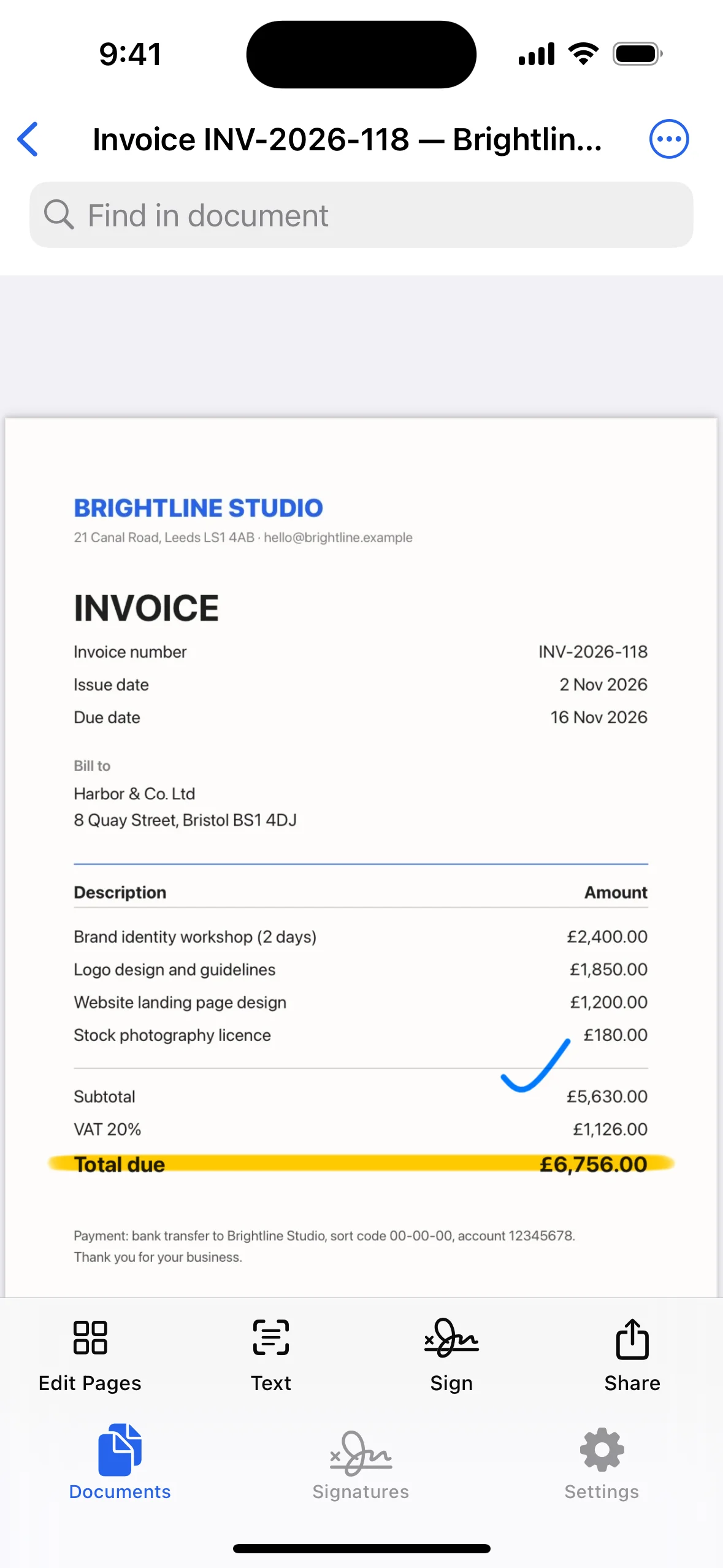
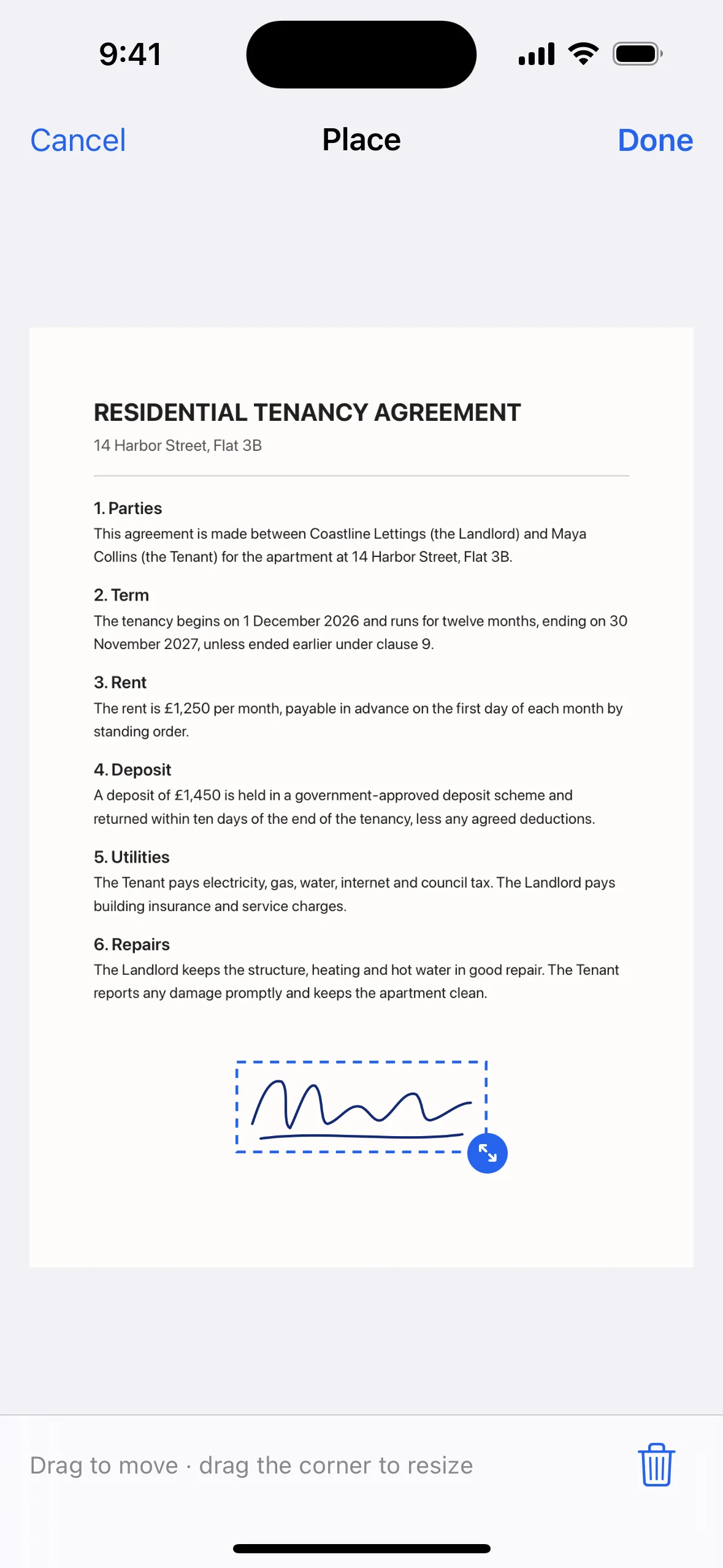
- Signature library: draw once with a finger or Apple Pencil, then place, move and resize on any page
- Text notes for dates, names and remarks
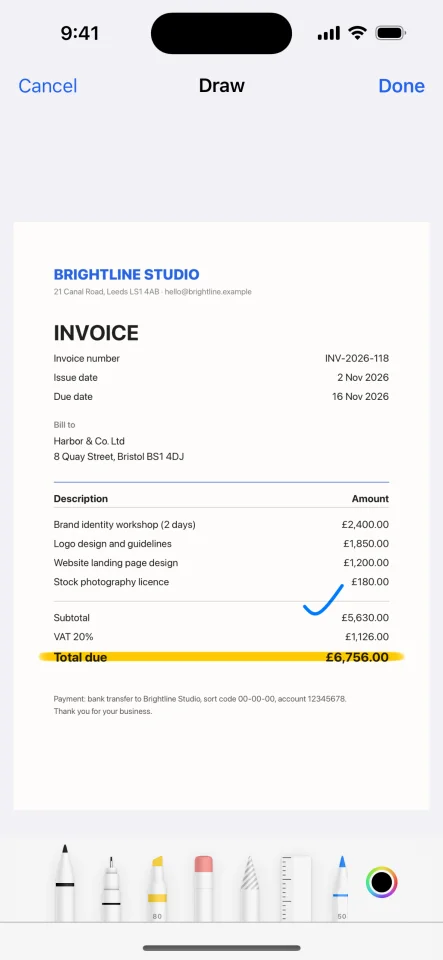
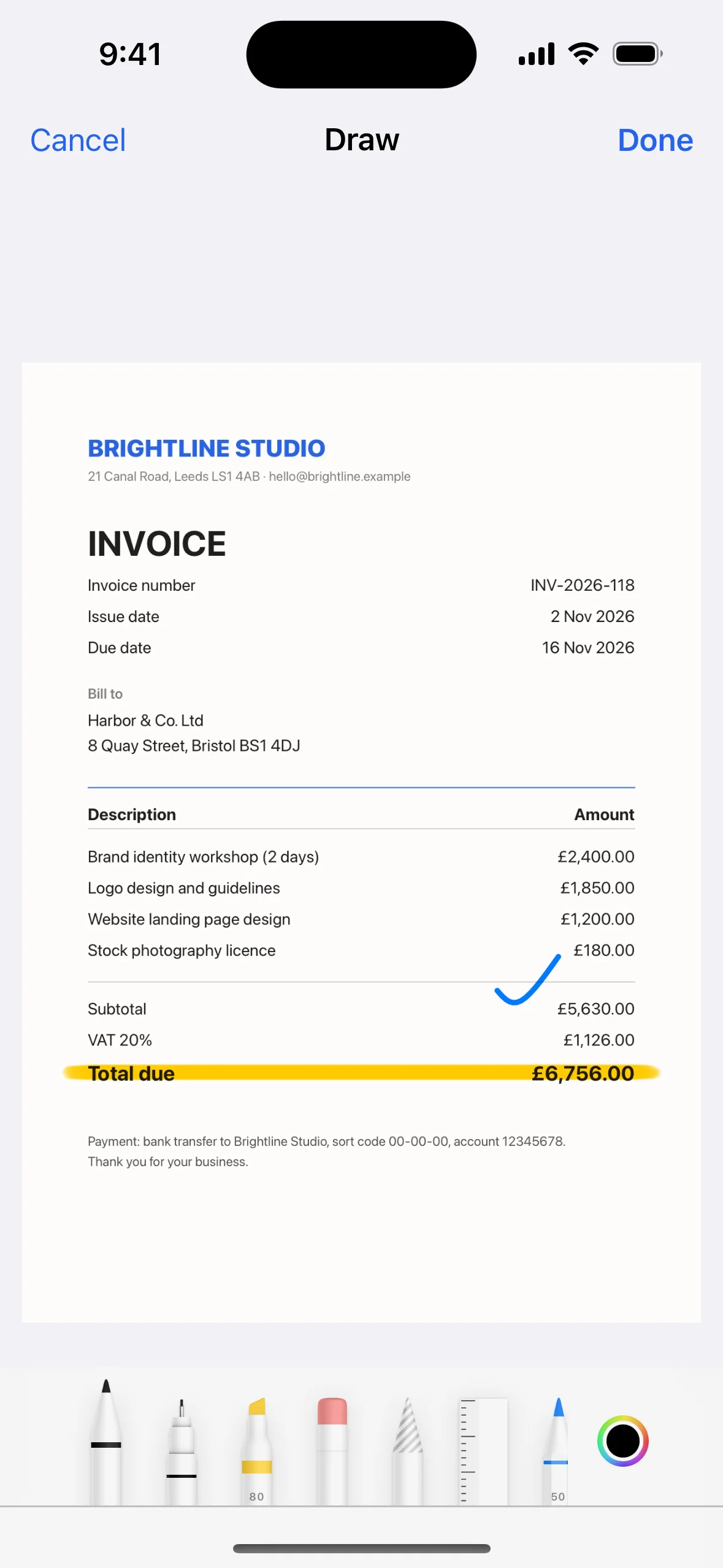
- PencilKit pen, highlighter, eraser and lasso; highlights stay transparent over text in exports
Organize & share
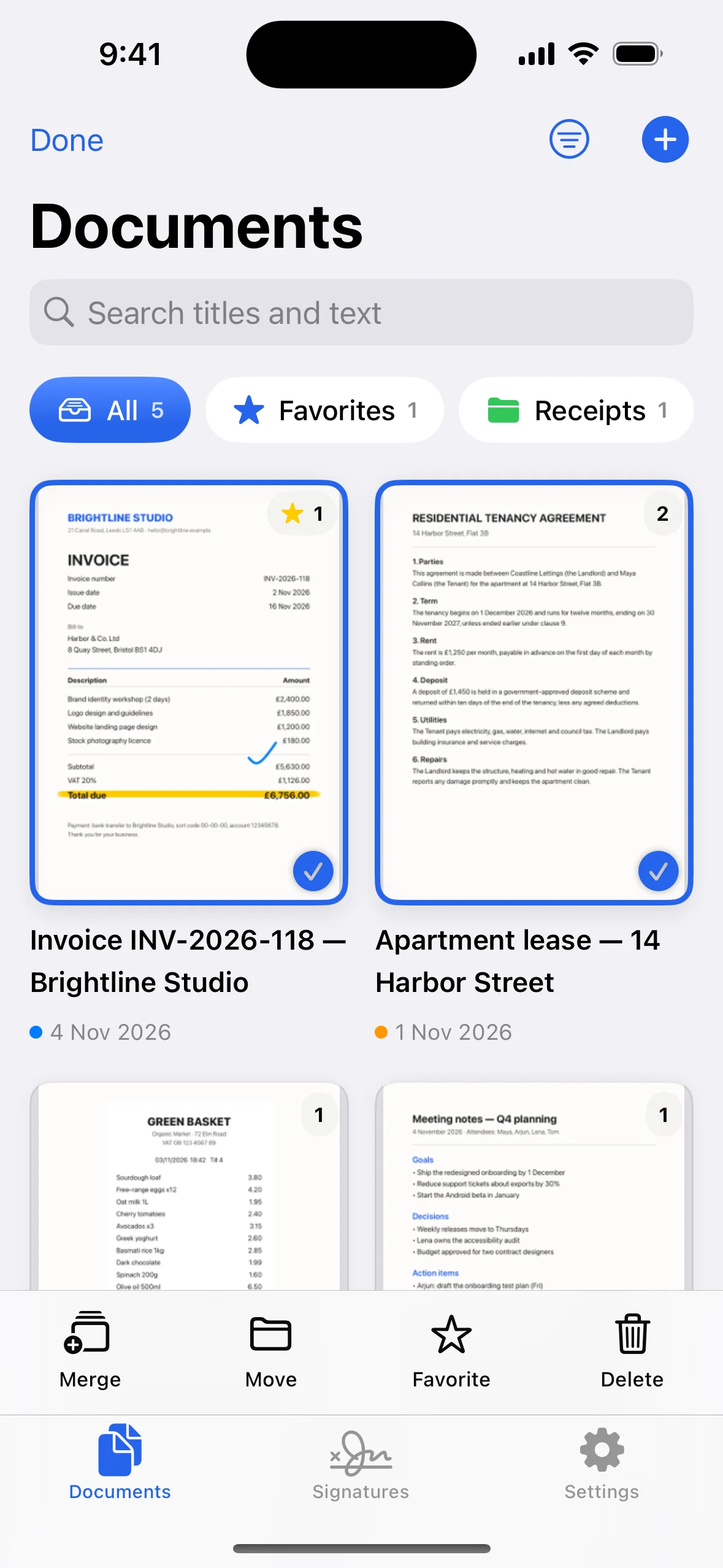
- Folders with colours, favourites, grid or list layout, and four sort orders
- Merge documents and split by page ranges (e.g. 1-3, 5, 8-) or every N pages
- Export as PDF (A4, Letter, Legal or fit-to-image), JPEG images or plain text
- PDF compression with three quality levels and a live file-size estimate
- Password-protected PDFs
Privacy
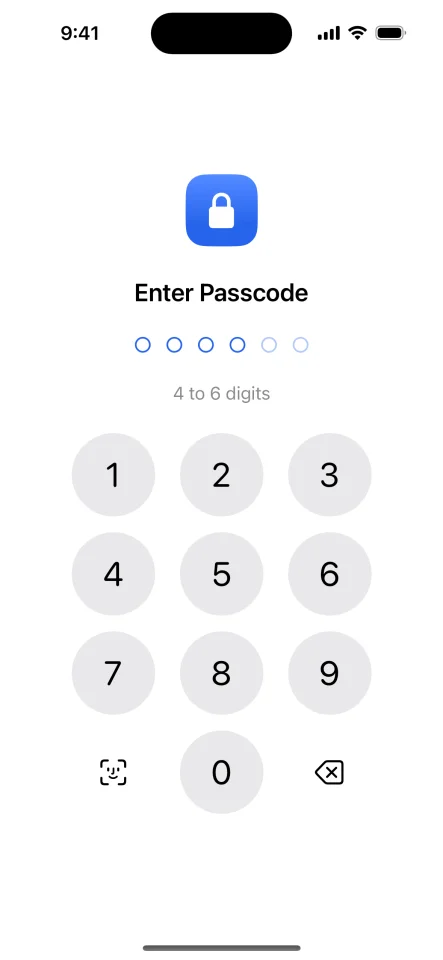
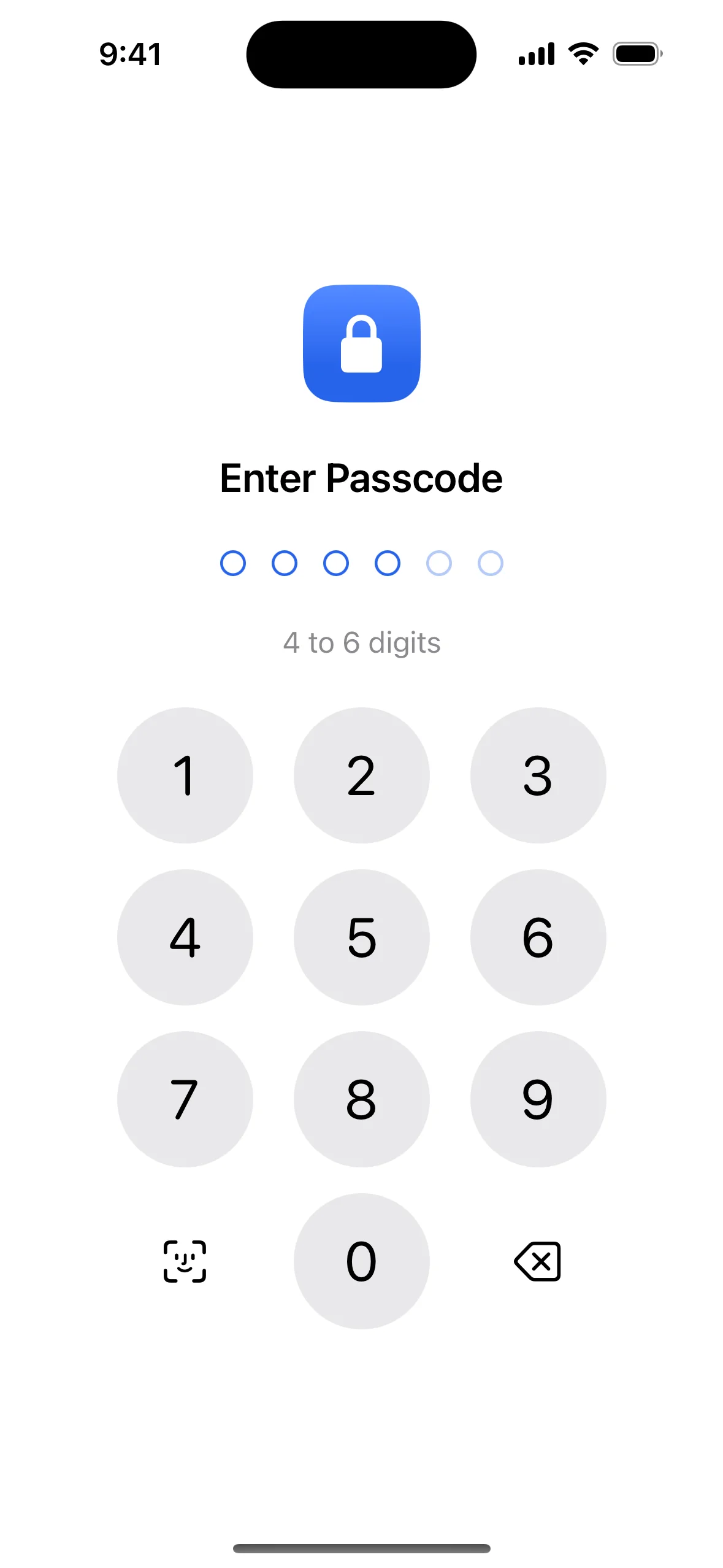
- Passcode lock (4–6 digits) with Face ID or Touch ID
- Passcode stored only as a salted PBKDF2 hash in the Keychain
- Increasing wait times after wrong guesses
- Locks in the background; content hidden in the app switcher
Polished experience
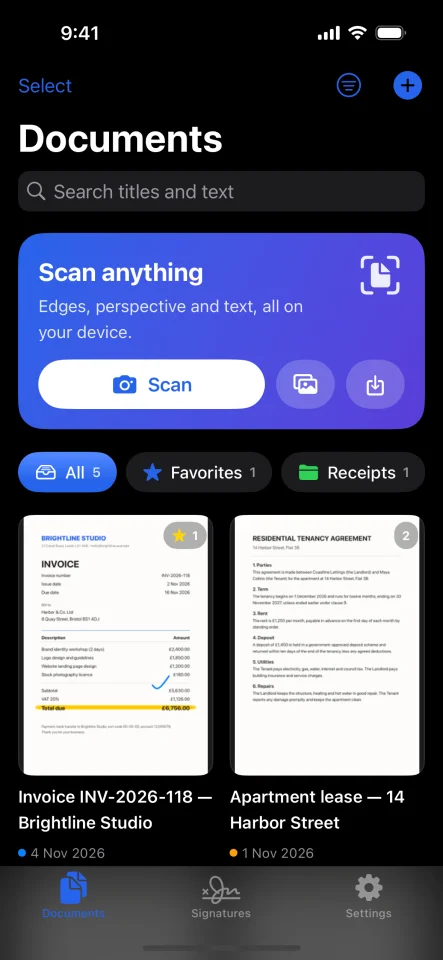
- Modern iOS design with gradient scan card, live page thumbnails and colour-coded folders
- Dark mode, Dynamic Type, VoiceOver labels and actions, iPhone and iPad
- Localization-ready (String Catalog); privacy manifest and permission texts included
- Fictional sample documents and a sample signature on first launch
- Branded launch screen in light and dark mode, with replacement instructions
$ 19
- Verified source code
- Join 35558+ buyers which trust us!
- Download code immediately

100% Guarantee For Item!
Satisfaction guarantee policy.
Satisfaction guarantee policy.
Information
| Category | App Templates / iOS |
| First Release | 4 November 2026 |
| Platforms | iOS 13 |
| Files included | .html, .swift |
| File Size | 15 MB |
| Frameworks | iOS |
Similar Items