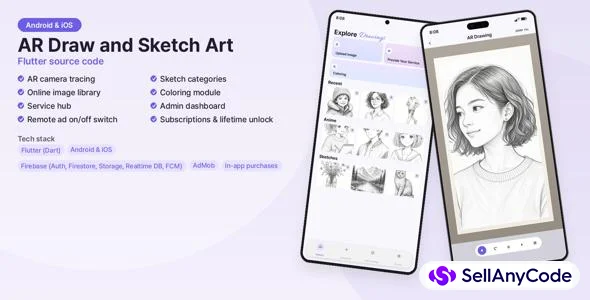


AR Draw and Sketch Art - Flutter AR Drawing App Source Code
Flutter AR drawing and tracing app source code for Android and iOS with Firebase
Item Description
AR Draw and Sketch Art is a complete, ready-to-reskin AR drawing and tracing app built with Flutter. Users choose an image, open the camera and trace it onto paper with an adjustable overlay. One Dart code base builds for both Android and iOS, so you can publish on Google Play and the App Store.
The app is live on Google Play (see the demo link) and the source in this package is a clean, sanitized copy: AdMob uses Google's test IDs and the Firebase files are placeholders that you replace with your own project.
TECH STACK
Flutter / Dart (SDK ^3.6.2), Firebase (Authentication, Realtime Database, Storage, Cloud Messaging), Google Mobile Ads (AdMob), camera, image_picker, cached_network_image, google_fonts, permission_handler, connectivity_plus, shared_preferences, Samsung Galaxy Store IAP plugin and the Flutter in_app_purchase package. About 11,500 lines of Dart code.
WHAT IS INCLUDED
- Full Flutter source code (lib, android, ios, plus the default web/macos/linux/windows scaffolds)
- README.md and DOCUMENTATION.md in English: requirements, project structure, quick setup, Firebase setup with flutterfire configure and the database/storage structure the code expects, AdMob setup, in-app purchase setup, reskinning (name, package id, icon), Android APK/AAB and iOS archive build steps, placeholder checklist
- Optional Codemagic configuration for iOS builds
- Separate zip with screenshots and listing images is for preview only
REQUIREMENTS
- Flutter SDK (stable, Dart 3.6.2 or newer)
- Android Studio with Android SDK 36; Xcode and CocoaPods on a Mac for iOS builds
- Your own Firebase project (free plan is enough to start)
- Your own AdMob account for live ads (test ads work out of the box)
- Optional: free Pexels API key for the online photos tab
- Your own store accounts (Google Play / App Store) to publish
IMPORTANT NOTES
- AdMob IDs in the package are Google's official test IDs. Firebase files (firebase_options.dart, google-services.json, GoogleService-Info.plist) are placeholders: run flutterfire configure with your own project.
- Package name / bundle id is com.yourcompany.ardrawing - change it to your own (steps in the documentation).
- Gallery and coloring images are loaded from your own Firebase Storage folders and are not bundled; add content you have the right to use. Replace the bundled UI graphics (logo, intro screens) with your own.
- Samsung Galaxy Store purchase item IDs and the store product IDs are placeholders; create your own products in your store accounts.
SUPPORT
Install and configuration support by message through SellAnyCode. Custom development is not included.
Features
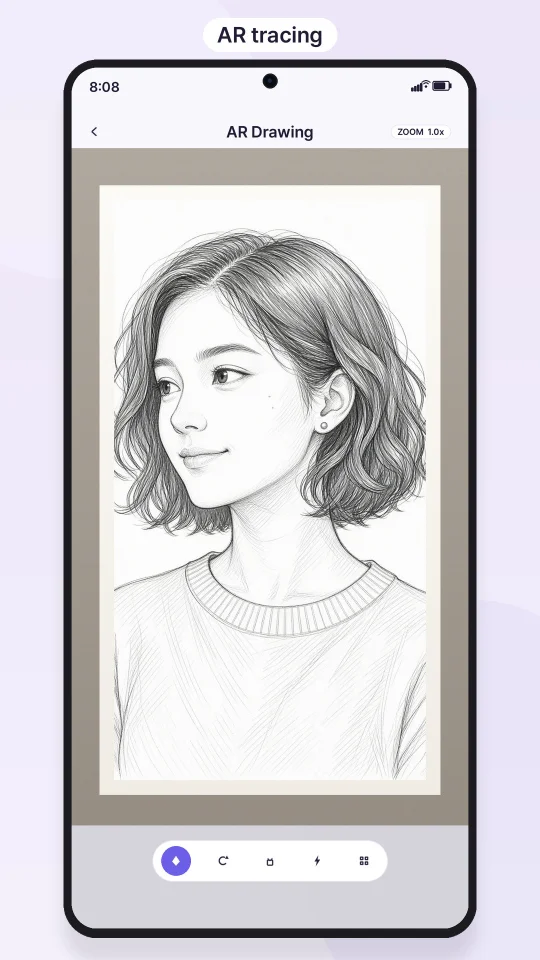
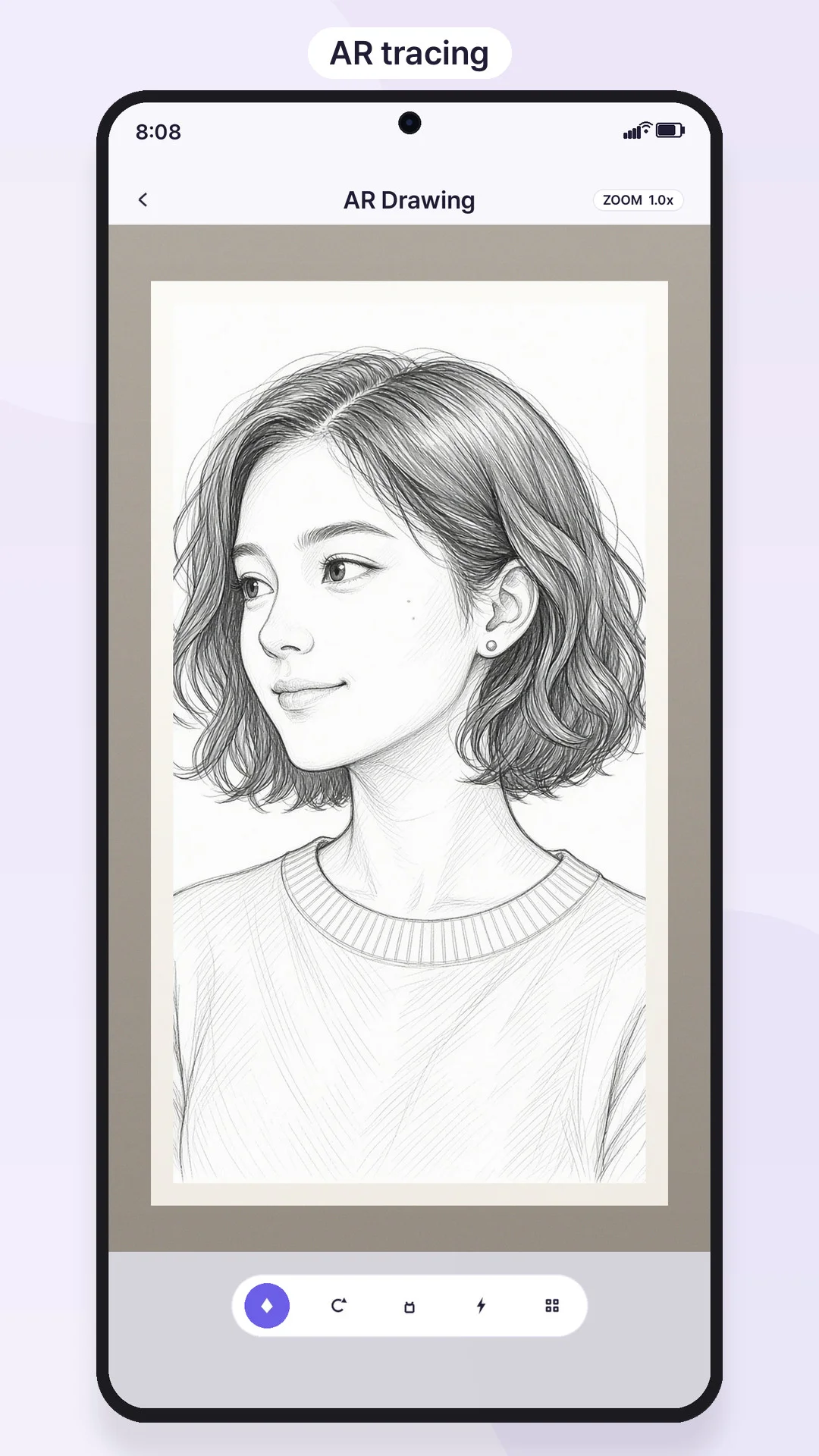
- AR camera tracing: live camera with an image overlay, opacity slider, pinch zoom and move, flip image, screen lock, flashlight toggle, video recording of the drawing session, screen stays awake while tracing
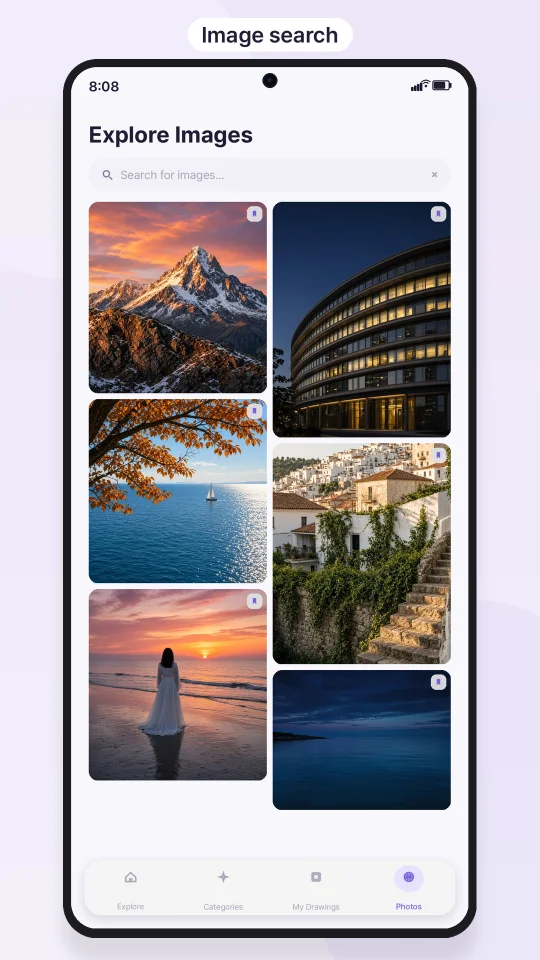
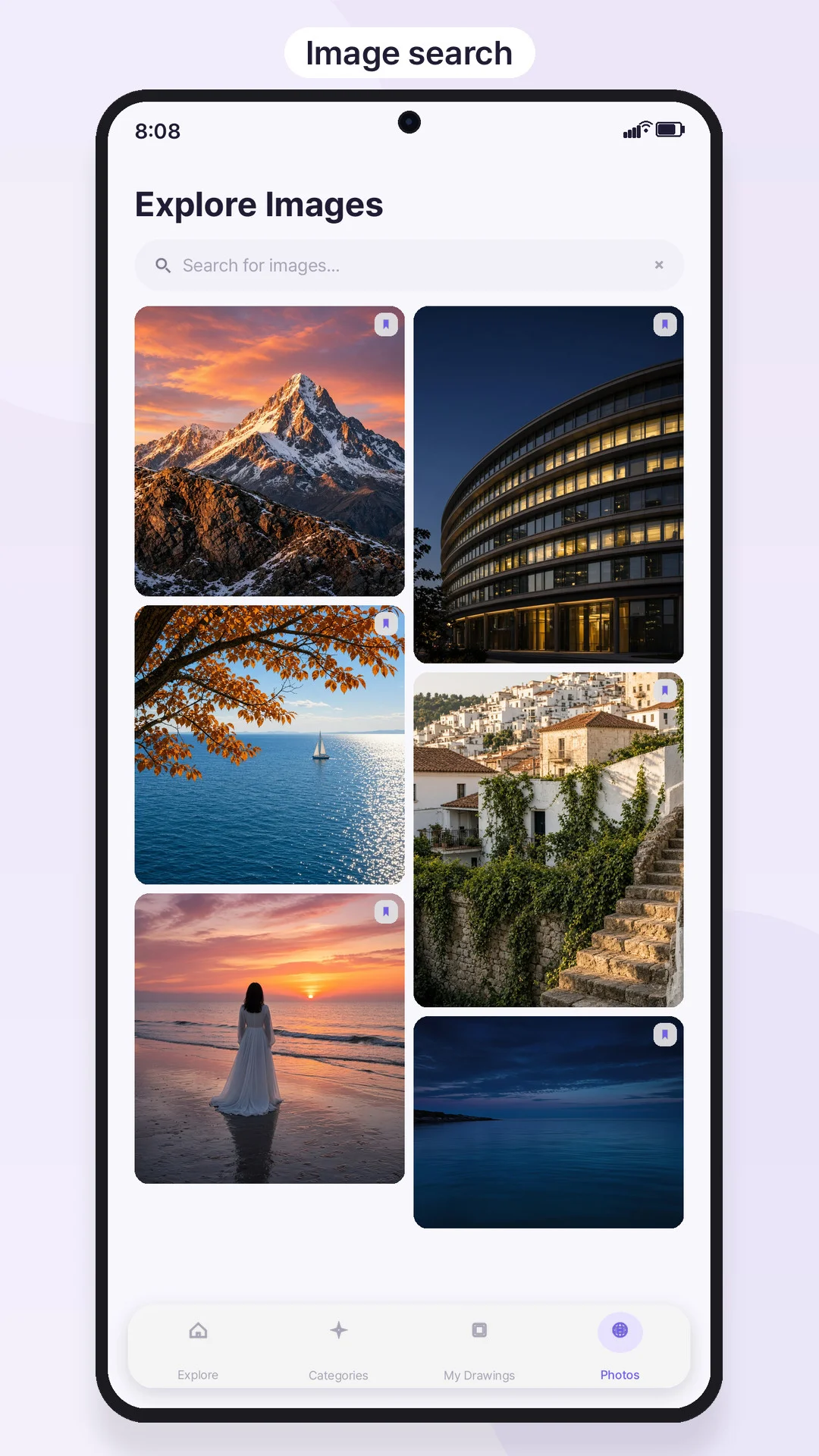
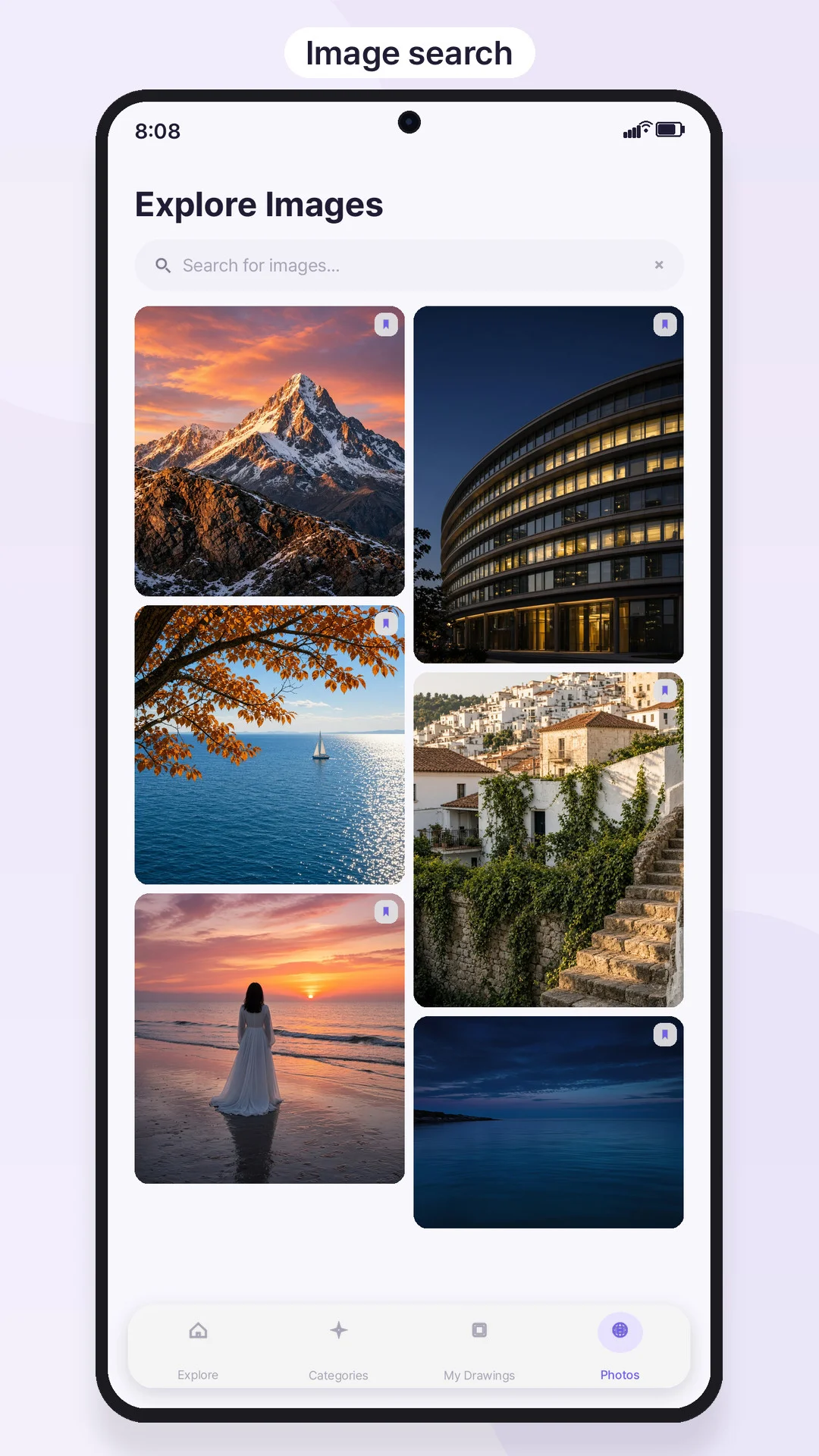
- Image sources: take a photo, pick from gallery, ready-made images from Firebase Storage, and online photo search (Pexels API)
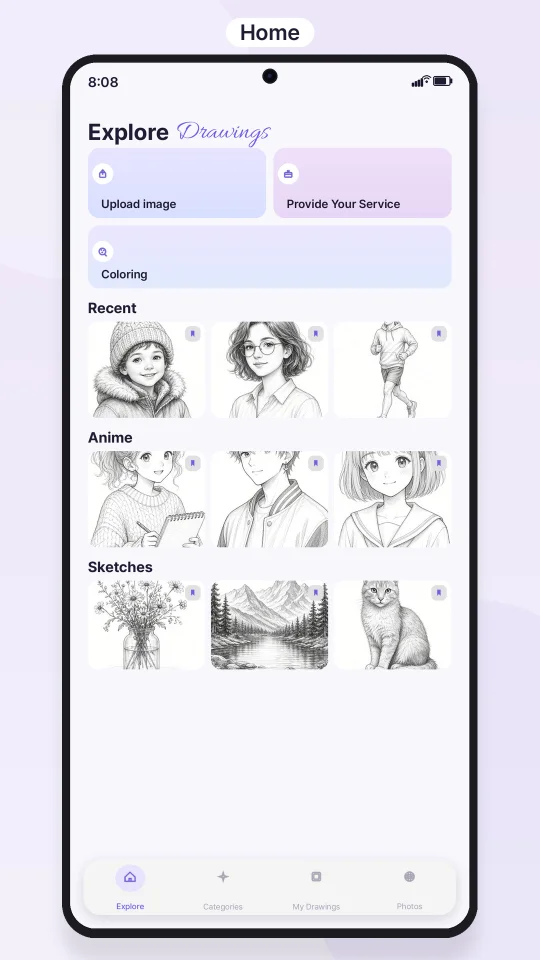
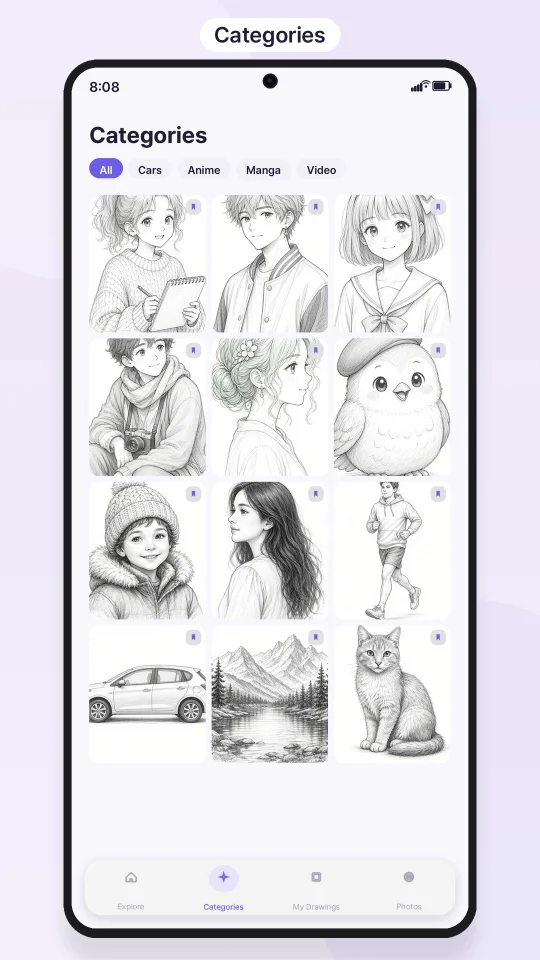
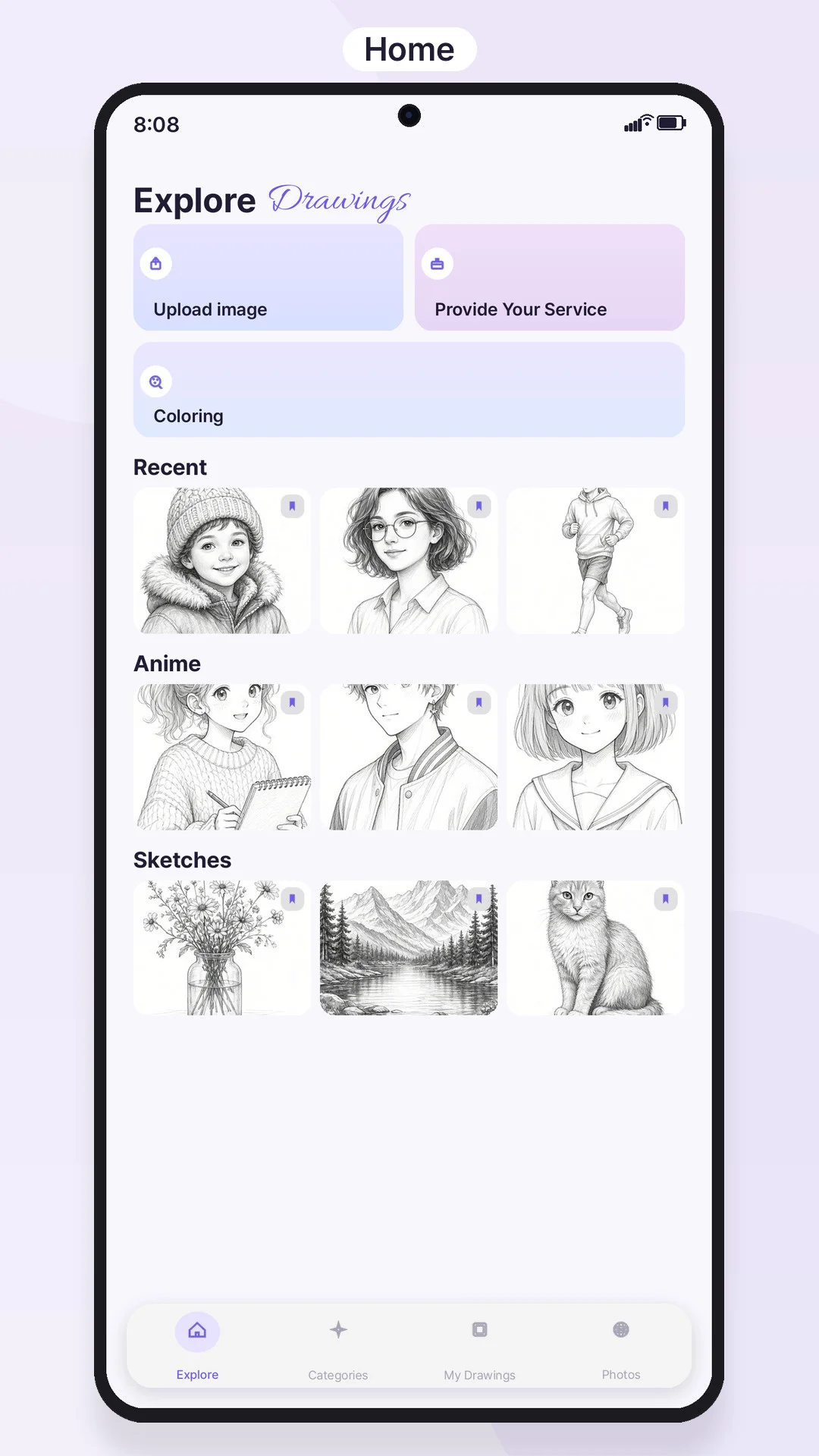
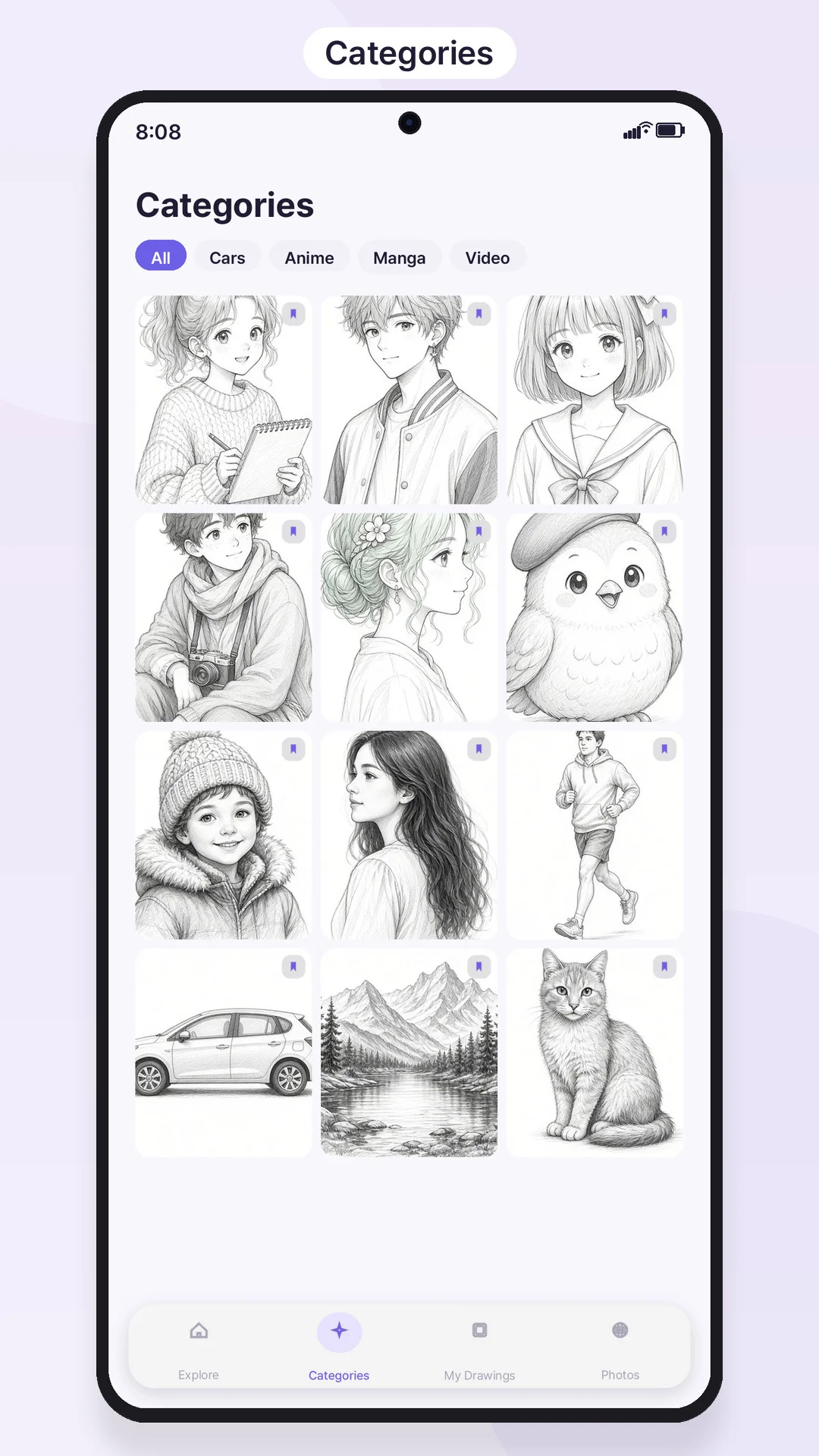
- Home screen sections, category dashboard (All, Cars, Anime, Manga, Video Game), favorites synced per user, local photos tab, image caching
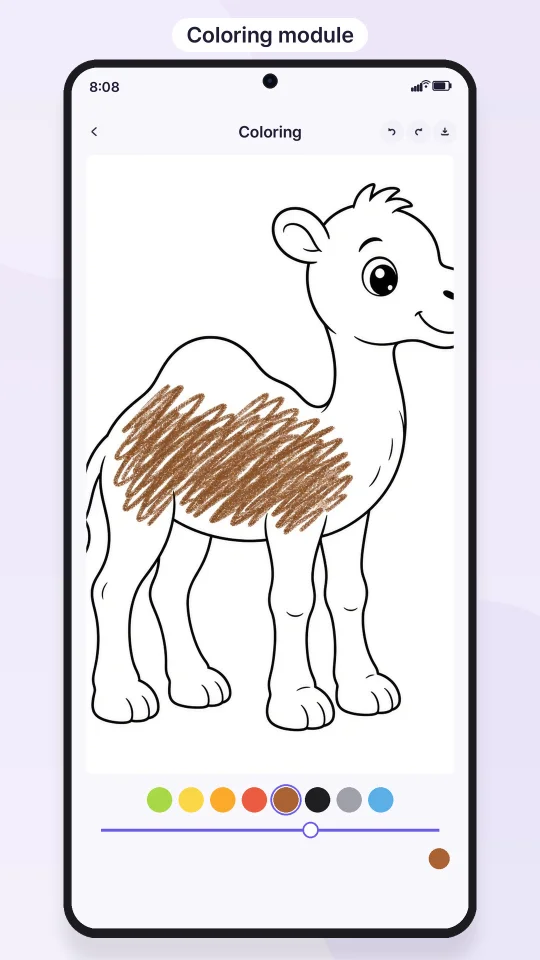
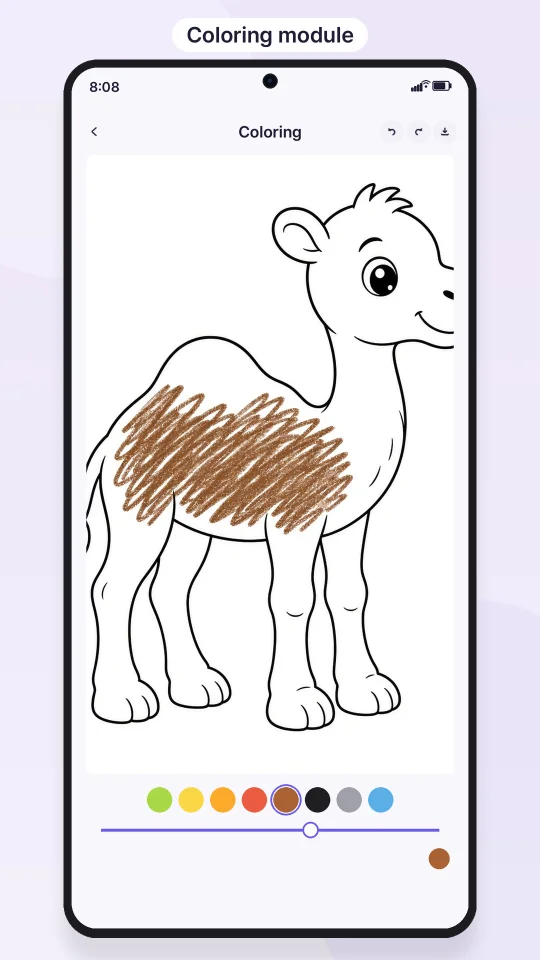
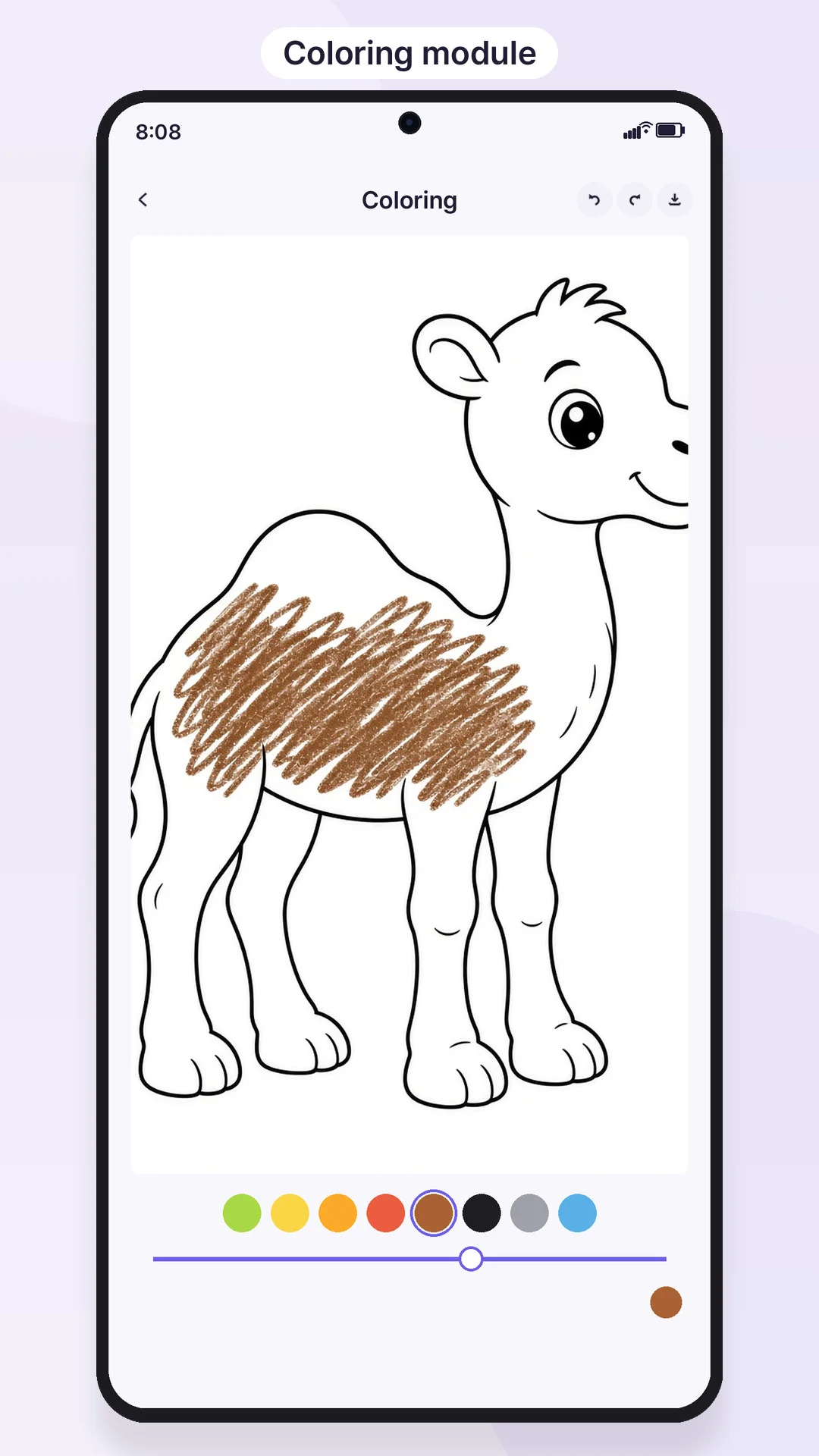
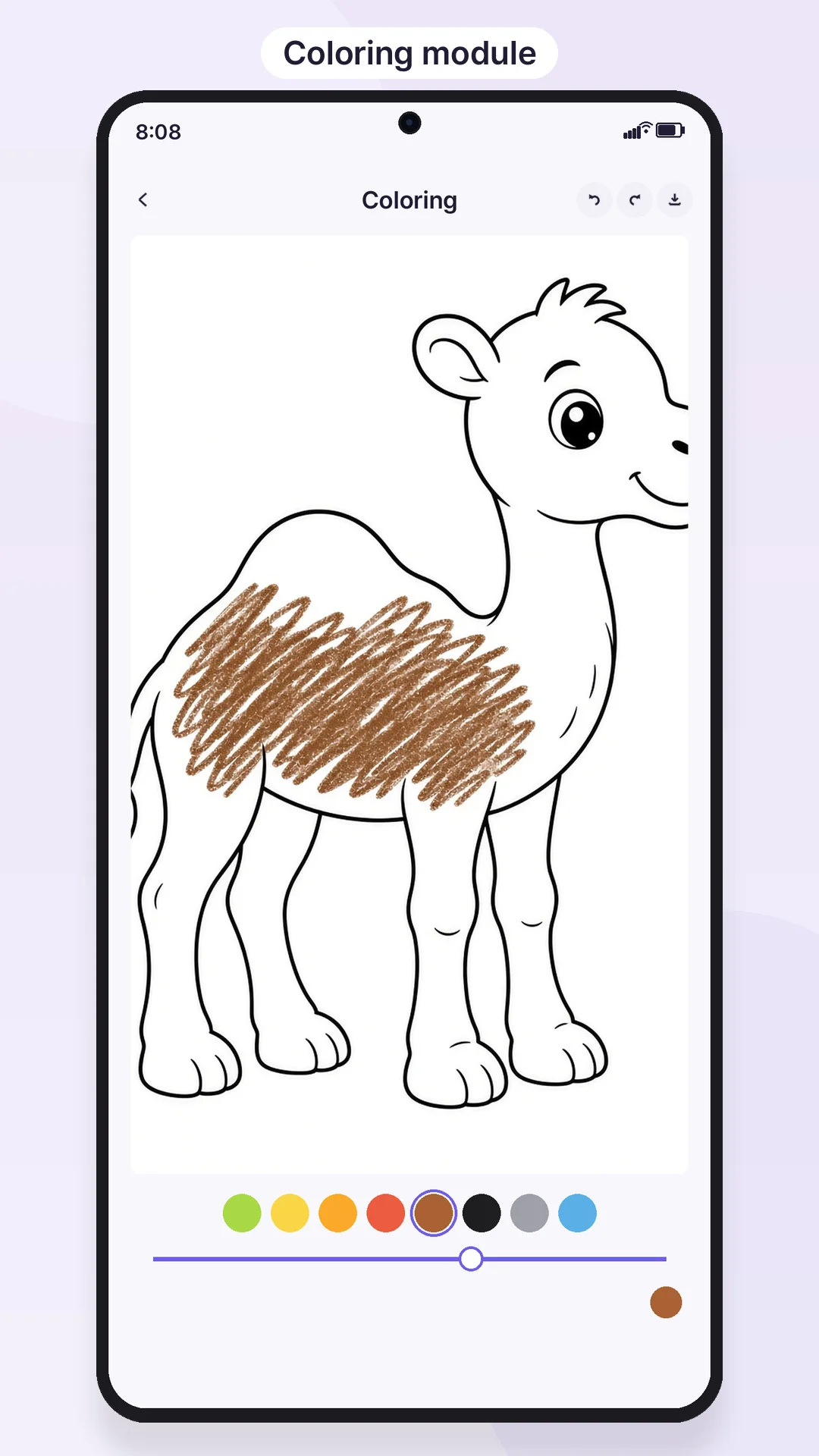
- Coloring module: choose a line-art page, paint with a color palette, undo, save to gallery
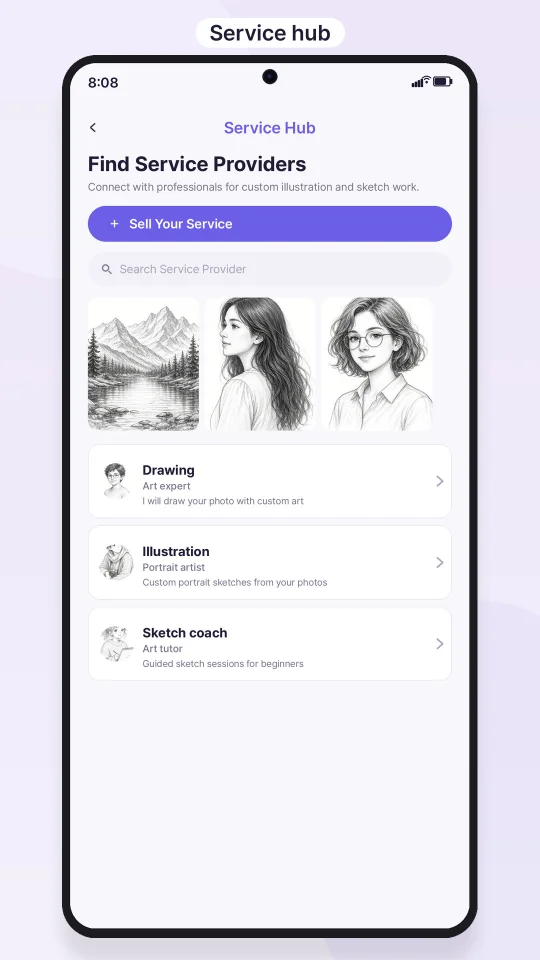
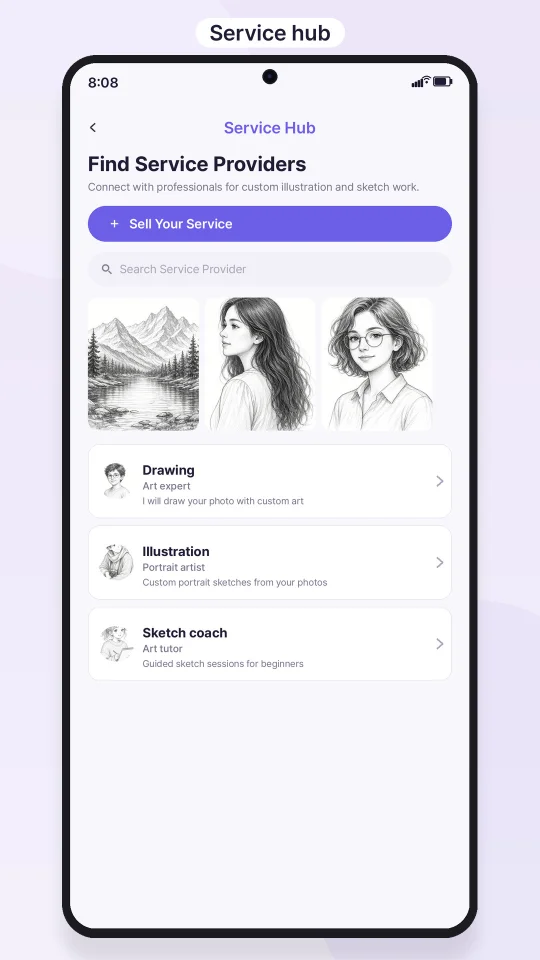
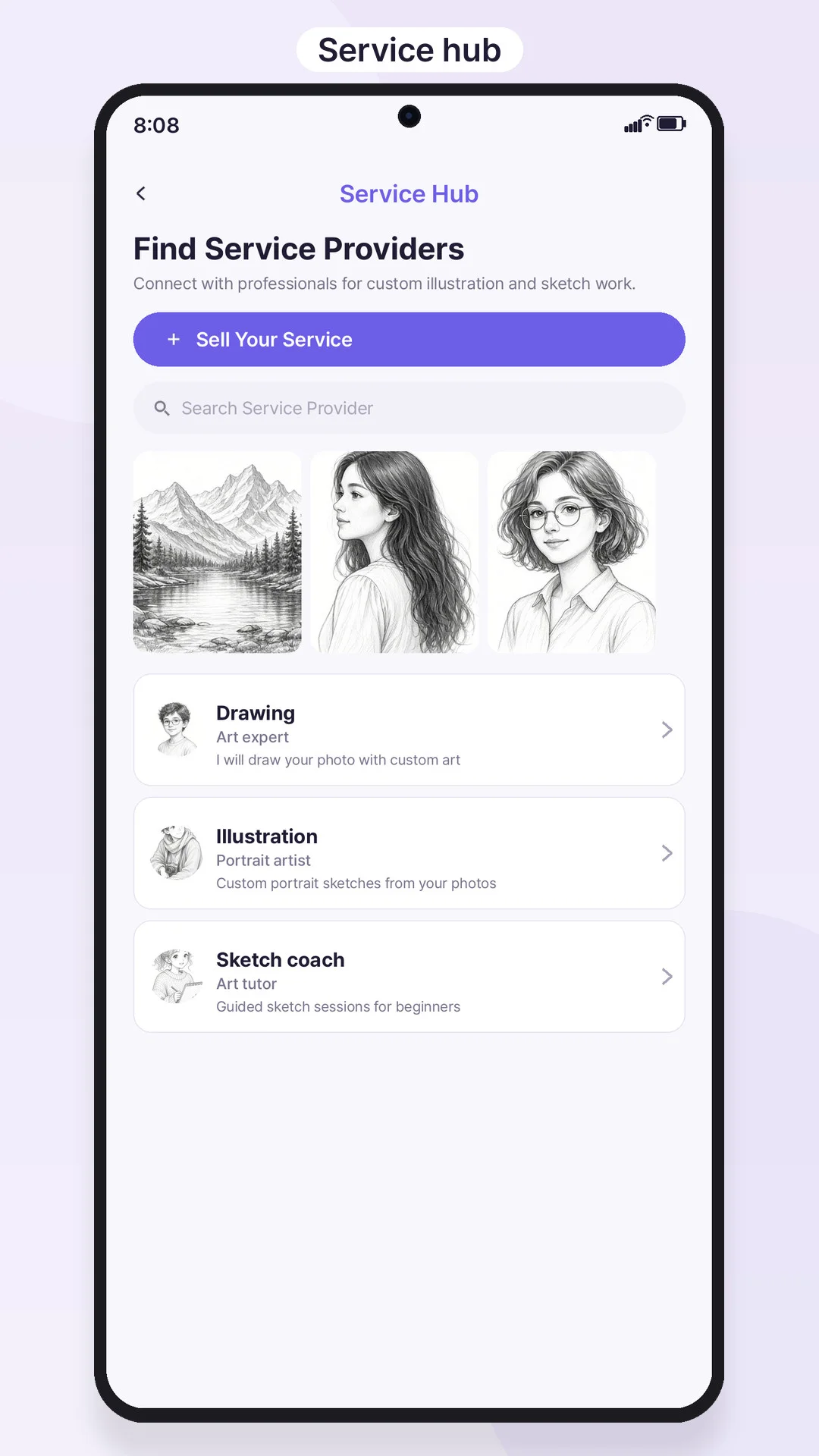
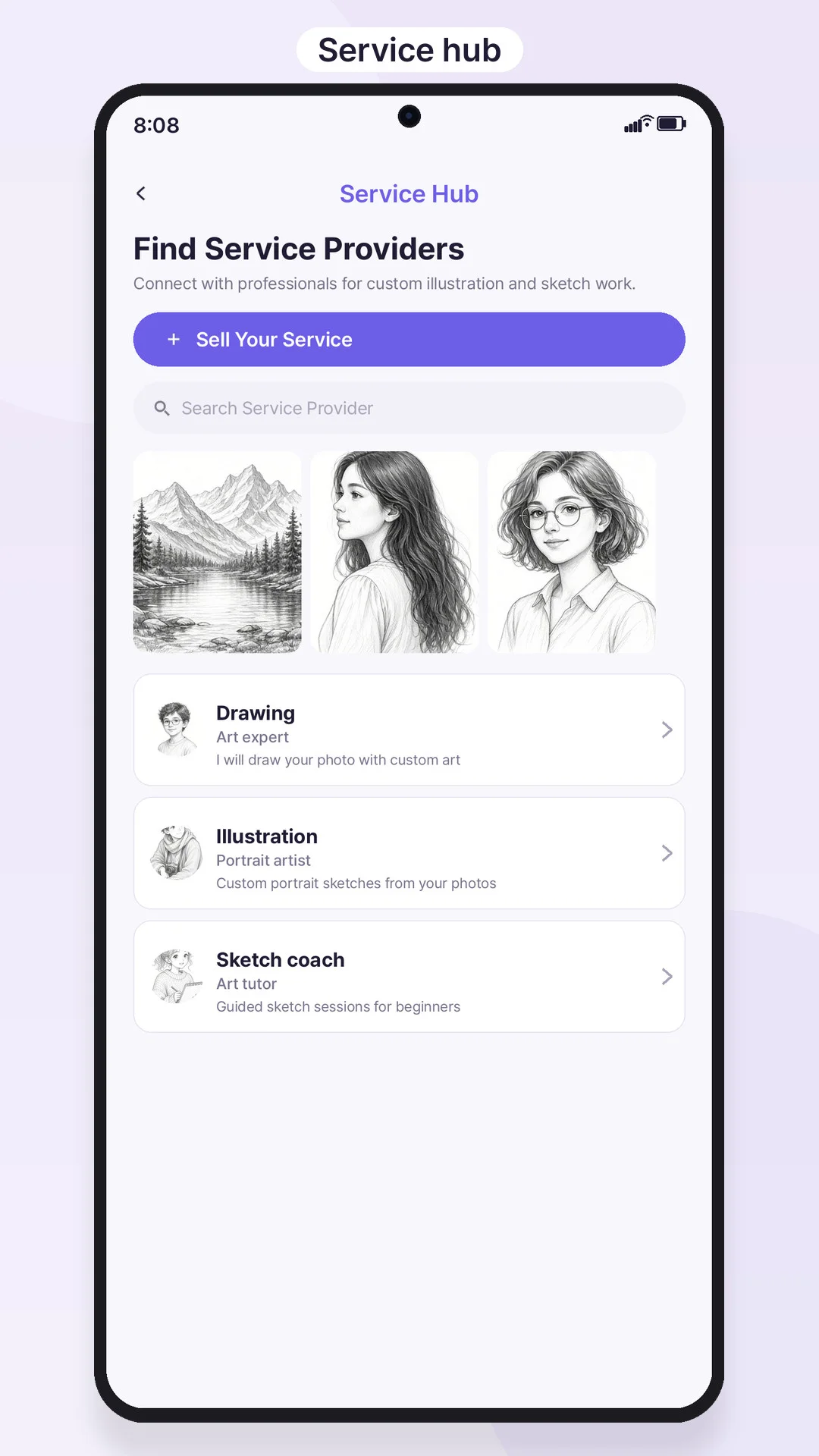
- Service Hub: users submit a service-provider profile (profile photo, cover, portfolio, price, WhatsApp contact), browse live services, view details and profiles, edit their own profile
- Firebase email authentication: login, register, forgot password
- Admin screens: admin login and dashboard to approve or reject service submissions and read in-app feedback
- Paywall screen with yearly and monthly plans, restore purchases, Pro status that removes ads and the daily limit
- Daily limit for free users on custom upload-and-trace sessions
- Google AdMob: banner, interstitial and rewarded ads, with a remote on/off switch in Firebase Realtime Database
- Push notifications (Firebase Cloud Messaging and local notifications)
- In-app review prompt and feedback form, no-internet screen, intro screen, iOS App Tracking Transparency prompt
$ 25
- Verified source code
- Join 35885+ buyers which trust us!
- Download code immediately

100% Guarantee For Item!
Satisfaction guarantee policy.
Satisfaction guarantee policy.
Information
| Category | App Templates / Flutter |
| First Release | 20 November 2026 |
| Platforms | iOS 13, Android 10.0 |
| Files included | .swift, .java, .xml |
| File Size | 25 MB |
| Frameworks | Flutter |
Similar Items