

Moxobi - Sales and Purchases Management System
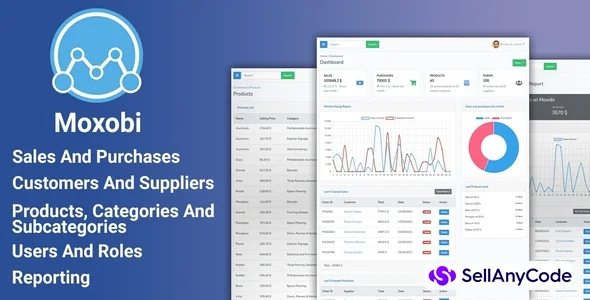
Moxobi is a sales, purchases management software built with Laravel. The perfect solution for your current or future business.
Item Description
Moxobi is a sales, purchases management System built with Laravel. It will be the perfect solution for your current or future business.
Everyone usually wants to keep records of everyday transactions, sales, purchases and reporting. Moxobi give you the possibility to visualize all the data in front of your eyes.
Sales and purchases management
Managing sales and purchases has not been so much easier. With just a few click, you can add products, a customer or a supplier, a payment method, register a new sale or purchase to your system, and keep records of everyday transactions.
Sales and purchases invoices
When placing a sale or a purchase, an invoice are automatically generated and can be downloaded in one single click. The invoice contain all the useful information:
- Logo of your company (can be added in the settings)
- Type of the invoice: Sale or purchase
- The seller and the buyer information
- Serial number of the order
- The invoice date
- Name, quantity, price of the products
- Taxable amount, tax rate (can be added in settings) and total amount
- Note
- Payment method
- Amount in words
- Status of the transaction: paid or unpaid
Customer and supplier management
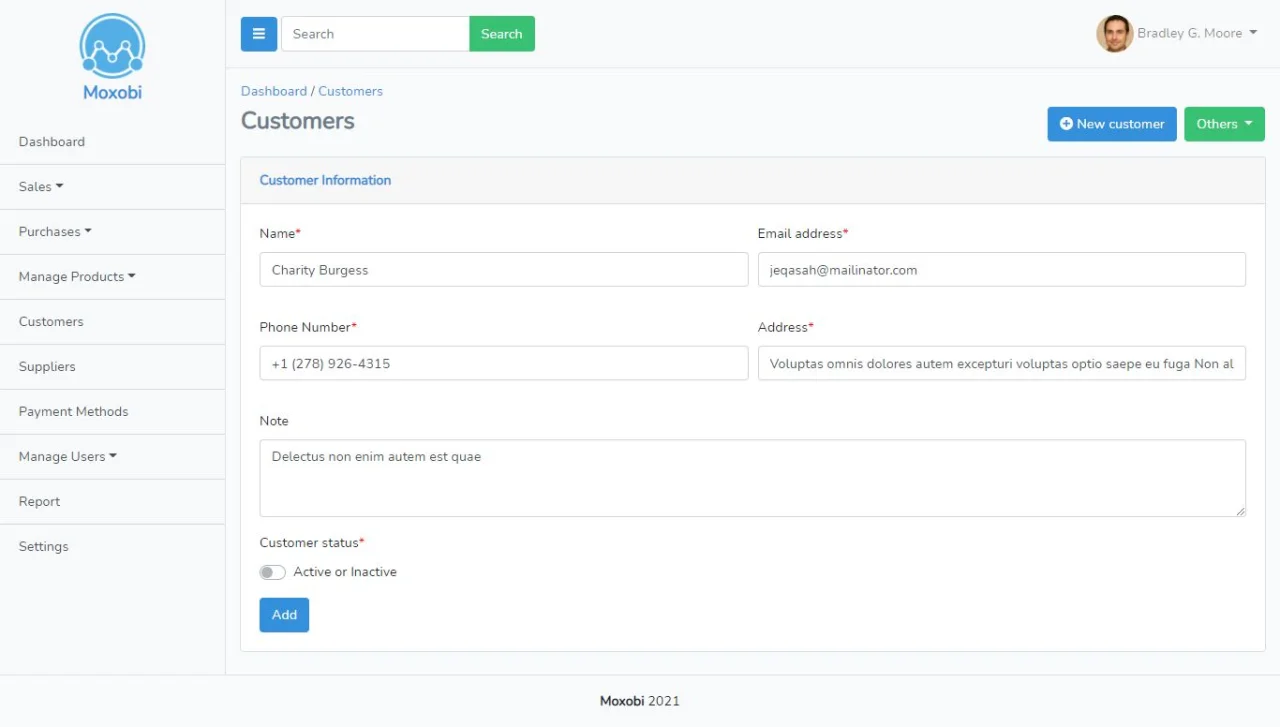
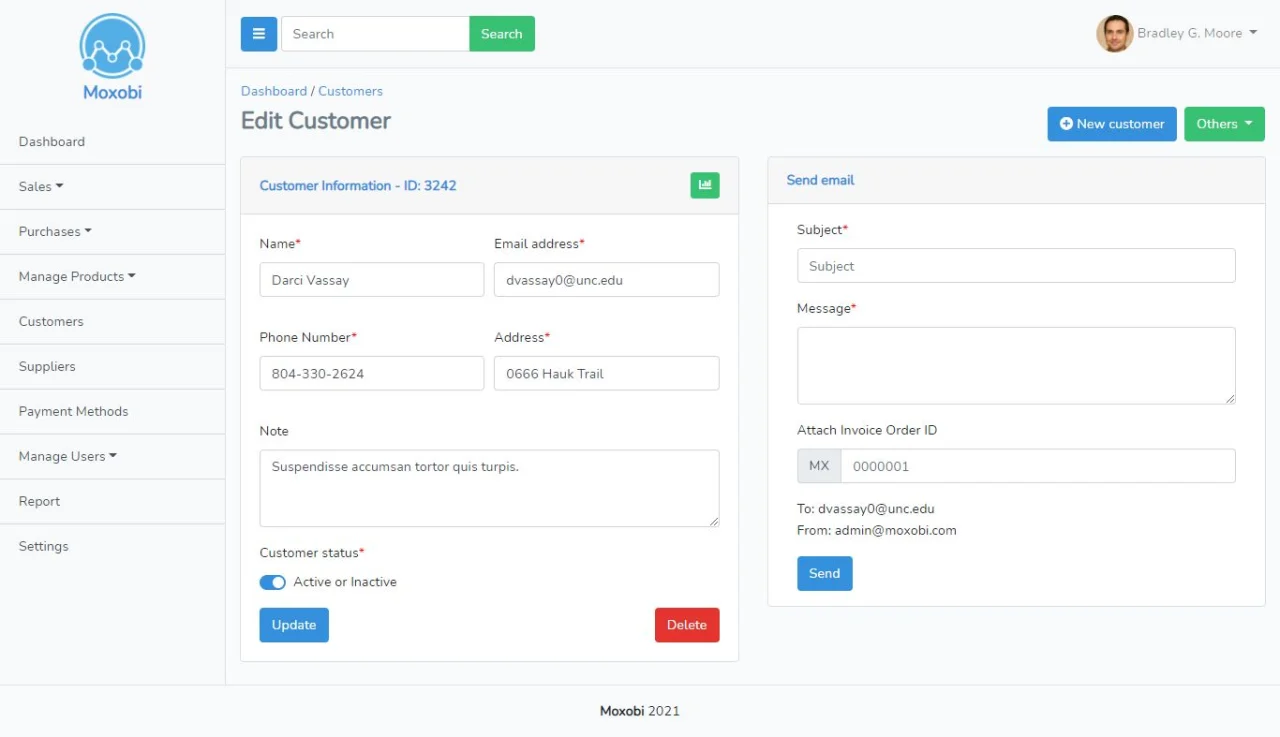
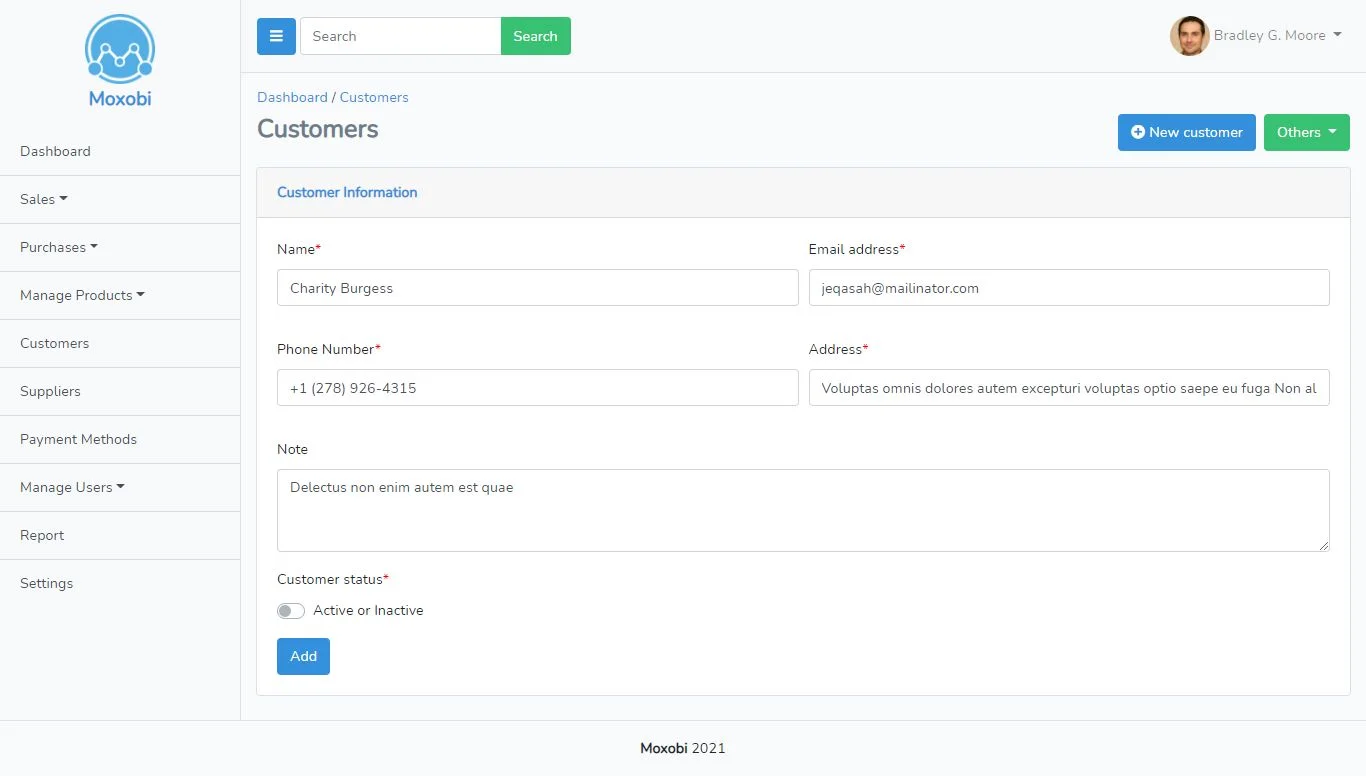
You can manage customers and suppliers of your business in one single software. You can specify:
- Name
- Phone number
- Address
- Note (optional)
- Status of the third: active or inactive
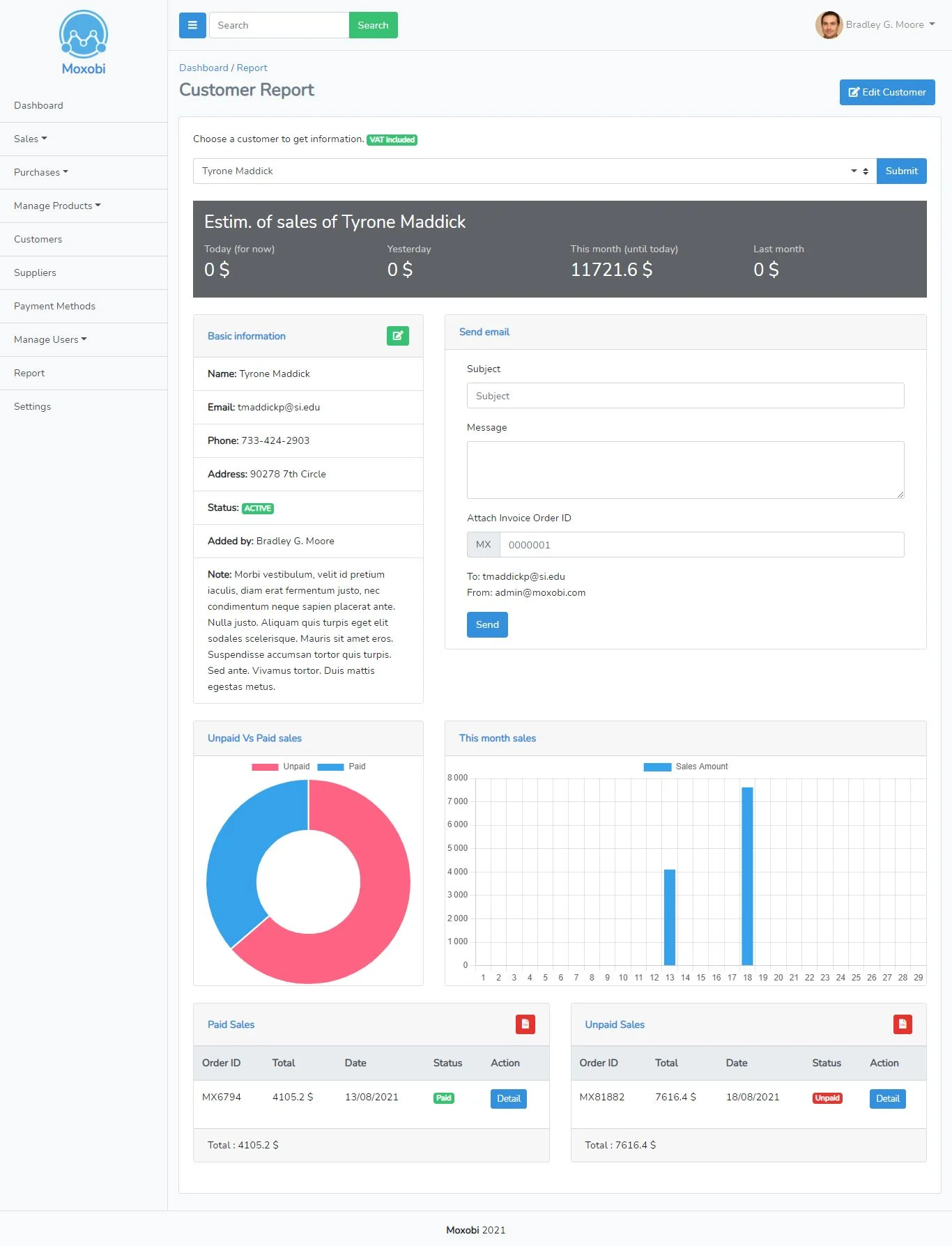
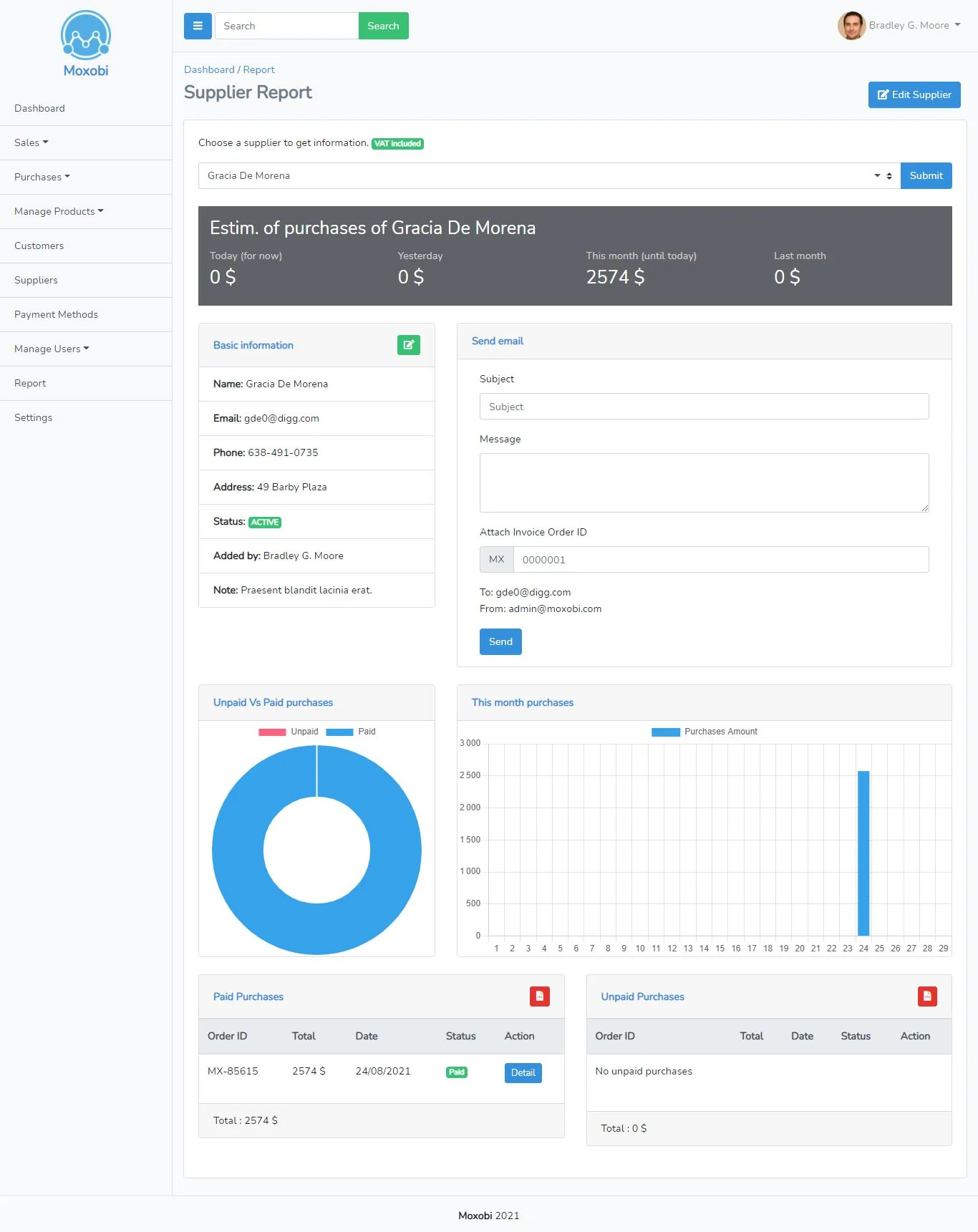
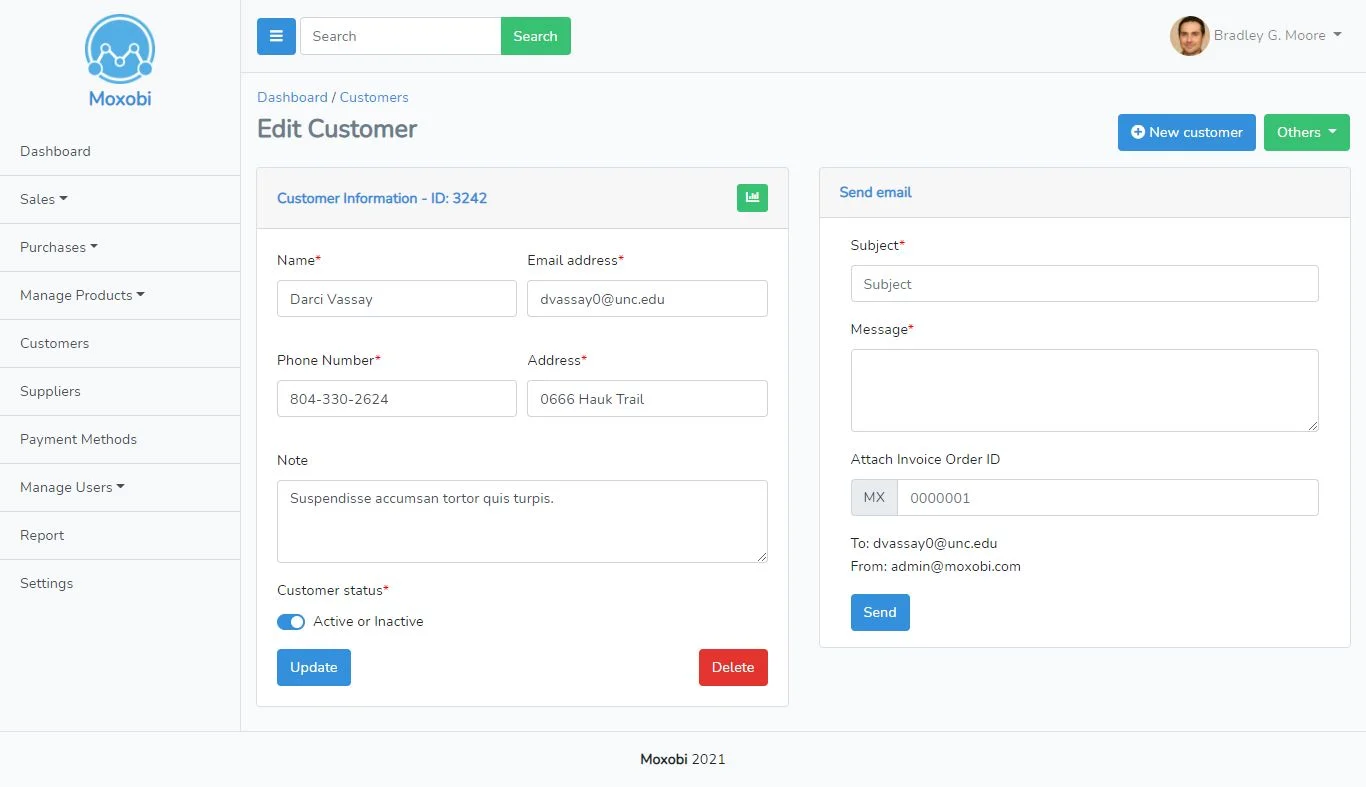
It give you also the possibility to send emails directly to the customer or the supplier and attach an invoice to your email in a simple way.
Product, category and subcategory management
Products can be added to the system by specifying:
- Product name
- SKU (optional)
- Serial (optional)
- Category
- Subcategory (optional)
- Purchase price
- Selling price
- Note (optional)
- Image for the product (optional)
- Product status (Active or inactive)
The purchase price and selling price are for the auto filling the sell and purchase form, and they can be changed when placing a sale or a purchase.
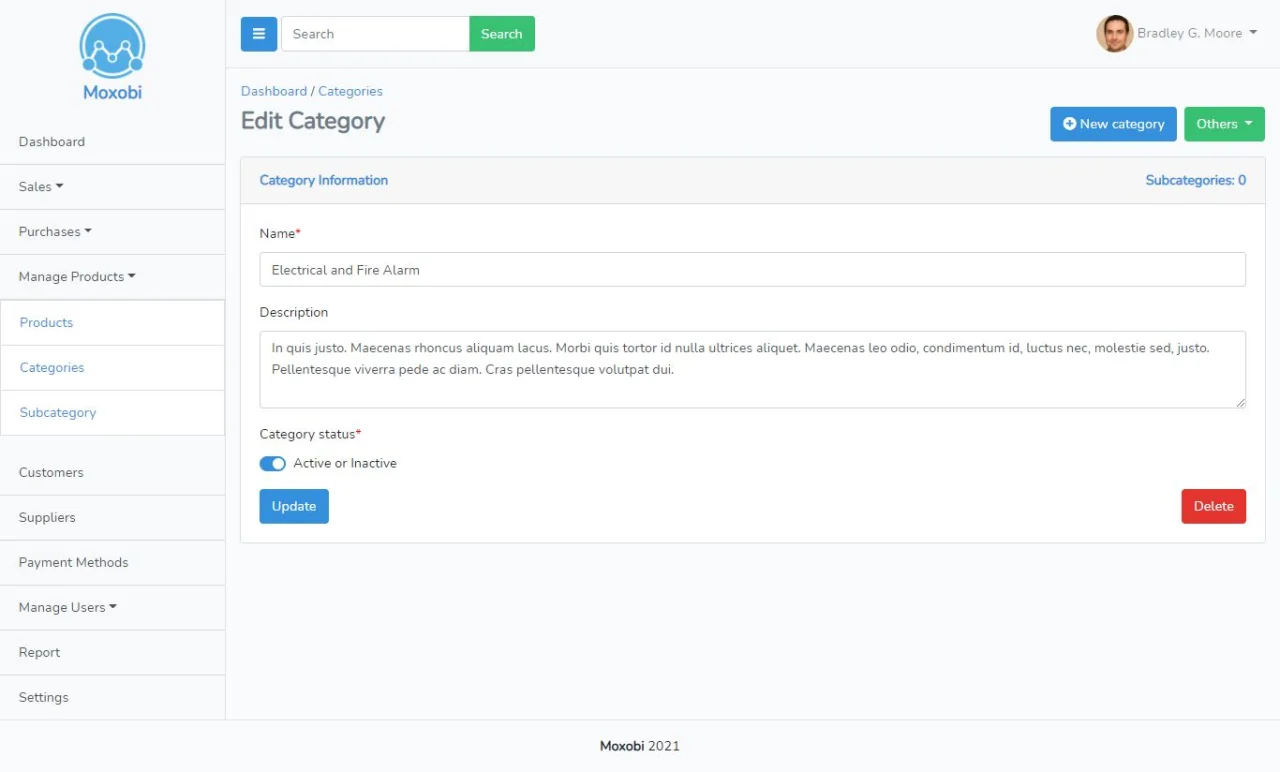
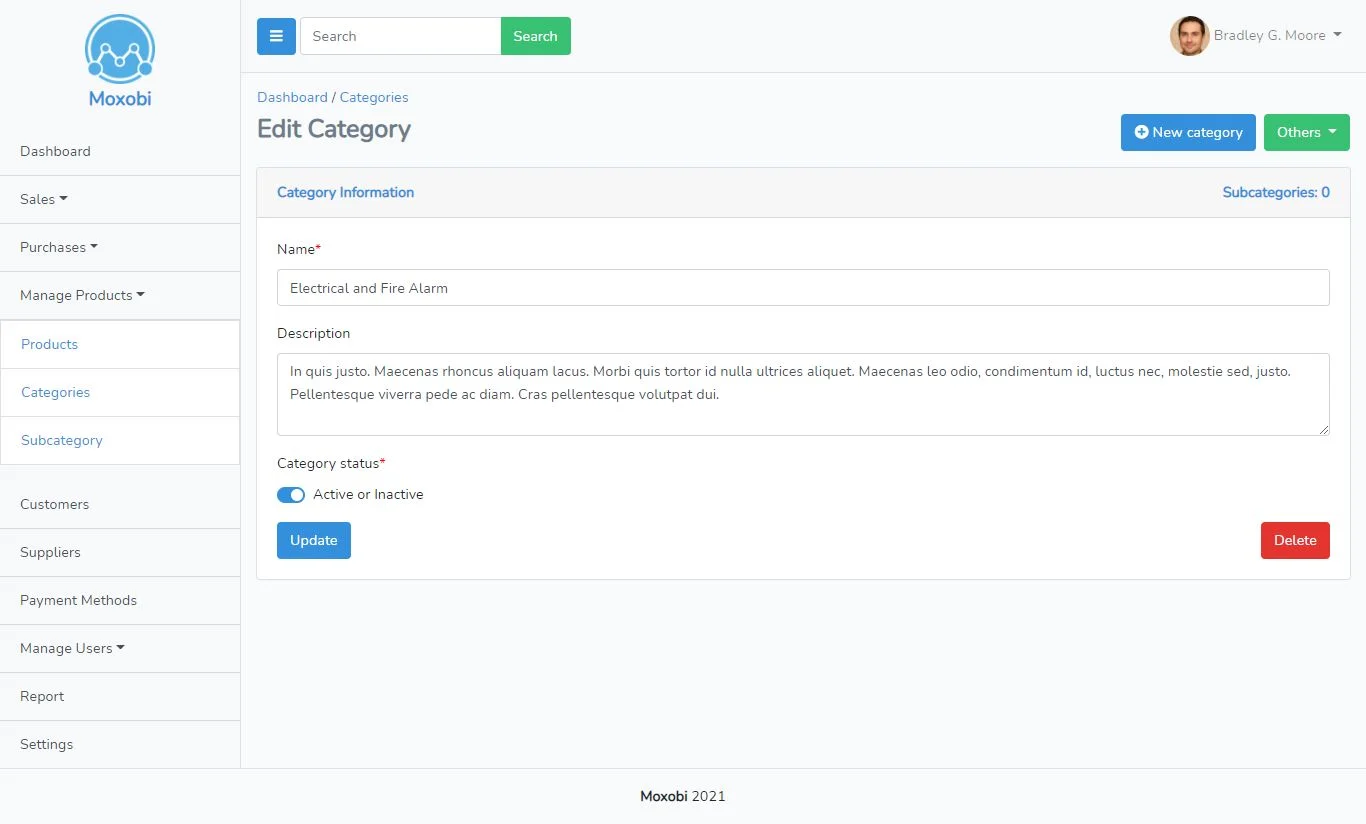
The category and the subcategory can be added also by specifying the name and a description (optional) and the status of the category or the subcategory (active or inactive) an inactive category or subcategory cannot be visible in the product form.
Payment method management
New payment method can be added simply by specifying the name and the description. It can be then selected when placing a sale and purchase.
User and role management
Moxobi includes the administration system, all of which are consistent in terms of UI / UX design, which makes it easy to manage users and their roles and permissions.
Reporting
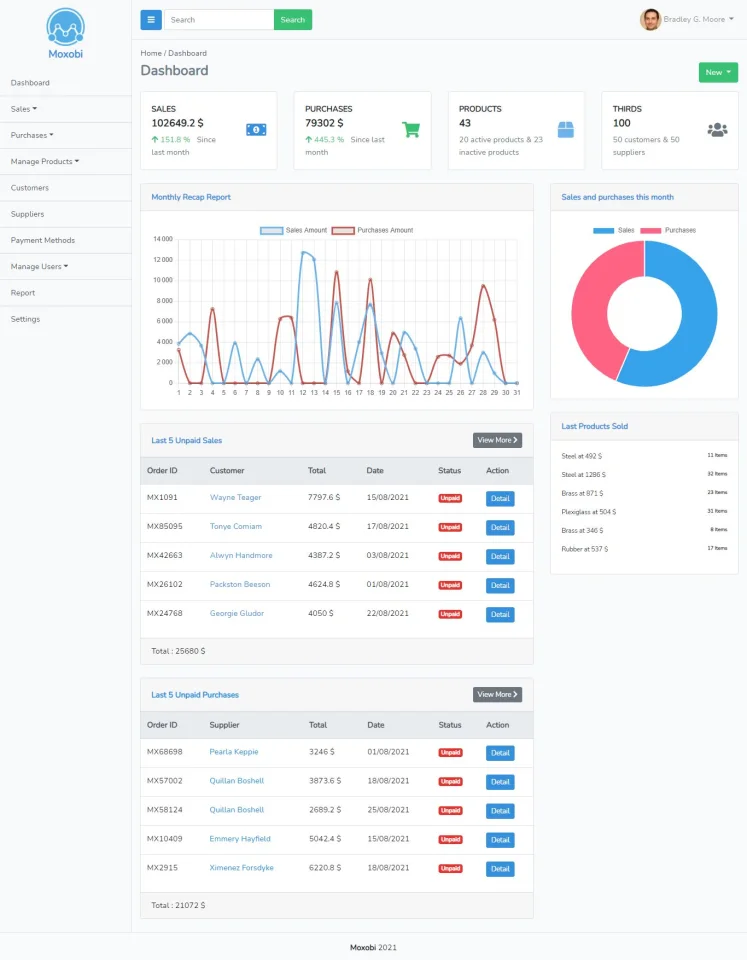
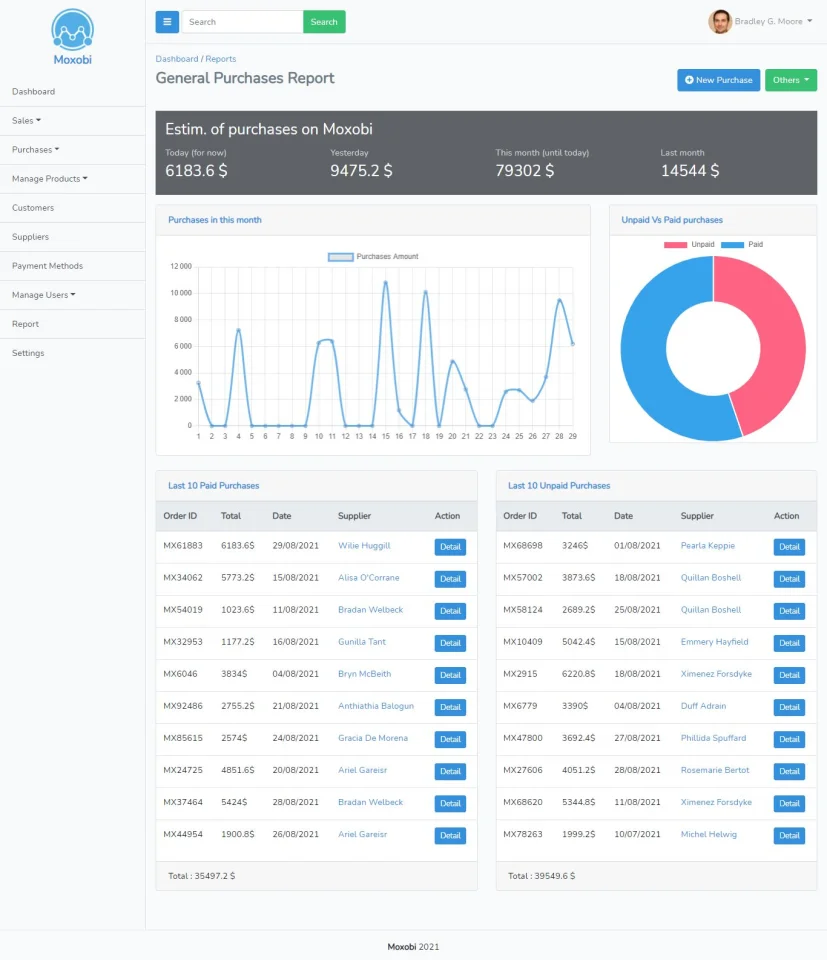
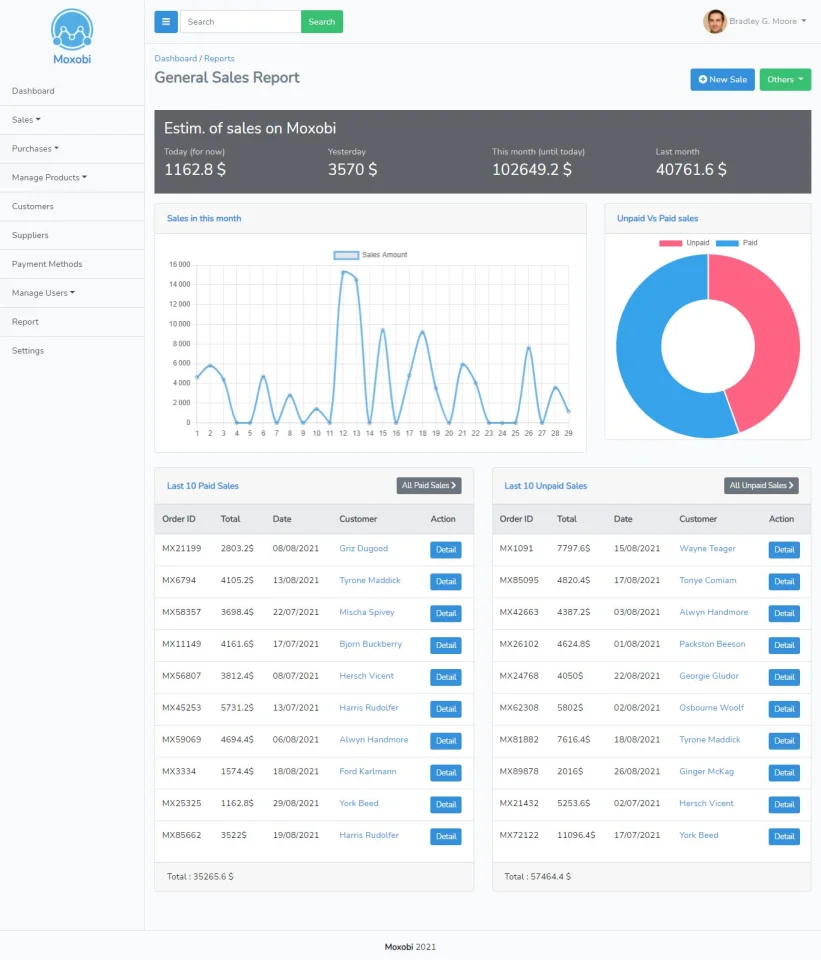
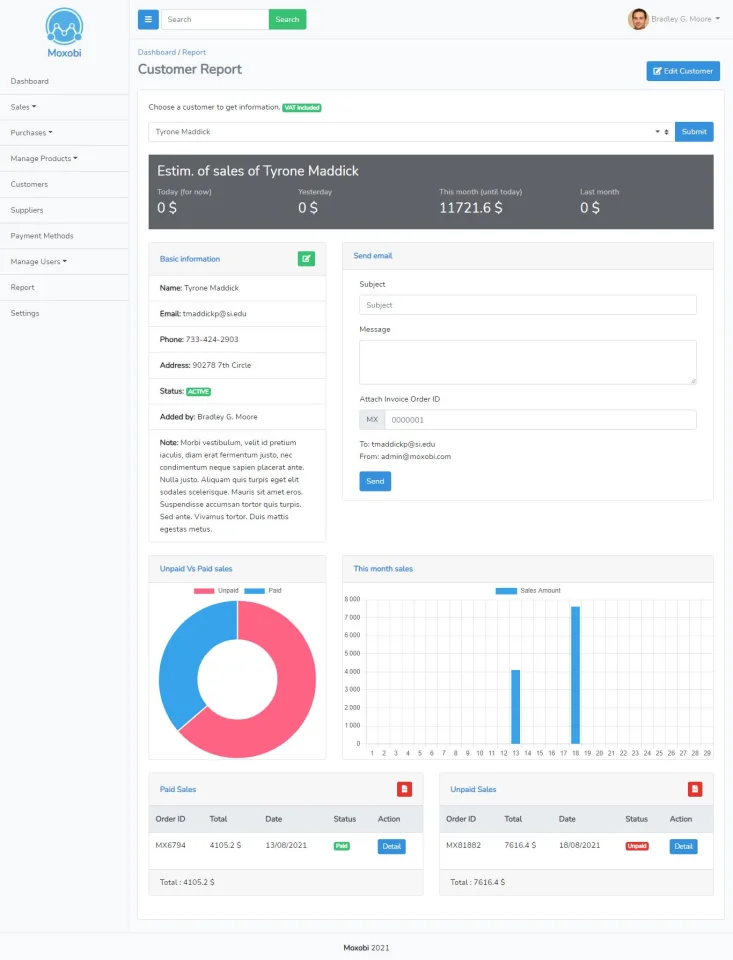
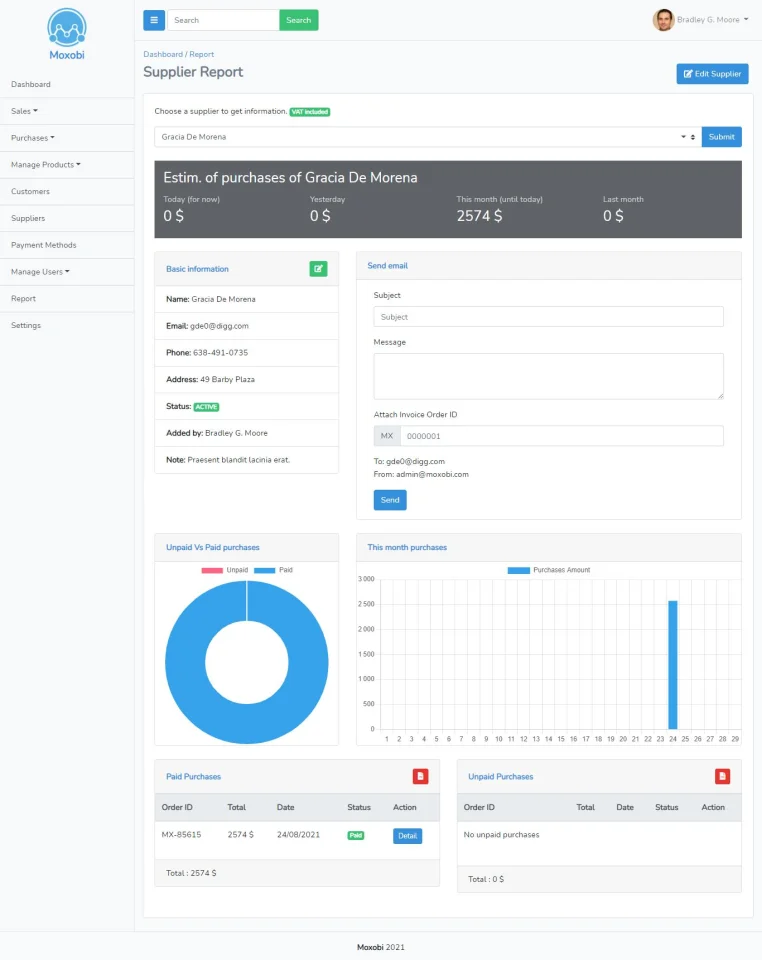
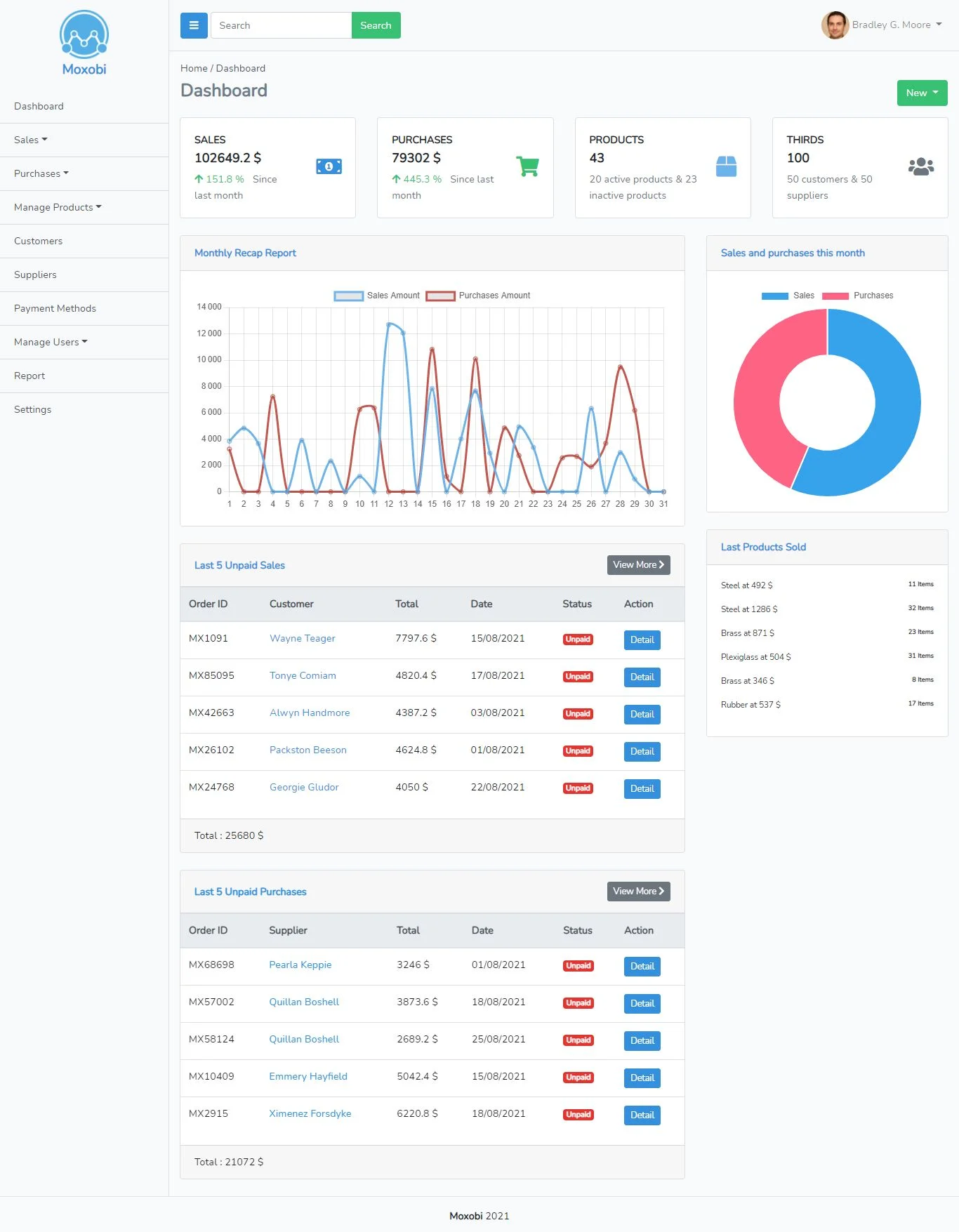
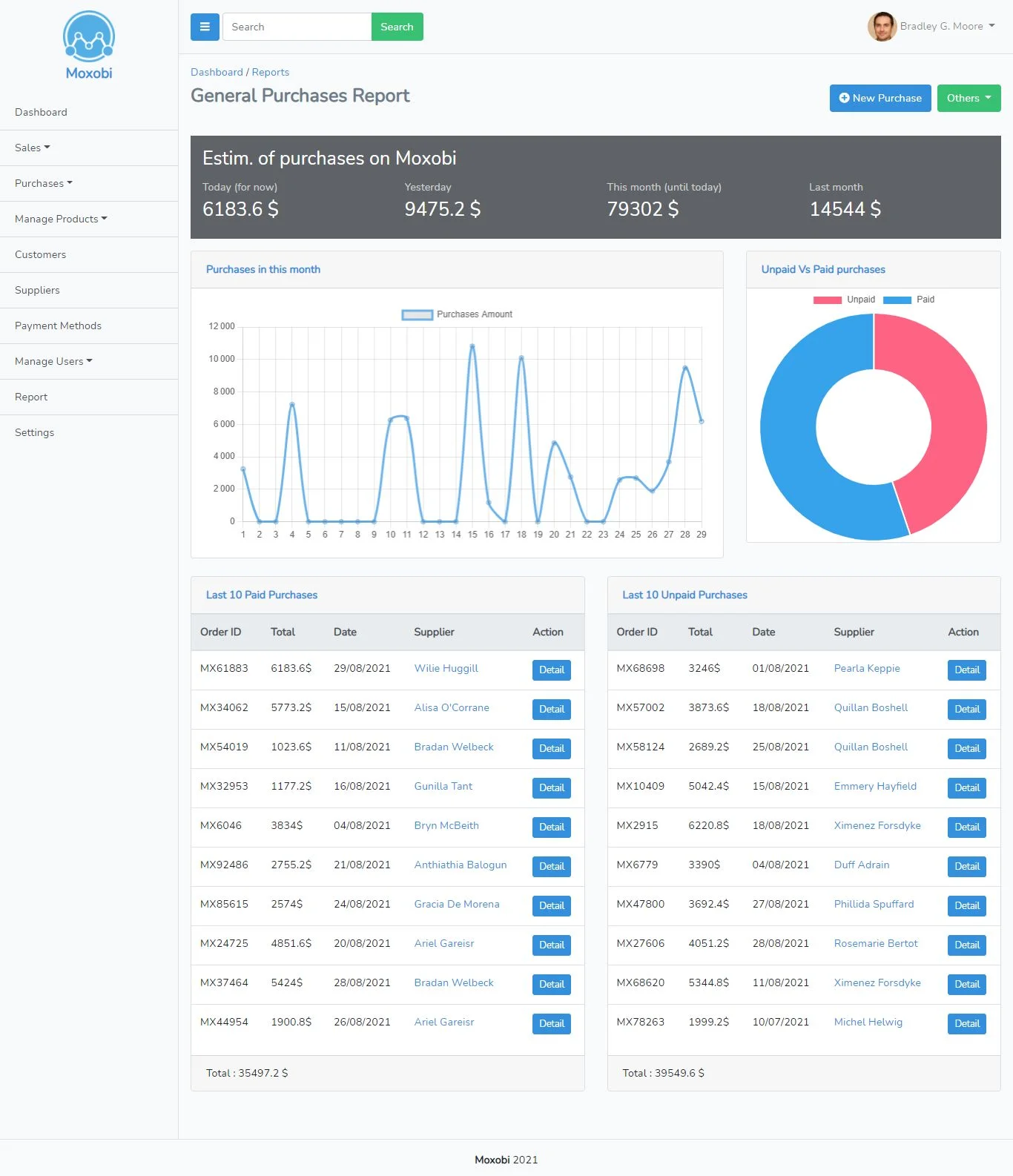
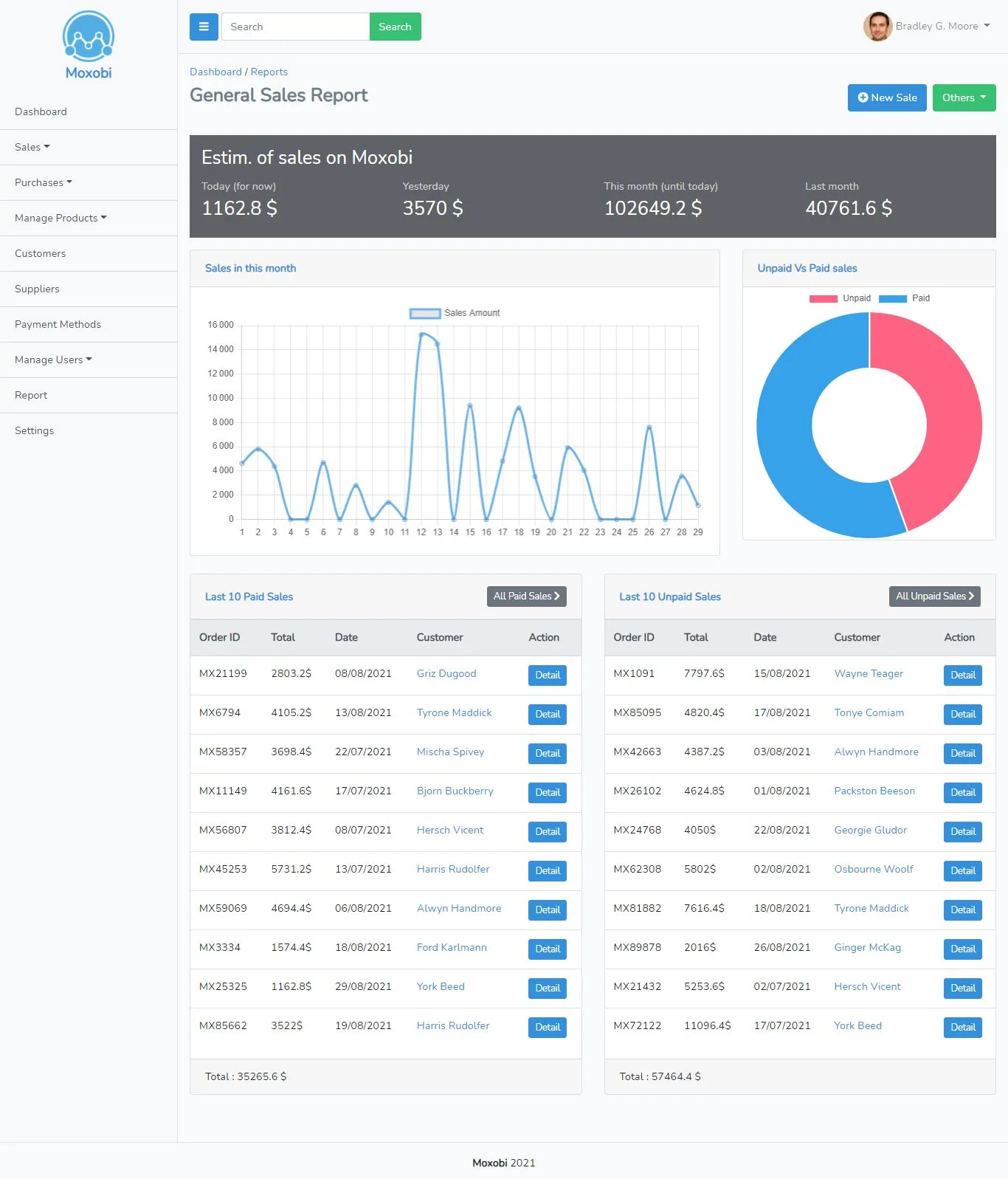
Moxobi also has a reporting dashboard. You can have an overview about the general sale statistics, general purchase statistics, single customer report, single supplier report and single product report.
Features
Key Features
Multi-language, unlimited languages.
Sales and purchases
- Add, edit and delete sales and purchases
- Download invoice
- Mark sales and purchases as paid or unpaid
- Define anterior date of sale and purchase
- Add note to the transaction
Customers and suppliers
- Add, edit and delete customers and suppliers
- Send emails to customers and suppliers with the possibility to attach an invoice
- Get the purchased amount, paid amount and due amount for each customer and supplier
- Get Estim. Of sales of each customer and supplier
- Overview of paid sales VS unpaid sales - paid purchases VS unpaid purchases for each customer and supplier
Product, categories and subcategories
- Add, edit and delete products, categories and subcategories
- Get statistics about each product: sold amount, purchased amount, sold quantity, purchased quantity and the Last 5 Sales and purchases that contain that product.
Users
- Add, edit and delete users and roles
- Get the last sales, purchases, products, customers and suppliers added by the user
- Assignee multiple roles to users with multiple permissions
- Customize user profile with avatar and about me
- Change password directly from the profile page
- Send email that contain the password to the user when creating a new user
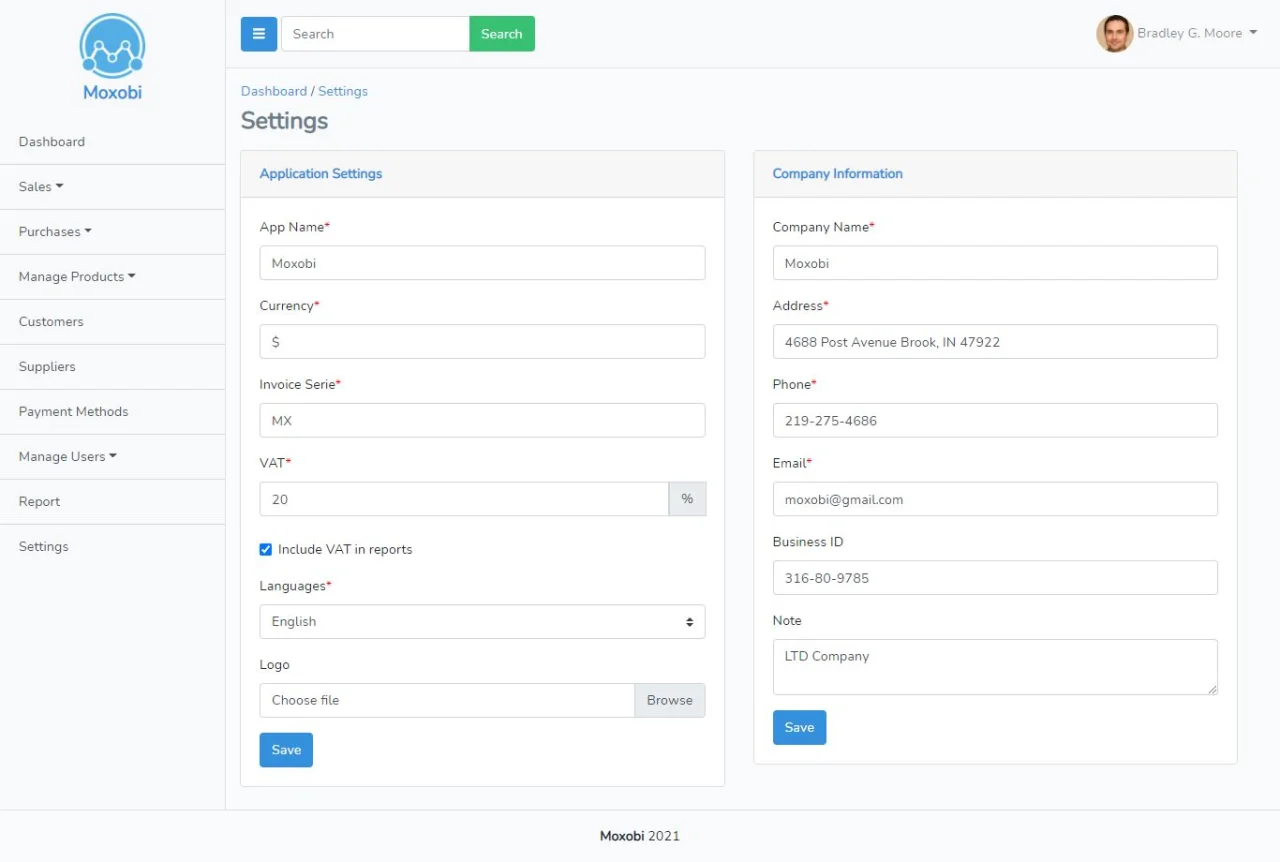
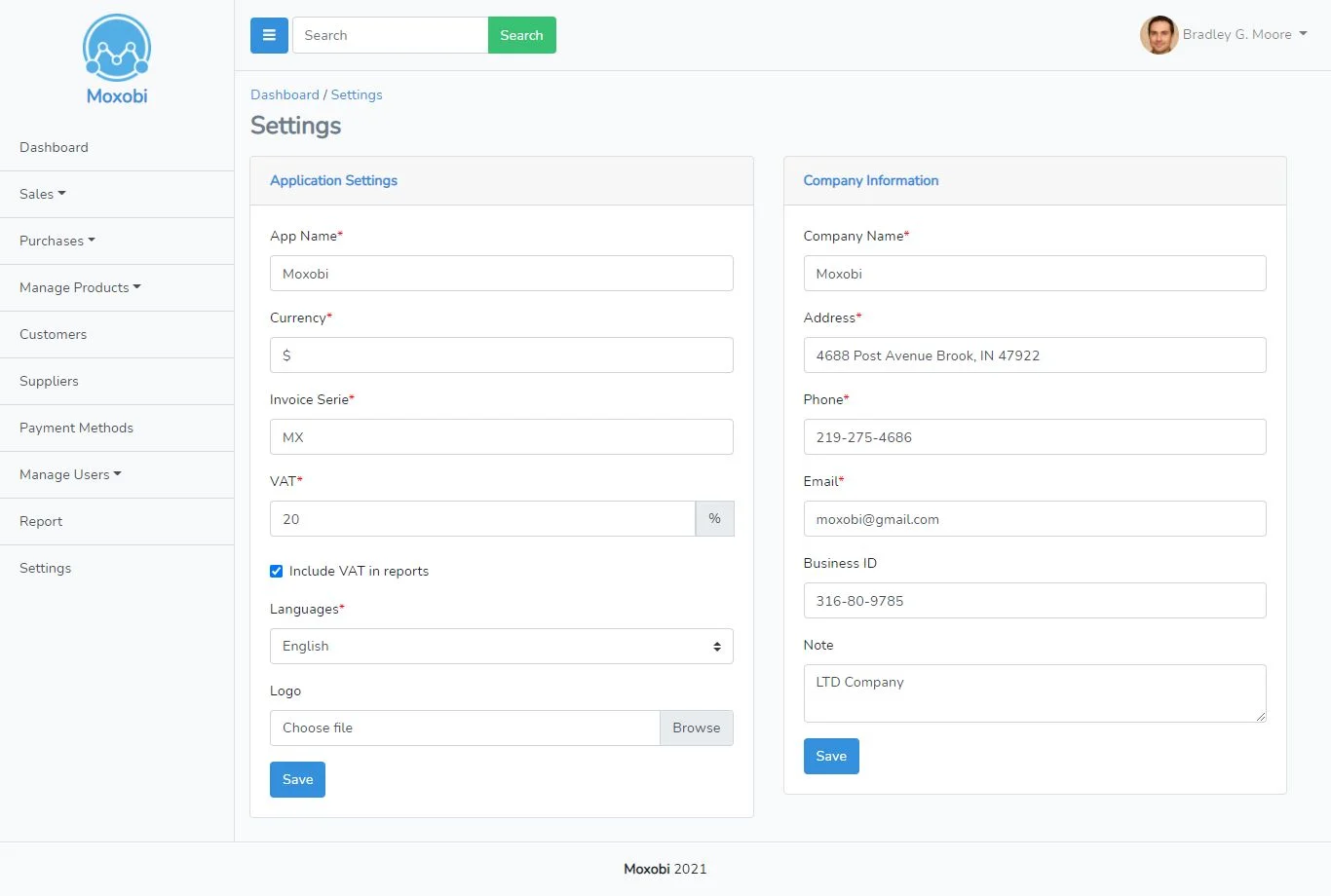
Settings
- Edit application name
- Edit currency symbol
- Invoice Series
- Determine tax percentage
- Application logo
- Company Name, address, phone number, email, business ID and note
Demo
- Admin panel: http://moxobi.com
- Admin account: admin@moxobi.com – 123456 (username & password are autofilled)
$ 40
- Verified source code
- Join 35542+ buyers which trust us!
- Download code immediately

100% Guarantee For Item!
Satisfaction guarantee policy.
Satisfaction guarantee policy.
Information
| Category | Scripts & Code / PHP Scripts |
| First Release | 6 May 2022 |
| Files included | .php, .html, .css, .cs, .c |
| Framework HTML/CSS | Bootstrap |
| Framework Javascript | jQuery |
| Software version | PHP 5.1, PHP 5.2, PHP 5.3, PHP 5.4, PHP 5.5, PHP 5.6, PHP 7.0, PHP 7.1, PHP 7.2, PHP 7.3, PHP 7.4 |
| File Size | 7 MB |
| Database version | MySQL 4.x, MySQL 5.x |
| Frameworks | PHP Scripts |
Similar Items