


Weather App
Forecast at a glance: Your weather essentials in one app.
Screenshots
1Item Description
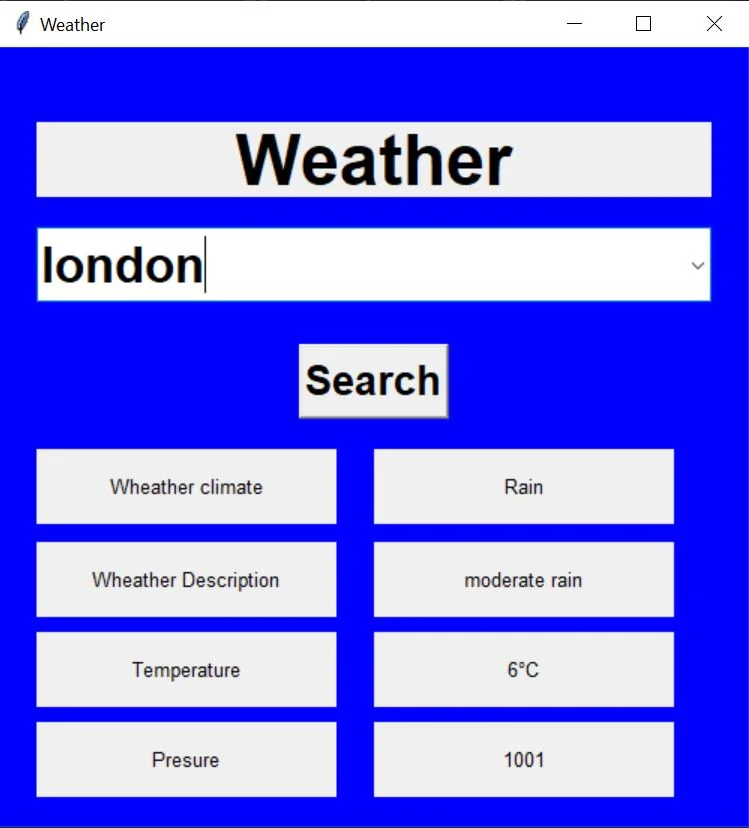
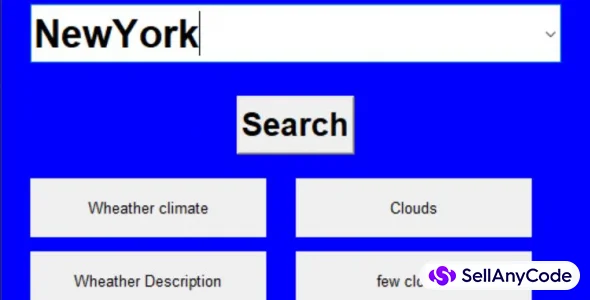
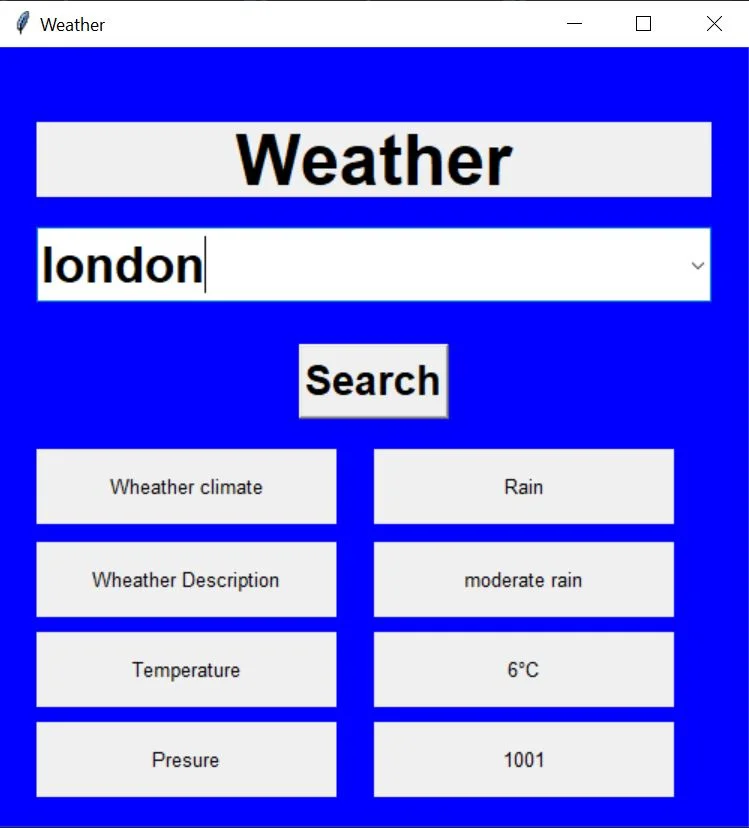
This Python script utilizes Tkinter to create a straightforward weather application. Users input a city, and upon clicking "Search," the program fetches real-time weather data from the OpenWeatherMap API. The graphical user interface displays weather information, including climate, description, temperature, and pressure. The code incorporates error handling and unit conversion for temperature. To use this script, an OpenWeatherMap API key is required. Overall, it provides a user-friendly means to quickly access and view current weather details for a chosen city.
Features
GUI Development: Utilizes Tkinter for creating a graphical user interface (GUI) with labels, buttons, and a Combobox for city selection.
API Integration: Incorporates the OpenWeatherMap API to retrieve real-time weather data based on user input.
Dynamic Data Display: Updates and displays dynamic weather information such as climate, description, temperature, and pressure on the GUI.
Error Handling: Implements error-handling mechanisms to manage potential issues in the data retrieval process.
Temperature Unit Conversion: Converts temperature units from Kelvin to Celsius for user-friendly presentation.
User Interaction: Allows users to interact with the application by selecting a city and initiating the weather data retrieval process.
Simplified Code Structure: Presents a clear and concise structure with functions like
data_getfor specific functionalities, enhancing code readability.Styling and Layout: Includes font styling, colors, and a well-organized layout for a visually appealing and user-friendly interface.
Integration with External Libraries: Incorporates external libraries such as
requestsfor making API requests andttkfor themed widgets in the GUI.Search Functionality: Enables users to search for weather information by clicking the "Search" button, initiating the API request and data display process.
These features collectively contribute to a functional and interactive weather application that is accessible through a user-friendly interface.
$ 120
- Verified source code
- Join 35541+ buyers which trust us!
- Download code immediately

100% Guarantee For Item!
Satisfaction guarantee policy.
Satisfaction guarantee policy.
Information
| Category | Scripts & Code / Python |
| First Release | 29 February 2024 |
| Files included | .py |
| File Size | 1 MB |
| Frameworks | Python |
Similar Items