


Copy Block Website Protection
Designed to prevent unauthorized copying, printing, and inspection of your website.
Item Description
Protect your valuable content with ease!
CopyBlock is a powerful JavaScript library designed to prevent unauthorized copying, printing, and inspection of your website content. Perfect for creators, businesses, and anyone looking to safeguard their digital assets, CopyBlock offers multiple layers of protection to keep your content secure.
Why Choose CopyBlock?
CopyBlock is ideal for:
Bloggers and Content Creators: Protect articles, photos, and creative works.
Businesses: Safeguard exclusive content like reports, whitepapers, and documents.
Artists and Designers: Prevent unauthorized copying of images, artwork, and designs.
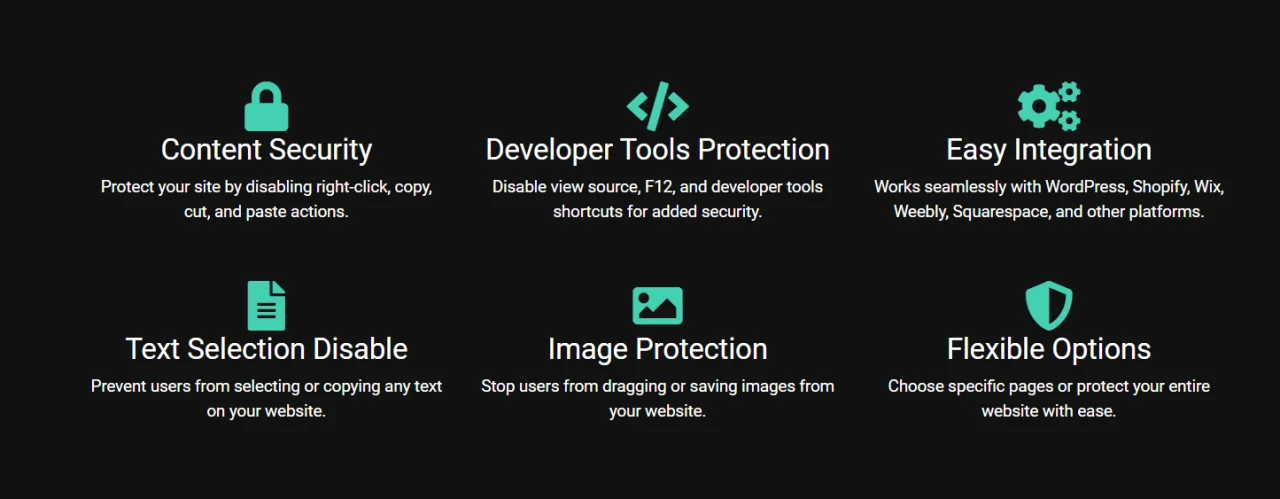
With its easy integration, CopyBlock works with popular website builders and CMS platforms, making content protection accessible to everyone.
Features
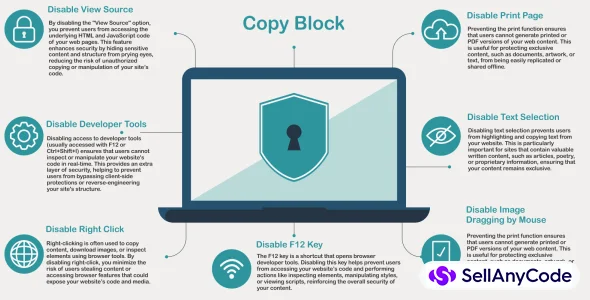
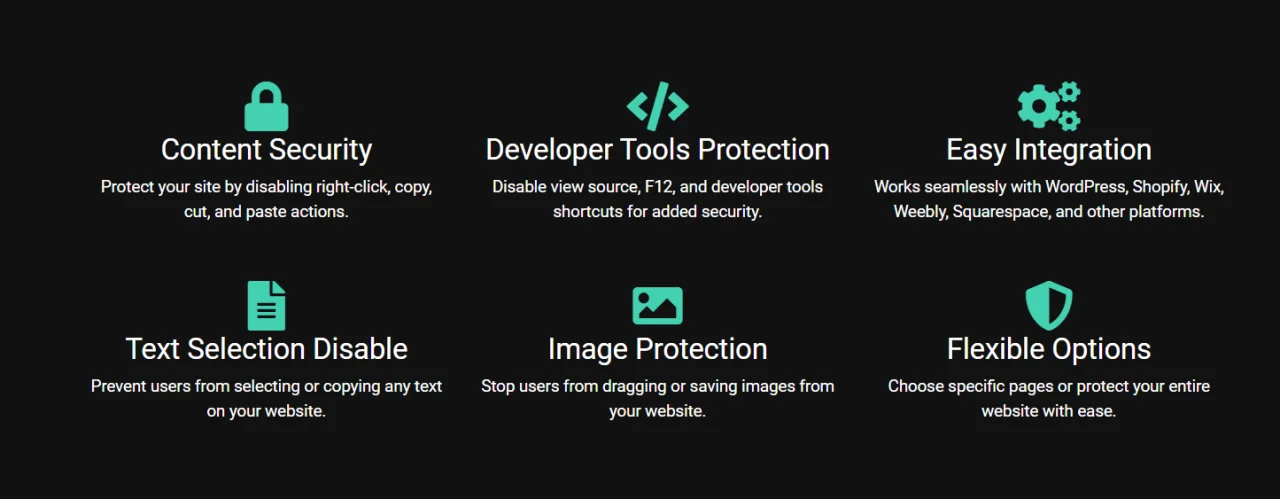
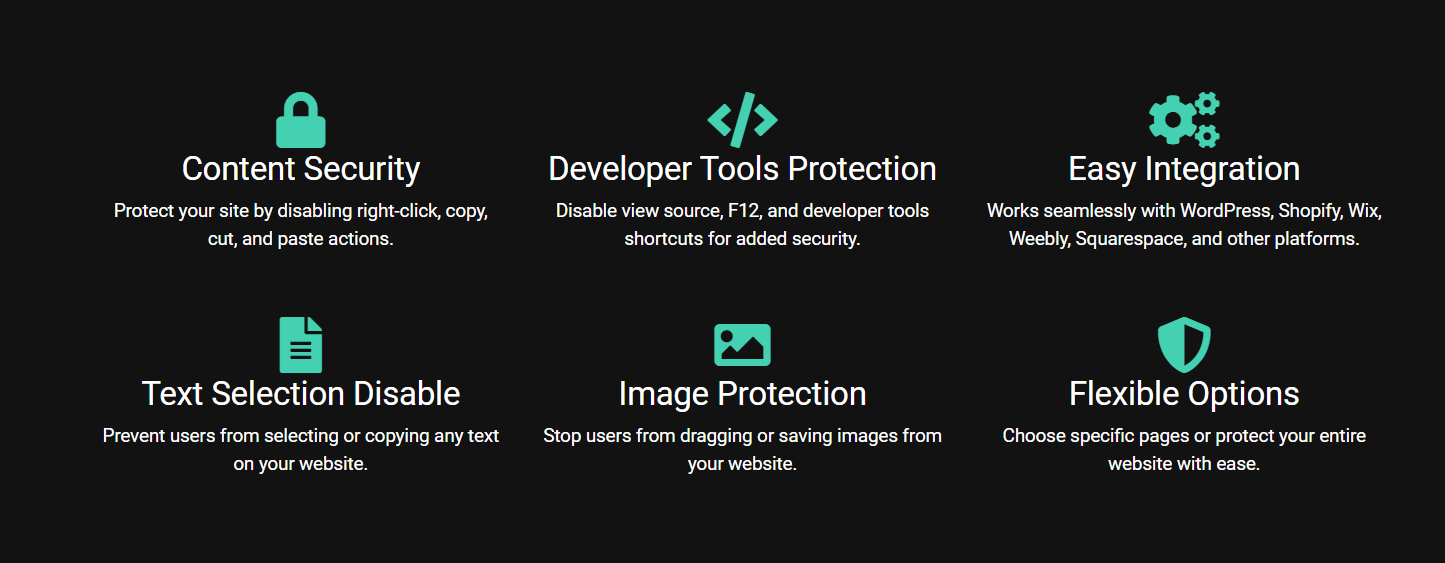
- Disable View Source Blocks users from accessing the “View Source” option in their browsers, preventing them from seeing your page’s HTML and JavaScript code. This feature protects sensitive information embedded in the code and helps deter users from copying site structure or assets.
- Disable Print Page Prevents users from printing your webpage or saving it as a PDF. This feature is especially valuable for content that is sold, proprietary, or exclusive, such as e-books, reports, or subscription-only material. By blocking the print functionality, you make it harder for users to duplicate or share your content offline.
- Disable Developer Tools Stops access to developer tools (typically accessed through F12, Ctrl+Shift+I, or right-click > Inspect) to prevent code inspection, element manipulation, and other technical actions. This feature adds an extra layer of protection against more tech-savvy users who might try to bypass or disable CopyBlock’s protections.
- Disable Right Click Right-clicking is often used to save images, copy text, or inspect elements. Disabling the right-click function on your site removes these options, helping protect your images, text, and other resources from being easily downloaded or copied.
- Disable Text Selection Stops users from highlighting text, making it more challenging for them to copy and paste your content elsewhere. This feature is ideal for bloggers, authors, and creators who want to protect their written content, preventing unauthorized copying and sharing.
- Disable Image Dragging Prevents users from dragging images off your website to their desktop or another location. This feature is beneficial for artists, photographers, and businesses with visual content that needs to stay secure, as it deters casual image downloads and misuse.
- Disable F12 Key The F12 key is a common shortcut for opening developer tools in browsers. By disabling this key, CopyBlock restricts users from quickly accessing developer tools, reducing the likelihood of content inspection or manipulation and strengthening the overall security of your site.
$ 20
- Verified source code
- Join 35541+ buyers which trust us!
- Download code immediately

100% Guarantee For Item!
Satisfaction guarantee policy.
Satisfaction guarantee policy.
Information
| Category | Scripts & Code / JavaScript |
| First Release | 29 October 2024 |
| Files included | Javascript .js |
| Framework Javascript | EXT JS |
| File Size | 1 MB |
| Frameworks | JavaScript |
Similar Items