


Bulk Image Processor Pro - Multi-Threaded Python GUI Utility (Dark/Light)
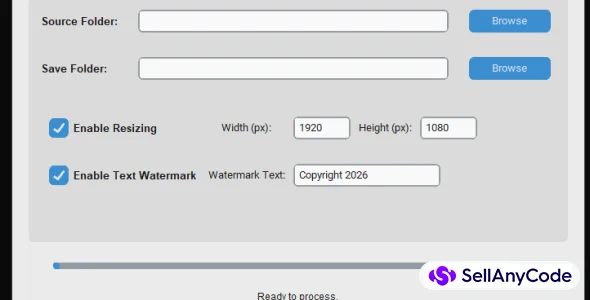
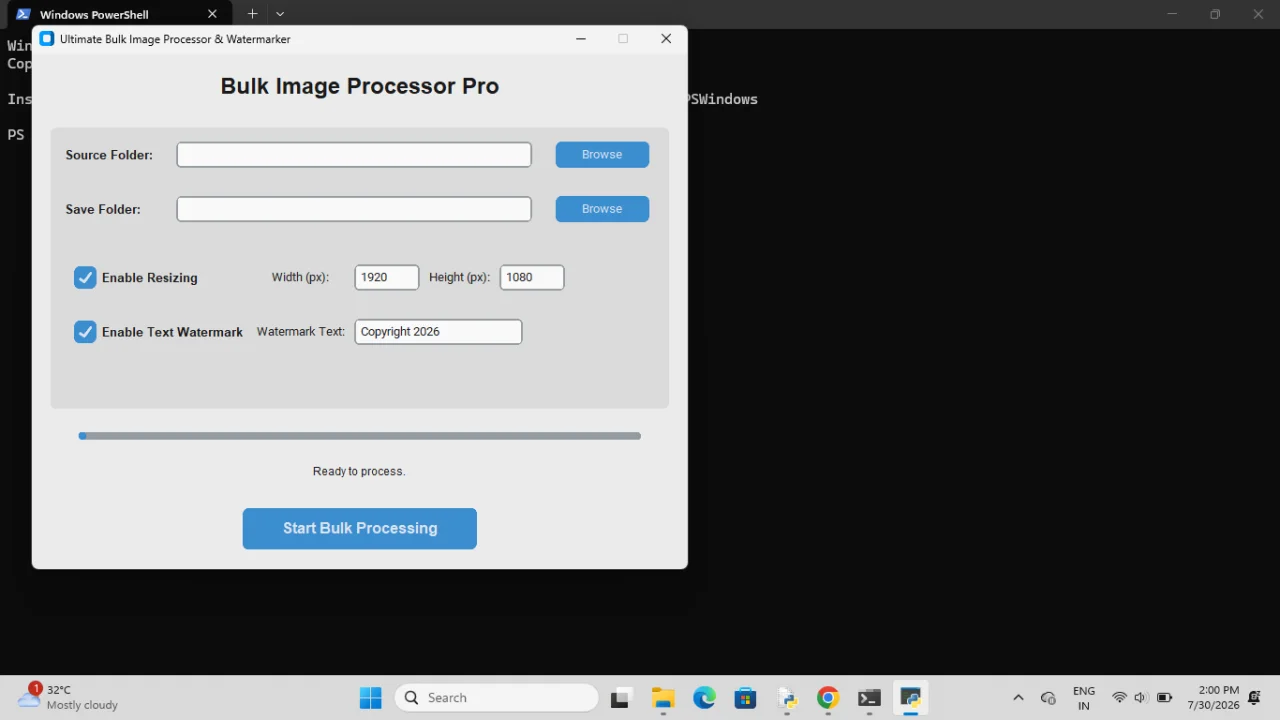
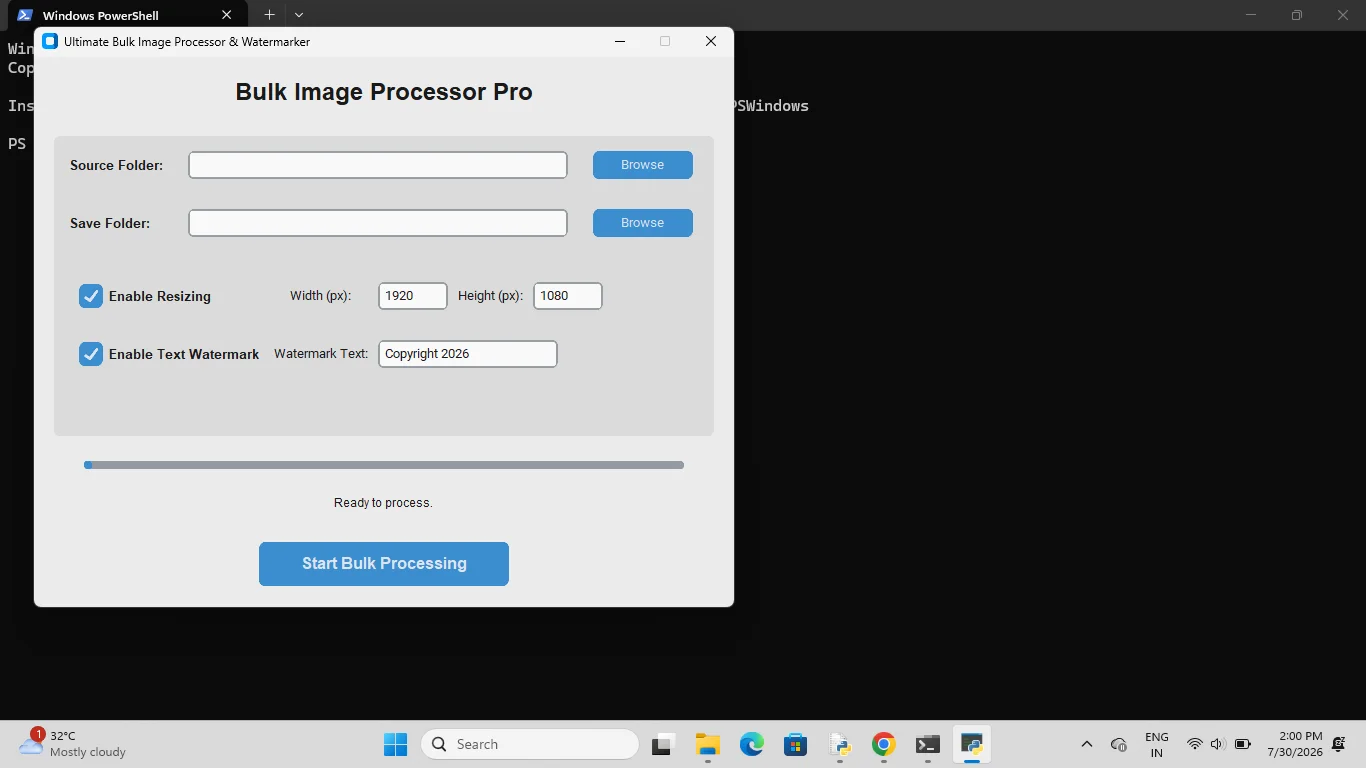
Bulk Image Processor Pro is a modern Python GUI desktop utility to batch resize and watermark photos with multi-threading.
Item Description
Bulk Image Processor Pro - User Guide Thank you for purchasing Bulk Image Processor Pro. This is a powerful, lightweight Python-based desktop utility designed to resize and watermark large batches of images simultaneously with a modern, clean graphical interface. 1. System Requirements Python 3.8 or higher installed on your system. Windows 10/11, macOS, or Linux. Internet connection (only for the initial setup to install libraries). 2.
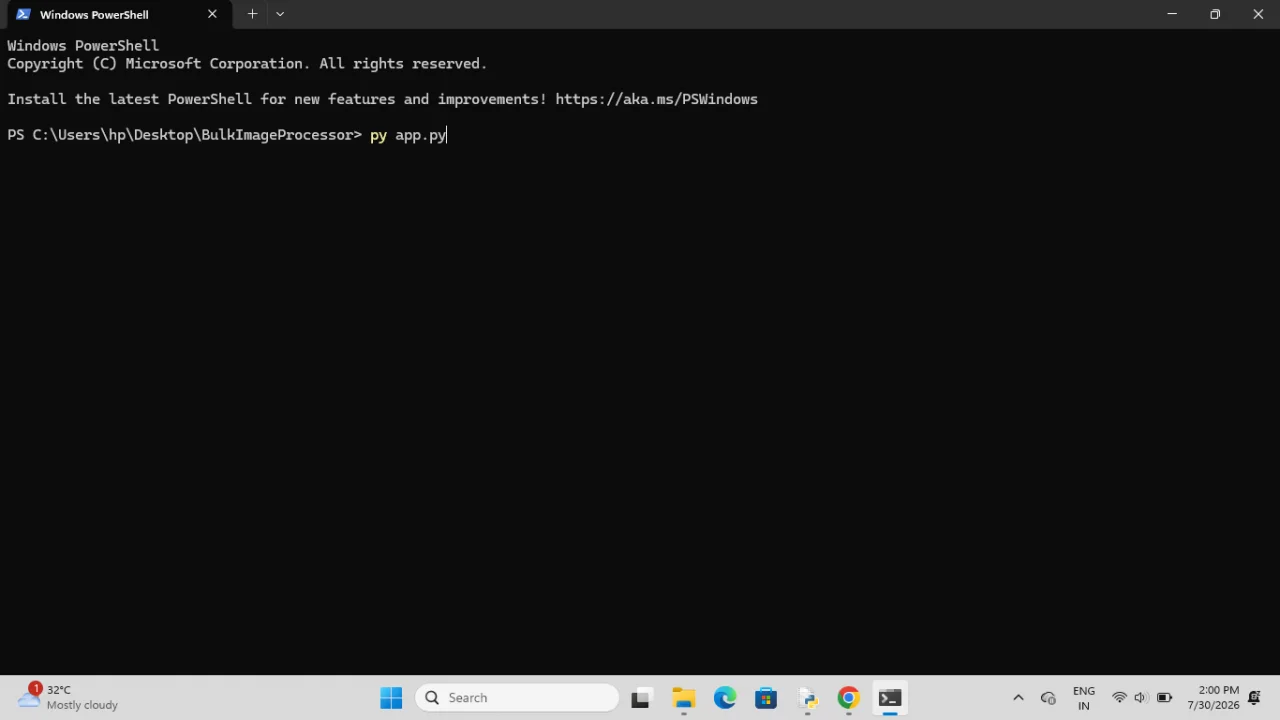
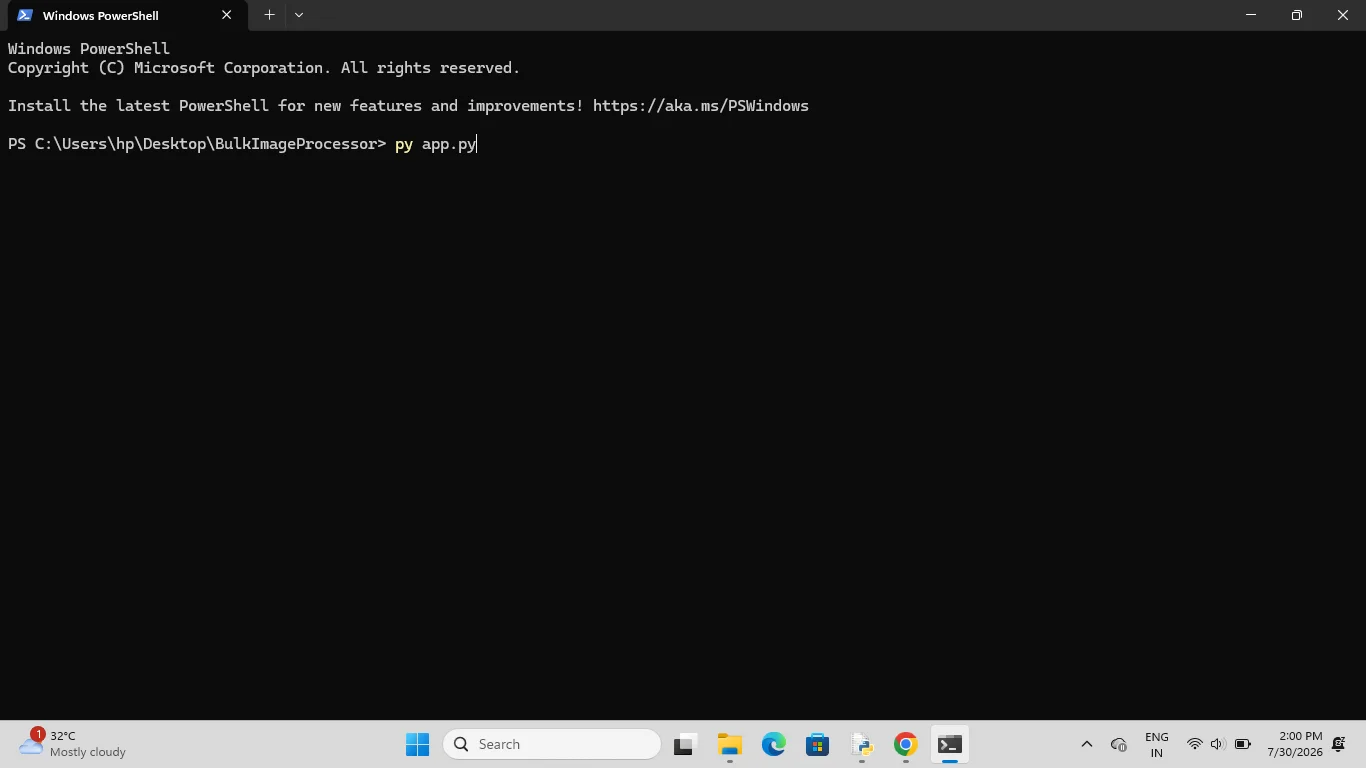
Installation & Setup Follow these quick steps to get the application running on your computer: Step 1: Open your terminal or command prompt Navigate to the project folder where app.py and requirements.txt are located: cd path/to/BulkImageProcessor Step 2: Install required libraries Run the following command to automatically install all dependencies securely: pip install -r requirements.txt Step 3: Launch the application Run the main script to open the desktop application interface: python app.py 3.
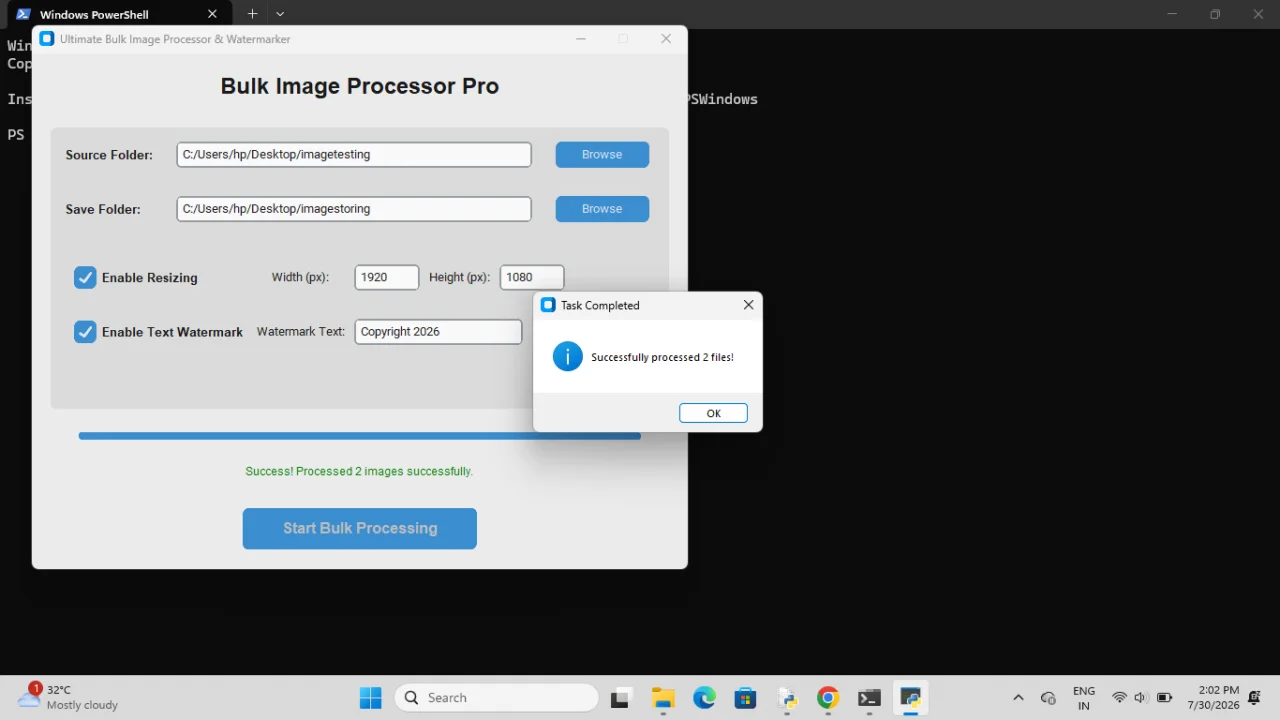
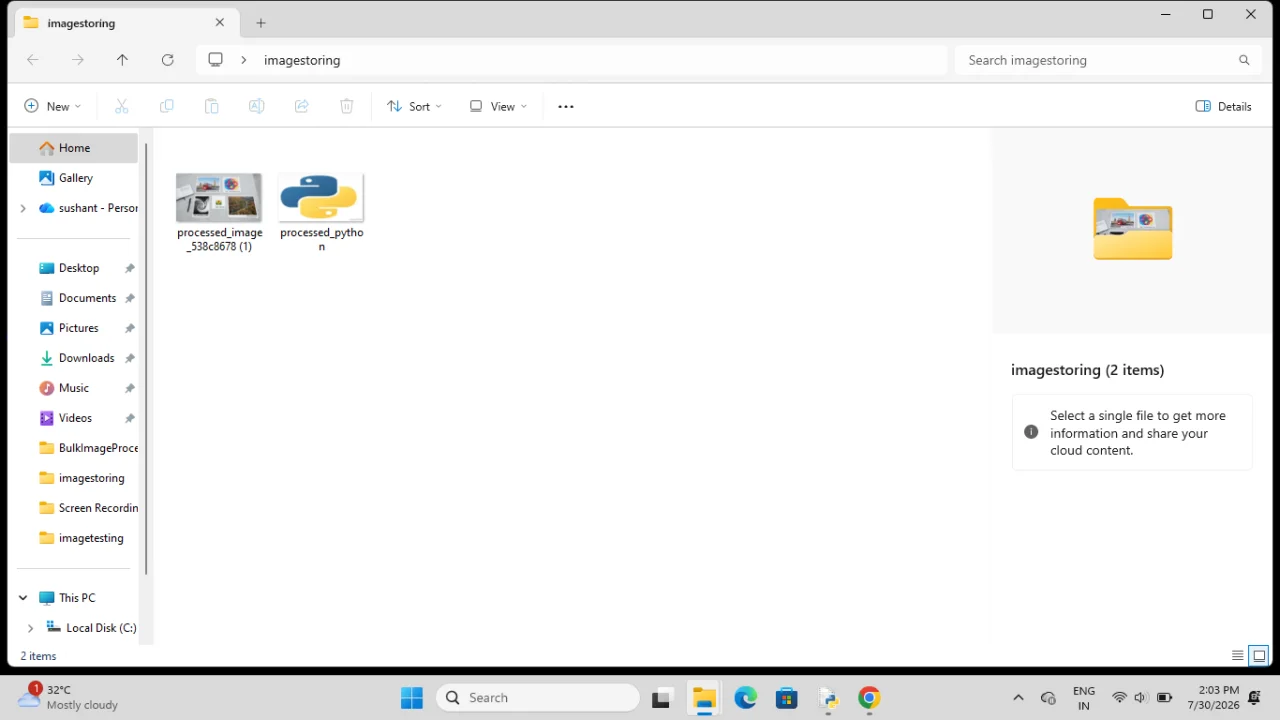
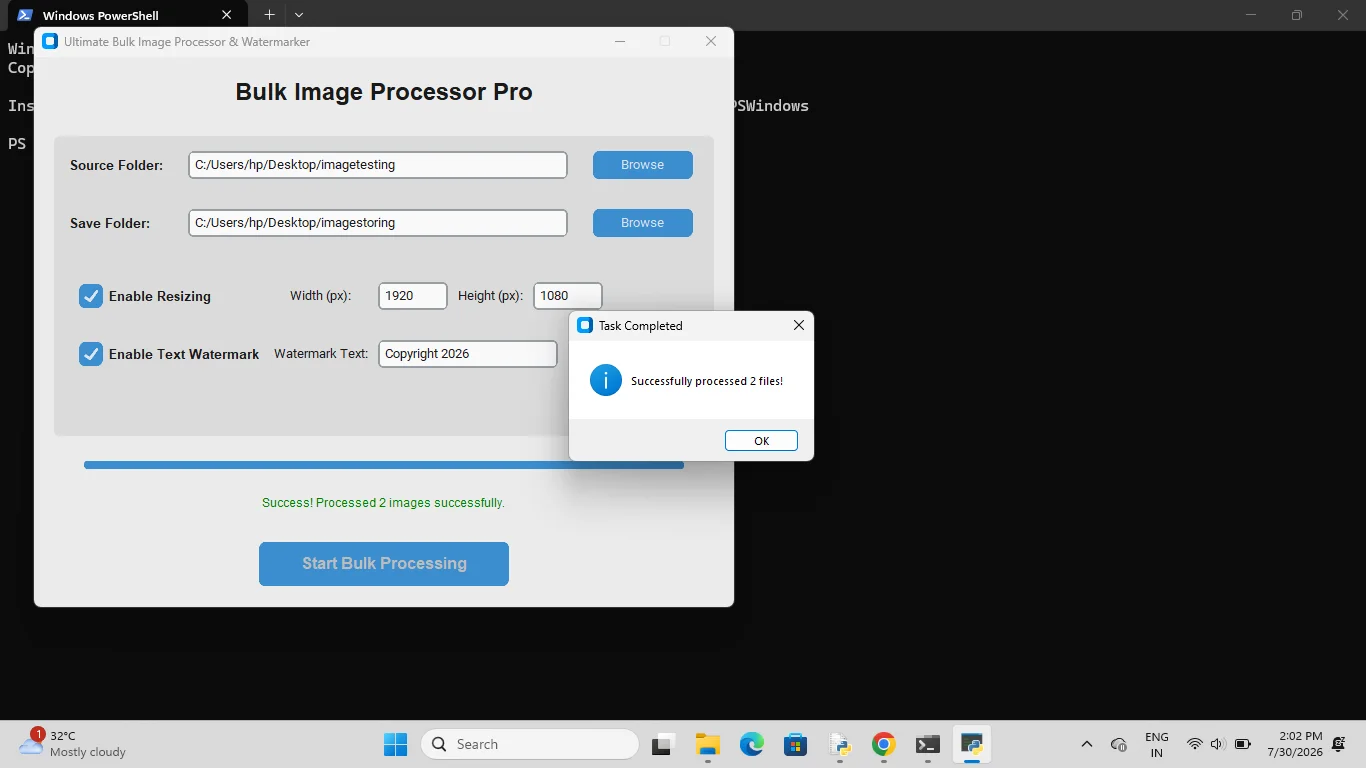
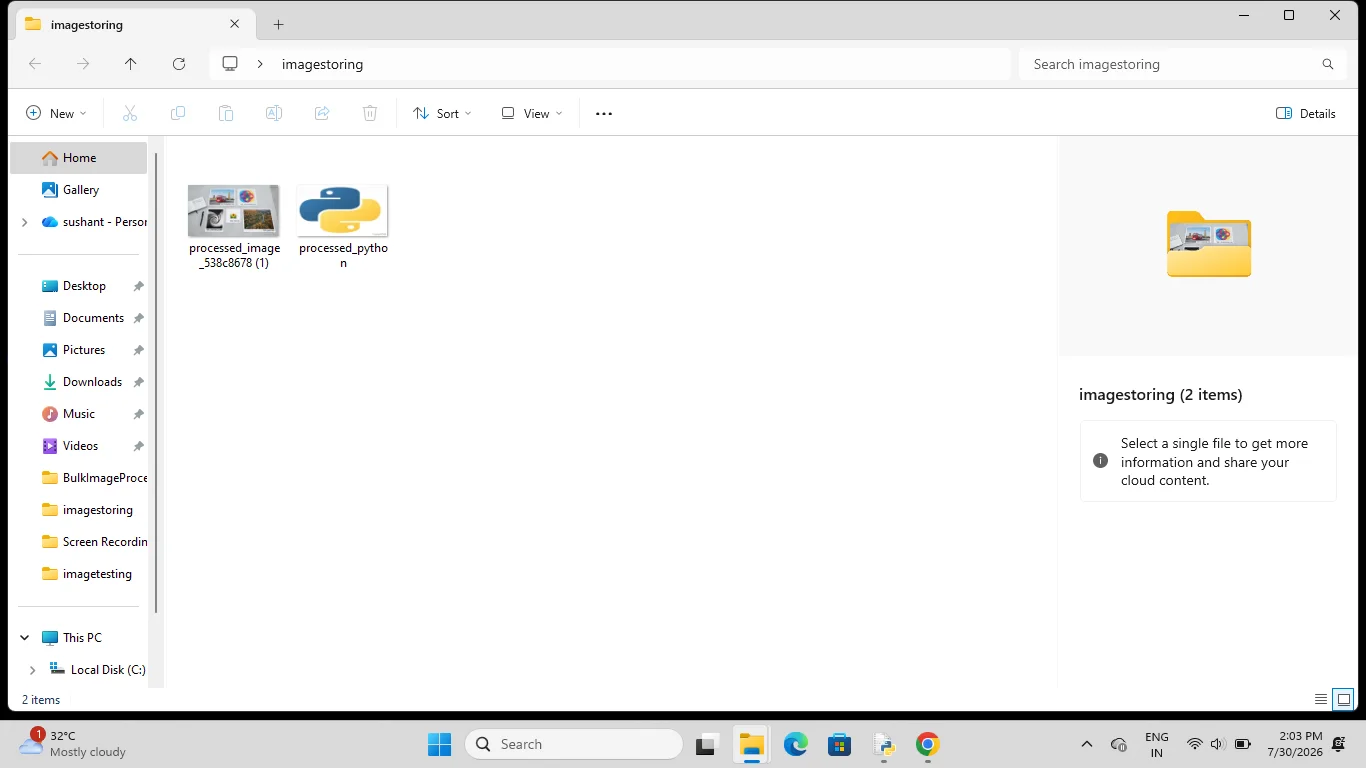
How to Use the Application Source Folder: Click "Browse" to select the directory containing the images you want to process. Save Folder: Click "Browse" to choose where you want your newly processed images to be saved. Configure Resizing: Check the box to enable resizing, and input your desired target width and height in pixels. Configure Watermark: Check the box to enable a text watermark, and type your custom copyright or brand text.
Process: Click the "Start Bulk Processing" button. The progress bar will update in real-time. Supported Formats: The software safely detects and processes .jpg, .jpeg, .png, .bmp, and .webp file extensions automatically. 4. Support & Customisation For support, feature requests, or custom branding modifications, please reach out via our official profile page on SellAnyCode.
Features
- High-Speed Multi-Threading for frozen-free processing.
- Modern CustomTkinter Graphical User Interface (GUI).
- Supports native Light and Dark operating system modes.
- Smart Batch Resizing with crisp Lanczos filter optimization.
- Custom text watermarking with automated font resizing.
- Automatic handling of transparent PNG/WebP files.
- 100% clean, fully commented Python codebase.
$ 30
- Verified source code
- Join 35541+ buyers which trust us!
- Download code immediately

100% Guarantee For Item!
Satisfaction guarantee policy.
Satisfaction guarantee policy.
Information
| Category | Scripts & Code / Python |
| First Release | 19 July 2026 |
| Files included | .html, .py |
| Frameworks | Python |
Similar Items