
 Spotlight
PDF Launch Kit
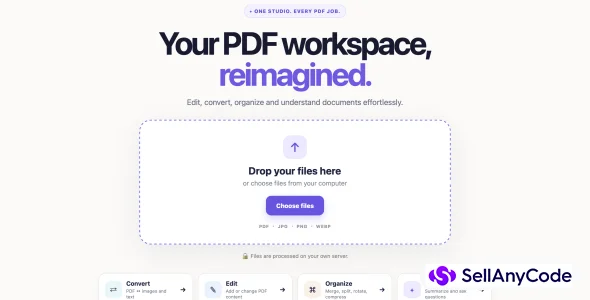
PDF Launch Kit is a modern, local-first PDF editor, converter, organizer, and AI document toolkit.
Item Description
PDF Launch Kit – Commercial Edition is a complete PDF productivity web application designed for developers, startups, SaaS builders, and businesses looking to launch their own PDF platform.
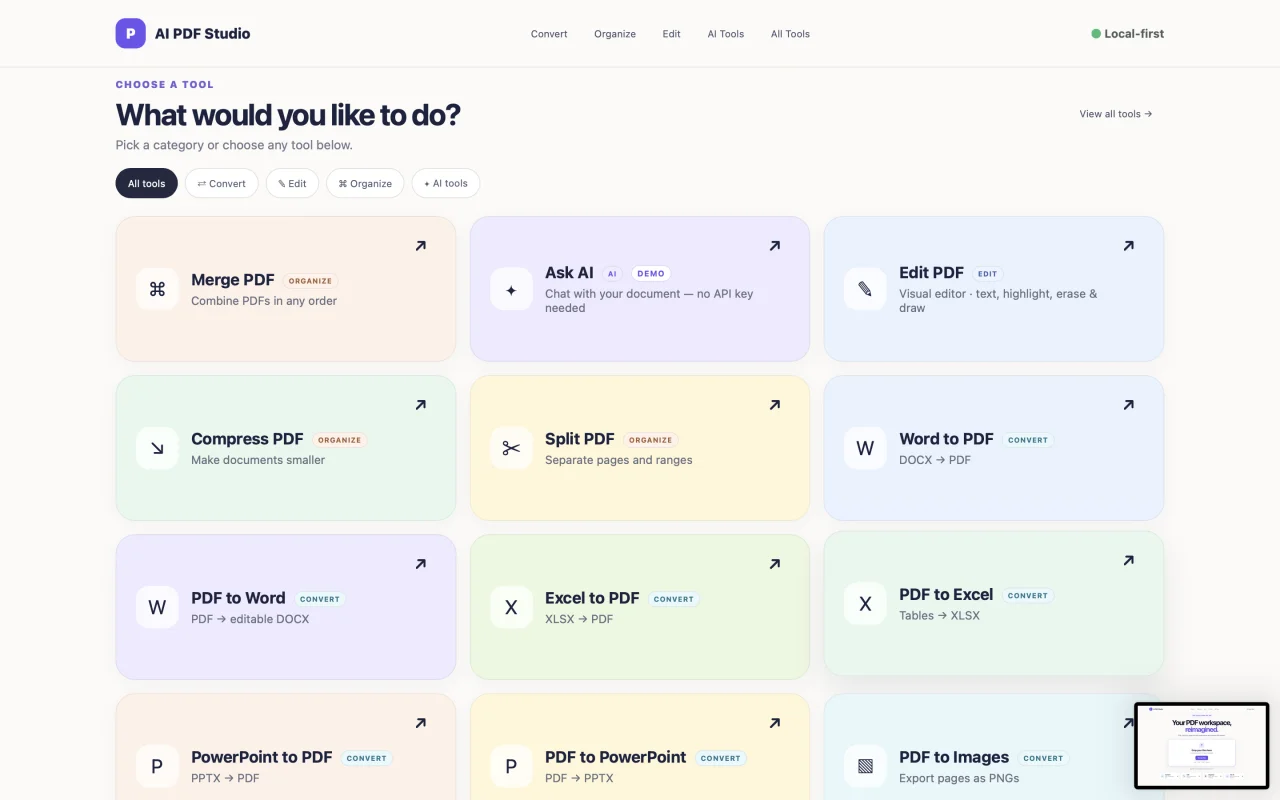
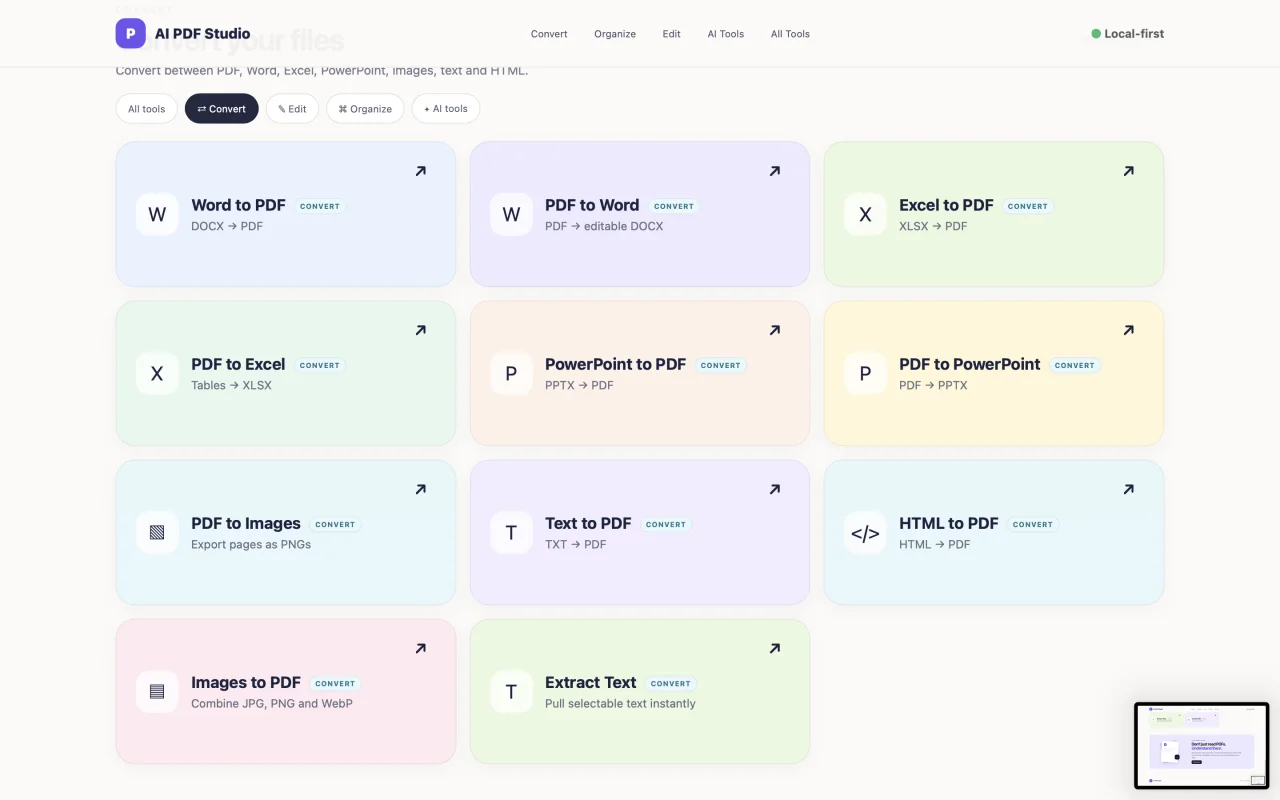
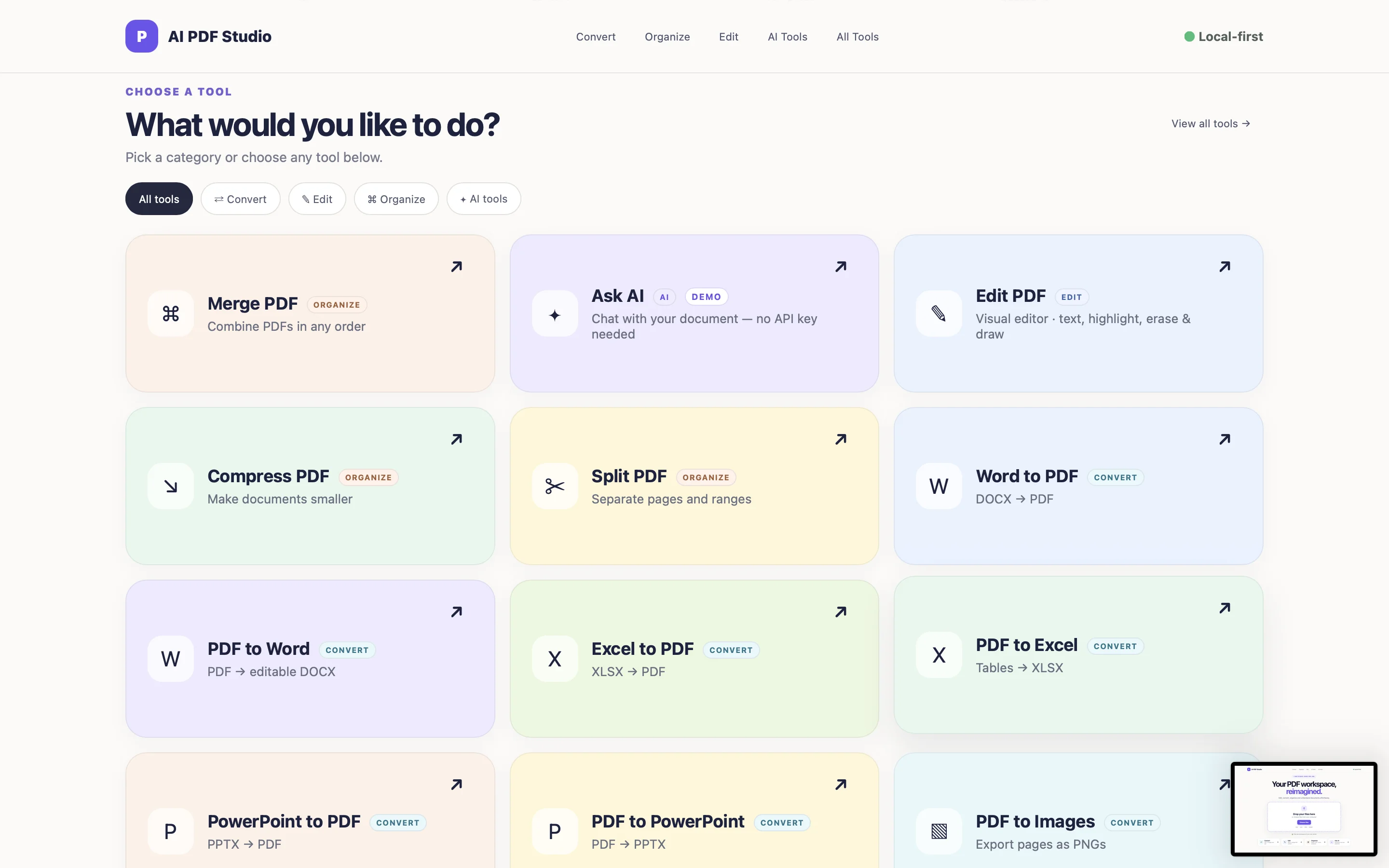
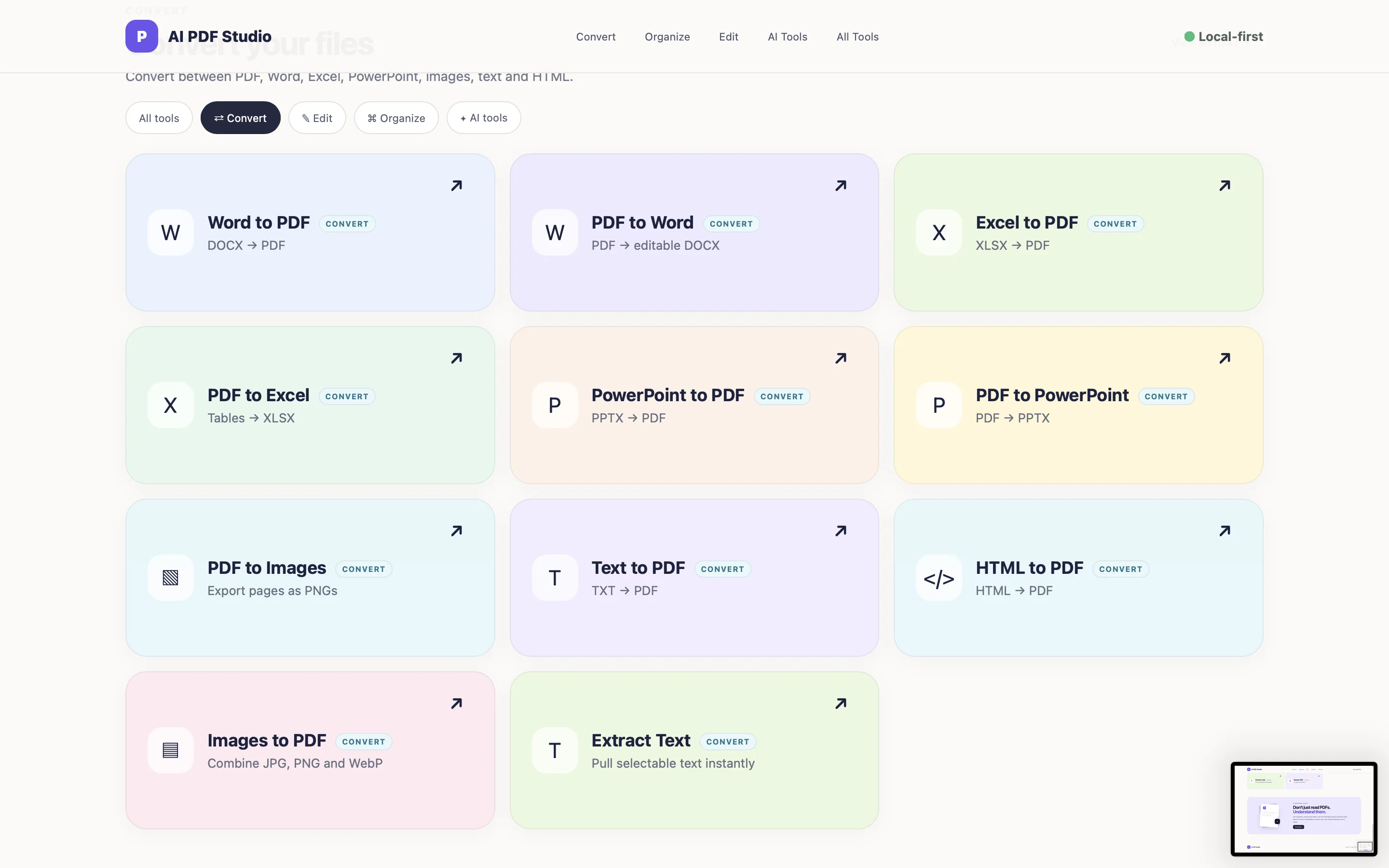
The application combines essential PDF tools into one modern and intuitive workspace. Users can visually preview documents, edit PDF pages, add styled text boxes, redact sensitive information, merge and reorganize pages, split documents, rotate individual pages, compress PDFs, extract text, and convert between PDFs, images, Word, Excel, PowerPoint, HTML, and text formats.
Unlike basic upload-and-download PDF scripts, AI PDF Studio emphasizes a visual document workflow. PDF-based tools display the document before processing, allowing users to inspect pages and interact with them directly. Merge provides visual page organization, Rotate supports page-by-page rotation, and the PDF editor provides an interactive editing workspace.
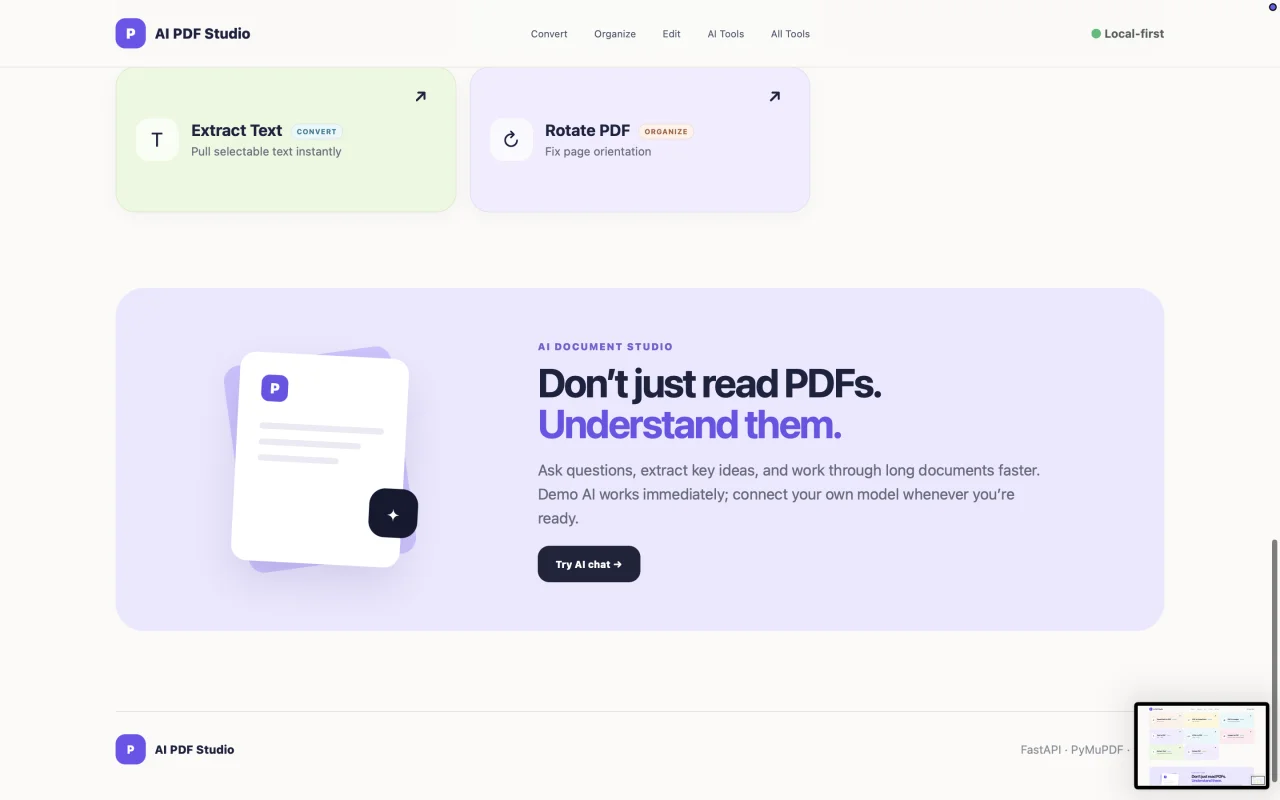
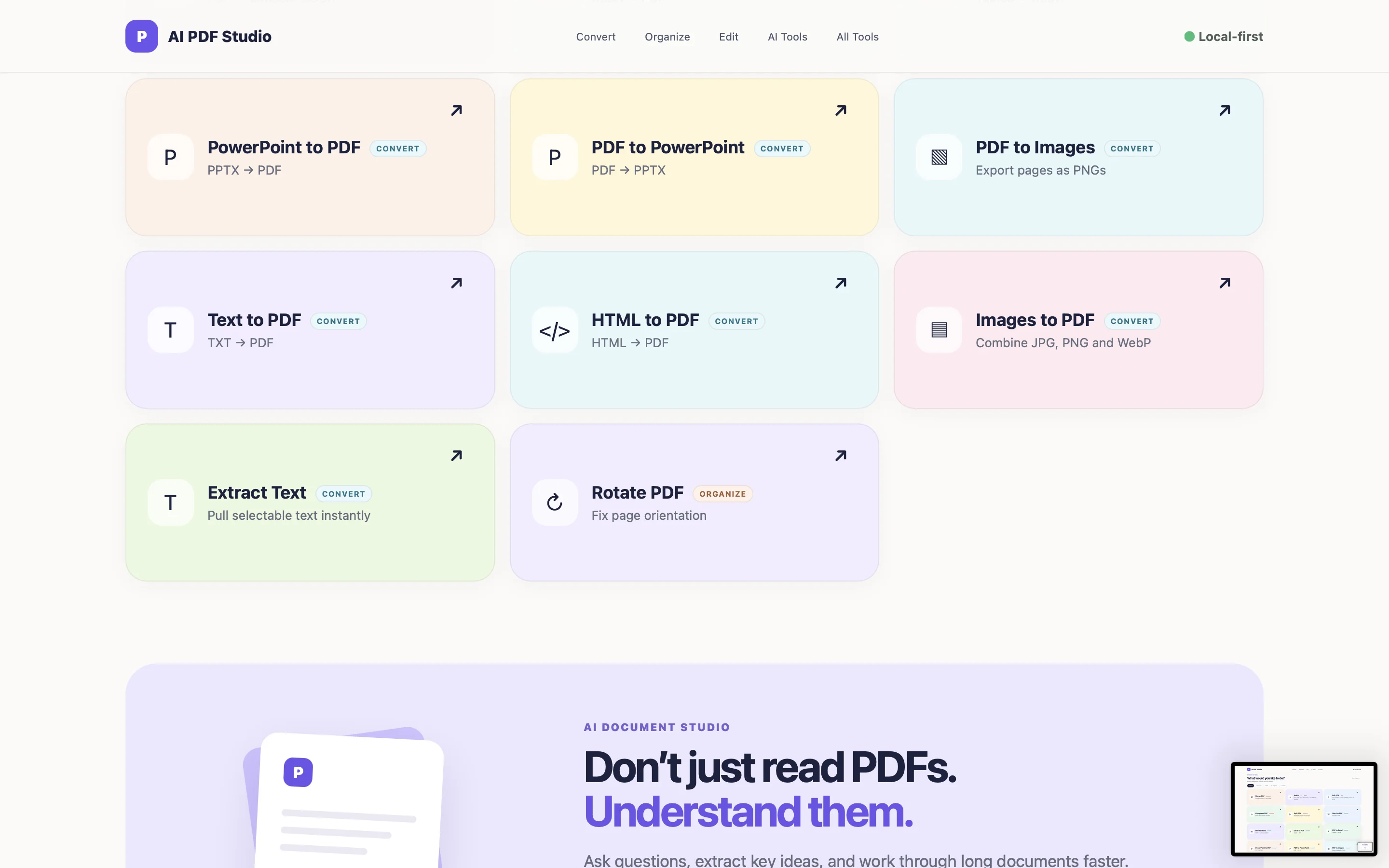
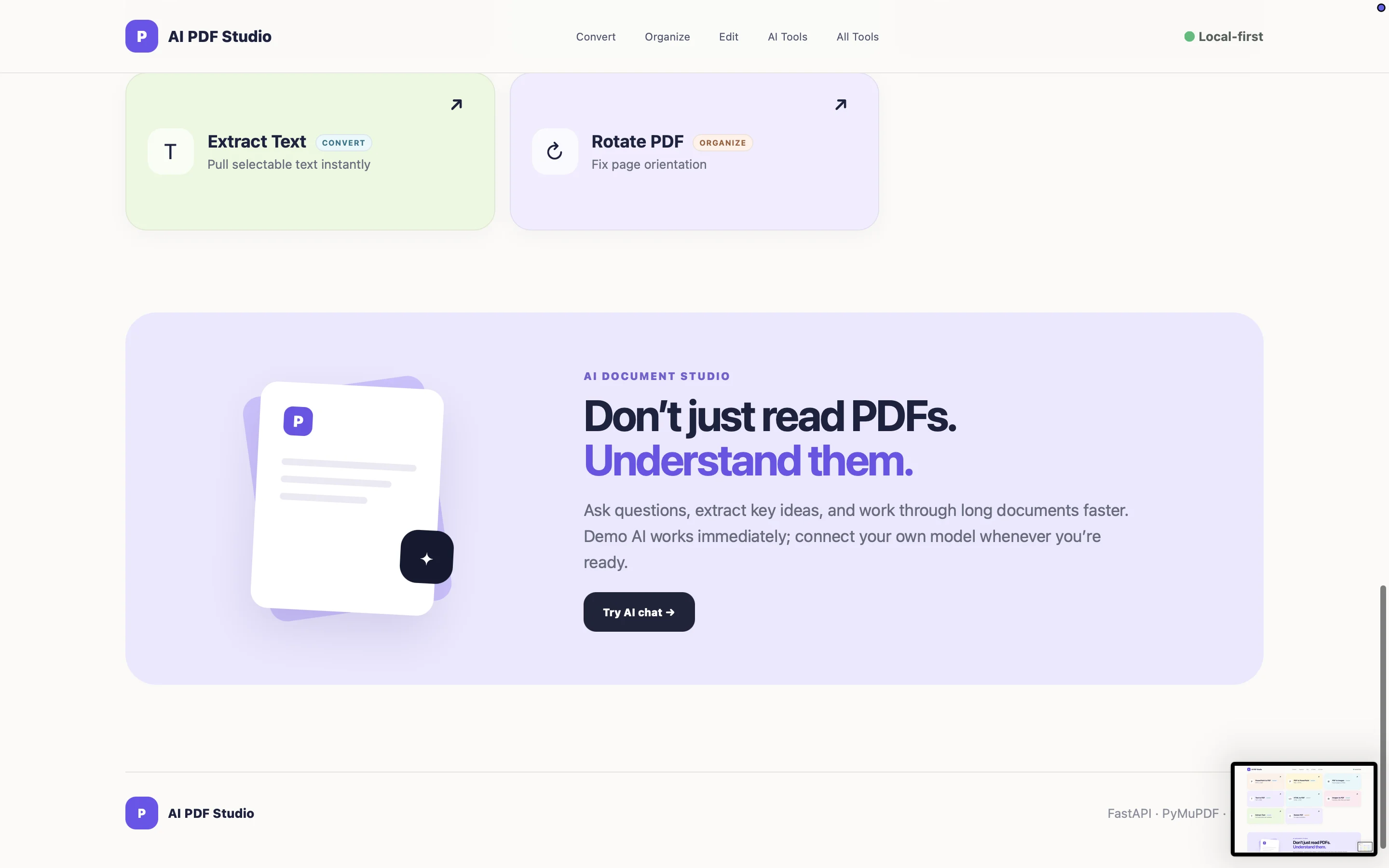
The project also includes an AI document experience, including Demo AI functionality for testing the interface without requiring immediate external AI configuration. Developers can configure their own AI provider/model for production use.
AI PDF Studio uses a responsive, contemporary interface with a consistent tool system and is supplied as editable source code, making it suitable as the foundation for a commercial PDF SaaS, internal document platform, client portal, or customized document-processing product.
What is inside
The commercial package includes the complete Python backend and HTML/CSS/JavaScript frontend source code, PDF processing functionality, visual PDF editor, document preview system, conversion tools, AI/document interaction components, requirements file, .env.example, sample PDF, installation and configuration documentation, deployment notes, security/privacy guidance, troubleshooting documentation, feature matrix, changelog, third-party dependency notices, licensing information, support template, and commercial release notes.
It is delivered as source code so buyers can modify the branding, interface, functionality, AI configuration, deployment environment, and business model.
Features
- Modern PDF workspace and polished responsive UI
- Full PDF document previews with page thumbnails
- Lazy loading for large PDF documents
- Visual PDF editor
- Draw and type inside text boxes
- Font family, font size, and font color controls
- Edit/replace supported existing selectable PDF text
- True PDF redaction
- Drawing, highlighting, and shape tools
- Merge multiple PDFs
- Preview all pages before merging
- Reorder pages before creating the merged PDF
- Add additional PDFs without losing previously uploaded files
- Split PDFs
- Compress PDFs
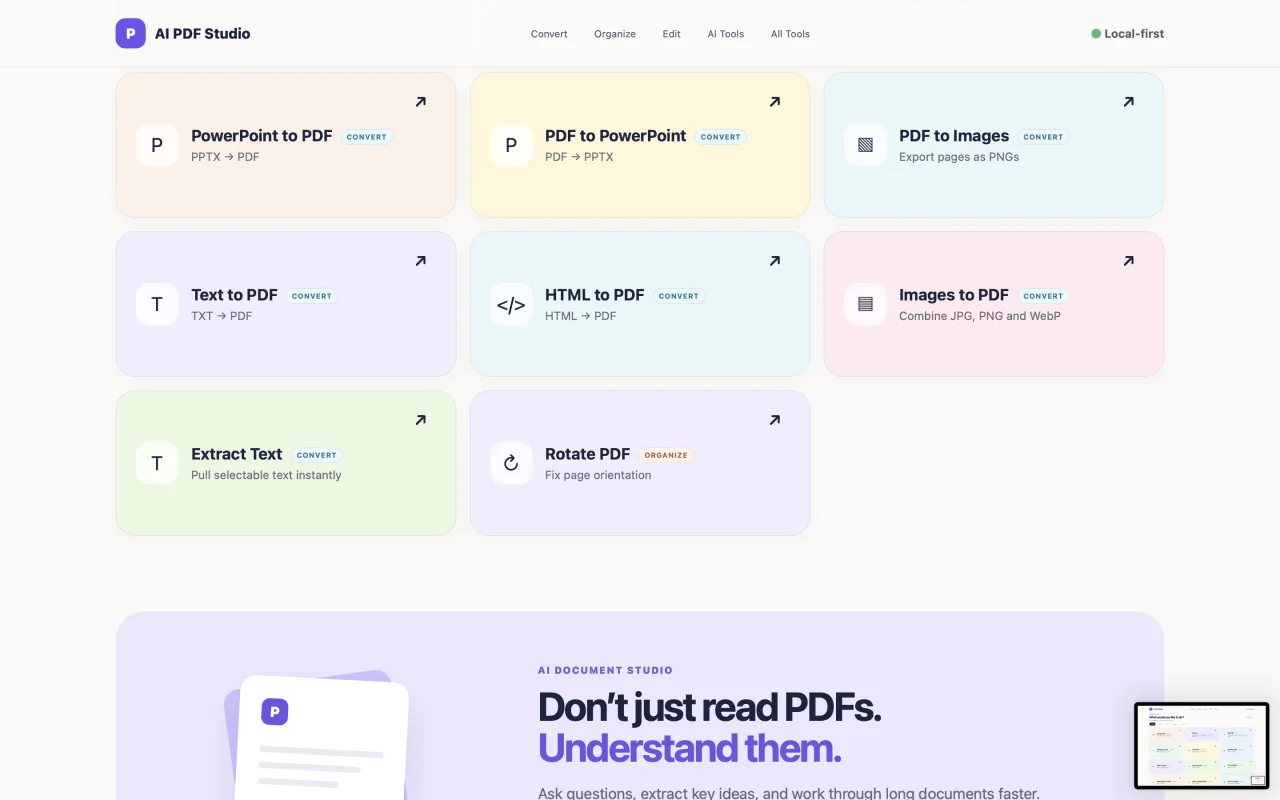
- Visual page rotation
- Rotate individual pages left or right
- PDF → Images
- Images → PDF
- PDF → Word
- Word → PDF
- PDF → Excel
- Excel → PDF
- PDF → PowerPoint
- PowerPoint → PDF
- Text → PDF
- HTML → PDF
- Extract text from PDFs
- Demo AI document interaction
- Configurable external AI integration
- Local/server-side document processing architecture
- Download processed documents directly
- Large-document support
- Commercial documentation included
- Easy-to-customize branding and frontend
$ 35
- Verified source code
- Join 35541+ buyers which trust us!
- Download code immediately

100% Guarantee For Item!
Satisfaction guarantee policy.
Satisfaction guarantee policy.
Information
| Category | Scripts & Code / Python |
| First Release | 12 August 2026 |
| Files included | .html, .css, Javascript .js, .py |
| File Size | 1 MB |
| Frameworks | Python |
Similar Items