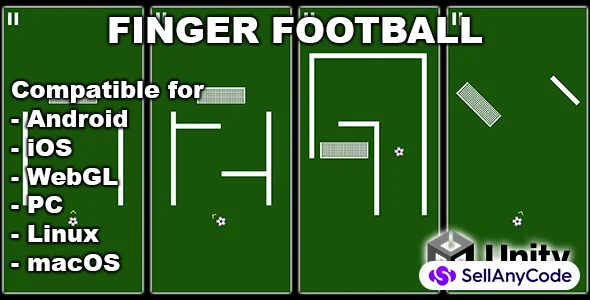


Finger Football - Unity Hyper Casual Game
Simple one tap soccer hypercasual game
Item Description
Or download the test apk file and test it on your android device
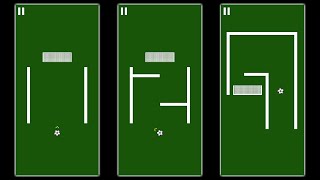
All levels are stored as a prefabs inside the "Resources/Levels" folder. So you can change them and add a new ones.
To setup the AdMob ads follow these steps:
- Go to Assets - > Google Mobile Ads -> Settings and put your app id (from your AdMob console) there.
- Open the script "Menus.cs" and put your interstitial ad id on line 42 for android and on line 44 for iOS.
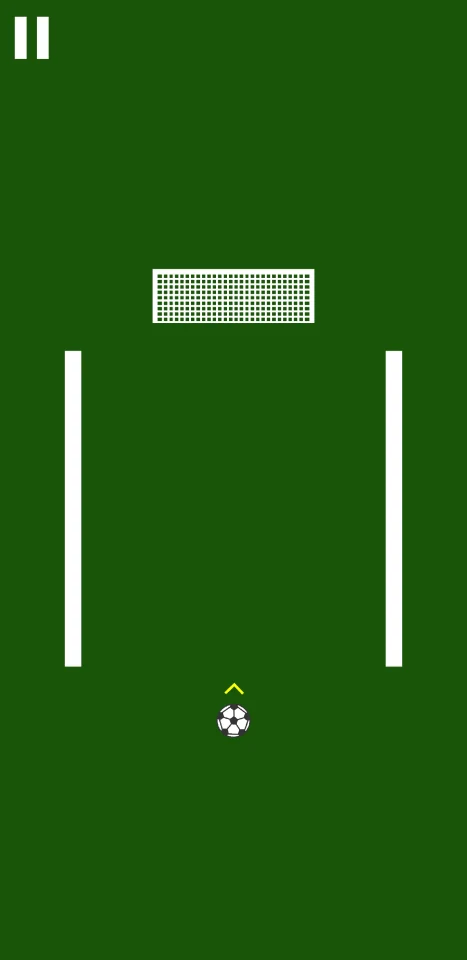
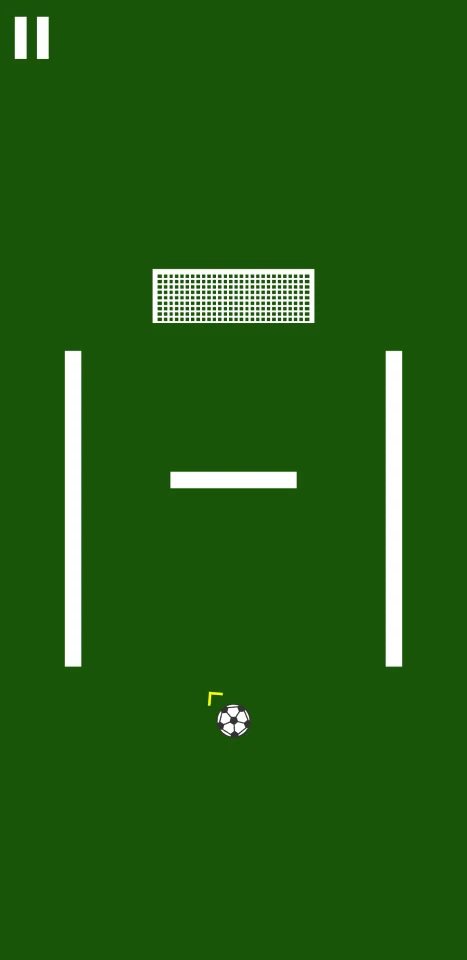
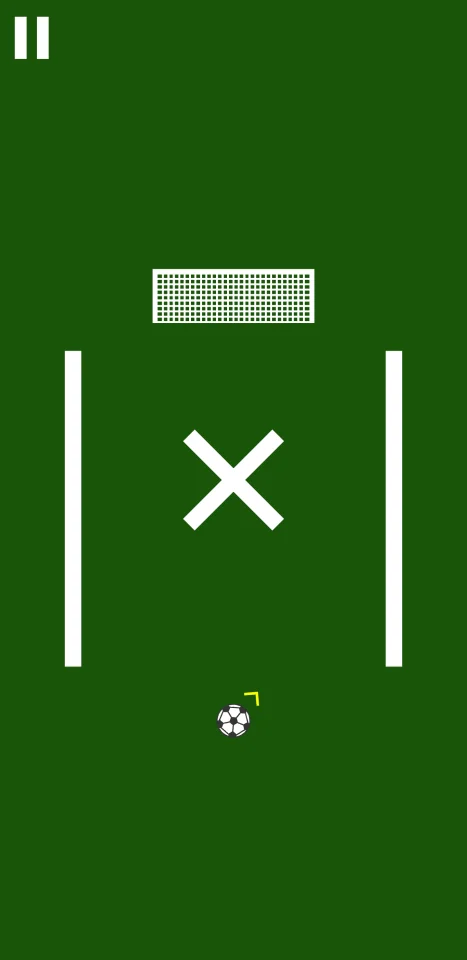
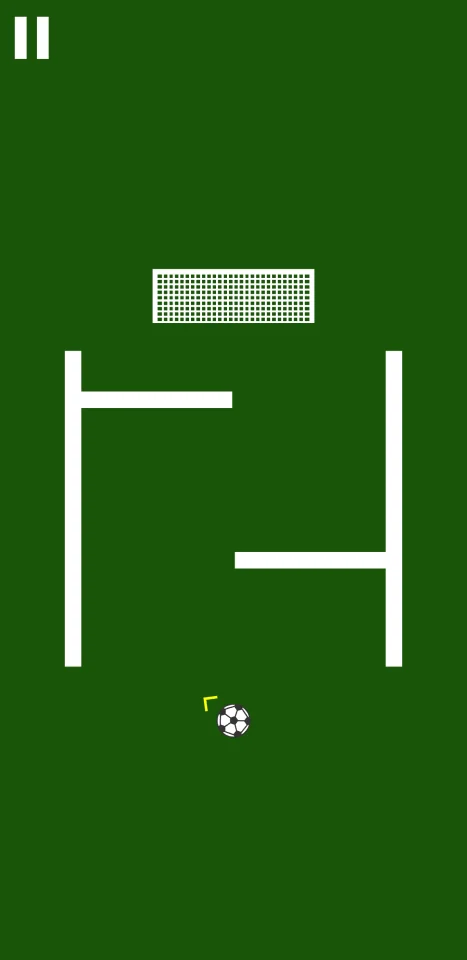
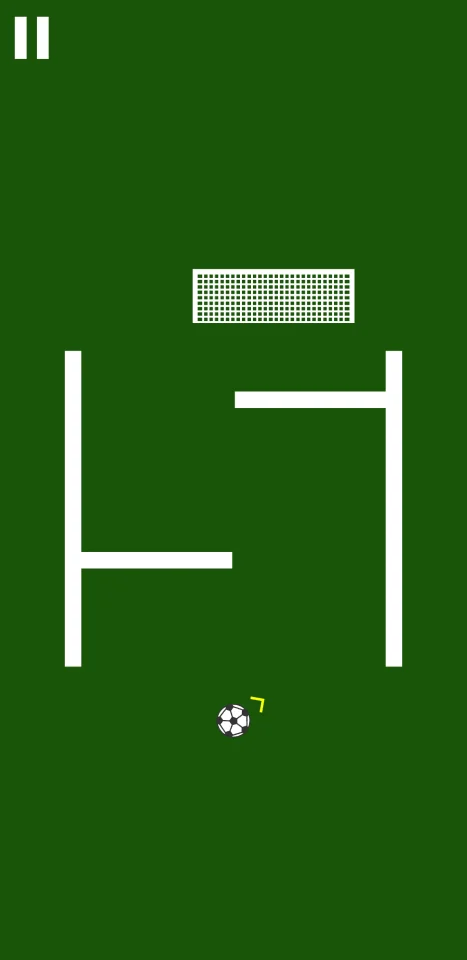
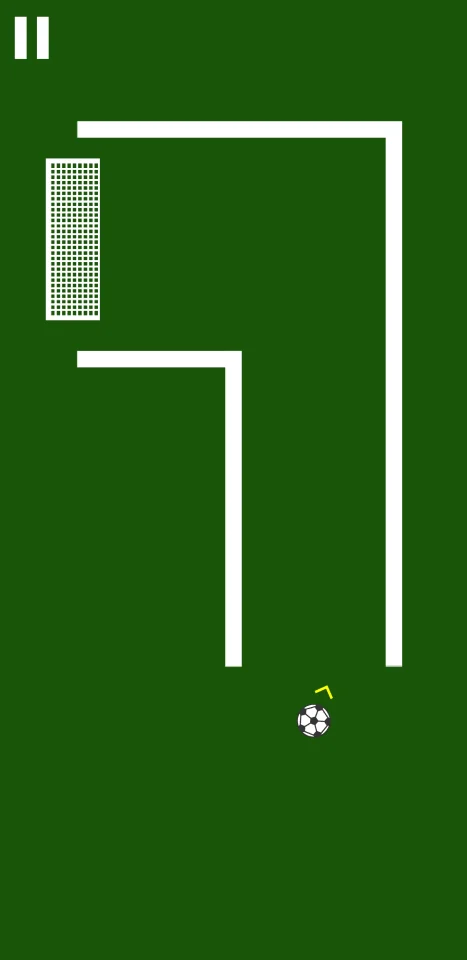
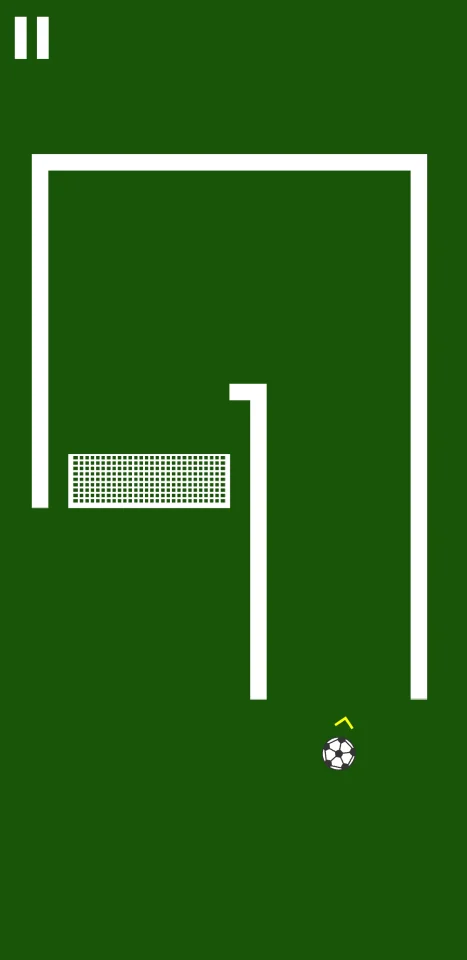
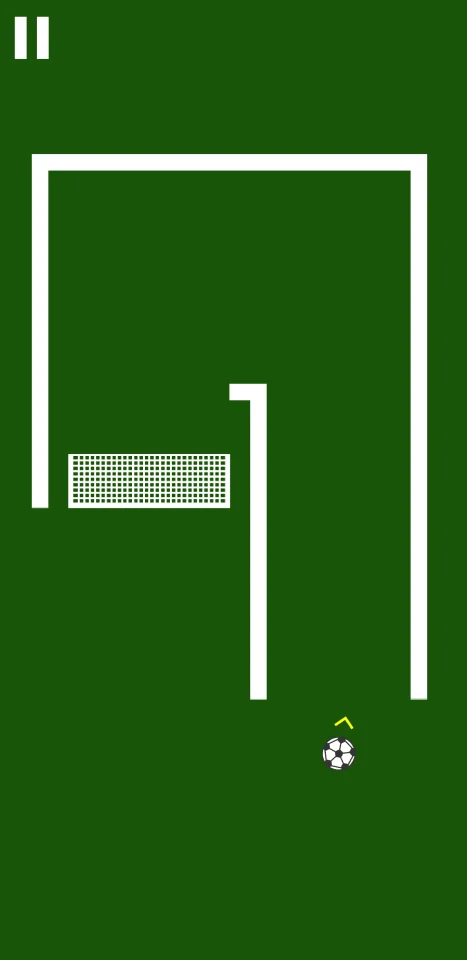
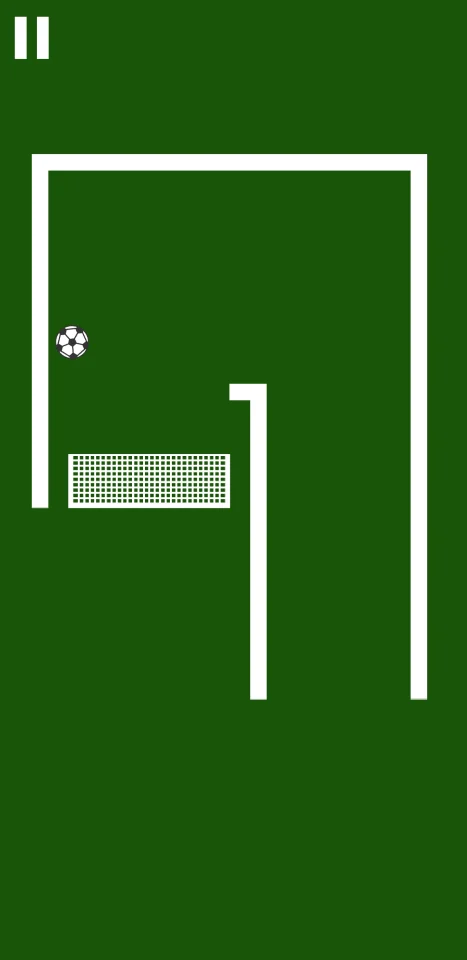
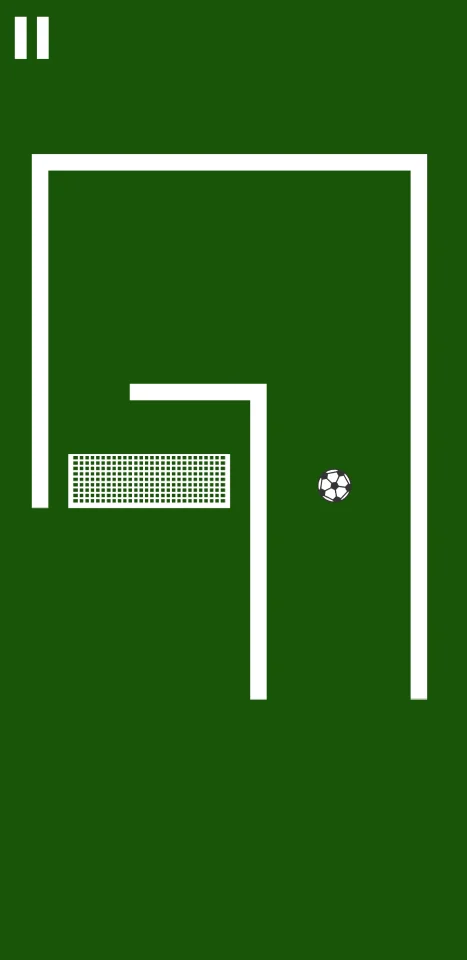
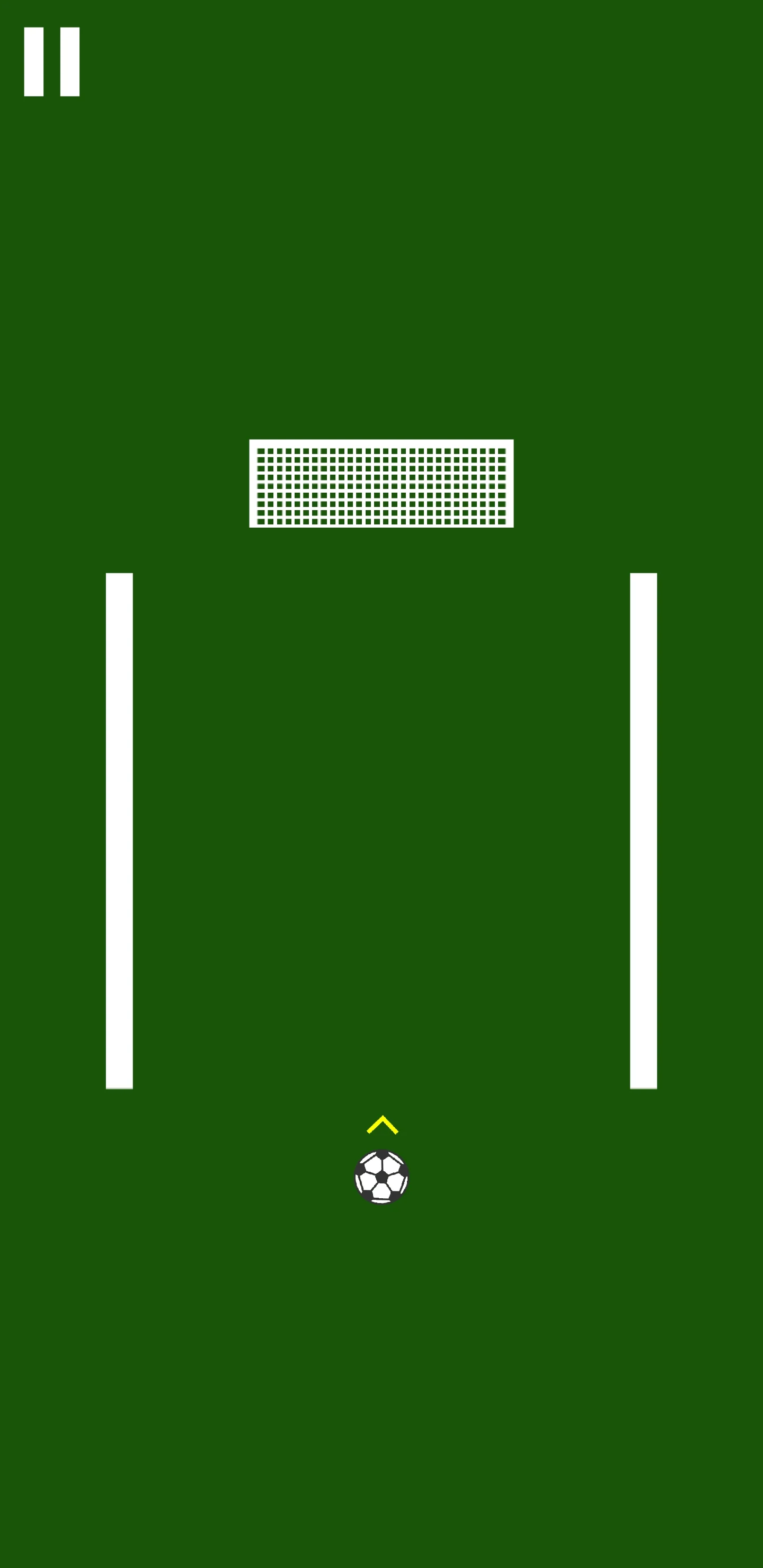
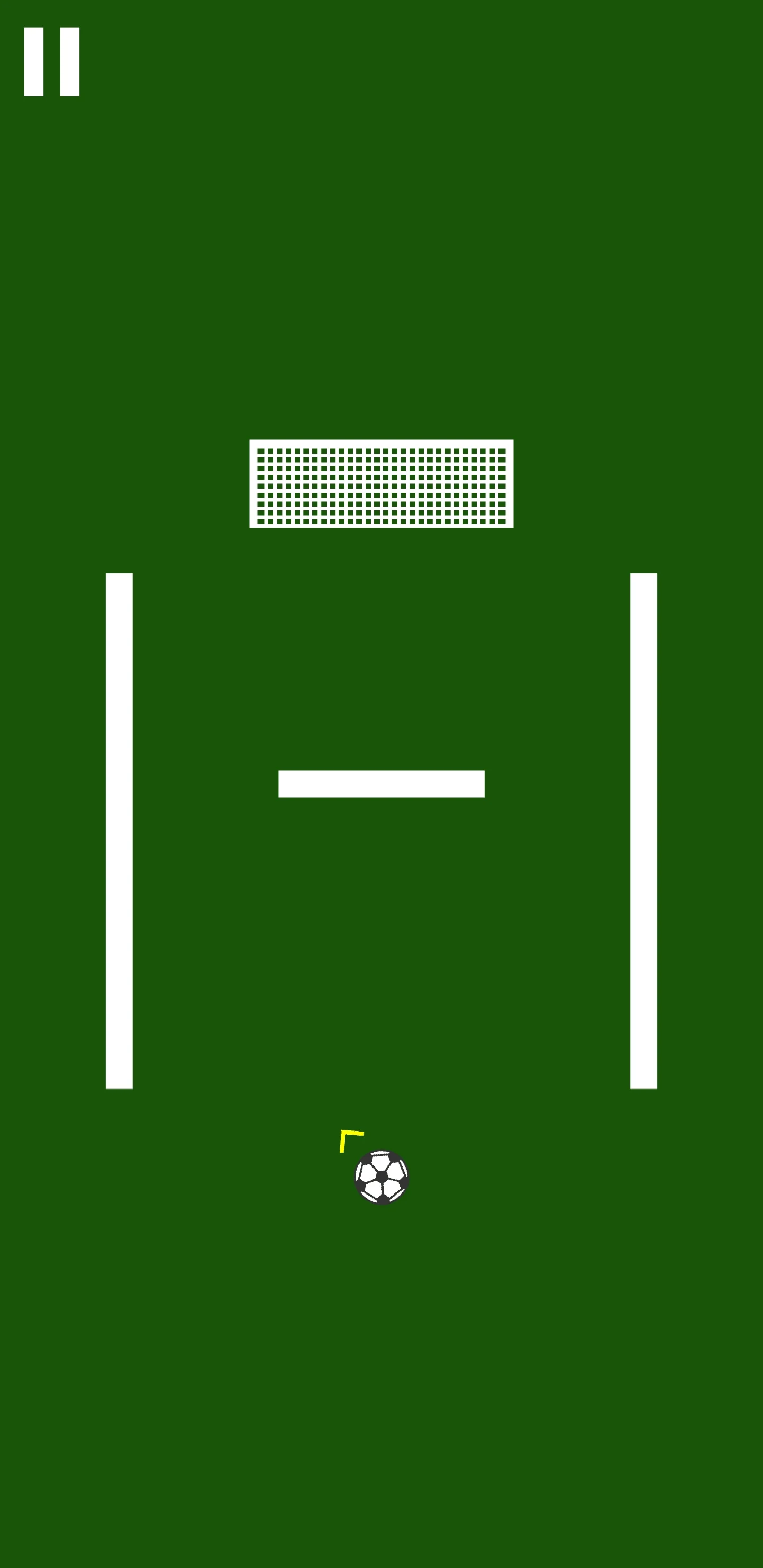
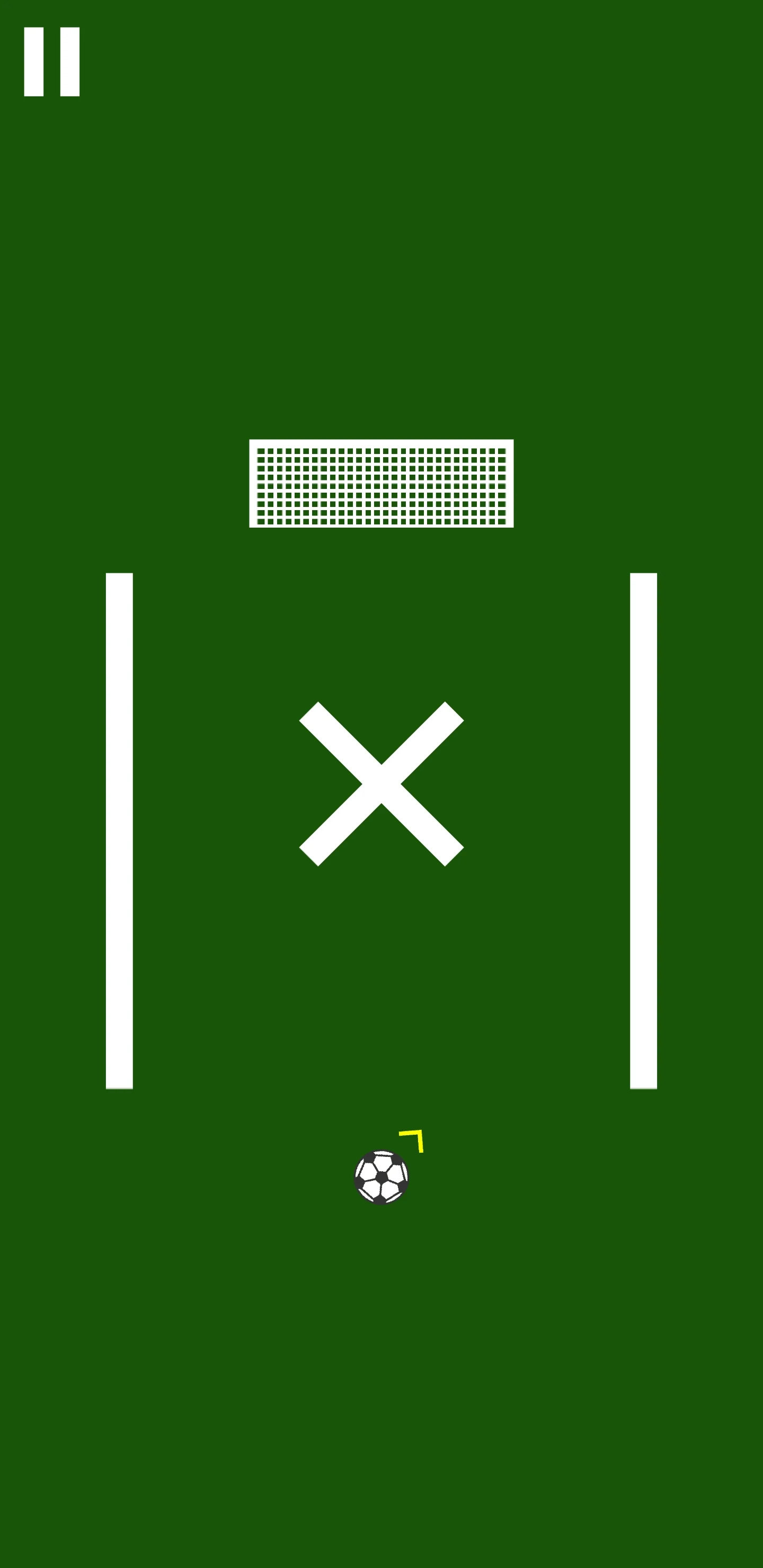
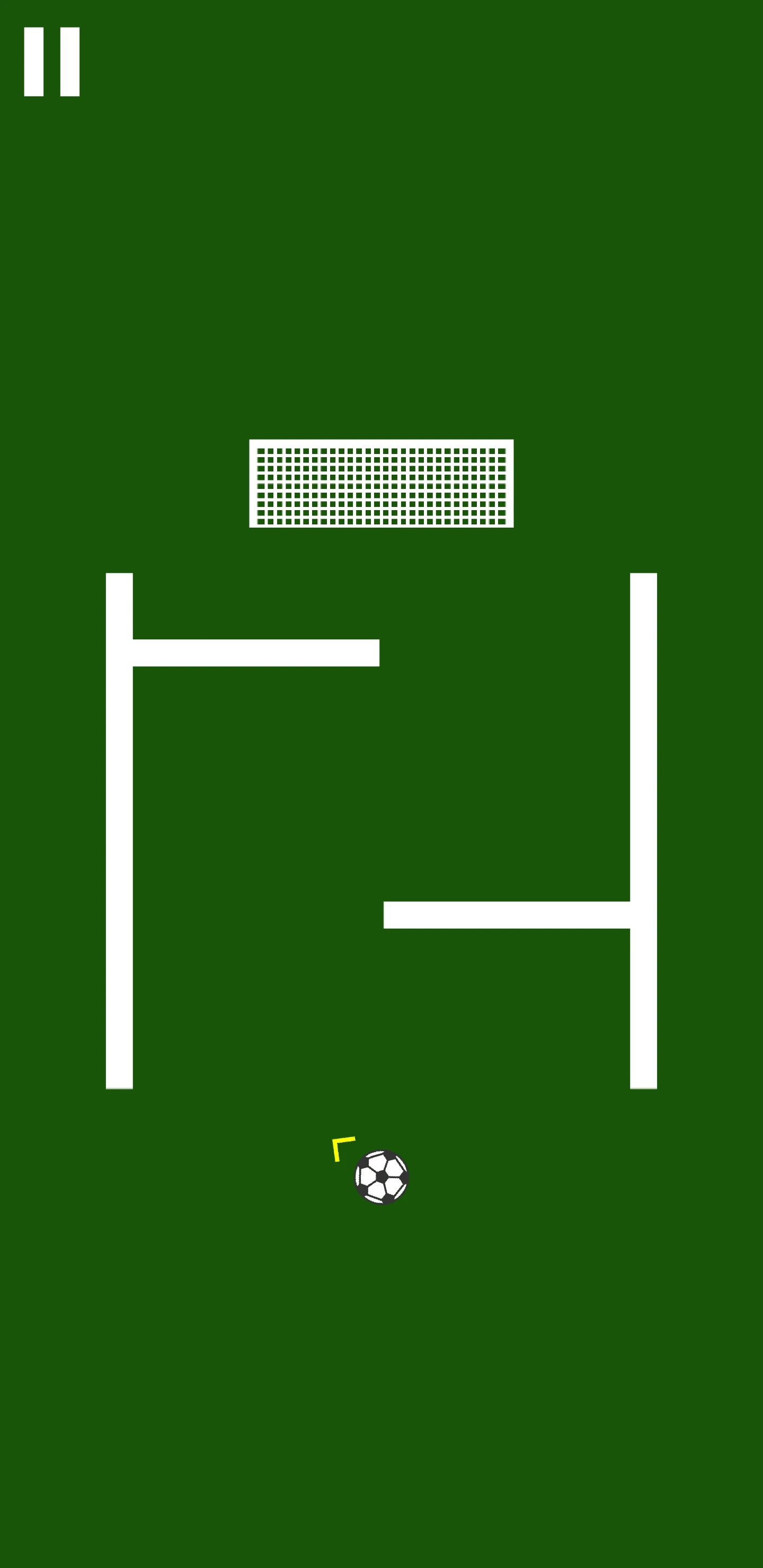
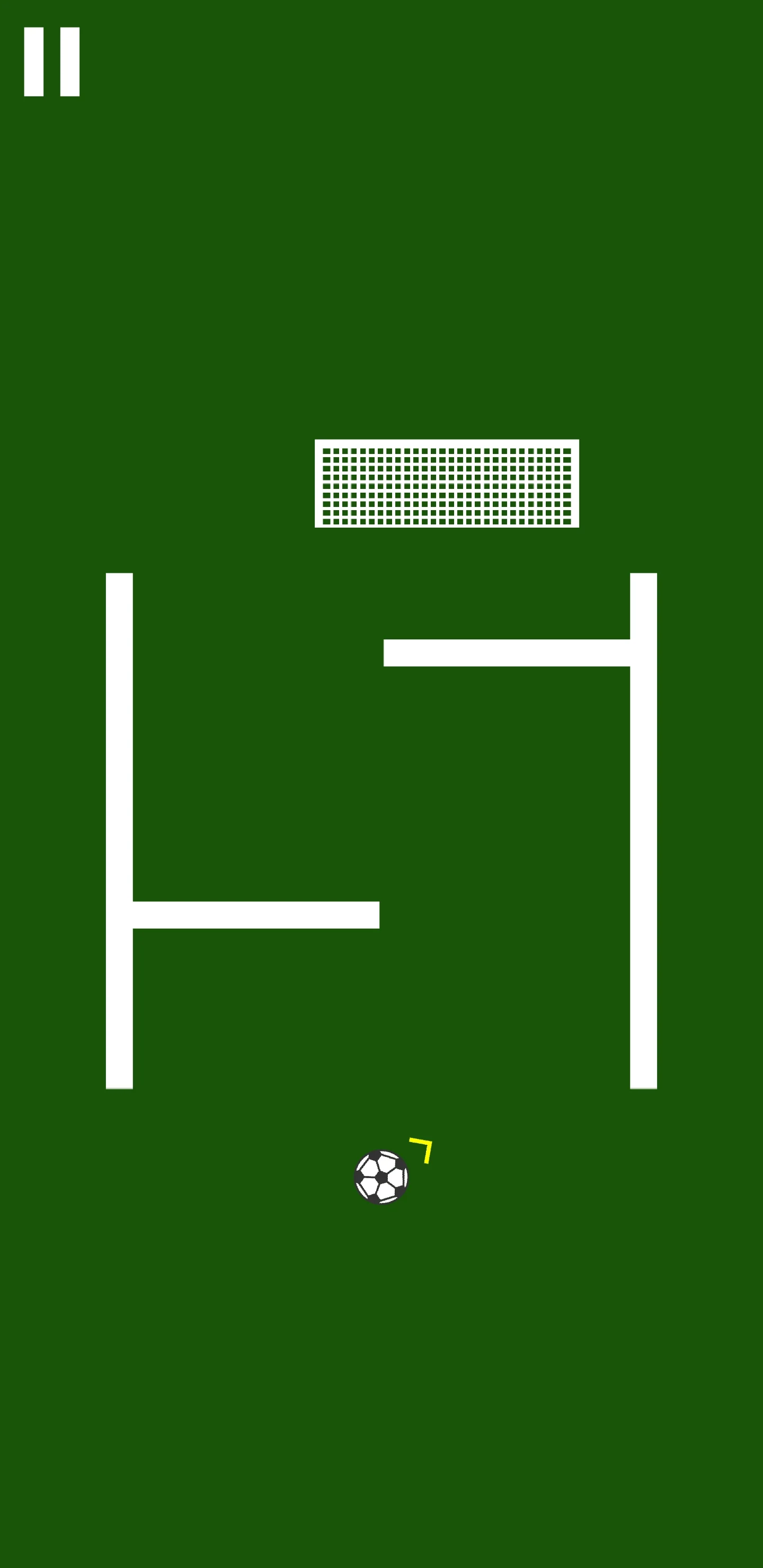
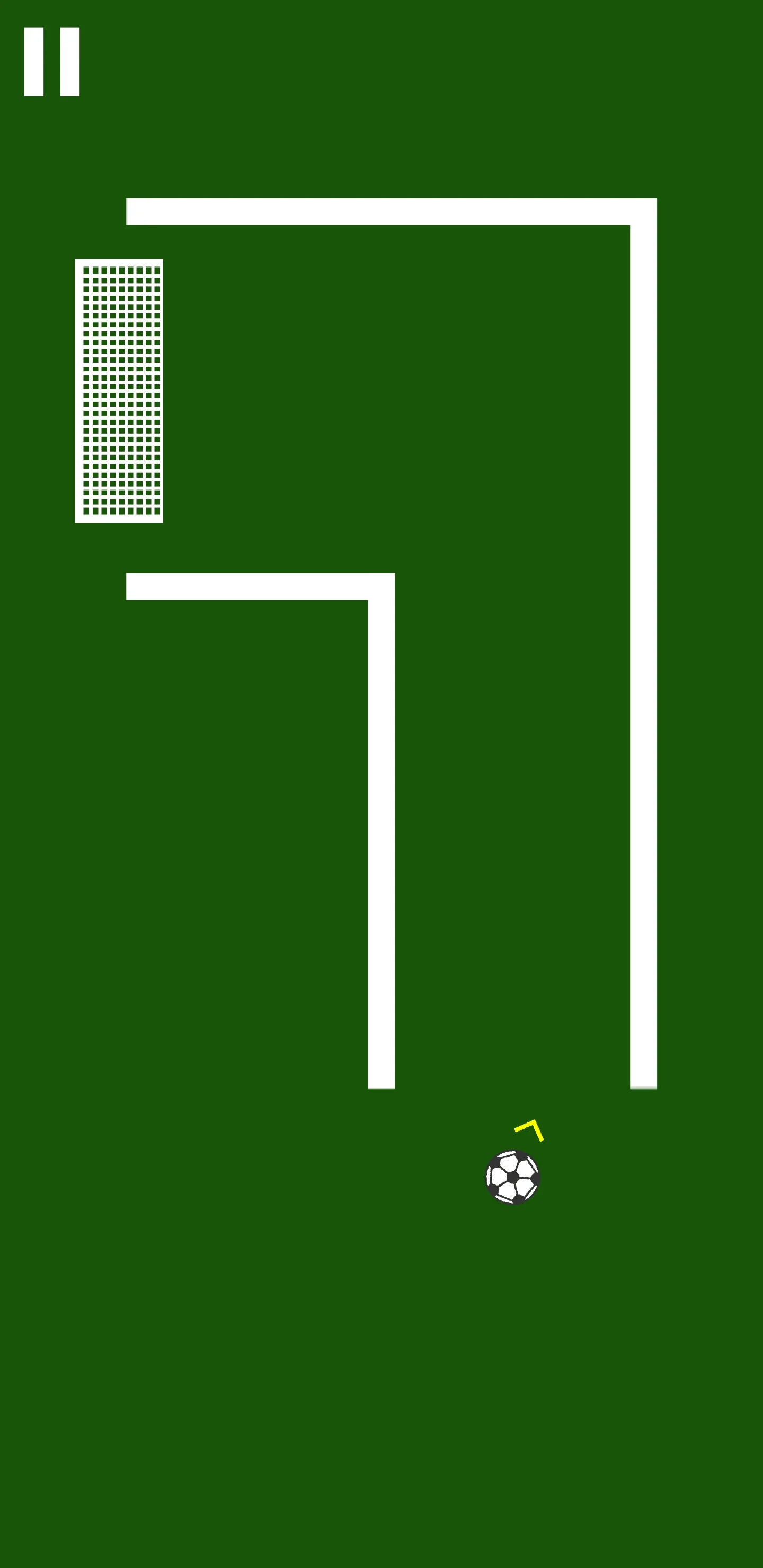
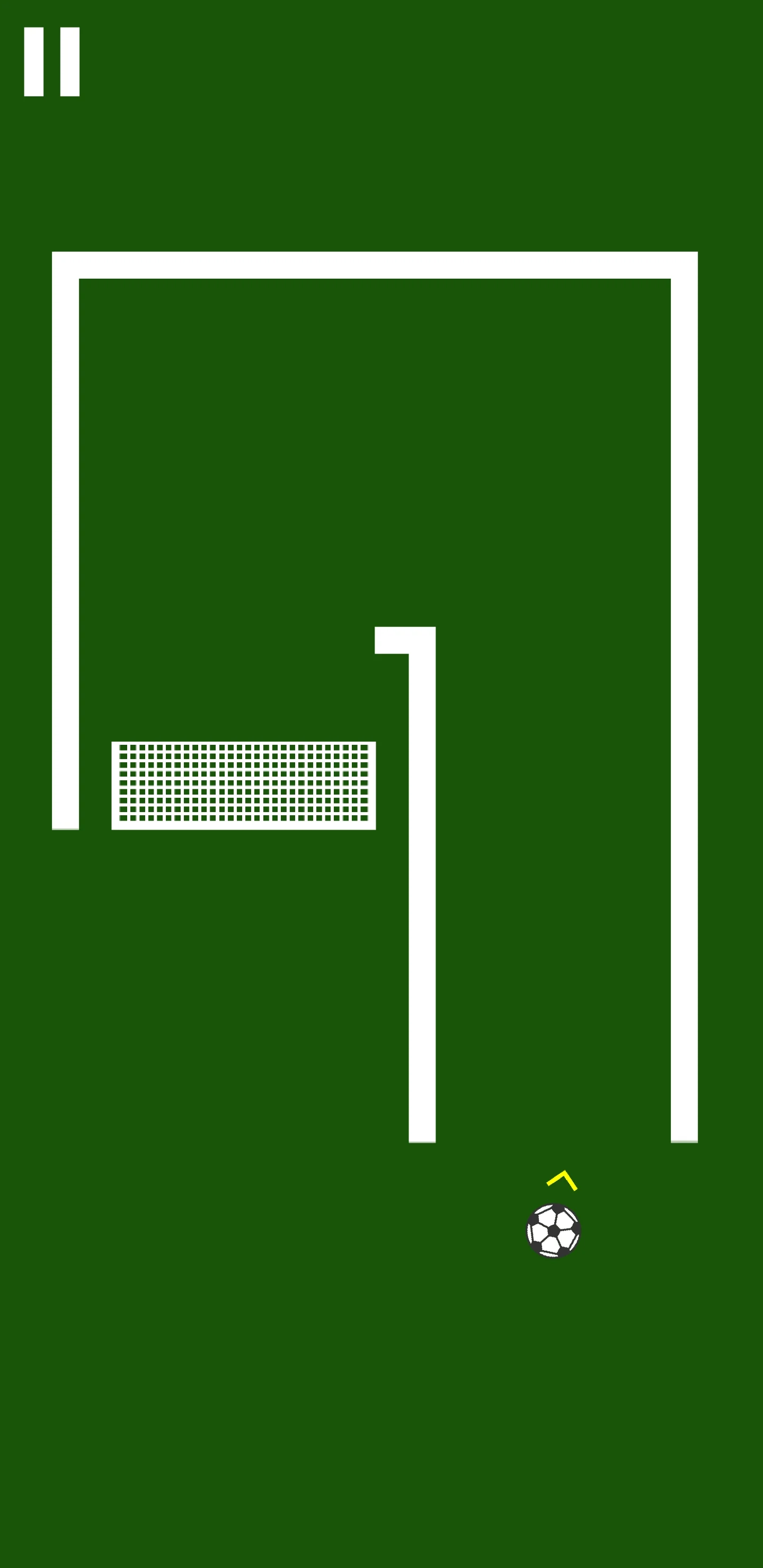
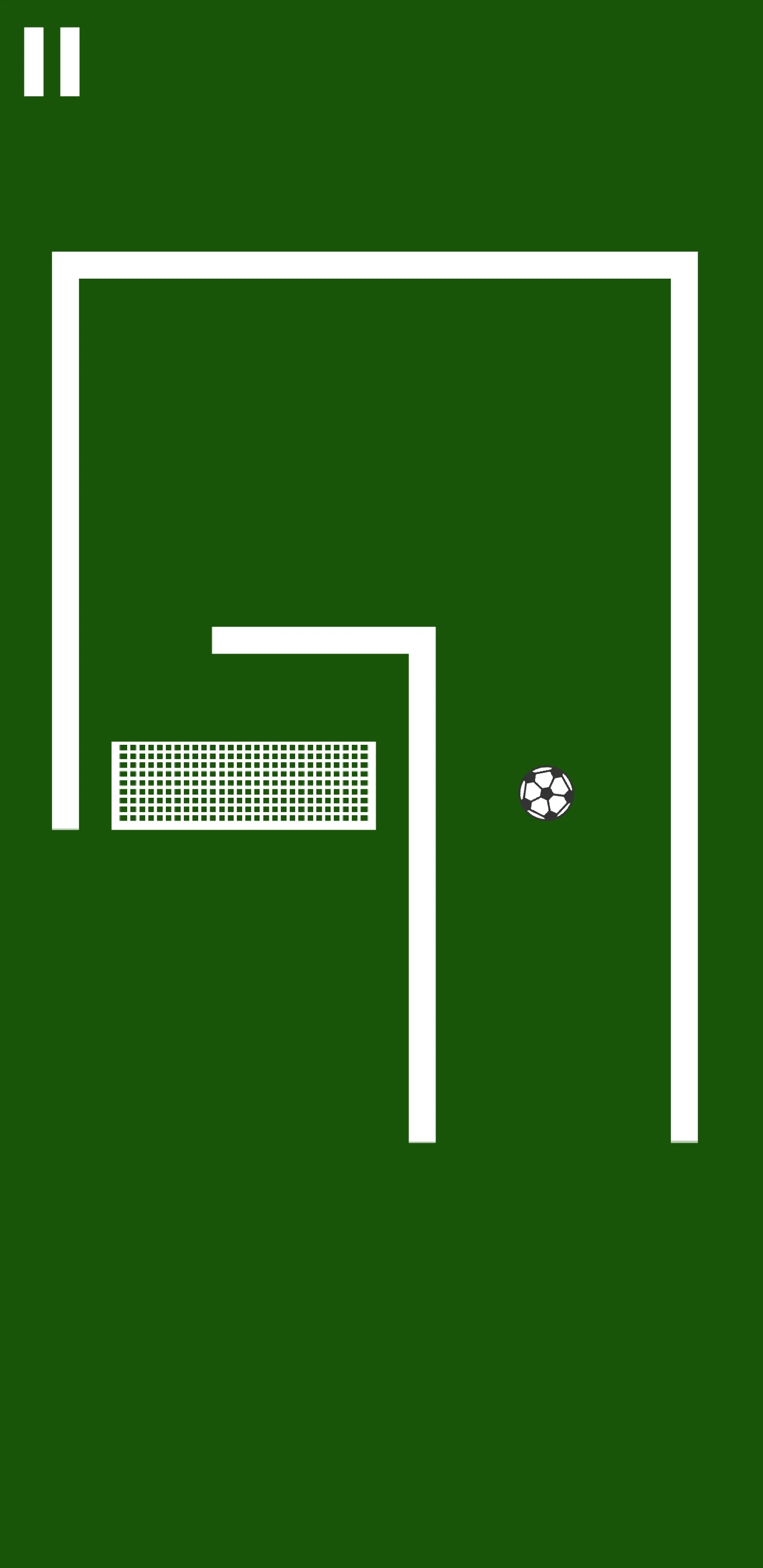
Drag the finger on the screen to aim, release the finger to shoot the ball. Level is completed once the ball enters into the goal. Try to complete all 51 levels.
Features
- Multiplatform support (PC, WebGL, android, iOS...)
- One touch controls
- Integrated AdMob ads
- Easy to reskin
$ 29
- Verified source code
- Join 35541+ buyers which trust us!
- Download code immediately

100% Guarantee For Item!
Satisfaction guarantee policy.
Satisfaction guarantee policy.
Information
| Category | Game Templates / Unity |
| First Release | 14 October 2022 |
| Platforms | iOS 11, iOS 12, iOS 13, Android 5.0, Android 6.0, Android 7.0, Android 8.0, Android 9.0, Android 10.0, Unity 2020 |
| File Size | 52 MB |
| Frameworks | Unity |
Similar Items